
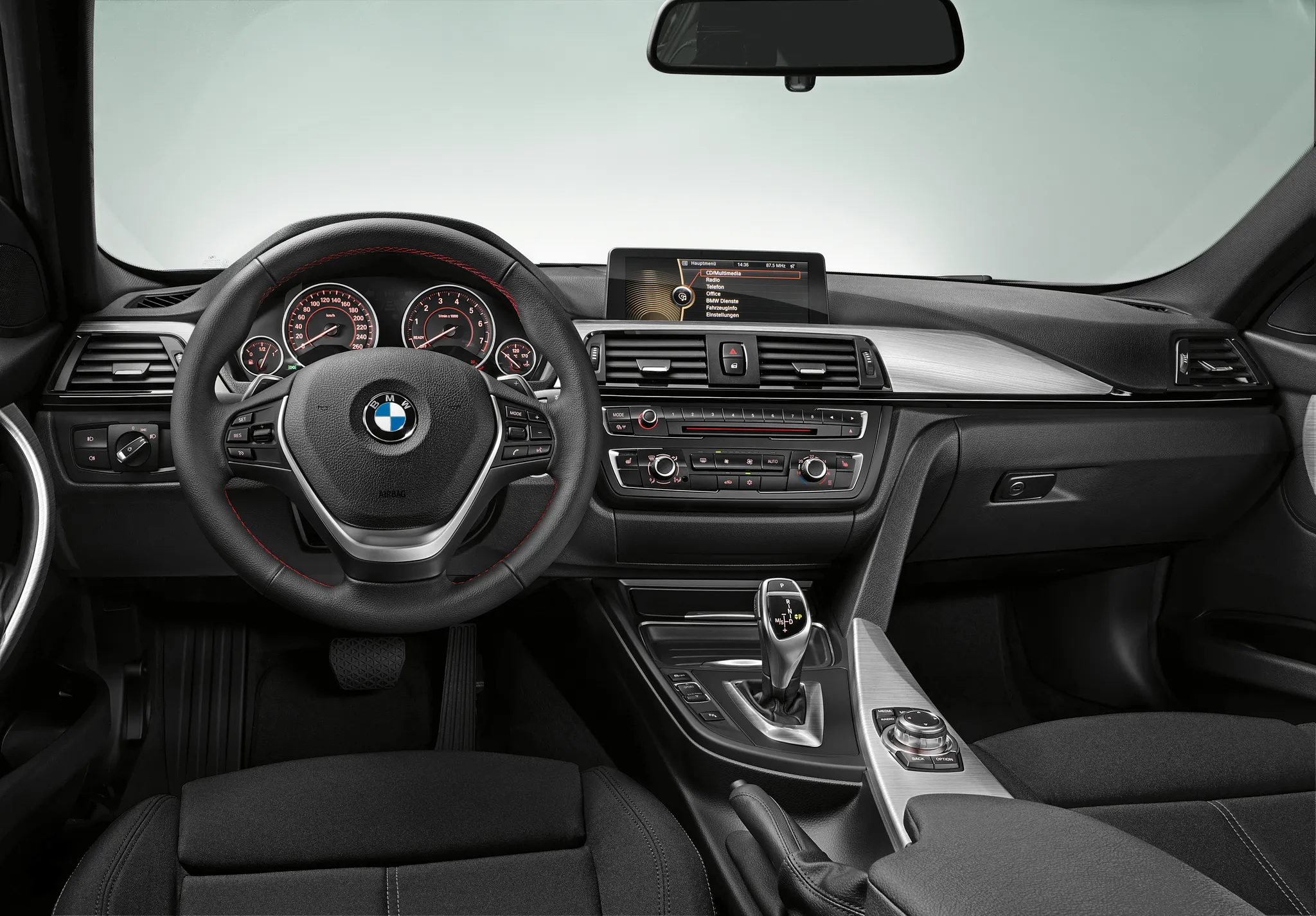
 Cockpit, BMW 3 Series (F30)
Photos
- Cockpit, BMW 3 Series (F30)
 Cockpit, BMW 3 Series (F30)
 Cockpit, BMW 3 Series (F30)
 Cockpit, BMW 3 Series (F30)
 Cockpit, BMW 3 Series (F30)
 Cockpit, BMW 3 Series (F30)
 Centre display, BMW 3 Series (F30)
 Controls, BMW 3 Series (F30)
Photo credits
Photo credits (8)
- BMW 3 Series (F30), photo 1Cockpit · “New BMW 3 Series: Cockpit standard version (10/2011)” (opens in a new tab) · © BMW AG · Editorial use (opens in a new tab) · BMW Group Newsroom
- BMW 3 Series (F30), photo 2Cockpit · “2018 BMW 340i M Sport Shadow 3.0 Interior” (opens in a new tab) · Photo: Vauxford · CC BY-SA 4.0 (opens in a new tab) · Wikimedia Commons
- BMW 3 Series (F30), photo 3Cockpit · “BMW 320d Luxury (F30) interior” (opens in a new tab) · Photo: Tokumeigakarinoaoshima · CC BY-SA 4.0 (opens in a new tab) · Wikimedia Commons
- BMW 3 Series (F30), photo 4Cockpit · “BMW 320d M Sport (F30) interior” (opens in a new tab) · Photo: Tokumeigakarinoaoshima · CC BY-SA 4.0 (opens in a new tab) · Wikimedia Commons
- BMW 3 Series (F30), photo 5Cockpit · “2014 BMW 320d Luxury Automatic 2.0 Interior” (opens in a new tab) · Photo: Vauxford · CC BY-SA 4.0 (opens in a new tab) · Wikimedia Commons
- BMW 3 Series (F30), photo 6Cockpit · “Osaka Auto Messe 2016 (603) - BMW M3 (F80)” (opens in a new tab) · Photo: Tokumeigakarinoaoshima · CC BY-SA 4.0 (opens in a new tab) · Wikimedia Commons
- BMW 3 Series (F30), photo 7Centre display · “Addition Gauges - 2015 BMW M3 (15820479417)” (opens in a new tab) · Photo: Michael Sheehan · CC BY 2.0 (opens in a new tab) · Wikimedia Commons
- BMW 3 Series (F30), photo 8Controls · “Auto Shifter - 2015 BMW M3 (15383974434)” (opens in a new tab) · Photo: Michael Sheehan · CC BY 2.0 (opens in a new tab) · Wikimedia Commons
Elements
Lineage
BMW 3 Series generations
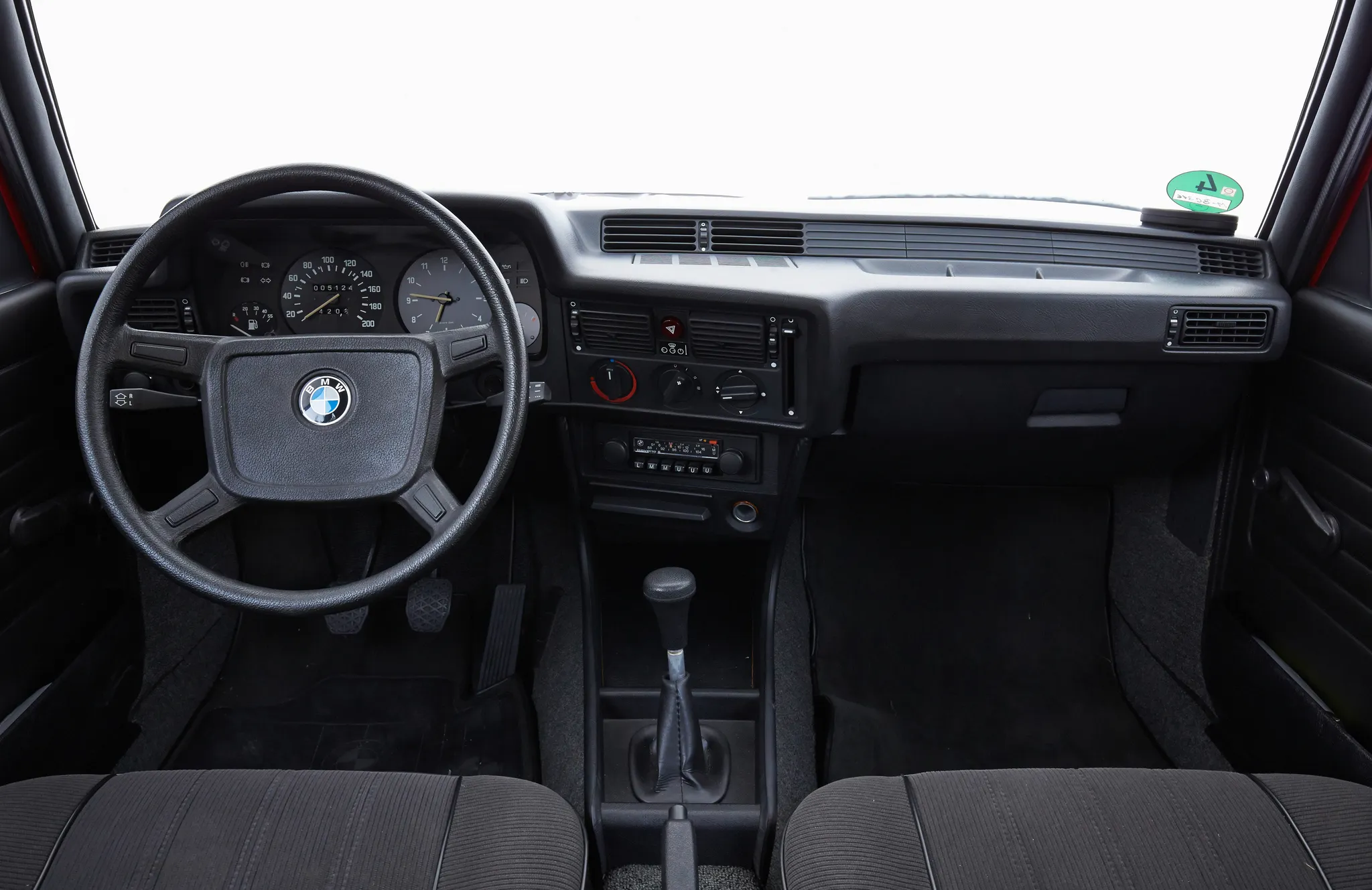
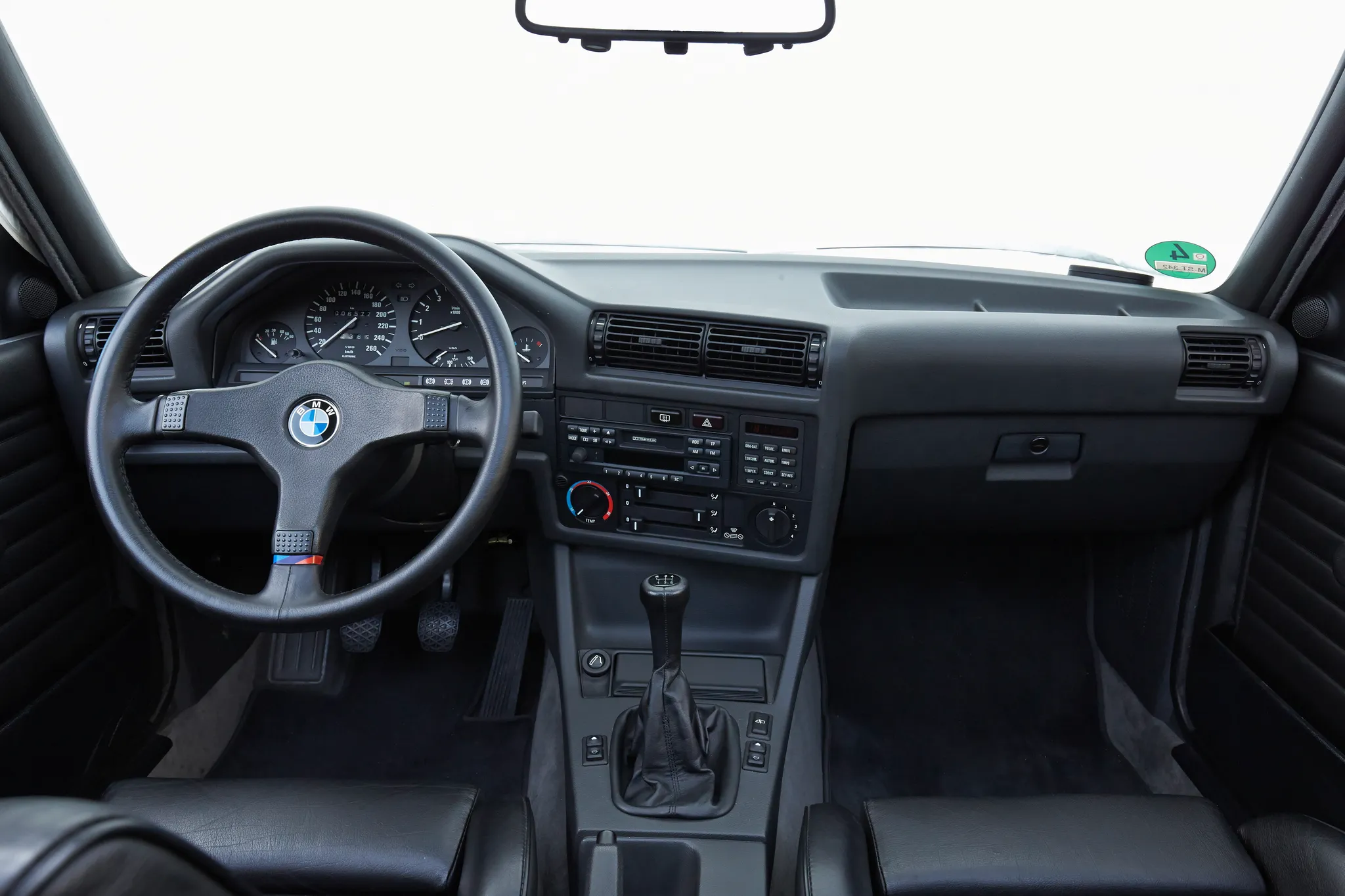
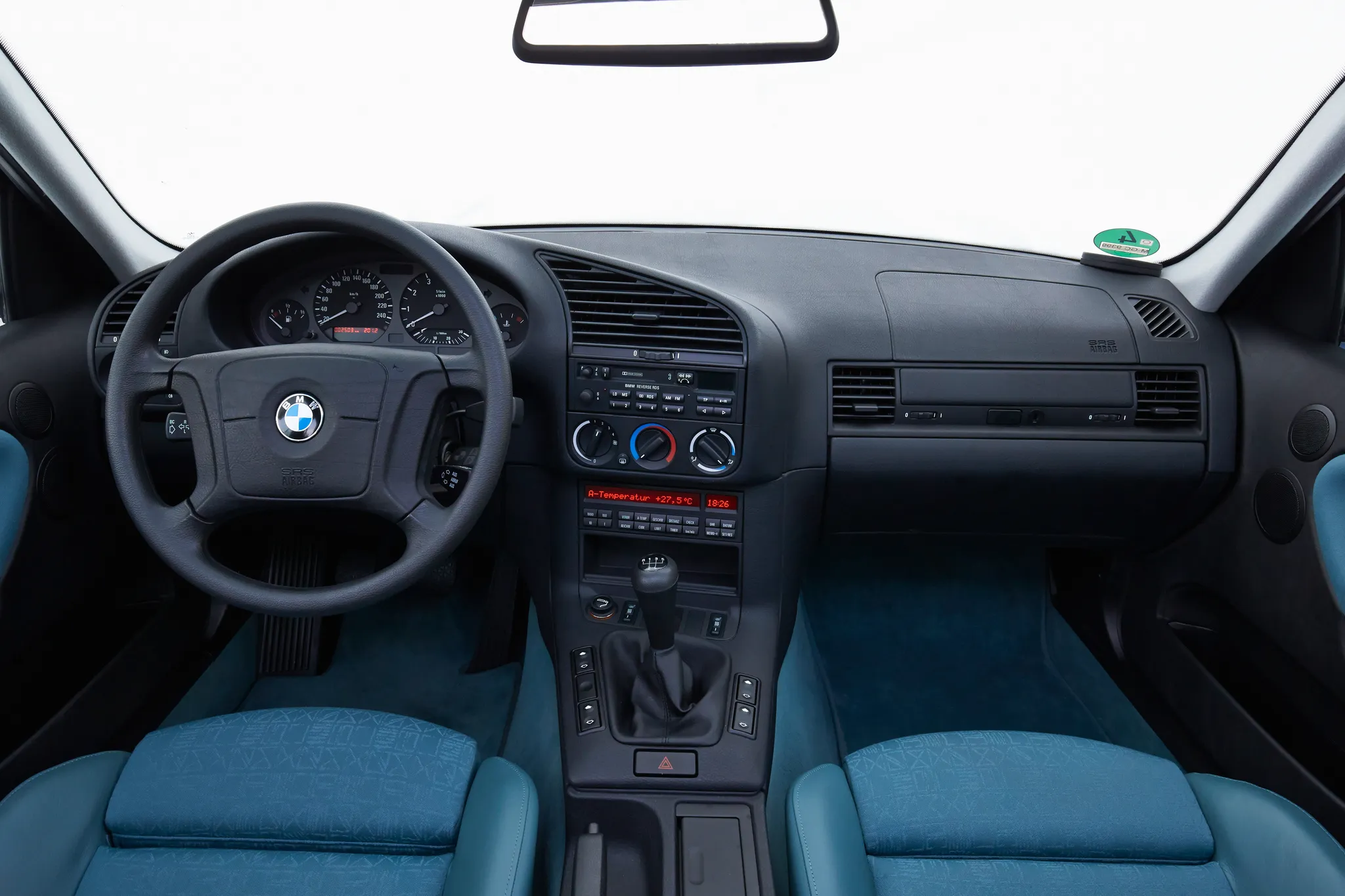
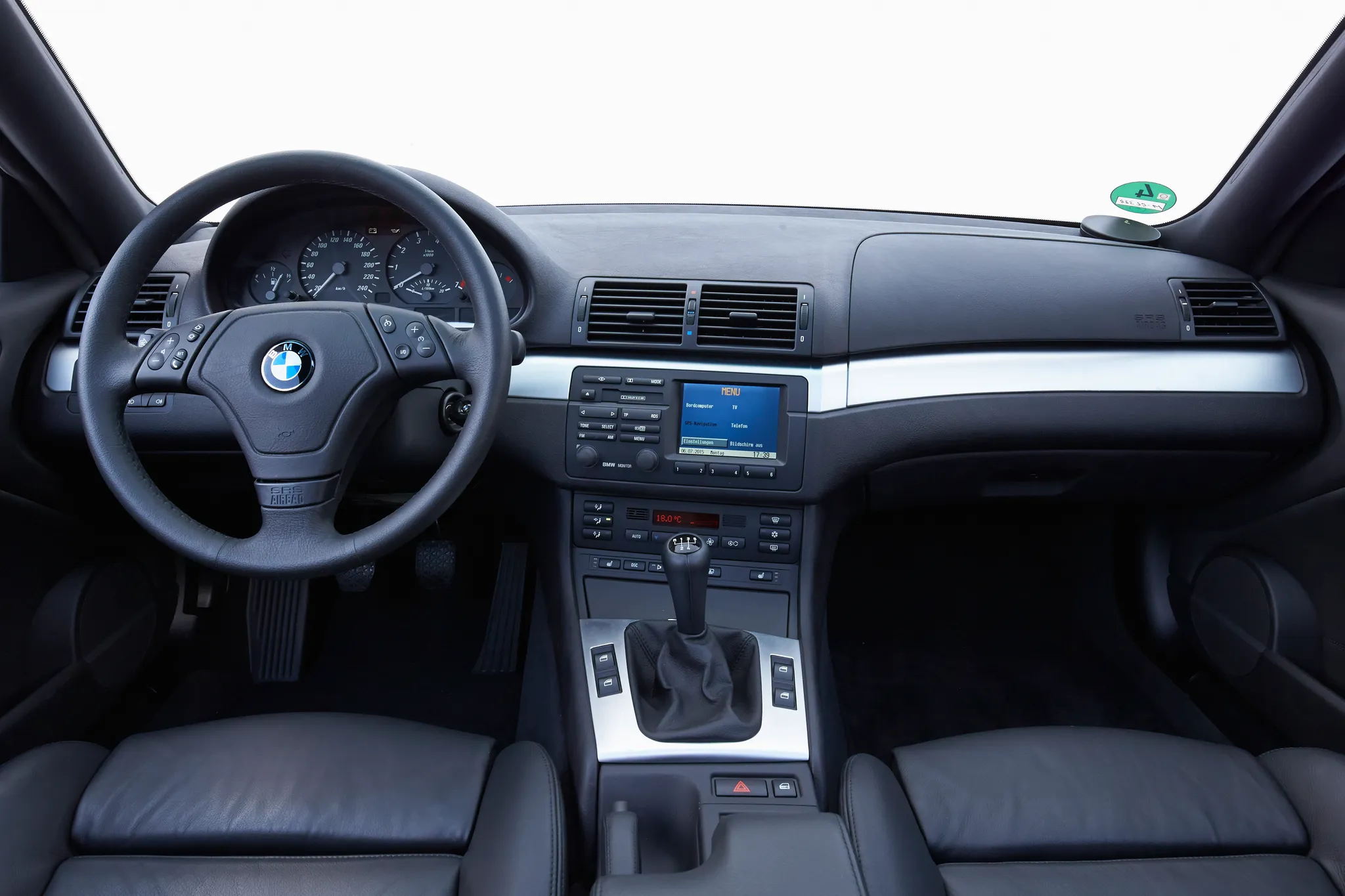
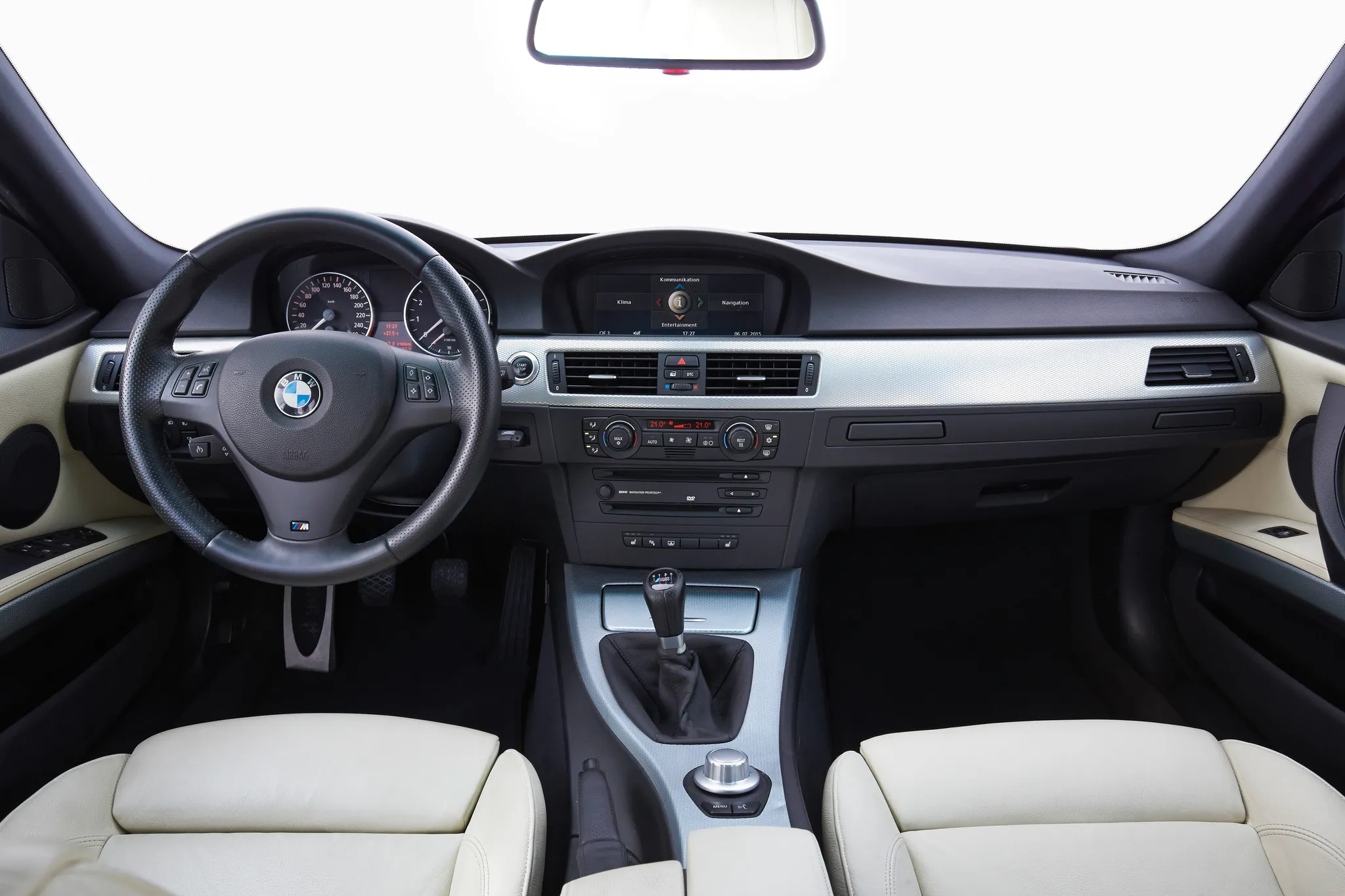
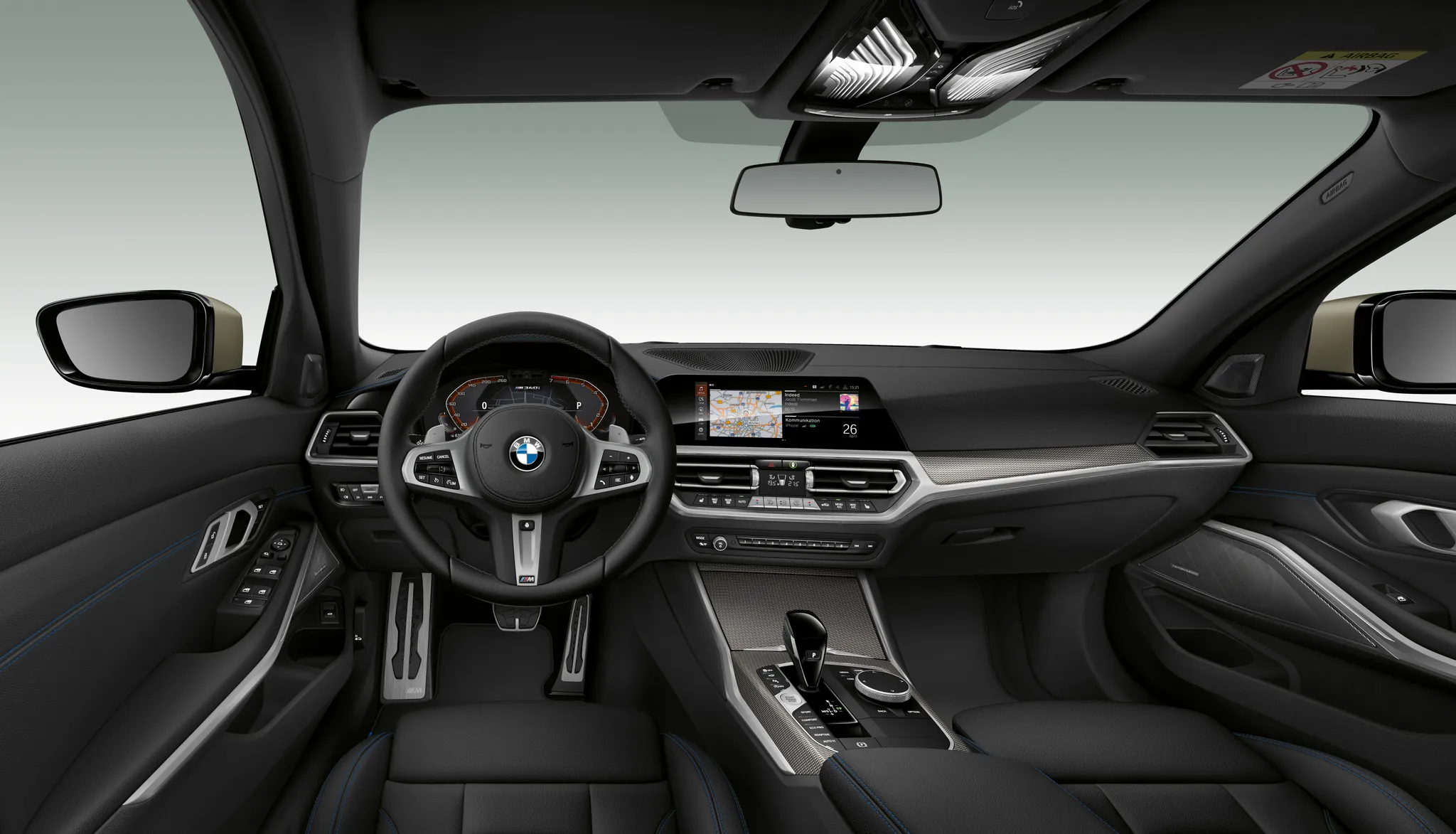
Previous and next
Compare with the E90/E91/E92/E93Photo credits
Photo credits (7)
- BMW 3 Series (E21)Cockpit · “BMW E21. (07/2015)” (opens in a new tab) · © BMW AG · Editorial use (opens in a new tab) · BMW Group Newsroom
- BMW 3 Series (E30)Cockpit · “BMW E30. (07/2015)” (opens in a new tab) · © BMW AG · Editorial use (opens in a new tab) · BMW Group Newsroom
- BMW 3 Series (E36)Cockpit · “BMW E36. (07/2015)” (opens in a new tab) · © BMW AG · Editorial use (opens in a new tab) · BMW Group Newsroom
- BMW 3 Series (E46)Cockpit · “BMW E46 Coupé. (07/2015)” (opens in a new tab) · © BMW AG · Editorial use (opens in a new tab) · BMW Group Newsroom
- BMW 3 Series (E90/E91/E92/E93)Cockpit · “BMW E90. (07/2015)” (opens in a new tab) · © BMW AG · Editorial use (opens in a new tab) · BMW Group Newsroom
- BMW 3 Series (F30)Cockpit · “New BMW 3 Series: Cockpit standard version (10/2011)” (opens in a new tab) · © BMW AG · Editorial use (opens in a new tab) · BMW Group Newsroom
- BMW 3 Series (G20)Cockpit · “The all-new BMW 3 Series Sedan - BMW M340i xDrive (11/2018).” (opens in a new tab) · © BMW AG · Editorial use (opens in a new tab) · BMW Group Newsroom
Details
Summary
The F30 put a freestanding central display and an iDrive controller in every car, with or without navigation.
Specifications
Cockpit
Instrument cluster
Five dials in four tubes (speedometer, rev counter with a current-consumption dial, fuel and oil temperature) with a TFT between the main dials; the optional high version has four dials and a larger TFT.
Head-up display: Optional (option 610); shows speed, cruise control settings, collision warnings, navigation and check control messages.
Centre display
Covered in anti-reflective laminated glass.
Navigation Professional (NBT EVO / Headunit High 2)
Keeps the operating principle and screen interface of the previous Headunit High, with a 200 GB hard disk.
Facts
- The base cluster's TFT measures 2.7 inches (320 x 120 pixels). The high version (6WA) has a 5.7-inch TFT (640 x 160) and was required with Navigation Professional, the head-up display, lane departure warning or speed limit info.[2]
- The central display is 800 x 480 pixels with the standard radio and 1280 x 480 with Navigation Professional, and takes its picture from the head unit over an APIX video link rather than a data bus.[2]
- BMW's Headunit High (NBT) arrived in the F30 ActiveHybrid in July 2012, the F31 Touring in April 2013 and the F30 saloon in July 2013.[3]
- From the July 2015 facelift, cars with Navigation Professional have a 7-button controller with a touch panel, and cars with the standard radio a 5-button controller.[4]
- The 2014 model year brought revised iDrive software with updated navigation and connected services.[1]