
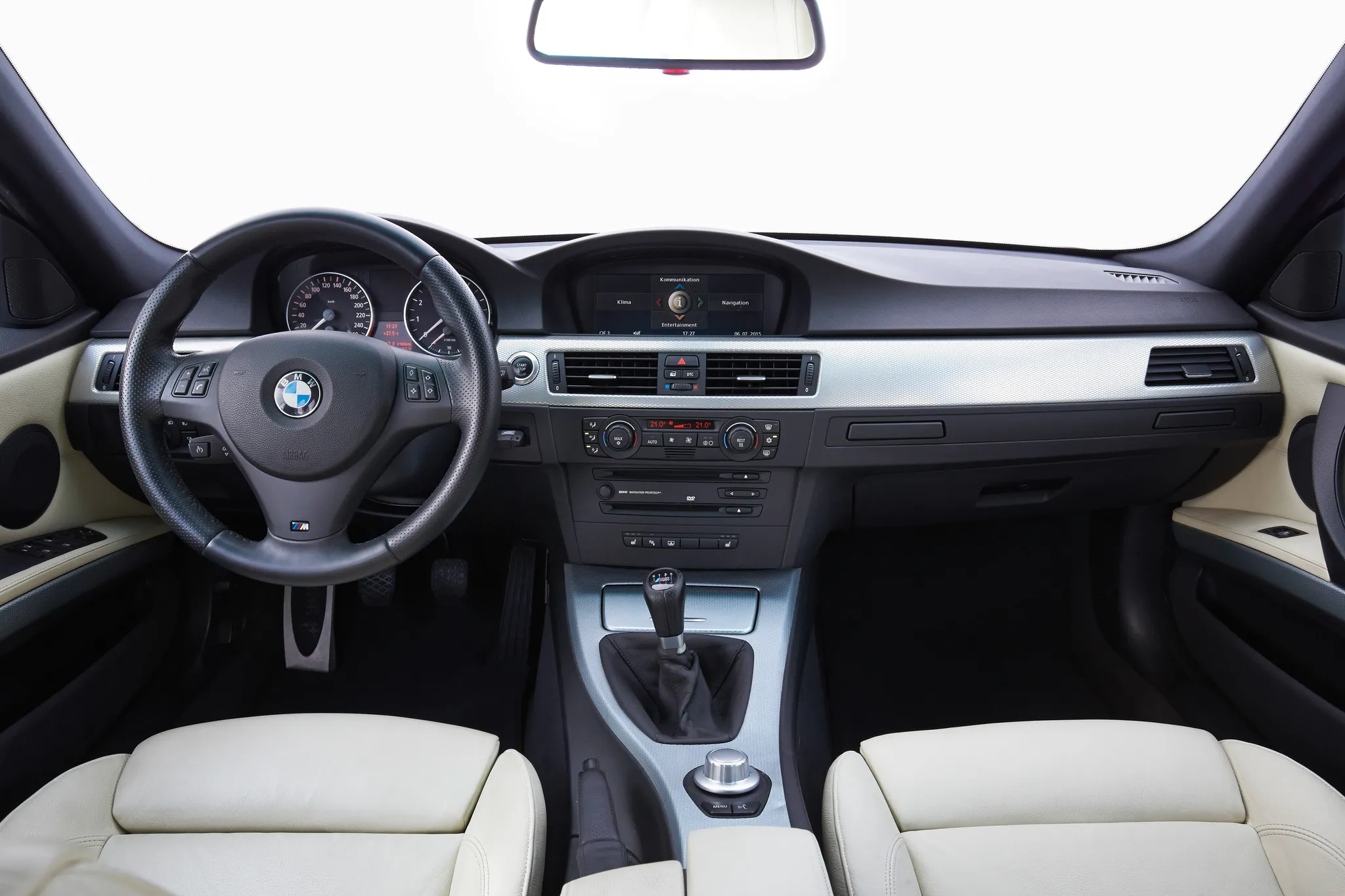
 Cockpit, BMW 3 Series (E90/E91/E92/E93)
Photos
- Cockpit, BMW 3 Series (E90/E91/E92/E93)
 Cockpit, BMW 3 Series (E90/E91/E92/E93)
 Cockpit, BMW 3 Series (E90/E91/E92/E93)
 Cockpit, BMW 3 Series (E90/E91/E92/E93)
 Instrument cluster, BMW 3 Series (E90/E91/E92/E93)
 Instrument cluster, BMW 3 Series (E90/E91/E92/E93)
 Instrument cluster, BMW 3 Series (E90/E91/E92/E93)
 Centre display, BMW 3 Series (E90/E91/E92/E93)
 Controls, BMW 3 Series (E90/E91/E92/E93)
 Controls, BMW 3 Series (E90/E91/E92/E93)
Photo credits
Photo credits (10)
- BMW 3 Series (E90/E91/E92/E93), photo 1Cockpit · “BMW E90. (07/2015)” (opens in a new tab) · © BMW AG · Editorial use (opens in a new tab) · BMW Group Newsroom
- BMW 3 Series (E90/E91/E92/E93), photo 2Cockpit · “BMW E93 interior” (opens in a new tab) · Photo: TTTNIS · Public domain · Wikimedia Commons
- BMW 3 Series (E90/E91/E92/E93), photo 3Cockpit · “320d dashboard (107571525)” (opens in a new tab) · Photo: Andy / Andrew Fogg from near Cambridge, UK · CC BY 2.0 (opens in a new tab) · Wikimedia Commons
- BMW 3 Series (E90/E91/E92/E93), photo 4Cockpit · “BMW E92 M3 Coupé Interior” (opens in a new tab) · Photo: Hatsukari715 · Public domain · Wikimedia Commons
- BMW 3 Series (E90/E91/E92/E93), photo 5Instrument cluster · “E90 Dashboard 2025-12-28 1” (opens in a new tab) · Photo: Yelderberry · CC BY-SA 4.0 (opens in a new tab) · Wikimedia Commons
- BMW 3 Series (E90/E91/E92/E93), photo 6Instrument cluster · “E90 Dashboard 2026-07-10 1” (opens in a new tab) · Photo: Yelderberry · CC BY-SA 4.0 (opens in a new tab) · Wikimedia Commons
- BMW 3 Series (E90/E91/E92/E93), photo 7Instrument cluster · “320d drivers eye view (107571526)” (opens in a new tab) · Photo: Andy / Andrew Fogg from near Cambridge, UK · CC BY 2.0 (opens in a new tab) · Wikimedia Commons
- BMW 3 Series (E90/E91/E92/E93), photo 8Centre display · “2008 BMW M3 Convertible - Flickr - The Car Spy (18)” (opens in a new tab) · Photo: The Car Spy · CC BY 2.0 (opens in a new tab) · Wikimedia Commons
- BMW 3 Series (E90/E91/E92/E93), photo 9Controls · “2008 BMW M3 Convertible - Flickr - The Car Spy (16)” (opens in a new tab) · Photo: The Car Spy · CC BY 2.0 (opens in a new tab) · Wikimedia Commons
- BMW 3 Series (E90/E91/E92/E93), photo 10Controls · “2009 BMW M3 Cabriolet - Flickr - The Car Spy (3)” (opens in a new tab) · Photo: The Car Spy · CC BY 2.0 (opens in a new tab) · Wikimedia Commons
Elements
Lineage
BMW 3 Series generations
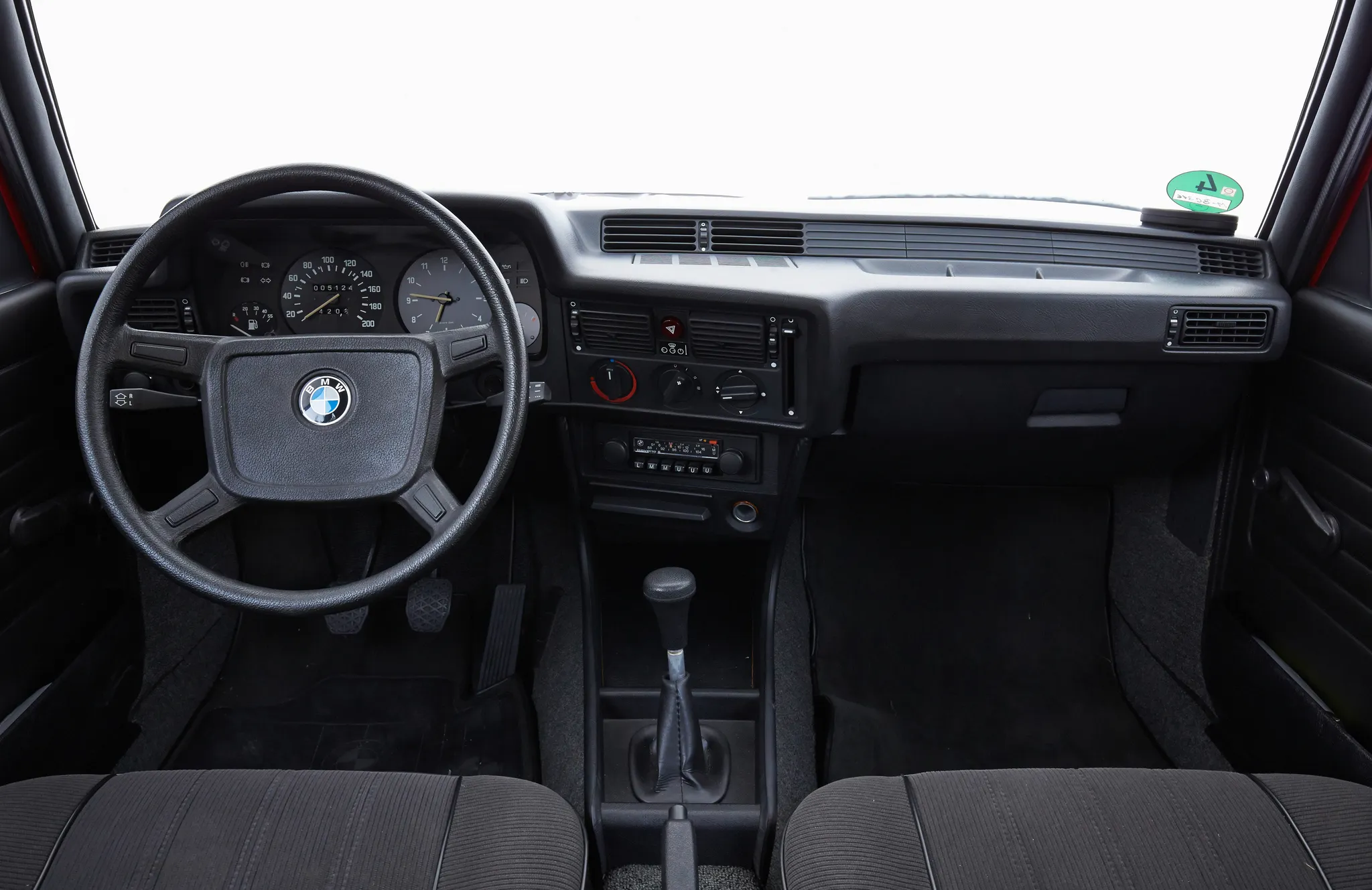
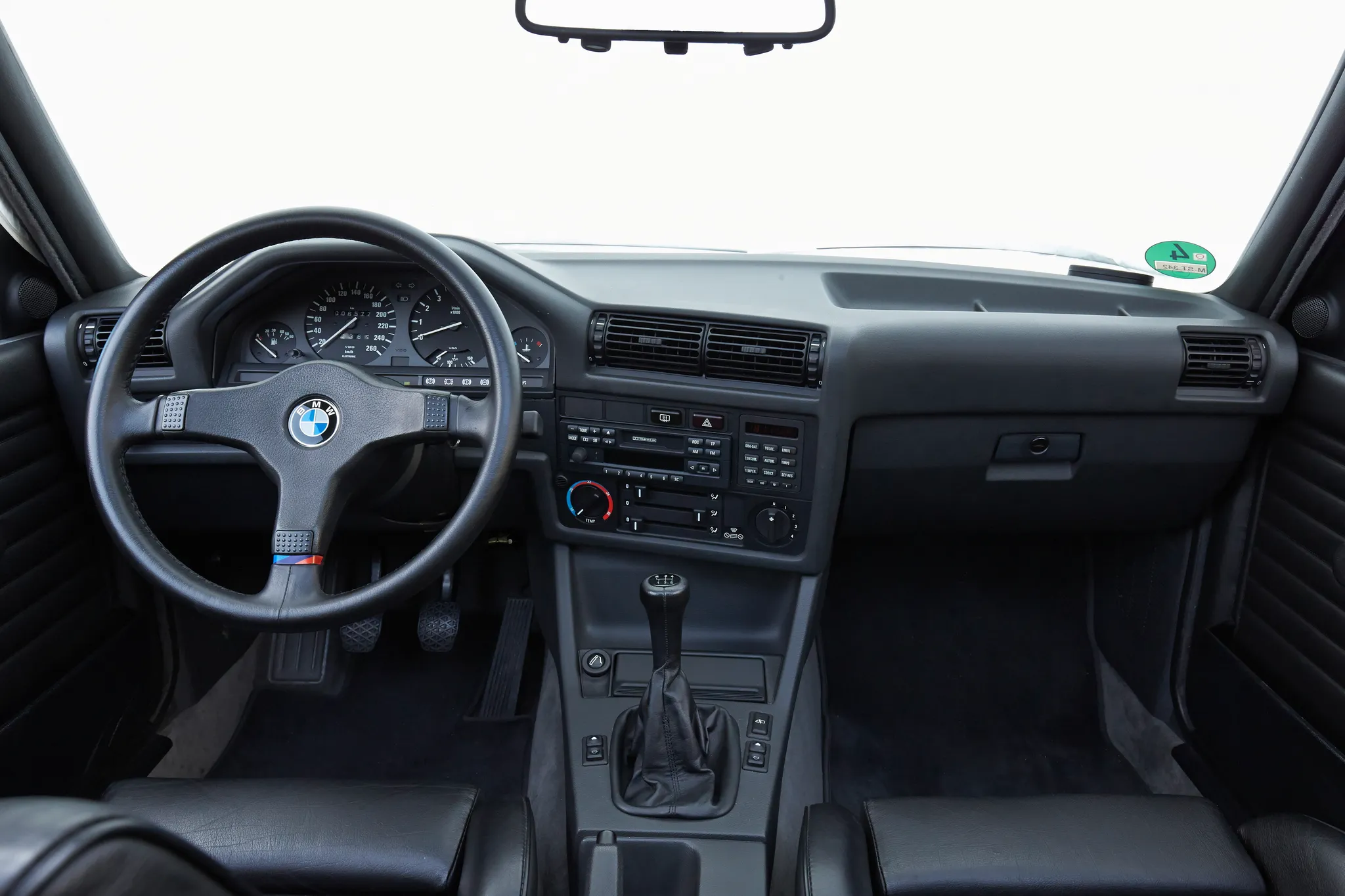
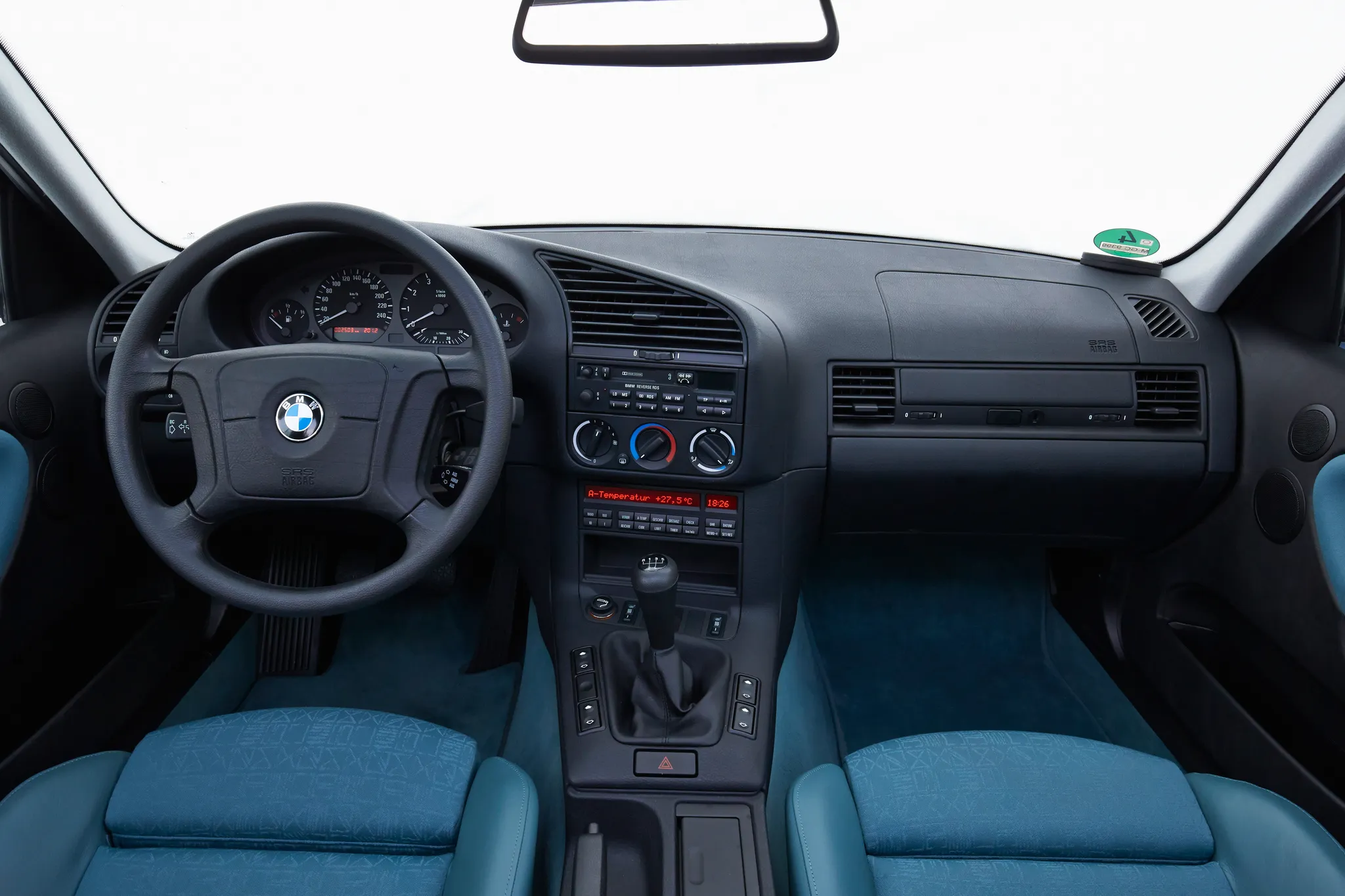
Previous and next
Compare with the E46Photo credits
Photo credits (7)
- BMW 3 Series (E21)Cockpit · “BMW E21. (07/2015)” (opens in a new tab) · © BMW AG · Editorial use (opens in a new tab) · BMW Group Newsroom
- BMW 3 Series (E30)Cockpit · “BMW E30. (07/2015)” (opens in a new tab) · © BMW AG · Editorial use (opens in a new tab) · BMW Group Newsroom
- BMW 3 Series (E36)Cockpit · “BMW E36. (07/2015)” (opens in a new tab) · © BMW AG · Editorial use (opens in a new tab) · BMW Group Newsroom
- BMW 3 Series (E46)Cockpit · “BMW E46 Coupé. (07/2015)” (opens in a new tab) · © BMW AG · Editorial use (opens in a new tab) · BMW Group Newsroom
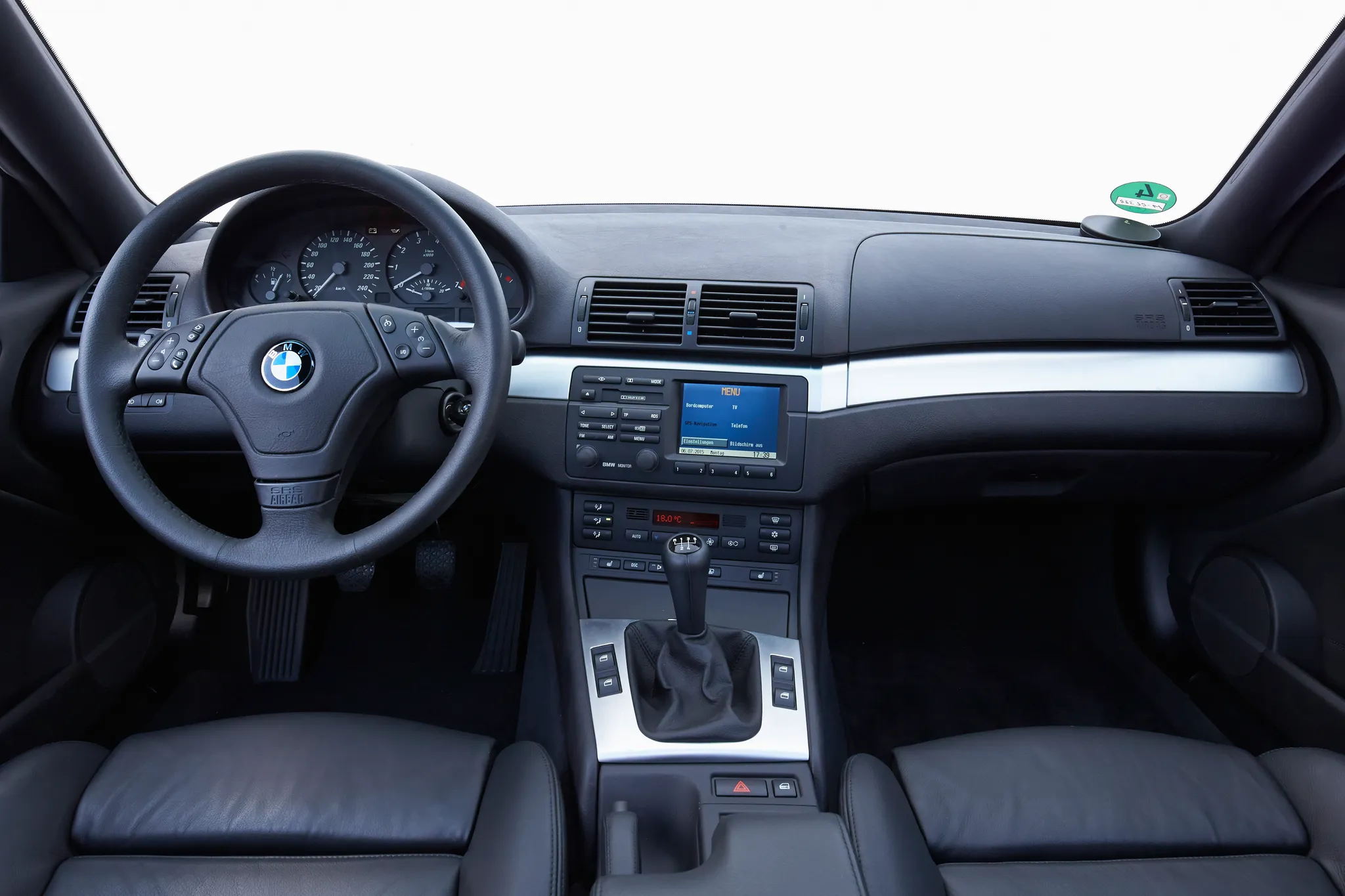
- BMW 3 Series (E90/E91/E92/E93)Cockpit · “BMW E90. (07/2015)” (opens in a new tab) · © BMW AG · Editorial use (opens in a new tab) · BMW Group Newsroom
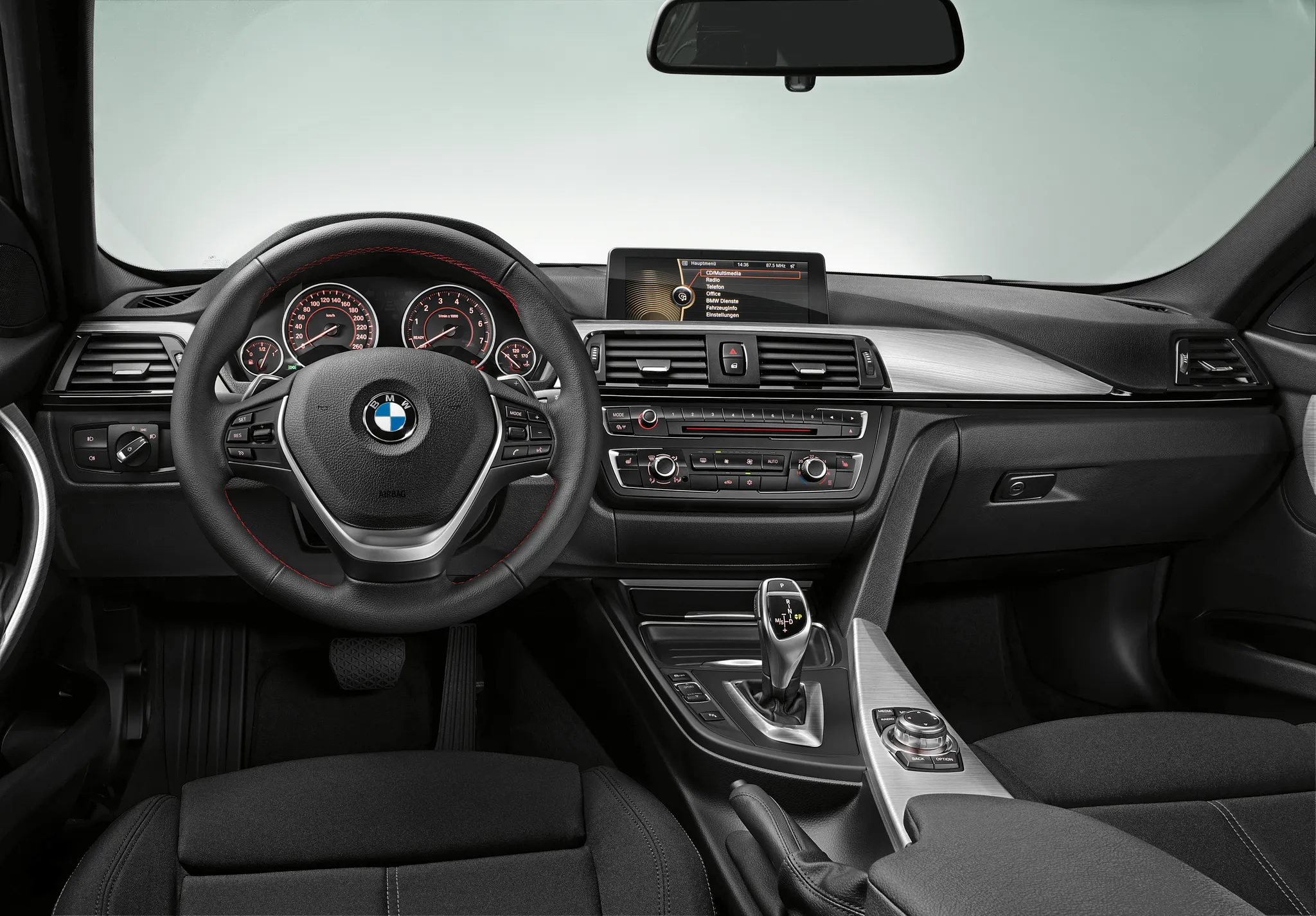
- BMW 3 Series (F30)Cockpit · “New BMW 3 Series: Cockpit standard version (10/2011)” (opens in a new tab) · © BMW AG · Editorial use (opens in a new tab) · BMW Group Newsroom
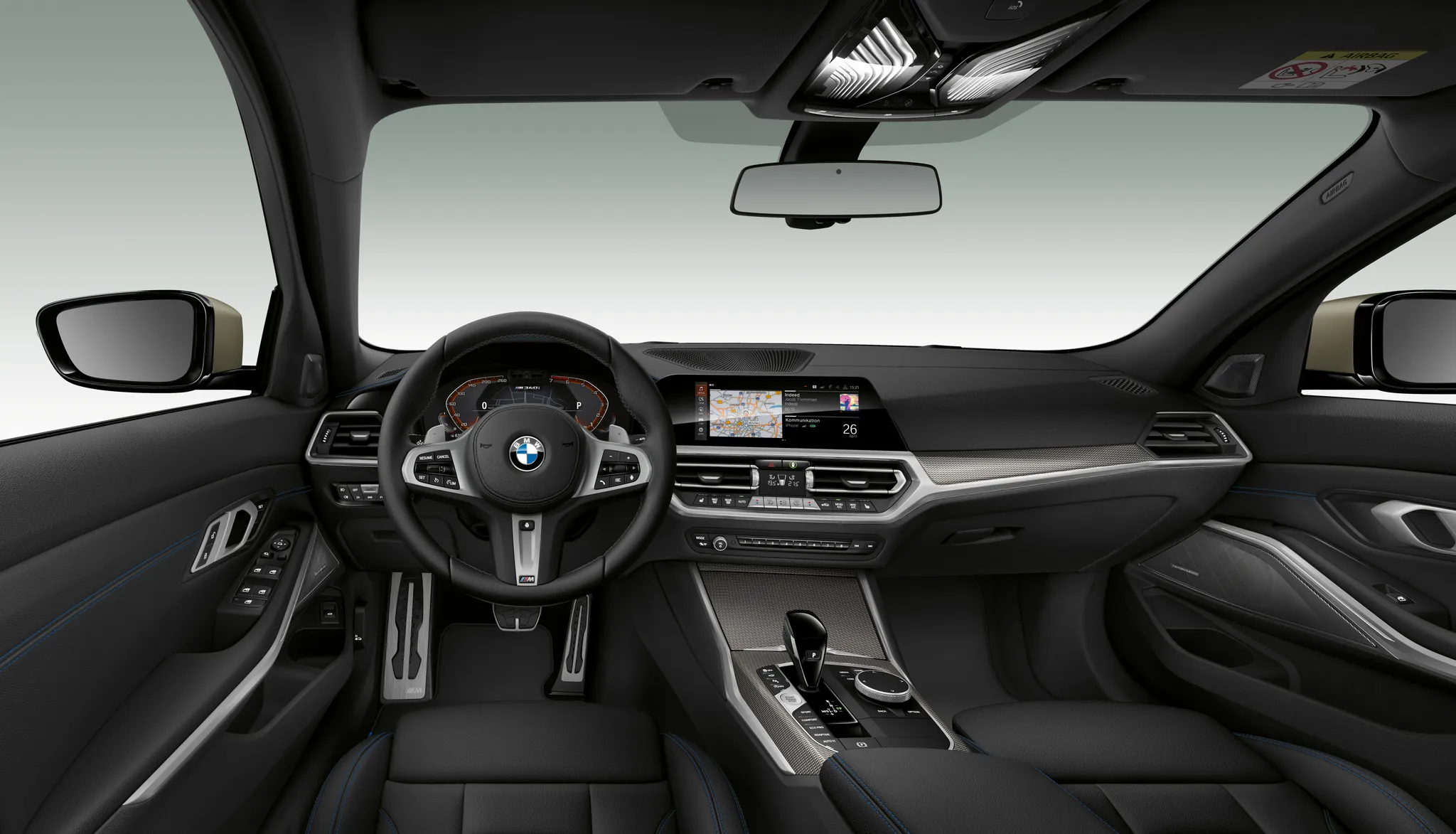
- BMW 3 Series (G20)Cockpit · “The all-new BMW 3 Series Sedan - BMW M340i xDrive (11/2018).” (opens in a new tab) · © BMW AG · Editorial use (opens in a new tab) · BMW Group Newsroom
Details
Summary
The generation that brought iDrive, with its Central Information Display and rotary controller, to the 3 Series.
Specifications
Cockpit
Instrument cluster
Chrome rings trim the two large dials; warning lamps sit at the top centre, and a two-part LCD between the main dials shows the time, outside temperature, check control, on-board computer and gear display.
Centre display
iDrive with Navigation Professional (CCC)
Runs the same software as the 5 and 6 Series.
Controls
On cars with the Central Information Display, the iDrive controller sits behind the gear lever.
Facts
- BMW designed the E90 interior to look more discreet, with fewer switches, and stacked displays and controls by importance, the most important at the top.[2]
- The cluster has two large dials for road and engine speed and two smaller ones for fuel level and current consumption.[2]
- In the US, only cars with navigation (option 609) had the Central Information Display, a TFT of 400 x 240 pixels driven by the Car Communication Computer.[2]
- The September 2008 saloon and Touring facelift moved to the CIC head unit, with a revised iDrive and a sharper display.[1][3]