
 Cockpit, Ford Mustang (S550)
Photos
- Cockpit, Ford Mustang (S550)
 Cockpit, Ford Mustang (S550)
 Controls, Ford Mustang (S550)
Photo credits
Photo credits (3)
- Ford Mustang (S550), photo 1Cockpit · “2018 Ford Mustang GT V8 5.0 facelift Interior” (opens in a new tab) · Photo: Vauxford · CC BY-SA 4.0 (opens in a new tab) · Wikimedia Commons
- Ford Mustang (S550), photo 2Cockpit · “Mstg S550 hk160616 7016besg” (opens in a new tab) · Photo: Malchick743 (ALJMW) · CC BY-SA 4.0 (opens in a new tab) · Wikimedia Commons
- Ford Mustang (S550), photo 3Controls · “Mstg S550 hk160616 7089besg” (opens in a new tab) · Photo: Malchick743 (ALJMW) · CC BY-SA 4.0 (opens in a new tab) · Wikimedia Commons
Elements
Lineage
Ford Mustang generations


Previous and next
Compare with the S197Photo credits
Photo credits (6)
- Ford Mustang (1964)Cockpit · “Ford Mustang, Bj. 66, Lenkrad und Armaturenbrett (Sp)” (opens in a new tab) · Photo: Lothar Spurzem · CC BY-SA 2.0 de (opens in a new tab) · Wikimedia Commons
- Ford Mustang (1974)Cockpit · “1977 Ford Mustang II 3-door 2+2 Limited Edition interior in White and Emerald, dashboard” (opens in a new tab) · Photo: Mr.choppers · CC BY-SA 4.0 (opens in a new tab) · Wikimedia Commons
- Ford Mustang (1979)Cockpit · “1989 Ford Mustang Convertible Interior Dashboard (51838929214)” (opens in a new tab) · Photo: Eric Friedebach · CC BY 2.0 (opens in a new tab) · Wikimedia Commons
- Ford Mustang (S197)Cockpit · “Ford Mustang GT (US) - Flickr - skinnylawyer” (opens in a new tab) · Photo: skinnylawyer from Los Angeles, California, USA · CC BY-SA 2.0 (opens in a new tab) · Wikimedia Commons
- Ford Mustang (S550)Cockpit · “2018 Ford Mustang GT V8 5.0 facelift Interior” (opens in a new tab) · Photo: Vauxford · CC BY-SA 4.0 (opens in a new tab) · Wikimedia Commons
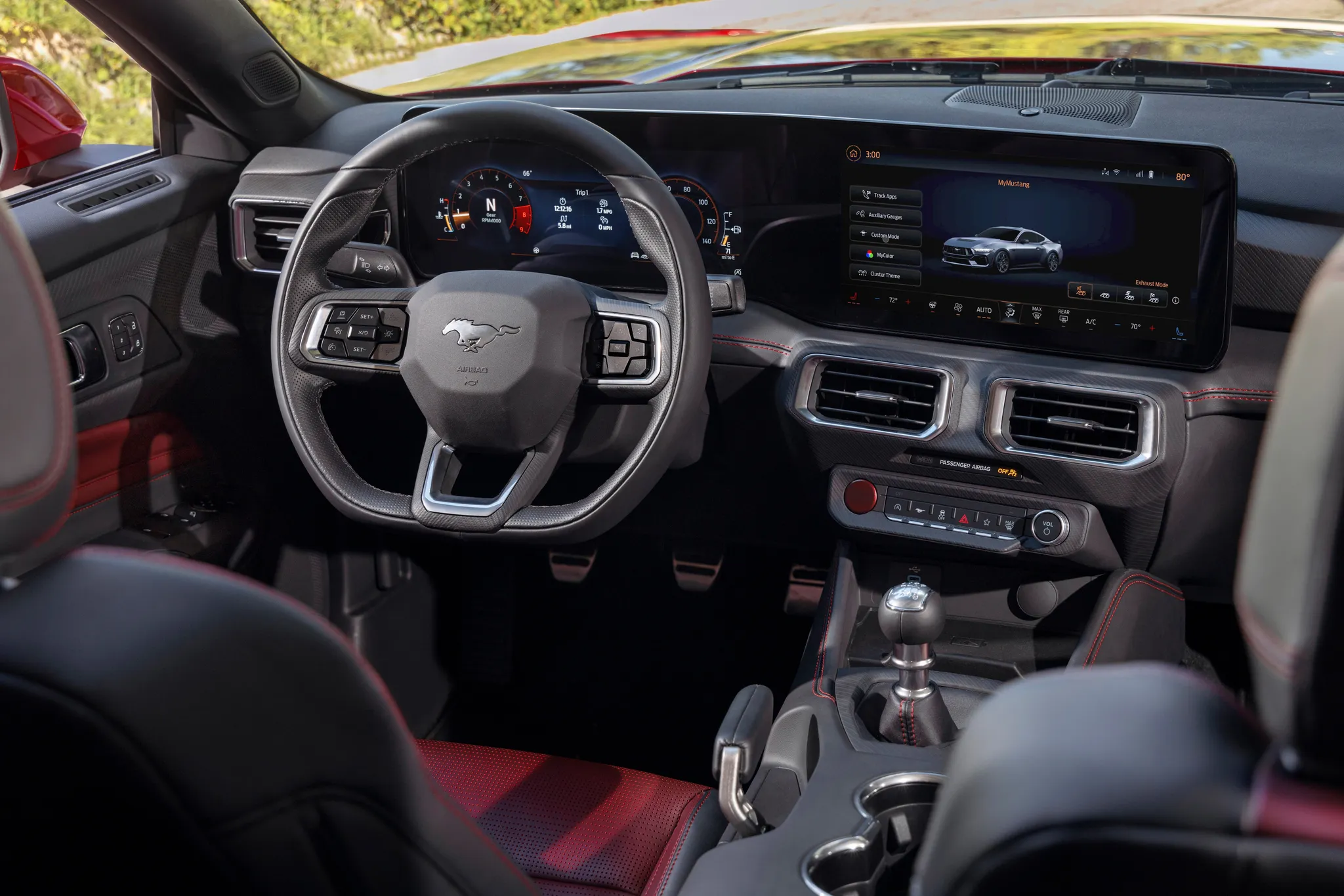
- Ford Mustang (S650)Cockpit · “2024 Mustang Interior” (opens in a new tab) · © Ford Motor Company · Editorial use (opens in a new tab) · Ford From the Road
Details
Summary
The sixth-generation Mustang set its analog dials in an aviation-themed dashboard, and from 2018 offered a fully digital cluster in their place.
Specifications
Cockpit
Instrument cluster
Speedometer and tachometer either side of a colour info screen. The optional digital cluster has normal, sport and track views, 26 colour choices, quarter-mile and lap timers, and drag-strip and line-lock animations.
Centre display
Bluetooth voice system; AppLink let drivers run approved smartphone apps.
Changes between screens were slow next to rival systems.
Controls
Ford fitted tactile switches and knobs throughout the cockpit.
Facts
- The dashboard grew from a clay model with a long, wing-like aluminium span, which allowed a shallower dash.[1][2]
- Toggle switches on the centre console set the optional Selectable Drive Modes: steering effort, engine response, transmission and stability control.[2]
- MyFord Touch was optional at launch; SYNC 3 replaced it for 2016, and Apple CarPlay and Android Auto followed in 2017.[1][3]
- Visteon supplied the digital cluster: a 12.3-inch, 1920×720 LCD whose graphics use Rightware's Kanzi framework and nearly 1 million lines of code.[4]
- Ford built the S550 at Flat Rock, Michigan, from mid-2014 to April 2023, still on the D2C platform.[1]