
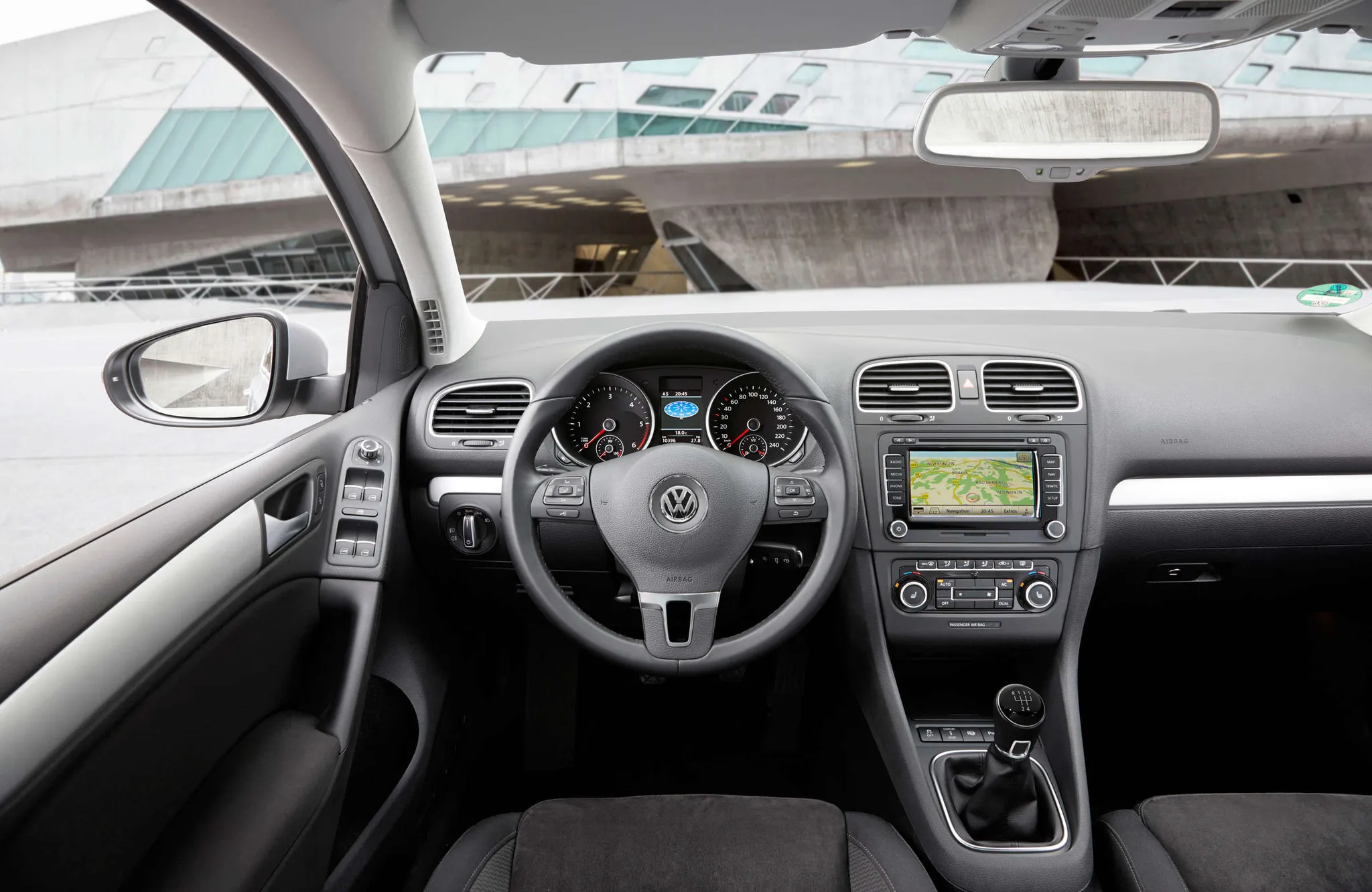
 Cockpit, Volkswagen Golf (Mk6)
Photos
- Cockpit, Volkswagen Golf (Mk6)
 Cockpit, Volkswagen Golf (Mk6)
 Cockpit, Volkswagen Golf (Mk6)
 Cockpit, Volkswagen Golf (Mk6)
 Cockpit, Volkswagen Golf (Mk6)
 Instrument cluster, Volkswagen Golf (Mk6)
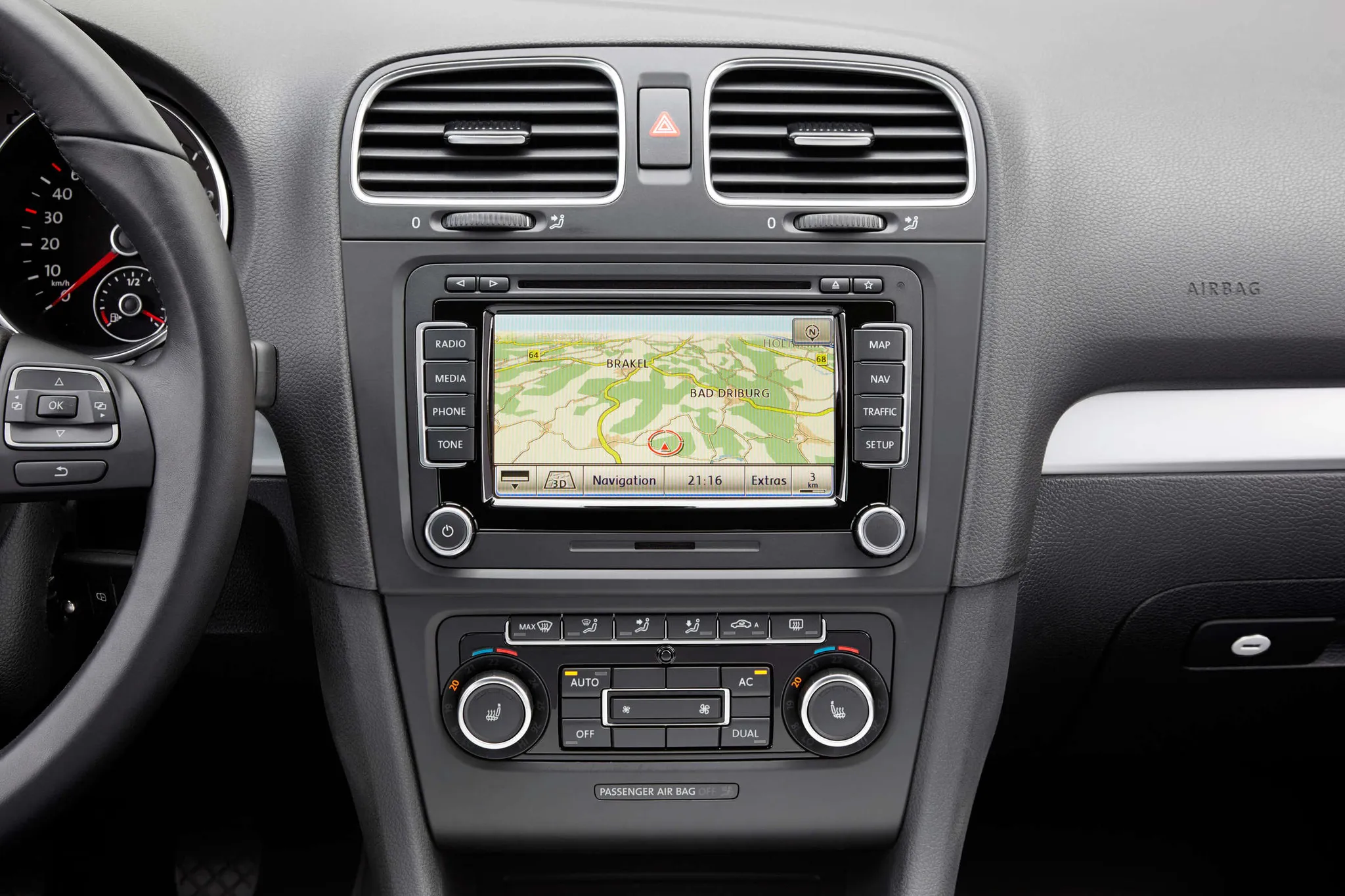 Centre display, Volkswagen Golf (Mk6)
 Controls, Volkswagen Golf (Mk6)
Photo credits
Photo credits (8)
- Volkswagen Golf (Mk6), photo 1Cockpit · “Volkswagen Golf – sixth Generation” (opens in a new tab) · © Volkswagen AG · Editorial use (opens in a new tab) · Volkswagen Newsroom
- Volkswagen Golf (Mk6), photo 2Cockpit · “VW Golf VI TSI am 2008-10-11 (Cockpit)” (opens in a new tab) · Photo: Spurzem - Lothar Spurzem · CC BY-SA 2.0 de (opens in a new tab) · Wikimedia Commons
- Volkswagen Golf (Mk6), photo 3Cockpit · “VW Golf VI 1.4 TSI 160PS Comfortline Reflexsilber Interieur” (opens in a new tab) · Photo: Thomas doerfer · CC BY 3.0 (opens in a new tab) · Wikimedia Commons
- Volkswagen Golf (Mk6), photo 4Cockpit · “VW Golf VI 1.6 TDI Comfortline Reflexsilber Interieur” (opens in a new tab) · Photo: Thomas doerfer · CC BY 3.0 (opens in a new tab) · Wikimedia Commons
- Volkswagen Golf (Mk6), photo 5Cockpit · “VW GTI (5583276883)” (opens in a new tab) · Photo: Powhusku · CC BY-SA 2.0 (opens in a new tab) · Wikimedia Commons
- Volkswagen Golf (Mk6), photo 6Instrument cluster · “Volkswagen Golf VI 1.6 TDI Tacho” (opens in a new tab) · Photo: Spacekid · CC0 (opens in a new tab) · Wikimedia Commons
- Volkswagen Golf (Mk6), photo 7Centre display · “Volkswagen Golf – sixth Generation” (opens in a new tab) · © Volkswagen AG · Editorial use (opens in a new tab) · Volkswagen Newsroom
- Volkswagen Golf (Mk6), photo 8Controls · “VW Golf VI 1.2 TSI Interior” (opens in a new tab) · Photo: Spacekid · CC0 (opens in a new tab) · Wikimedia Commons
Elements
Lineage
Volkswagen Golf generations
Previous and next
Compare with the Mk5Photo credits
Photo credits (8)
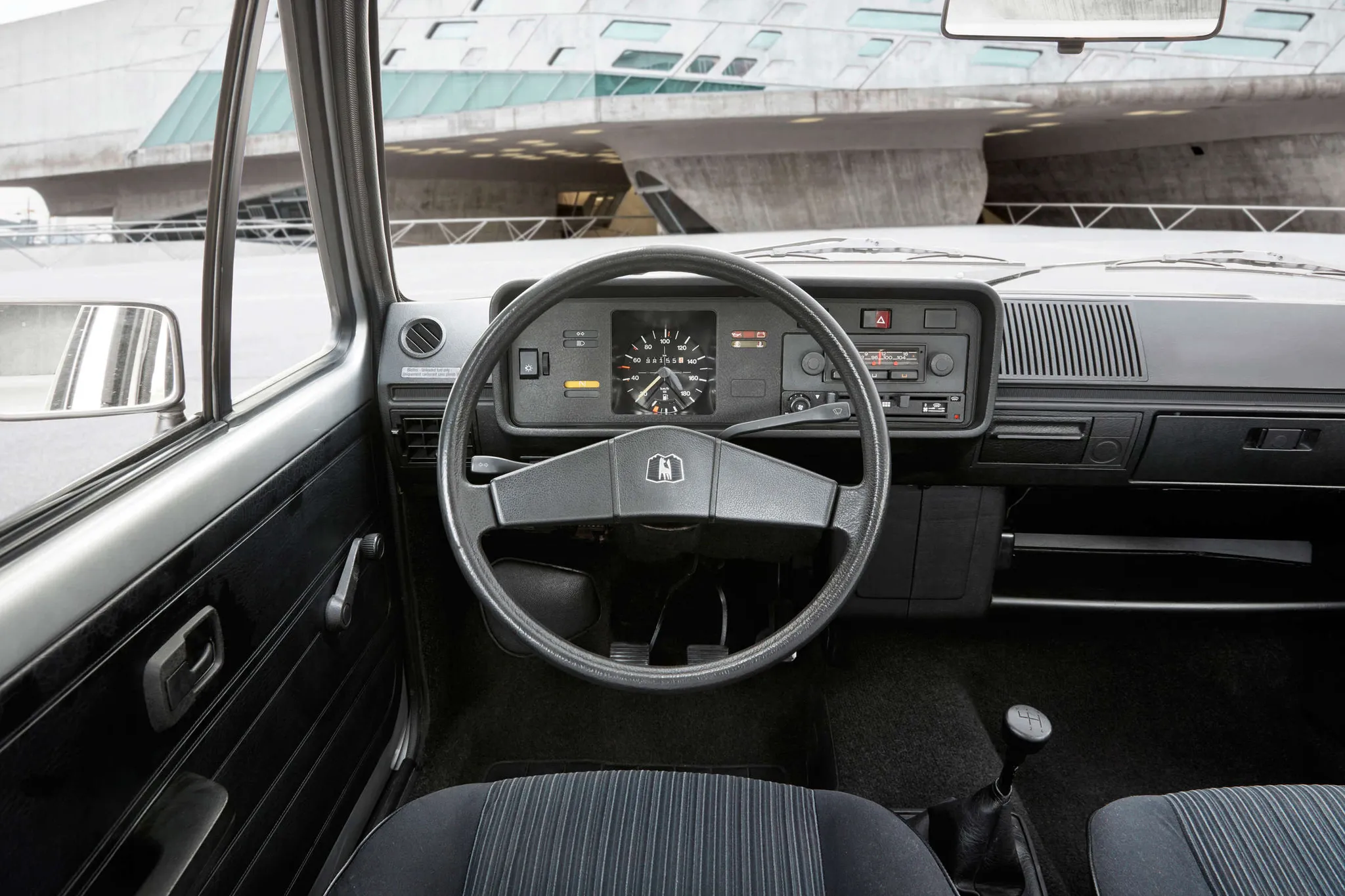
- Volkswagen Golf (Mk1)Cockpit · “Volkswagen Golf – first Generation” (opens in a new tab) · © Volkswagen AG · Editorial use (opens in a new tab) · Volkswagen Newsroom
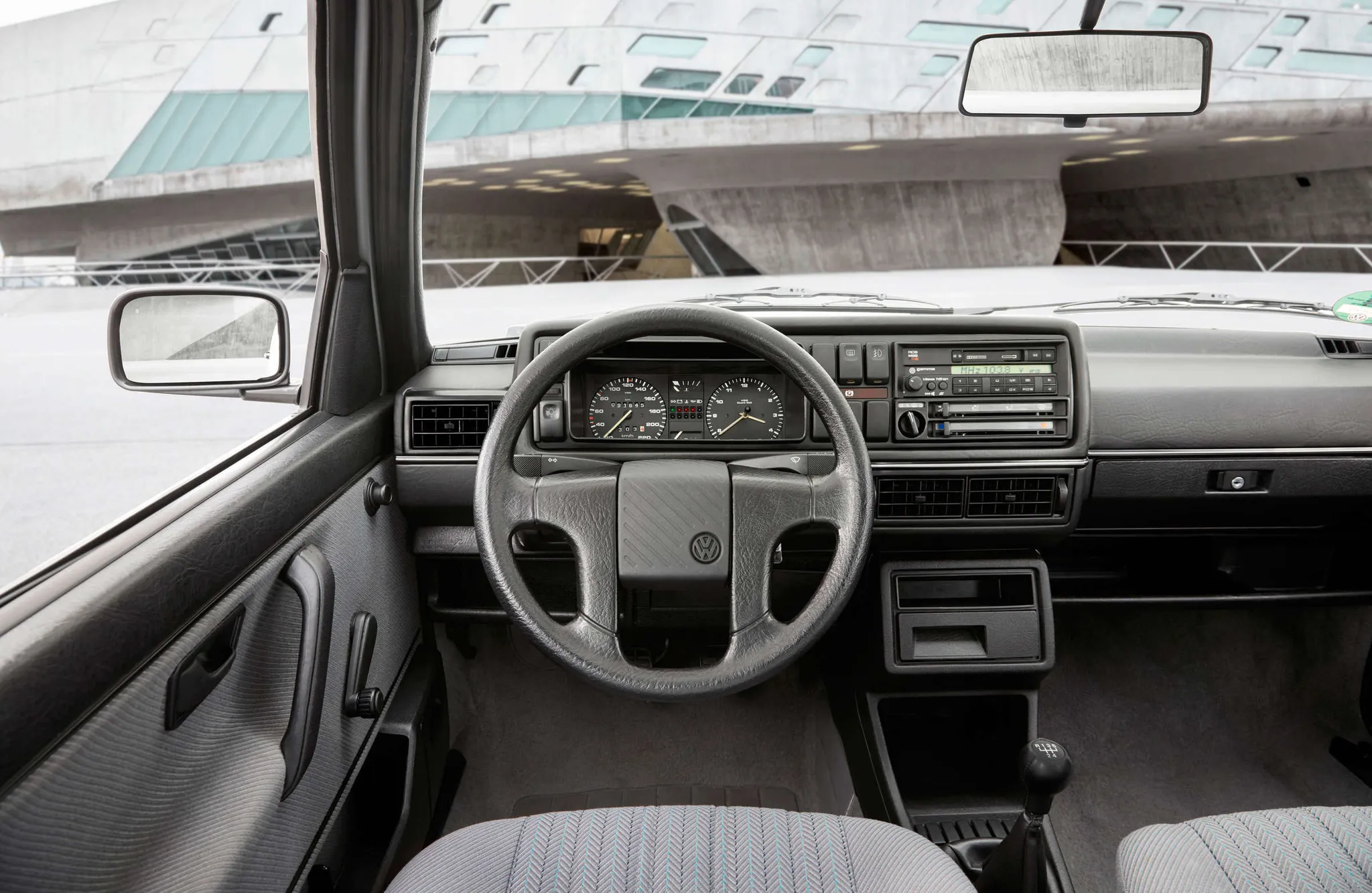
- Volkswagen Golf (Mk2)Cockpit · “Volkswagen Golf – second Generation” (opens in a new tab) · © Volkswagen AG · Editorial use (opens in a new tab) · Volkswagen Newsroom
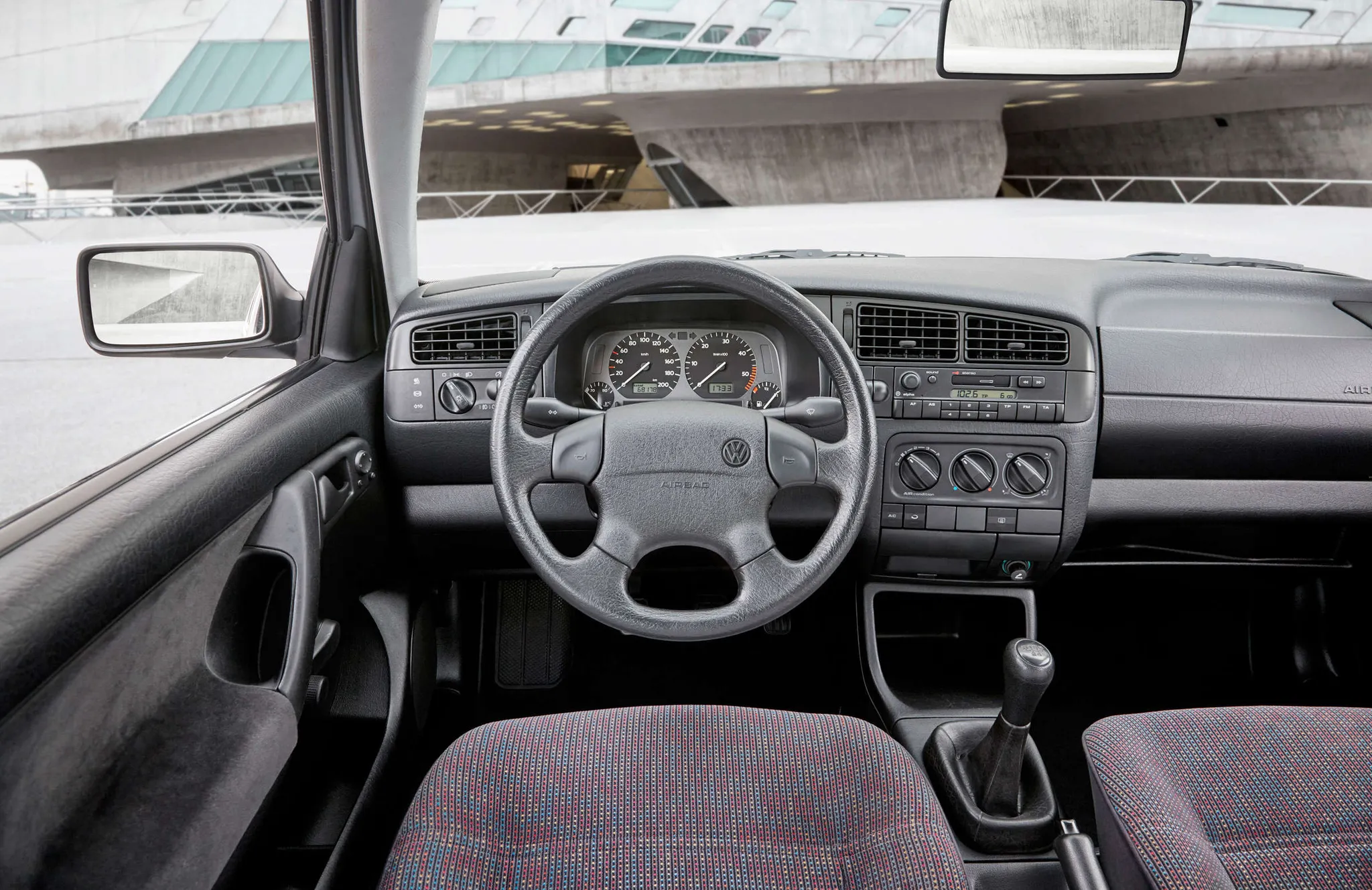
- Volkswagen Golf (Mk3)Cockpit · “Volkswagen Golf – third Generation” (opens in a new tab) · © Volkswagen AG · Editorial use (opens in a new tab) · Volkswagen Newsroom
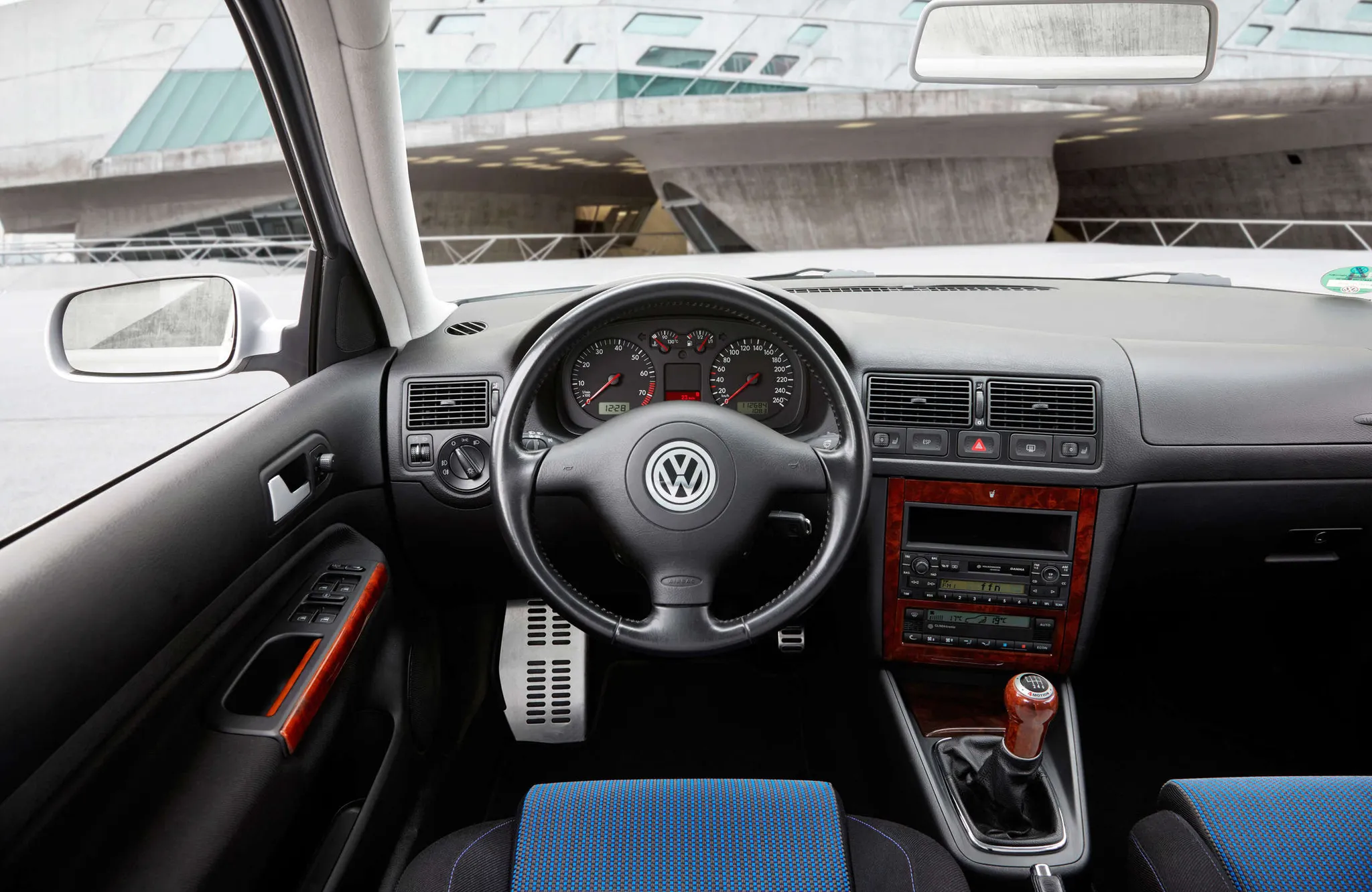
- Volkswagen Golf (Mk4)Cockpit · “Volkswagen Golf - fourth Generation” (opens in a new tab) · © Volkswagen AG · Editorial use (opens in a new tab) · Volkswagen Newsroom
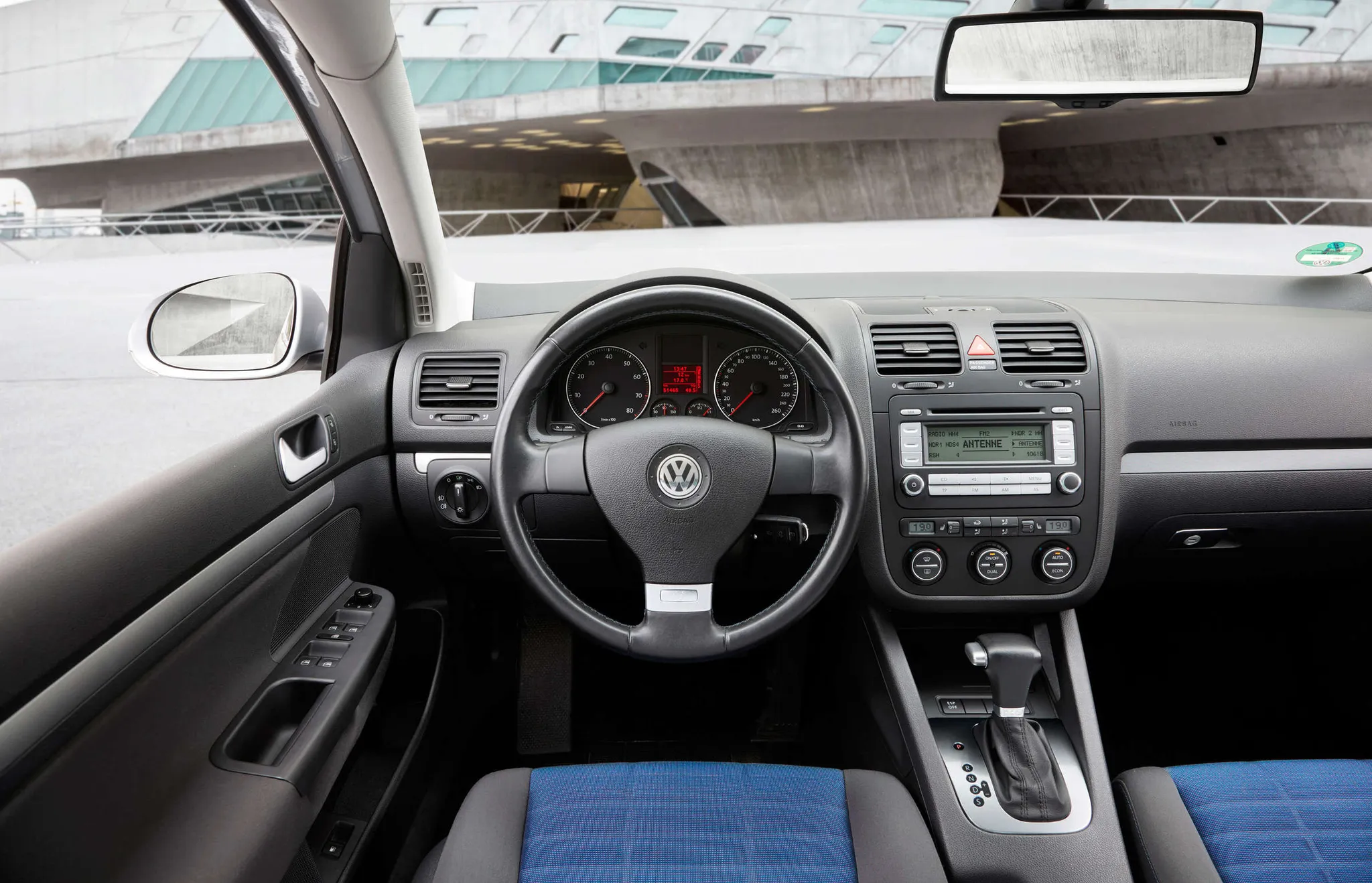
- Volkswagen Golf (Mk5)Cockpit · “Volkswagen Golf - fifth Generation” (opens in a new tab) · © Volkswagen AG · Editorial use (opens in a new tab) · Volkswagen Newsroom
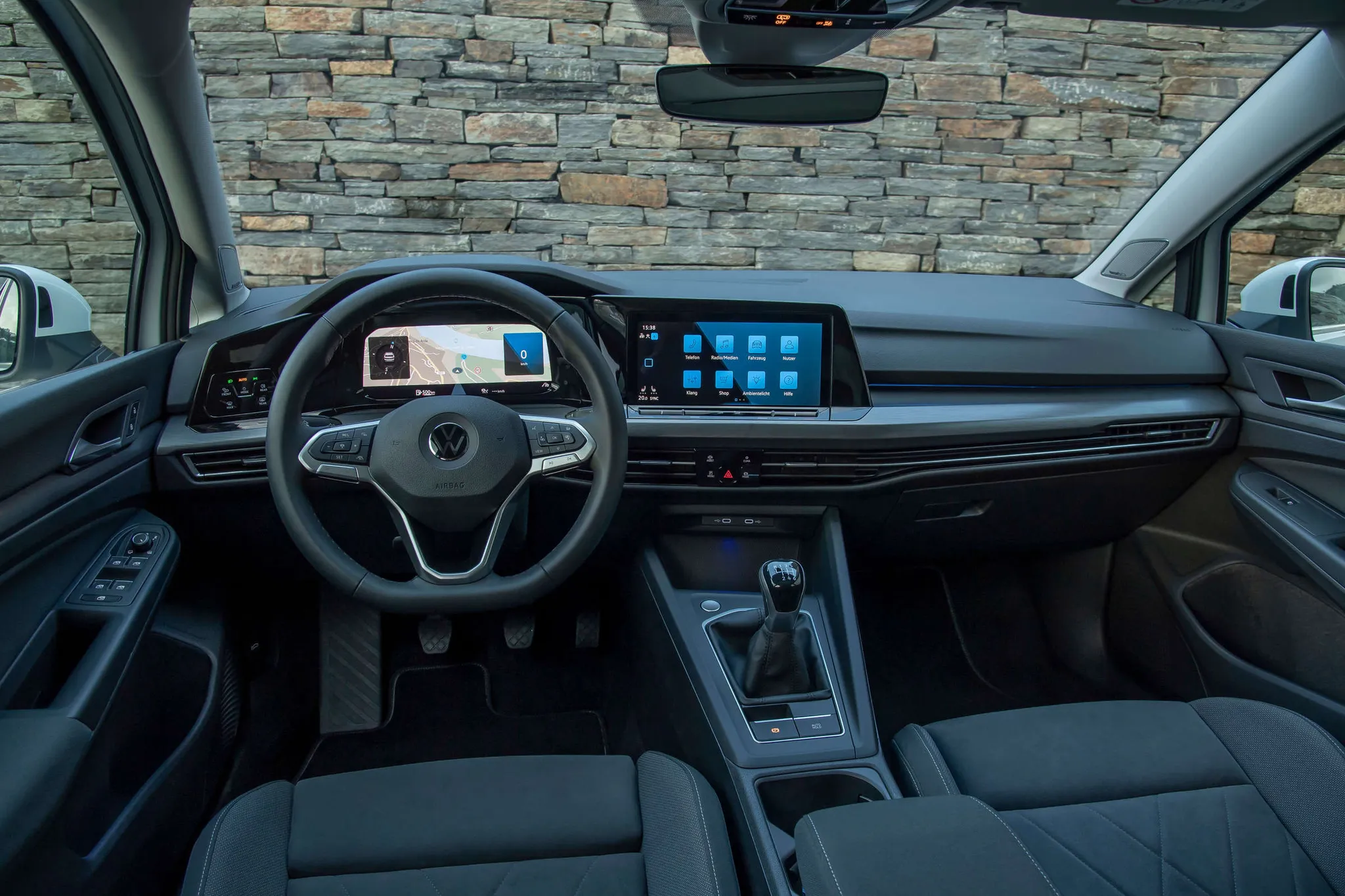
- Volkswagen Golf (Mk6)Cockpit · “Volkswagen Golf – sixth Generation” (opens in a new tab) · © Volkswagen AG · Editorial use (opens in a new tab) · Volkswagen Newsroom
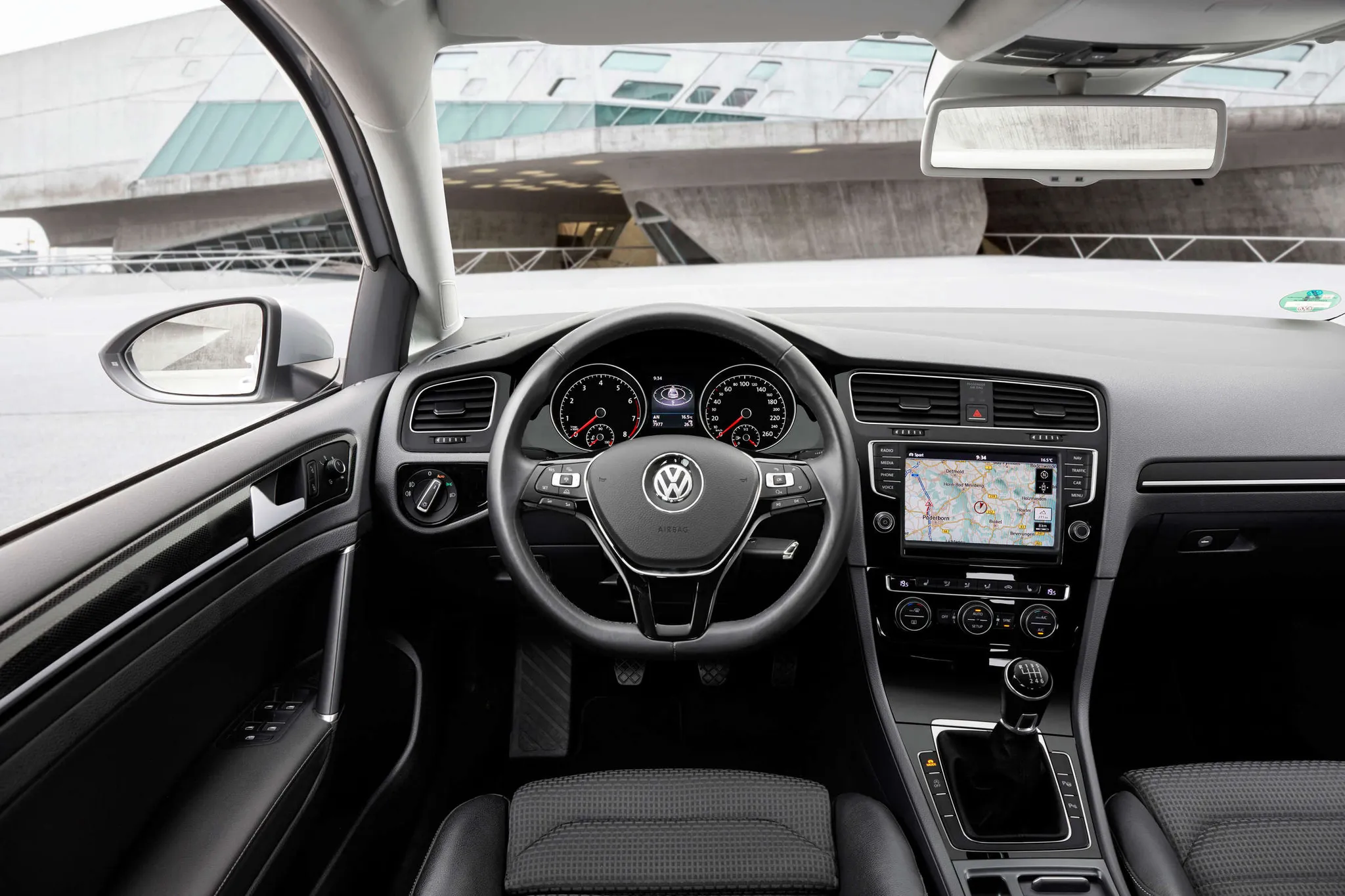
- Volkswagen Golf (Mk7)Cockpit · “Volkswagen Golf - seventh Generation” (opens in a new tab) · © Volkswagen AG · Editorial use (opens in a new tab) · Volkswagen Newsroom
- Volkswagen Golf (Mk8)Cockpit · “Volkswagen Golf” (opens in a new tab) · © Volkswagen AG · Editorial use (opens in a new tab) · Volkswagen Newsroom
Details
Summary
In 2008 the Golf VI swapped the blue instrument lighting used since the Golf IV for white-lit dials from the Passat CC, and offered touchscreen navigation units.
Specifications
Cockpit
Instrument cluster
Round dials in chrome rings and a multifunction display, standard from Trendline, with a "Plus" version on some models. The Golf R had blue needles.
Centre display
Controls
Climatic manual air conditioning on Trendline, dual-zone Climatronic on Highline.
Facts
- The dials came from the Passat CC and replaced the blue lighting used since the Golf IV.[1][2]
- Volkswagen gave the Golf VI new steering wheels, a new operating concept for the air conditioning and improved radios, with DAB+ digital radio available.[1]
- The RNS 510 added DAB reception and dynamic navigation, with maps on a 30 GB hard drive.[5]
- Blaupunkt supplied the RNS 310, whose map data could be copied from the navigation CD to an SD or MMC card.[4]
- The driver information in the cluster gained new functions, steering-wheel operation became more prominent, and voice control could be ordered.[6]