Skip to content
Car Interfaces
Buick logo

Buick Reatta

1988–1991Chassis code E-body

Centre display
Touchscreen
CompareReport an error

Showing 2 photos

Showing 4 elements

2 facts · 4 sources

Photos

Showing 2 photos

No photos of the instrument cluster and the centre display yet. Add a photo

Photo credits

Photo credits (2)
  1. Buick Reatta, photo 1Cockpit · “2016 Northeast Texas Buick and Classic Car Show 18 (1989 Buick Reatta interior)” (opens in a new tab) · Photo: Michael Barera · CC BY-SA 4.0 (opens in a new tab) · Wikimedia Commons
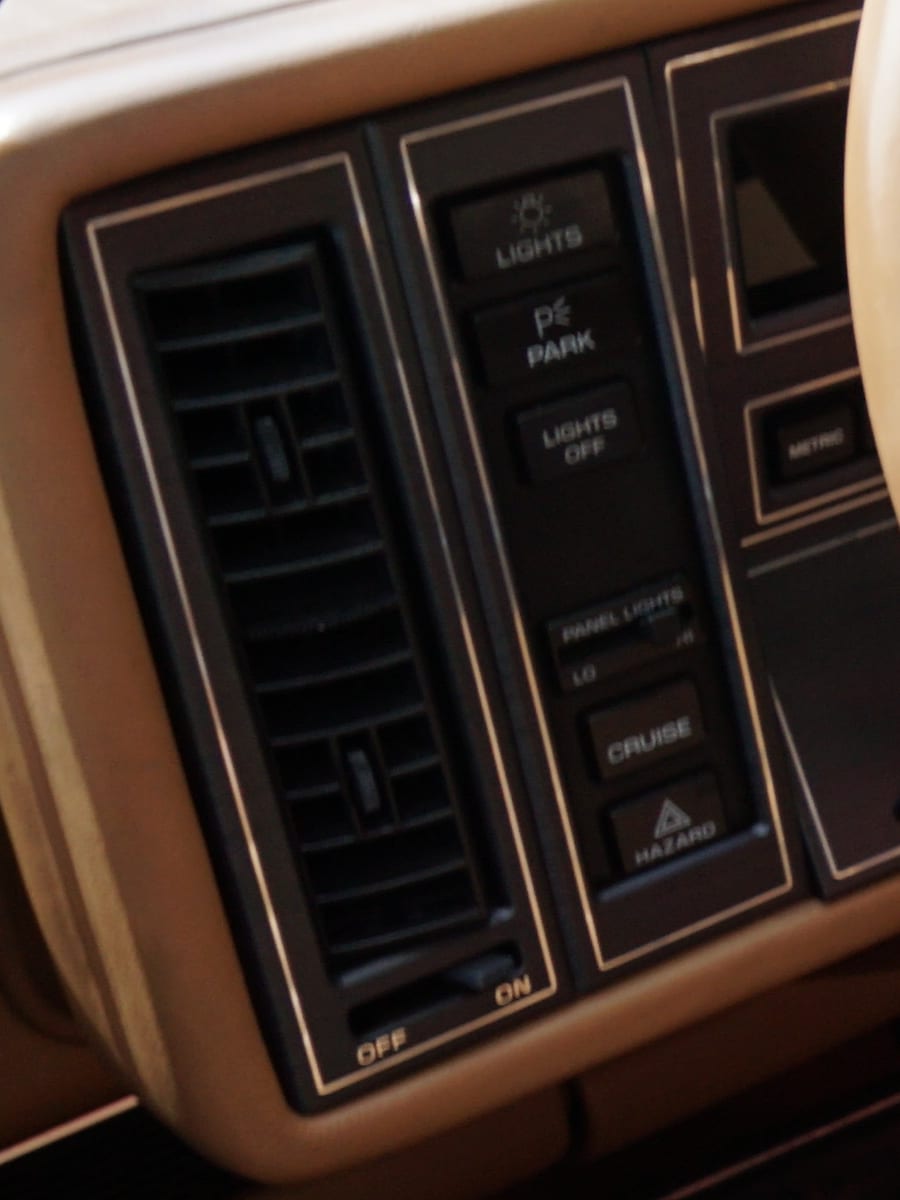
  2. Buick Reatta, photo 2Controls · Cropped from “2016 Northeast Texas Buick and Classic Car Show 18 (1989 Buick Reatta interior)” (opens in a new tab) · Photo: Michael Barera · CC BY-SA 4.0 (opens in a new tab) · Wikimedia Commons

Elements

Showing 4 elements

Details

2 facts · 4 sources

Summary

The two-seat Reatta launched with a CRT touchscreen at the centre of its dashboard and returned to push buttons in its 1990 redesign.

Specifications

Chassis code
E-body
Centre display
Touchscreen
Infotainment
  • Electronic Control Center (ECC)1988–1989
  • Conventional radio and climate controls1990–1991
Input
Touchscreen, Physical buttons
Climate
Mixed physical and screen
Era
Display recreation
Blue-green VFD sweep

Cockpit

Instrument cluster

Digital readouts like the Riviera's, with no analog needles.

Centre display

Electronic Control Center (ECC)

Ran the audio and climate, plus a trip computer, date reminder, settable speed warning and sensor diagnostics.

Conventional radio and climate controls

Push-button audio and climate panel without a trip computer; diagnostic readouts were reached through the climate buttons instead.

Facts

  • The Electronic Control Center was Buick's name for the Riviera's Graphic Control Center as fitted to the Reatta.[2][3]
  • The 1990 interior redesign added a driver's airbag, and a CD player joined the options.[1]

Sources

Record

Record
buick/reatta/1st-gen
Not yet recorded
Head-up display
Open questions
5Answer one

Search the archive

Search by maker, model, chassis code, year, decade, element or system. Use the up and down arrow keys to move through results and Enter to open one. With a search typed, Tab switches between all results and each scope.

↑↓ Move↵ OpenEsc Close