
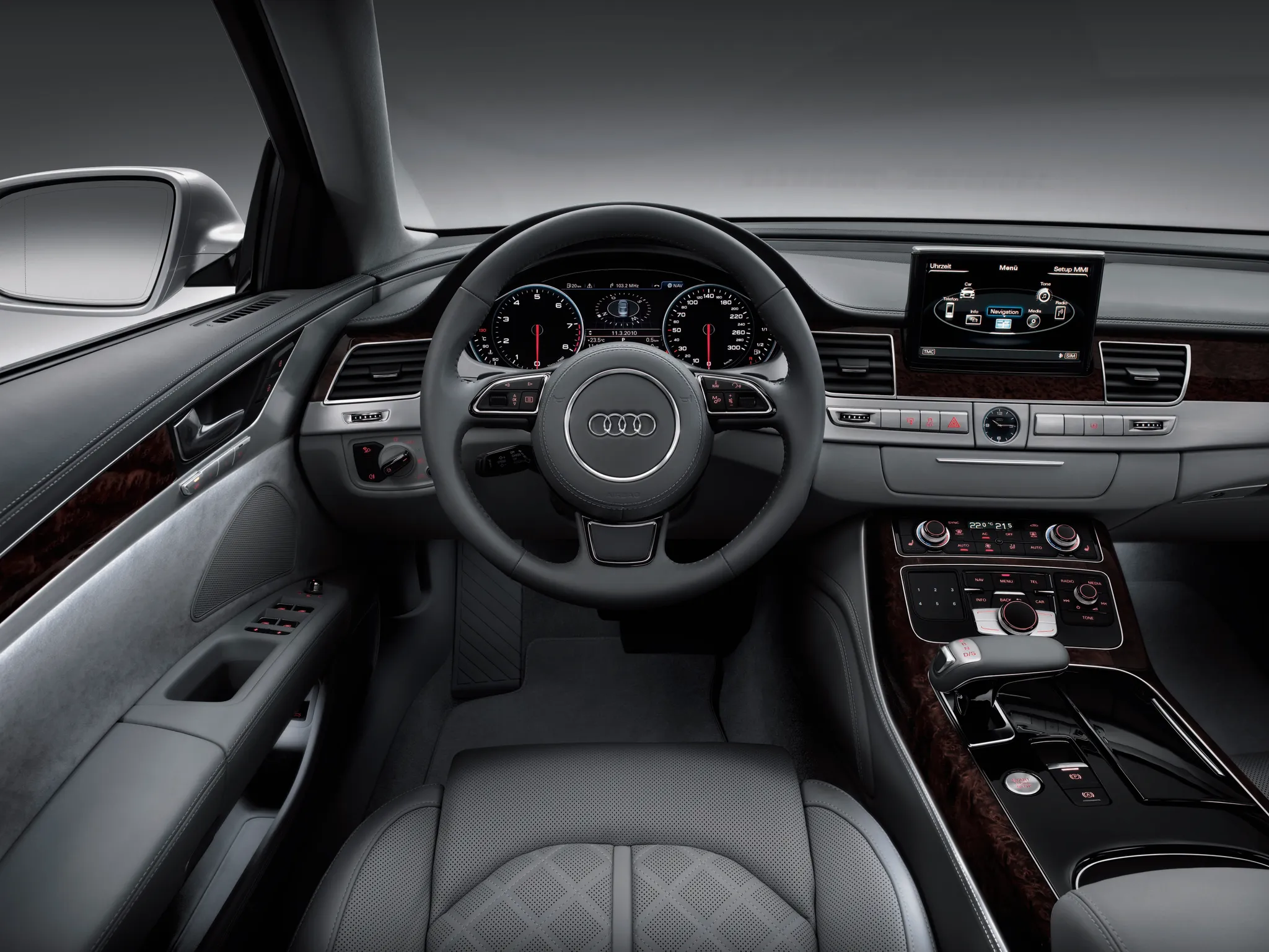
 Cockpit, Audi A8 (D4)
Photos
- Cockpit, Audi A8 (D4)
 Cockpit, Audi A8 (D4)
 Cockpit, Audi A8 (D4)
 Cockpit, Audi A8 (D4)
 Instrument cluster, Audi A8 (D4)
 Detail, Audi A8 (D4)
Photo credits
Photo credits (6)
- Audi A8 (D4), photo 1Cockpit · “Audi A8 L (2010): Cockpit” (opens in a new tab) · © AUDI AG · Editorial use (opens in a new tab) · Audi Media Center
- Audi A8 (D4), photo 2Cockpit · “Audi-A8-Japan” (opens in a new tab) · Photo: Kirakiraouji · CC BY-SA 3.0 (opens in a new tab) · Wikimedia Commons
- Audi A8 (D4), photo 3Cockpit · “Audi A8 D4 interior” (opens in a new tab) · Photo: TTTNIS · CC0 (opens in a new tab) · Wikimedia Commons
- Audi A8 (D4), photo 4Cockpit · “Audi S8 plus (D4) interior” (opens in a new tab) · Photo: Tokumeigakarinoaoshima · CC BY-SA 4.0 (opens in a new tab) · Wikimedia Commons
- Audi A8 (D4), photo 5Instrument cluster · “Audi A8 2013 (11209866056)” (opens in a new tab) · Photo: Robert Basic from Germany · CC BY 2.0 (opens in a new tab) · Wikimedia Commons
- Audi A8 (D4), photo 6Detail · “Audi A8 2013 (11209745734)” (opens in a new tab) · Photo: Robert Basic from Germany · CC BY 2.0 (opens in a new tab) · Wikimedia Commons
Elements
Lineage
Audi A8 generations

Previous and next
Compare with the D3Photo credits
Photo credits (4)
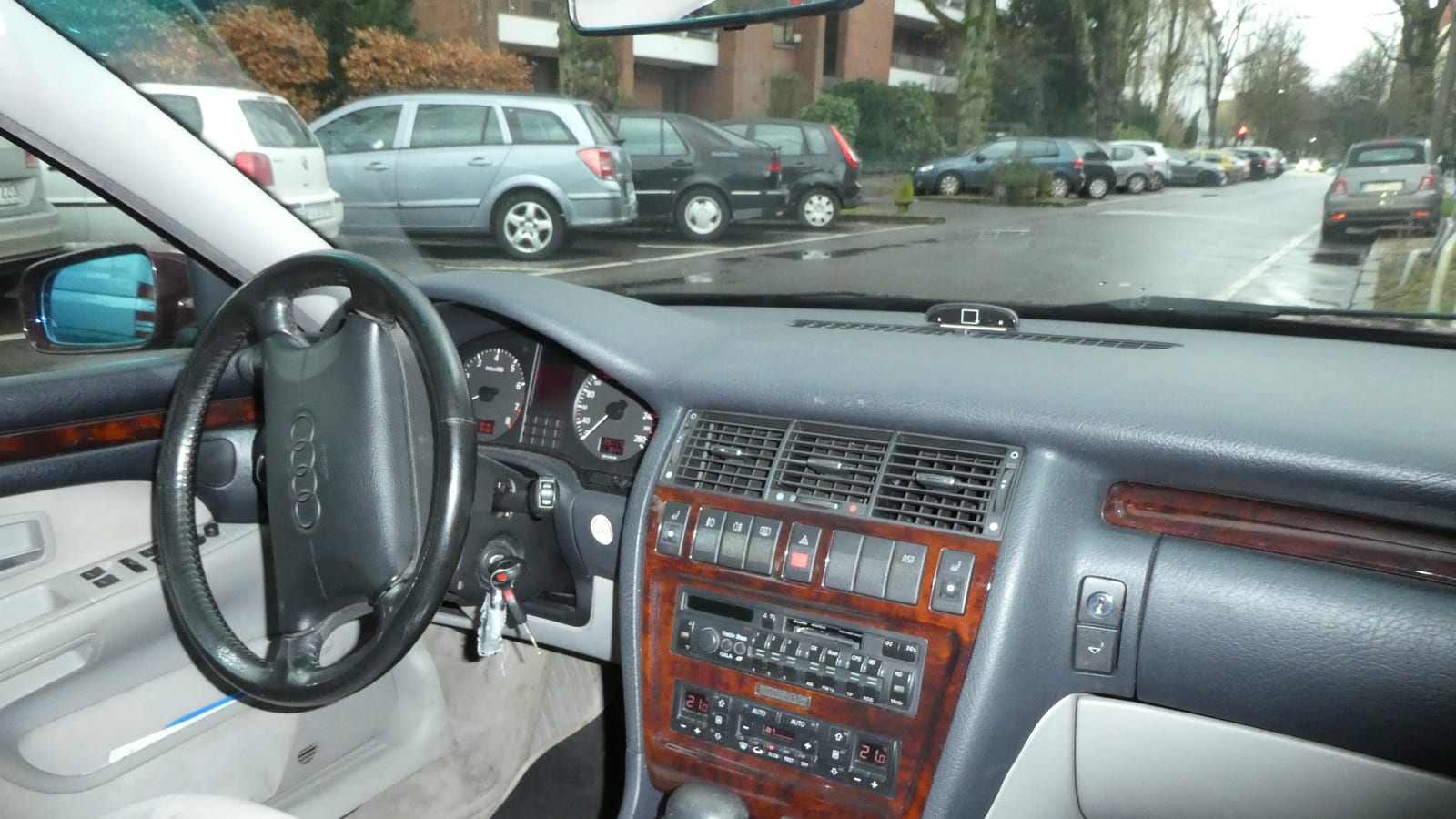
- Audi A8 (D2)Cockpit · Cropped from “1995 Audi A8 3.7 Litre instrument panel” (opens in a new tab) · Photo: Andrew Bone · CC BY 2.0 (opens in a new tab) · Wikimedia Commons
- Audi A8 (D3)Cockpit · “Audi A8 4.2 TDI quattro tiptronic Interieur” (opens in a new tab) · Photo: Thomas doerfer · CC BY 3.0 (opens in a new tab) · Wikimedia Commons
- Audi A8 (D4)Cockpit · “Audi A8 L (2010): Cockpit” (opens in a new tab) · © AUDI AG · Editorial use (opens in a new tab) · Audi Media Center
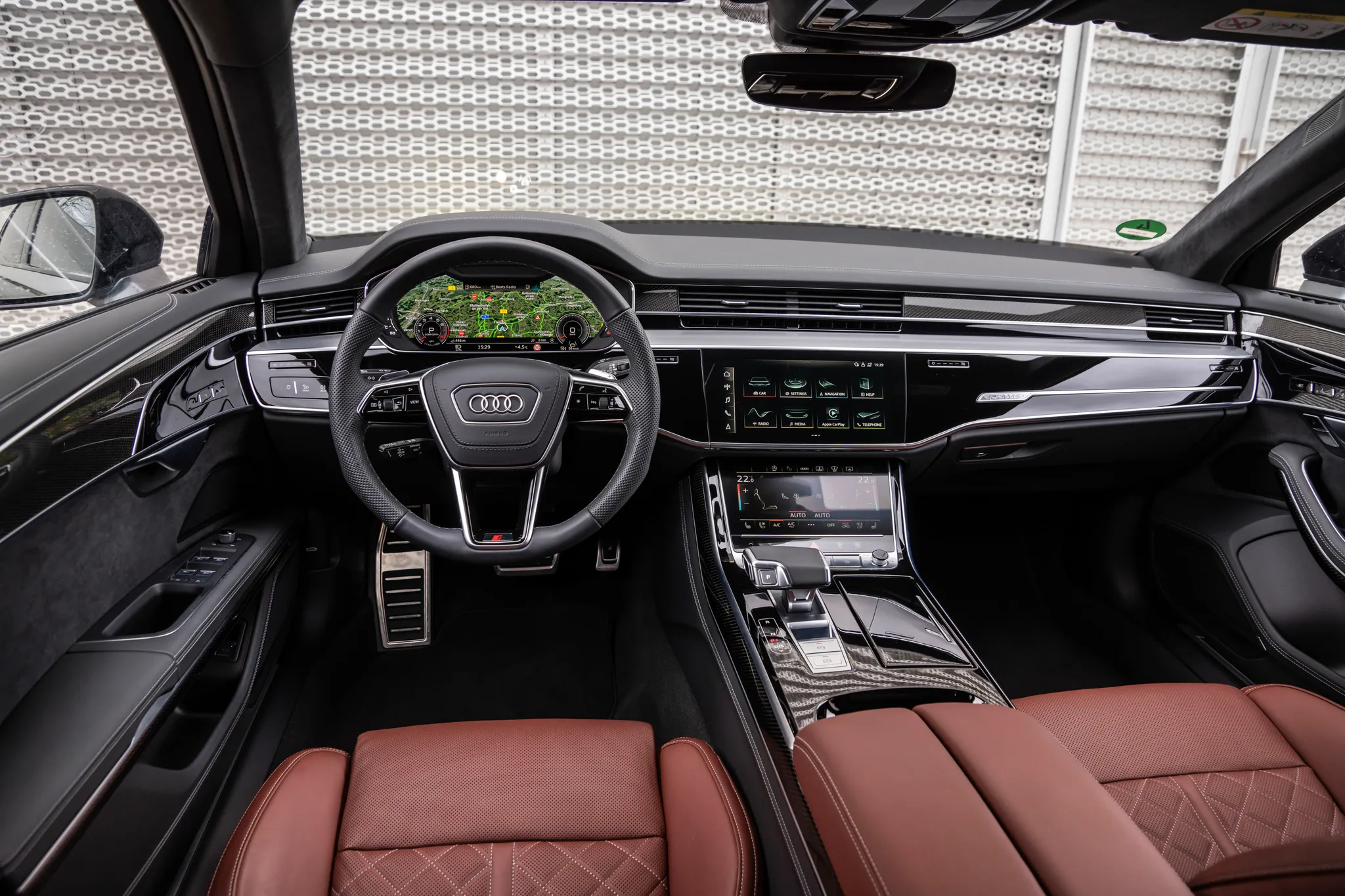
- Audi A8 (D5)Cockpit · “Audi A8: Cockpit” (opens in a new tab) · © AUDI AG · Editorial use (opens in a new tab) · Audi Media Center
Details
Summary
The third A8 introduced MMI touch, a touchpad on which the driver writes letters and numbers with a finger.
Specifications
Cockpit
Instrument cluster
Speedometer and rev counter either side of a large driver information display.
Centre display
MMI navigation plus with MMI touch
High-resolution screen, worked by the rotary controller and the touchpad beside it.
Controls
Automatic climate control; the large controls and buttons could be ordered with aluminium surfaces.
Facts
- MMI touch also recognises Cyrillic, Chinese, Japanese and Korean characters.[3][5][2]
- The driver information display between the dials grew to 7 inches.[3][4]
- Navigation ran from a hard drive with 3D graphics, and the car offered UMTS internet access with a WLAN hotspot.[1]
- The 2013 facelift added a head-up display to the A8.[1][6]