
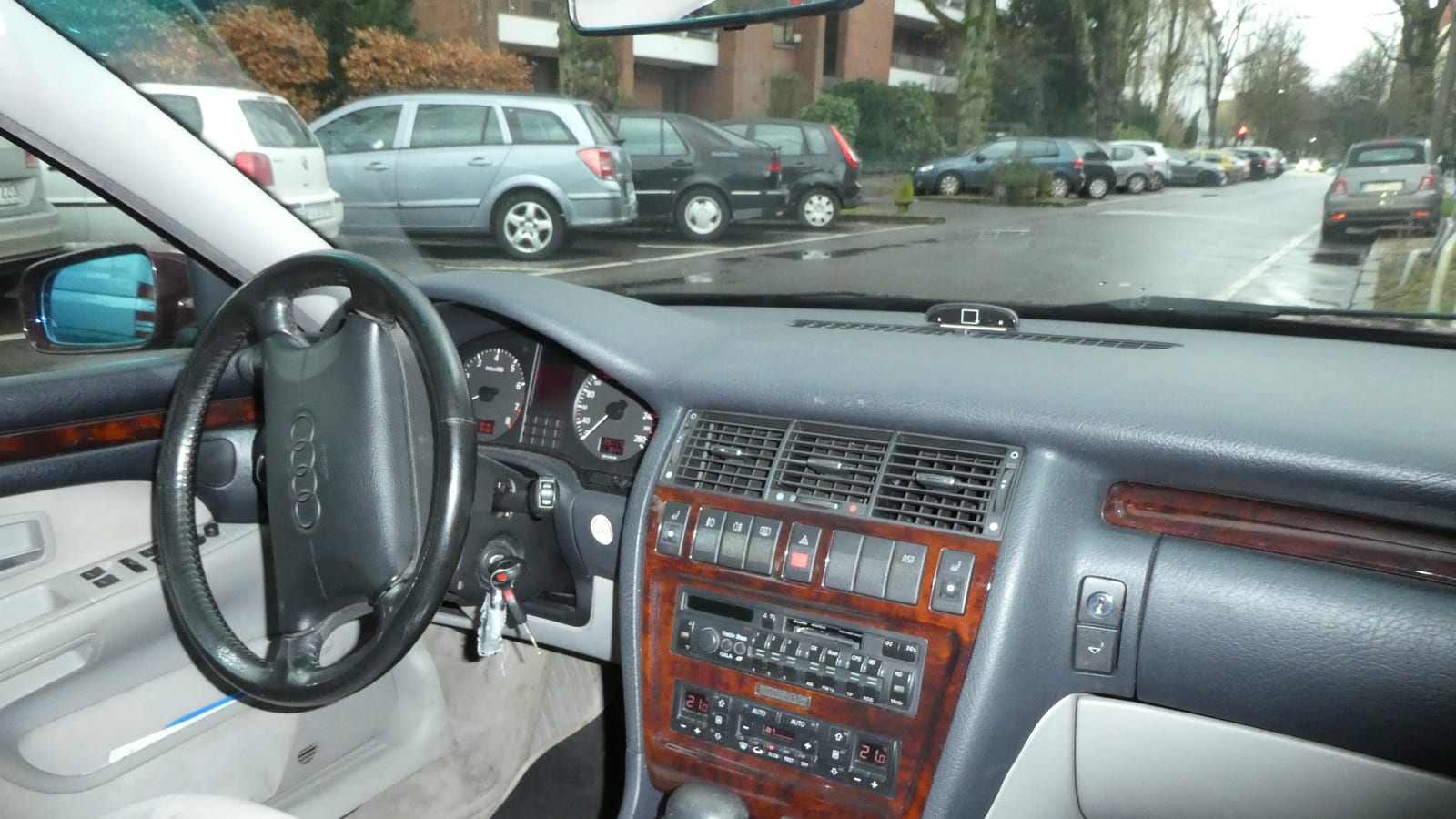
 Cockpit, Audi A8 (D3)
Photos
- Cockpit, Audi A8 (D3)
 Cockpit, Audi A8 (D3)
 Instrument cluster, Audi A8 (D3)
 Centre display, Audi A8 (D3)
Photo credits
Photo credits (4)
- Audi A8 (D3), photo 1Cockpit · “Audi A8 4.2 TDI quattro tiptronic Interieur” (opens in a new tab) · Photo: Thomas doerfer · CC BY 3.0 (opens in a new tab) · Wikimedia Commons
- Audi A8 (D3), photo 2Cockpit · “S8 D3 cockpit 2009” (opens in a new tab) · Photo: Sven from Schilde, Belgium · CC BY 2.0 (opens in a new tab) · Wikimedia Commons
- Audi A8 (D3), photo 3Instrument cluster · “AudiA8D3Dashboard” (opens in a new tab) · Photo: Lklundin · CC BY-SA 4.0 (opens in a new tab) · Wikimedia Commons
- Audi A8 (D3), photo 4Centre display · “Audi A8 Adaptive Air Suspension Control” (opens in a new tab) · Photo: Lklundin · CC BY-SA 4.0 (opens in a new tab) · Wikimedia Commons
Elements
Lineage
Audi A8 generations
Previous and next
Compare with the D2Photo credits
Photo credits (4)
- Audi A8 (D2)Cockpit · Cropped from “1995 Audi A8 3.7 Litre instrument panel” (opens in a new tab) · Photo: Andrew Bone · CC BY 2.0 (opens in a new tab) · Wikimedia Commons
- Audi A8 (D3)Cockpit · “Audi A8 4.2 TDI quattro tiptronic Interieur” (opens in a new tab) · Photo: Thomas doerfer · CC BY 3.0 (opens in a new tab) · Wikimedia Commons
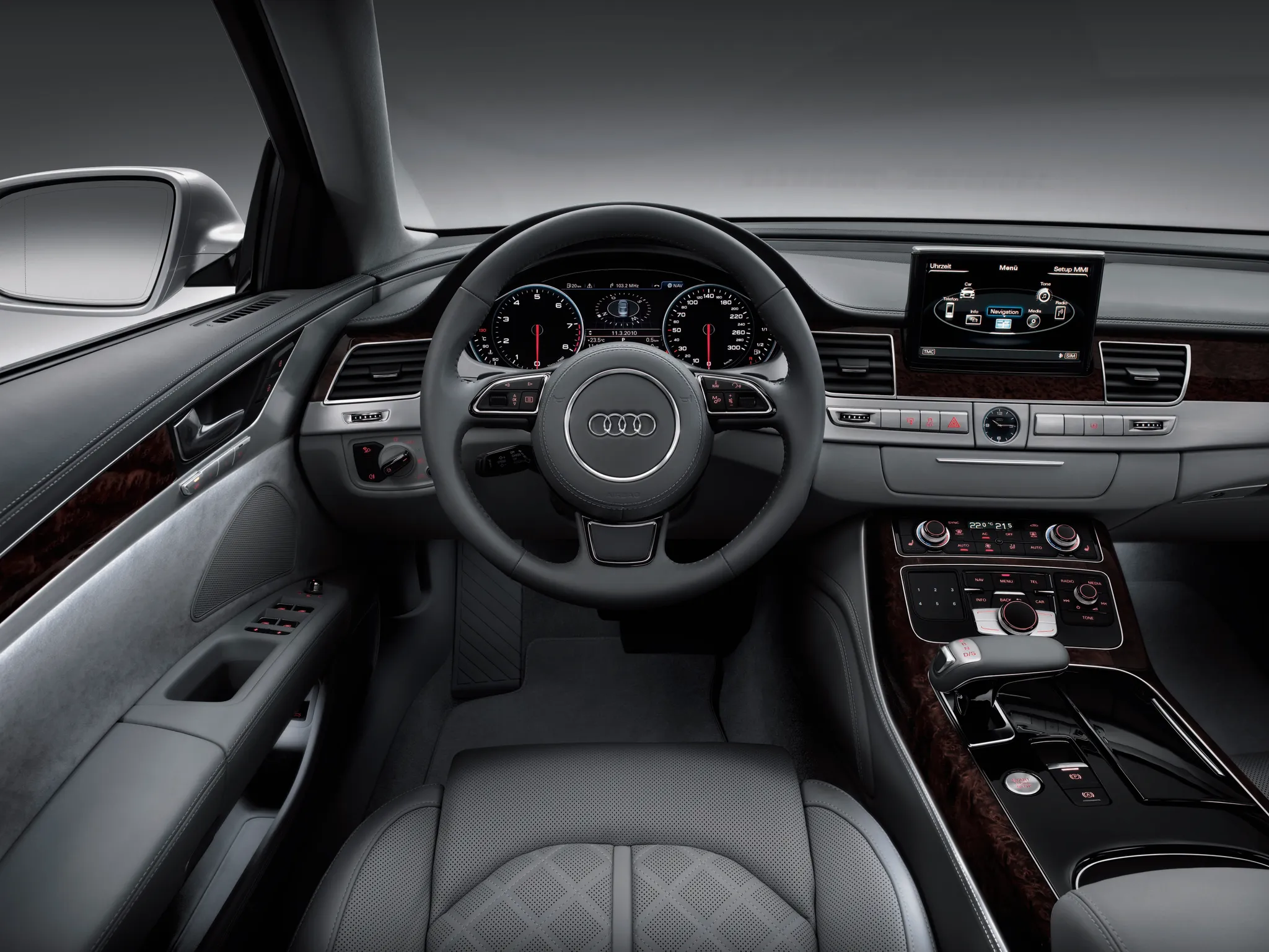
- Audi A8 (D4)Cockpit · “Audi A8 L (2010): Cockpit” (opens in a new tab) · © AUDI AG · Editorial use (opens in a new tab) · Audi Media Center
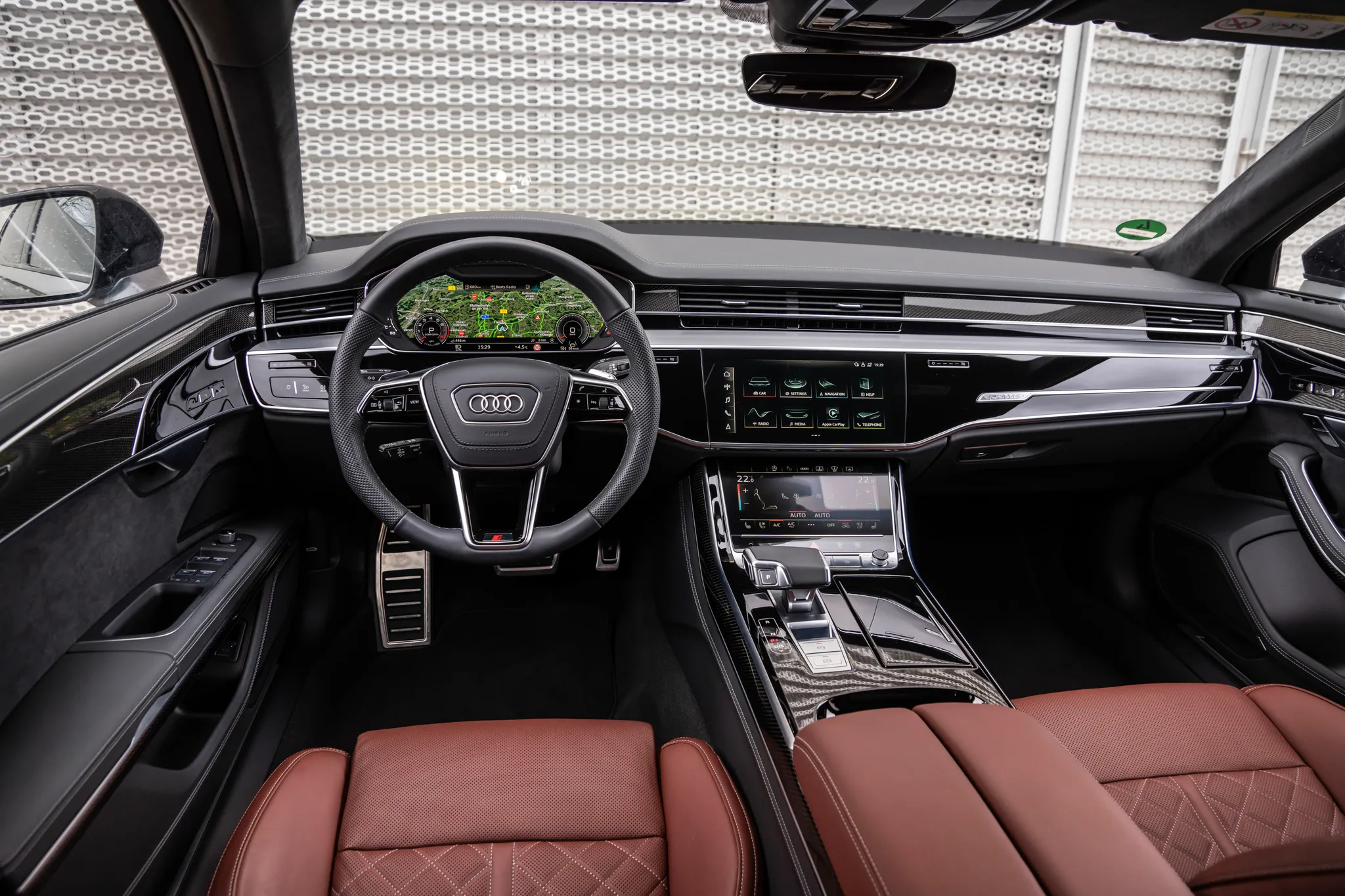
- Audi A8 (D5)Cockpit · “Audi A8: Cockpit” (opens in a new tab) · © AUDI AG · Editorial use (opens in a new tab) · Audi Media Center
Details
Summary
The second A8 was the launch car for Audi's Multi Media Interface (MMI).
Specifications
Cockpit
Instrument cluster
Speedometer and rev counter with a display between them.
Head-up display: First offered on the A8 with the 2013 facelift of the D4.
Centre display
Many functions can also be reached from the steering-wheel buttons.
Facts
- The MMI screen rises from the centre of the dashboard; when it is lowered, its functions move to the display between the dials.[4]
- The rotate-and-press controller sits behind the gear selector, ringed by function keys, and works through menus for audio, climate, navigation and suspension settings.[4]
- The D3 brought Audi's first GPS navigation system with DVD maps.[1]
- In mid-2008 the A8 was the first Audi with a new MMI generation: an 800 x 480 display, a 40 GB hard drive and 3D maps rendered by an Nvidia graphics processor.[5][3]