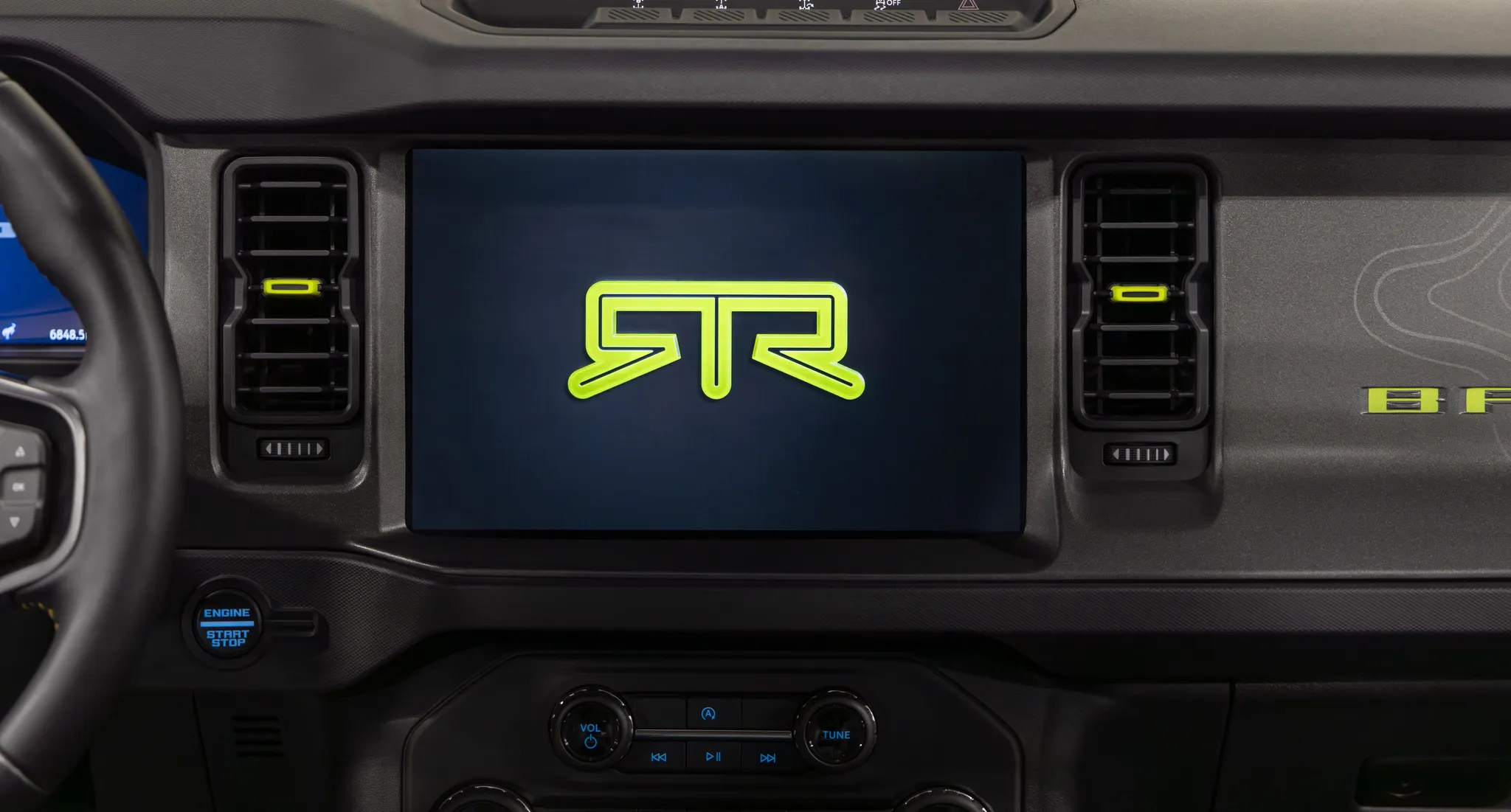
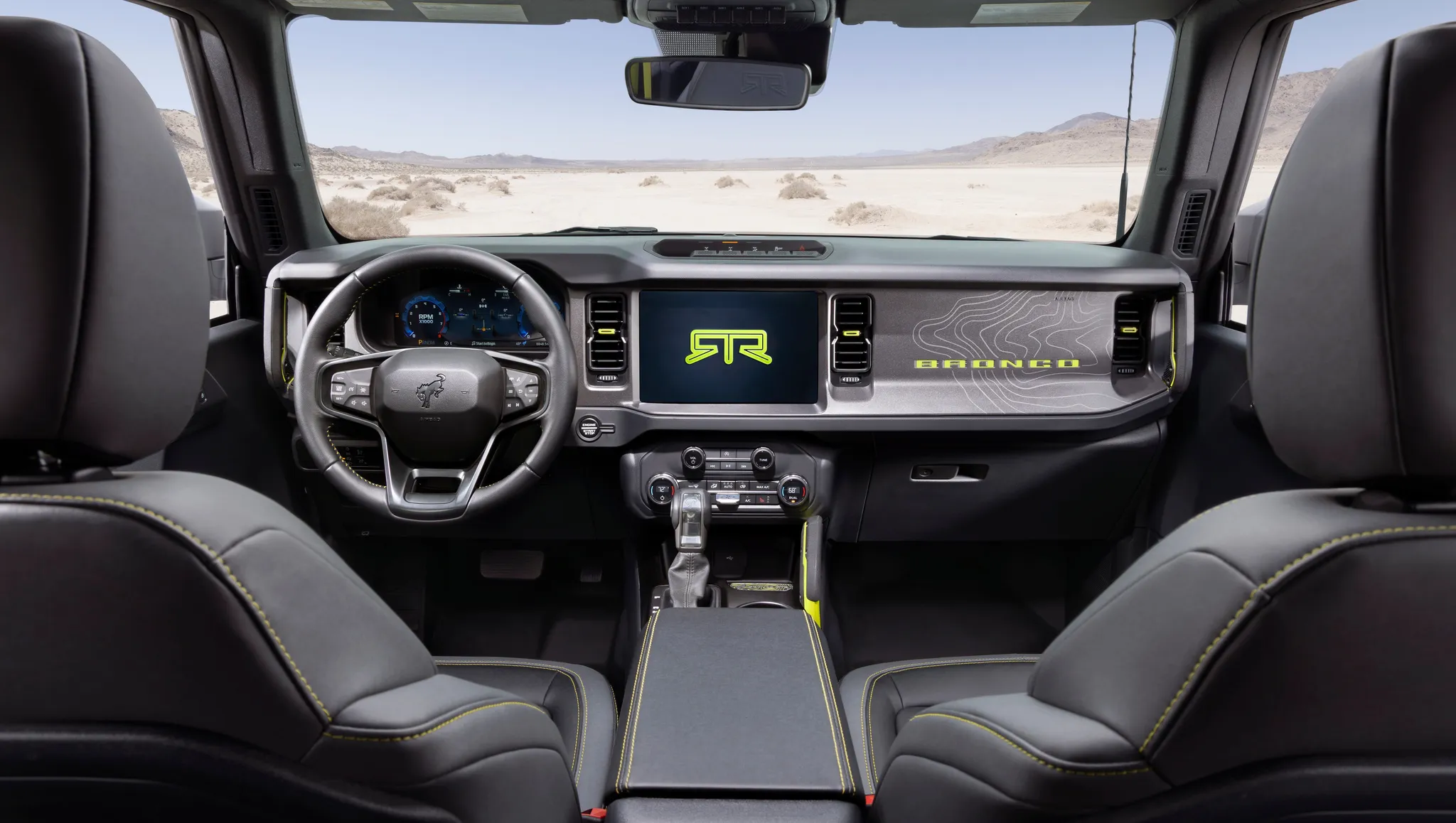

Ford Bronco (6th generation) centre display
Centre of the 2027 Bronco RTR dashboard: the touchscreen showing the RTR logo between two upright vents, the start button at lower left and the audio panel with volume and tuning knobs and track keys.
© Ford Motor Company · Editorial use (opens in a new tab) · Ford From the Road: source page for this photo (opens in a new tab)
More from this car
Similar photos

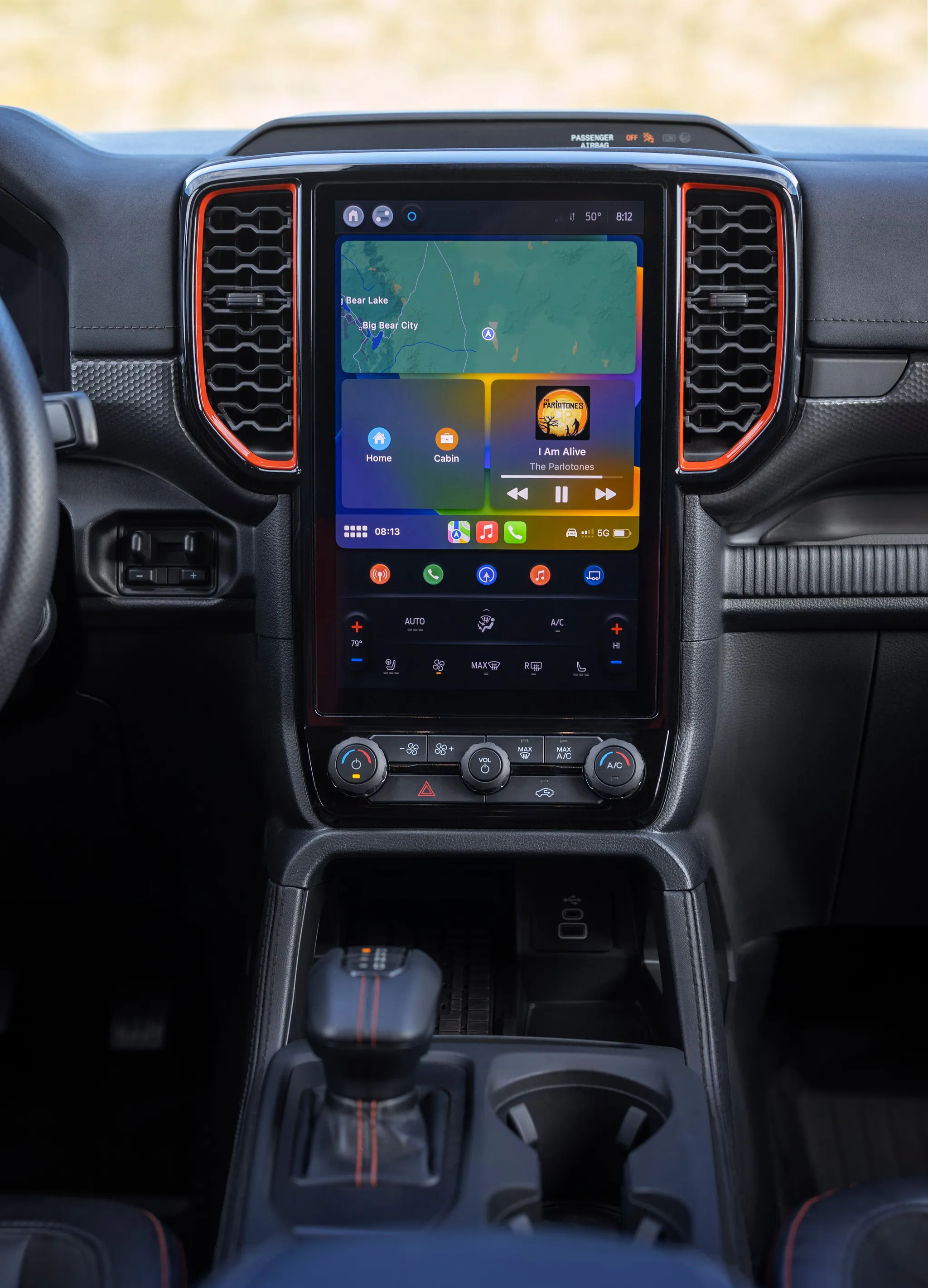
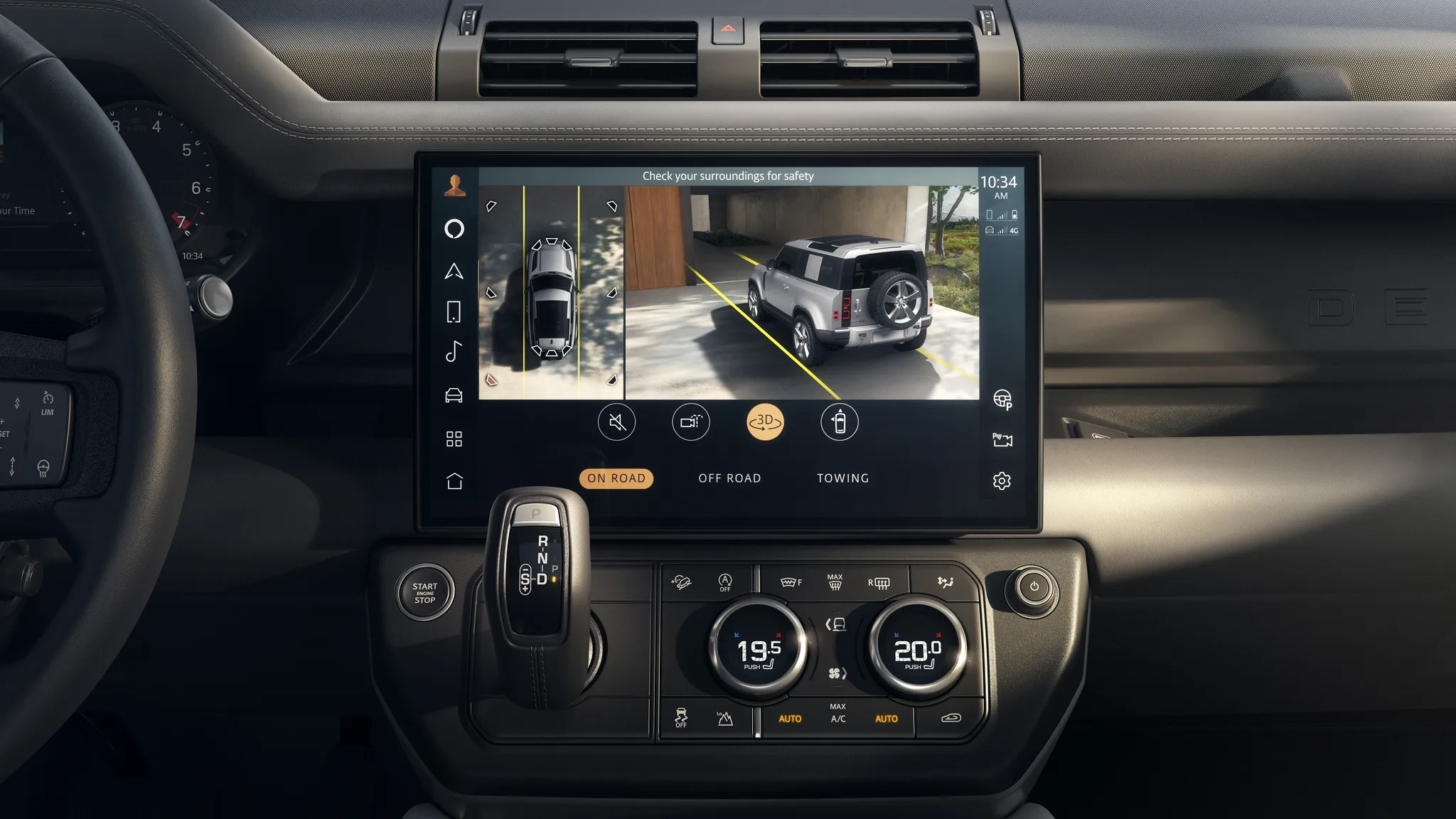

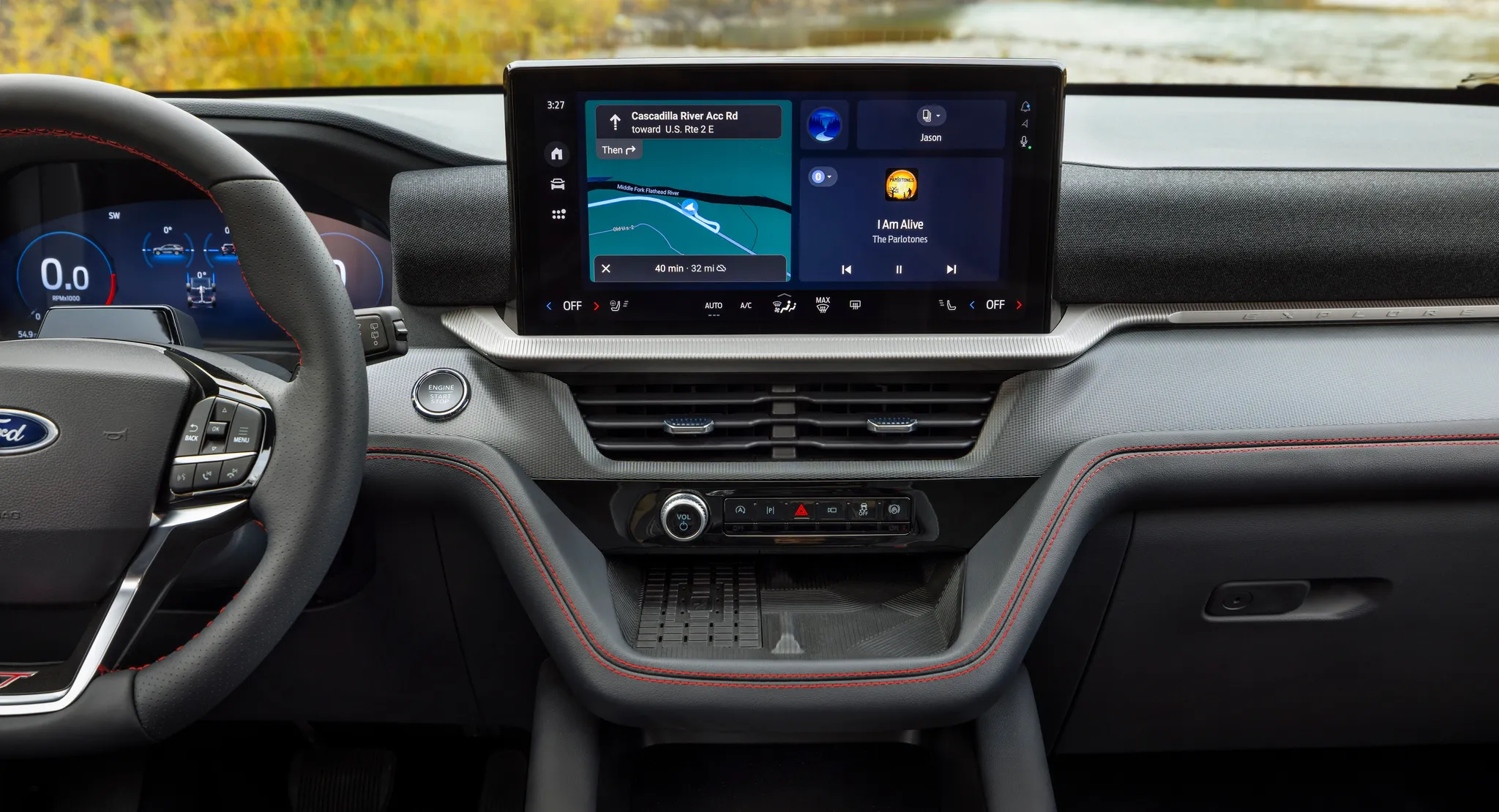
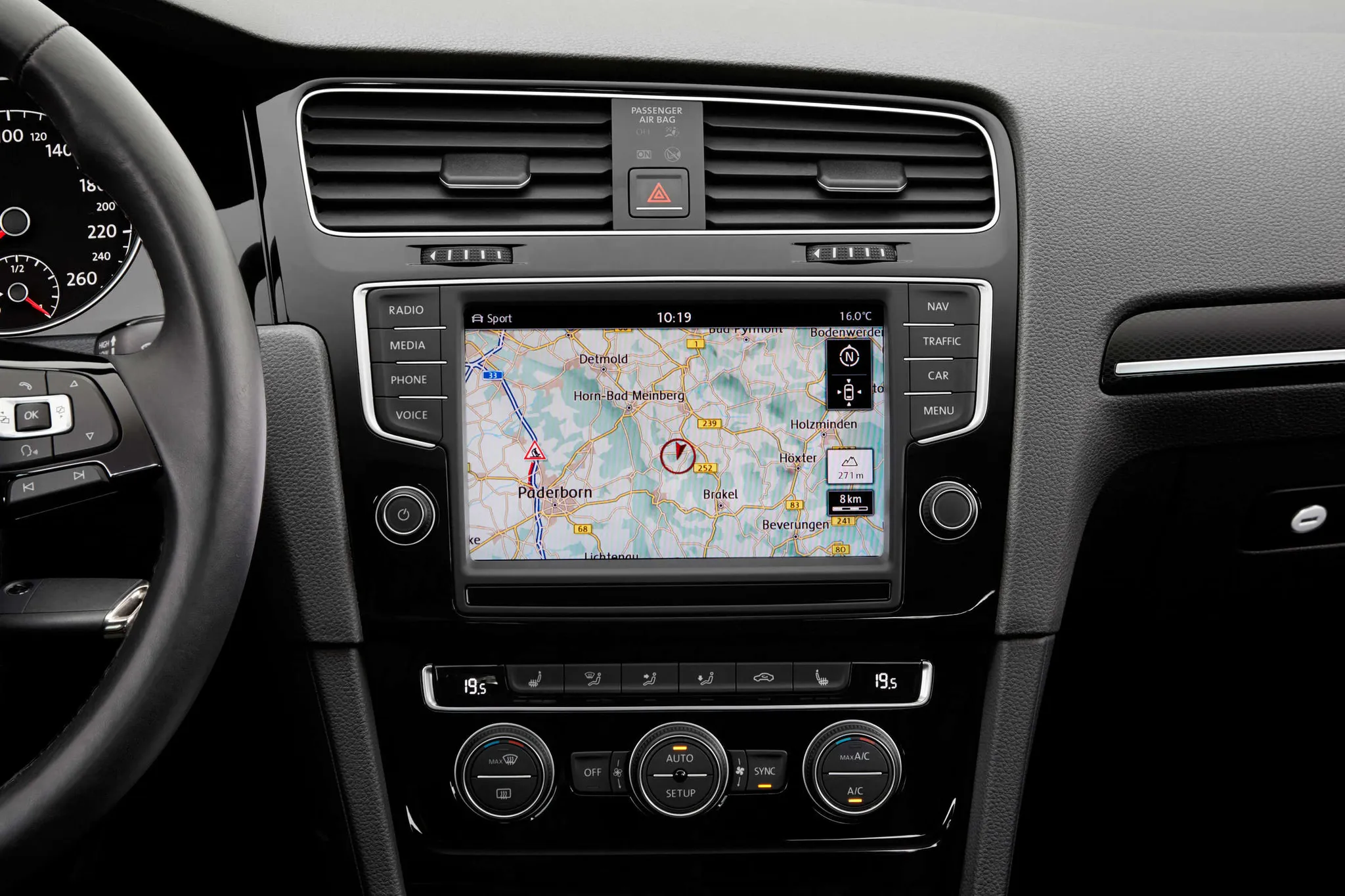



Photo credits
Photo credits (8)
- Ford Bronco (6th generation), centre display“2027 Bronco RTR Cabin” (opens in a new tab) · © Ford Motor Company · Editorial use (opens in a new tab) · Ford From the Road
- Ford Bronco (6th generation), cockpit“2027 Bronco RTR Cabin” (opens in a new tab) · © Ford Motor Company · Editorial use (opens in a new tab) · Ford From the Road
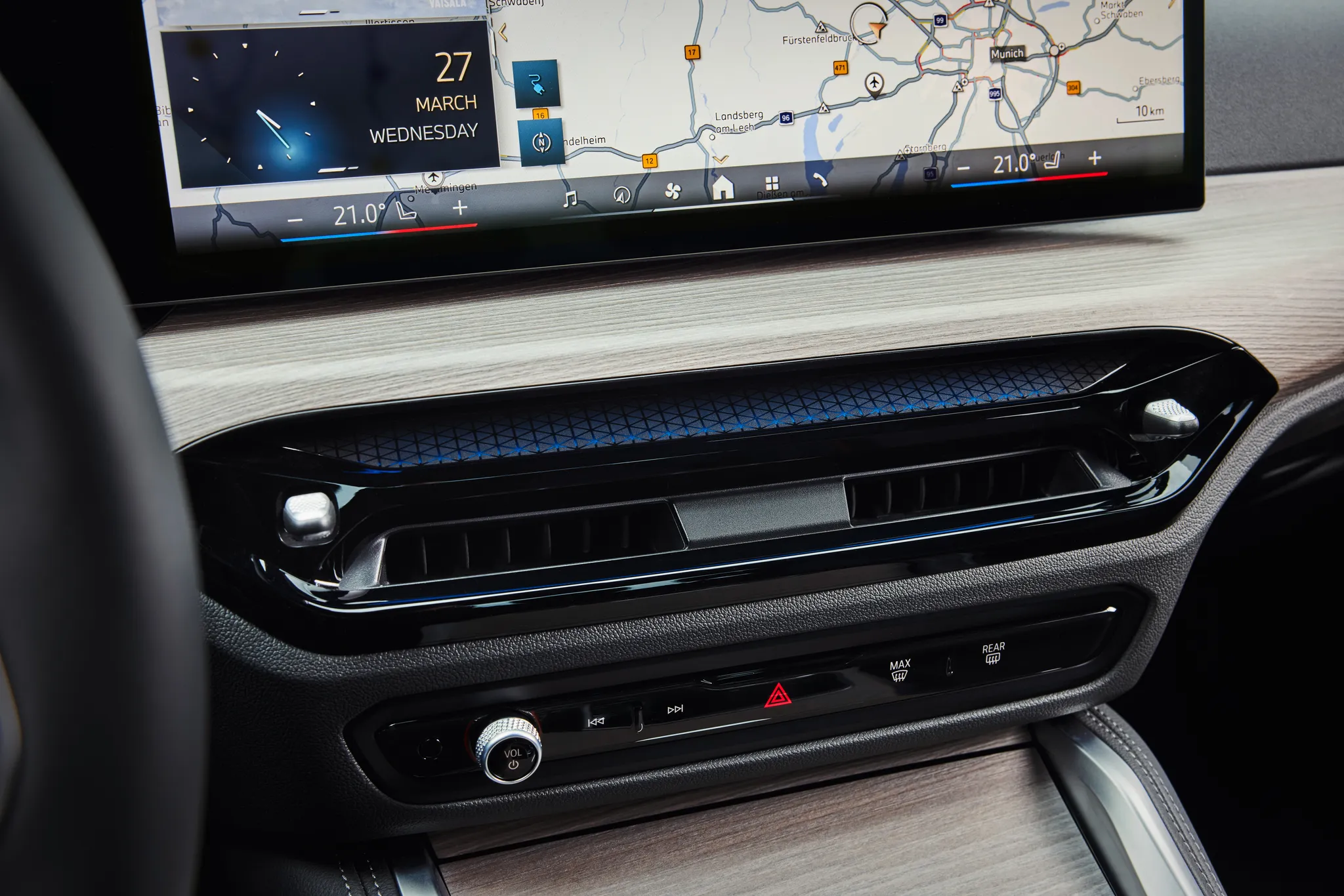
- BMW i4 (G26), centre display“The new BMW i4 e Drive40 – Interior” (opens in a new tab) · © BMW AG · Editorial use (opens in a new tab) · BMW Group Newsroom
- Ford Ranger (P703), centre display“All-New Ford Ranger Raptor 16” (opens in a new tab) · © Ford Motor Company · Editorial use (opens in a new tab) · Ford From the Road
- Land Rover Defender (L663), centre display“Images - Defender 26MY - Core Interior” (opens in a new tab) · © Jaguar Land Rover Automotive PLC · Editorial use (opens in a new tab) · JLR Media
- Ford Explorer (6th generation), centre display“2025 Ford Explorer” (opens in a new tab) · © Ford Motor Company · Editorial use (opens in a new tab) · Ford From the Road
- Volkswagen Golf (Mk7), centre display“Volkswagen Golf - seventh Generation” (opens in a new tab) · © Volkswagen AG · Editorial use (opens in a new tab) · Volkswagen Newsroom
- Lexus LS (XF40), centre display“2010 Lexus LS 460 Navigation System” (opens in a new tab) · Photo: Maryland Pride · CC BY-SA 3.0 (opens in a new tab) · Wikimedia Commons