
Ford Explorer (6th generation) centre display
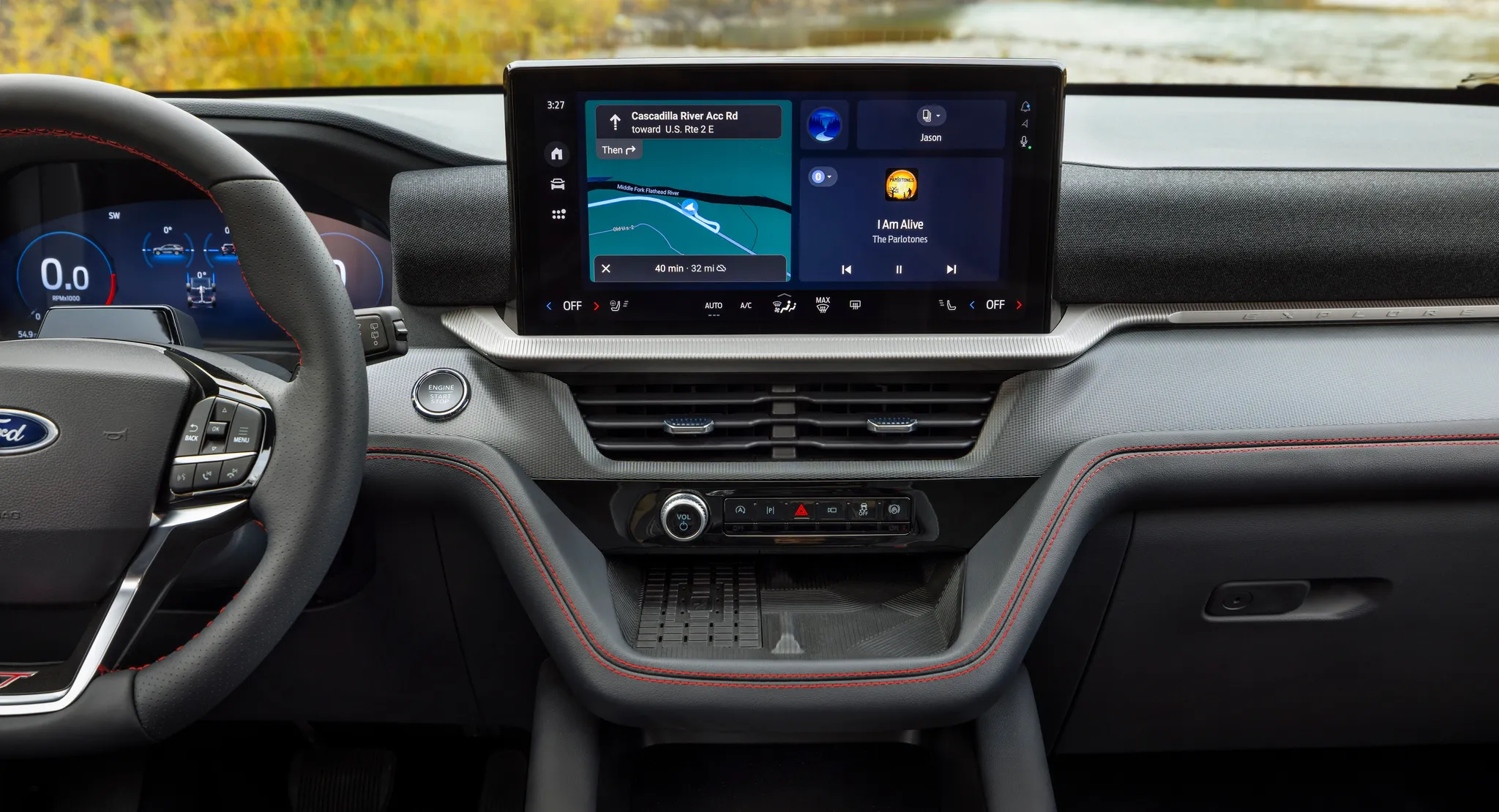
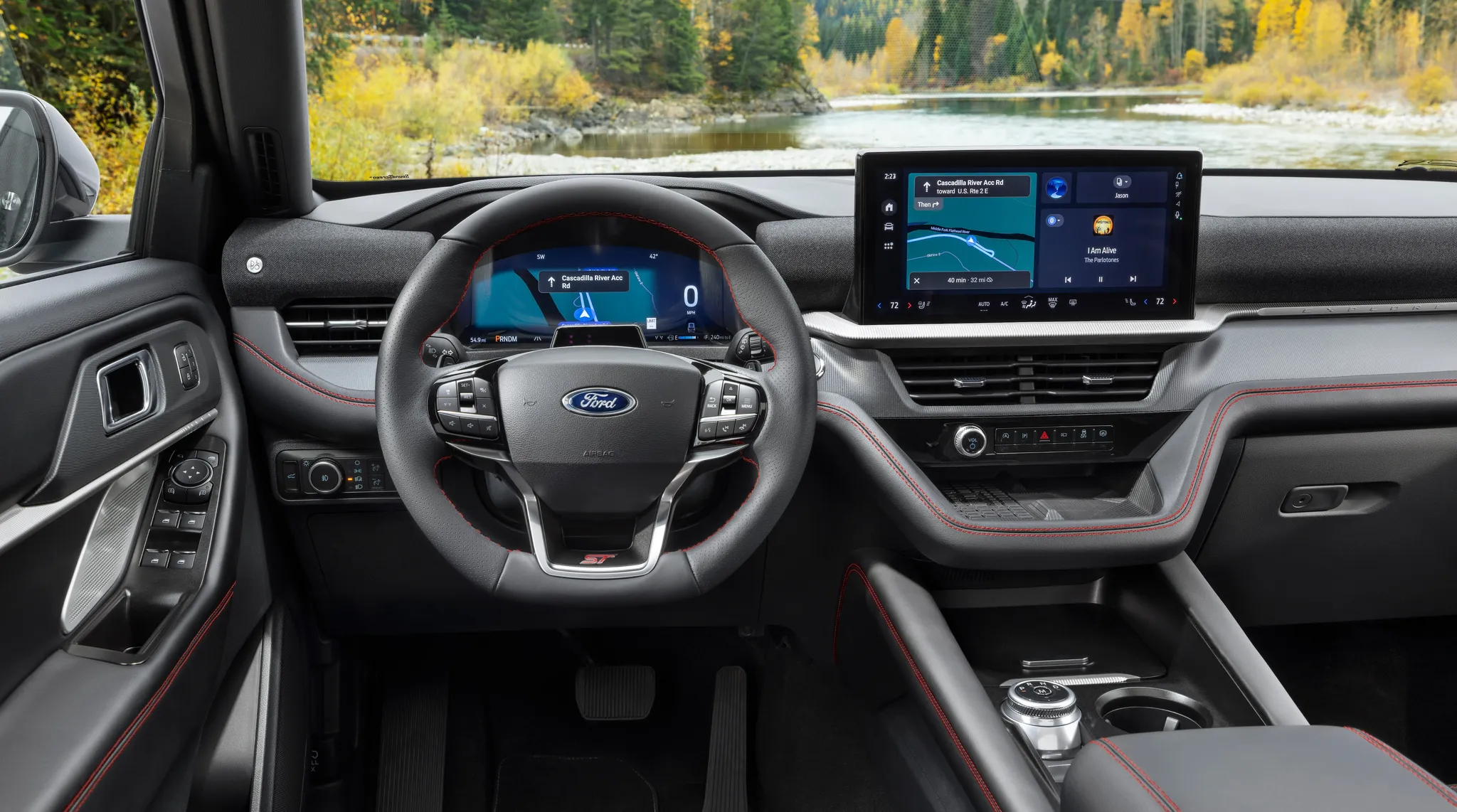
Centre stack of the 2025 Explorer ST: the touchscreen showing a map and audio, with temperature, fan, air-conditioning and demist controls in a bar along its lower edge, two slim vents, and the strip with the volume knob, hazard switch and driver-aid buttons above a storage tray.
- Centre display
- Touchscreen
- Navigation map
- Climate on screen or touch panel
- Button bank
- Screen cluster
- 2020s
© Ford Motor Company · Editorial use (opens in a new tab) · Ford From the Road: source page for this photo (opens in a new tab)
More from this car
Similar photos


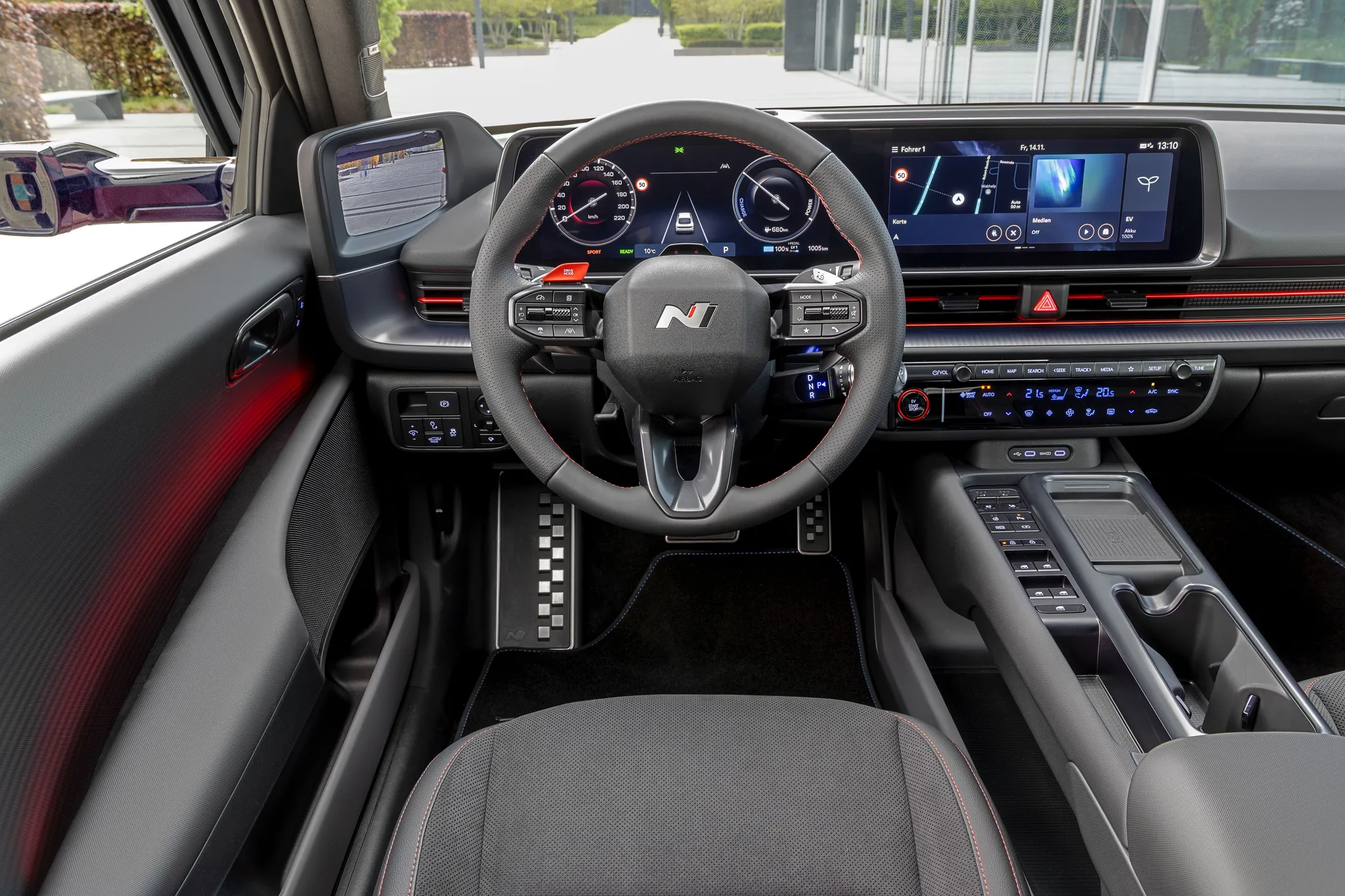

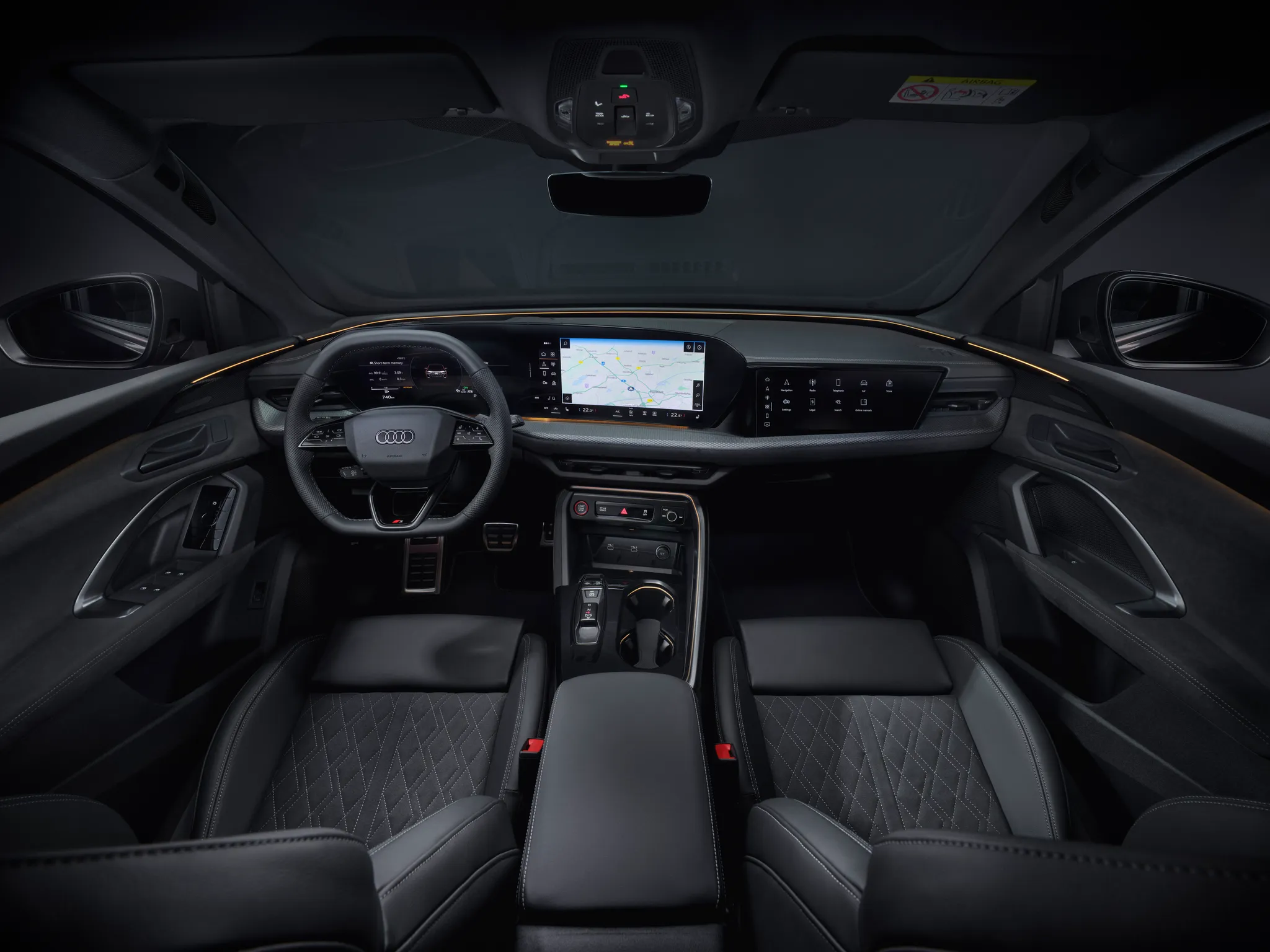
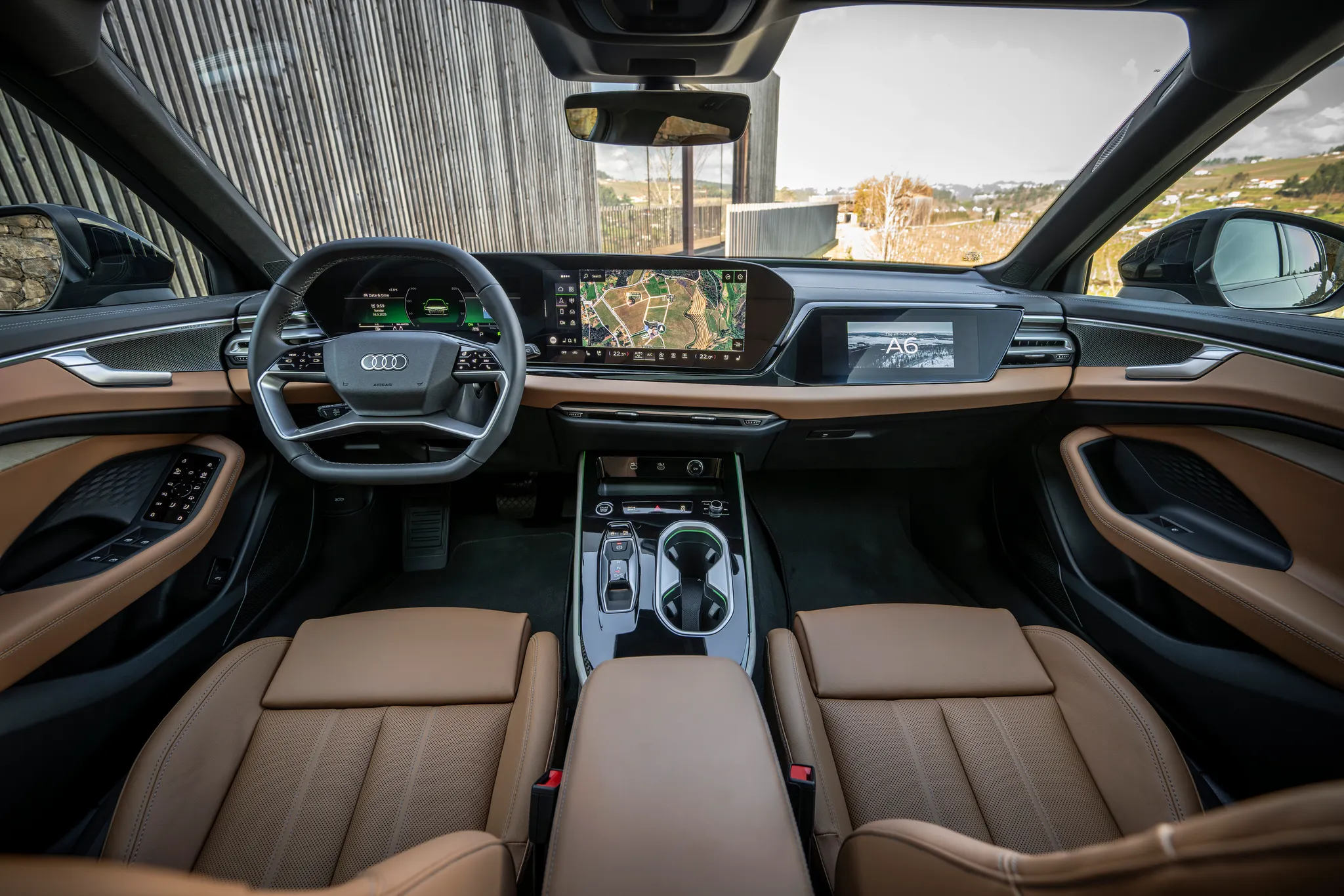
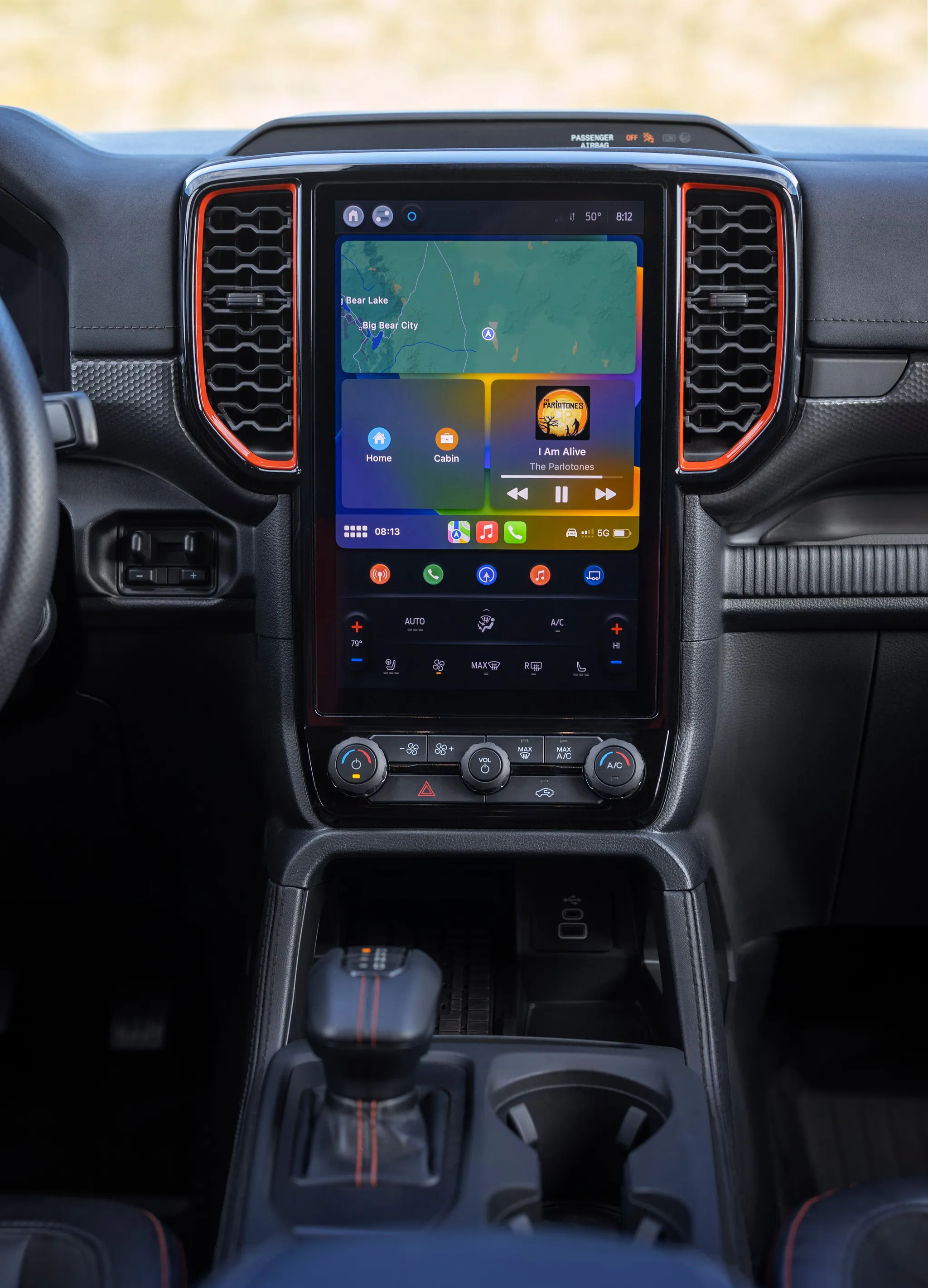
Photo credits
Photo credits (8)
- Ford Explorer (6th generation), centre display“2025 Ford Explorer” (opens in a new tab) · © Ford Motor Company · Editorial use (opens in a new tab) · Ford From the Road
- Ford Explorer (6th generation), cockpit“2025 Ford Explorer” (opens in a new tab) · © Ford Motor Company · Editorial use (opens in a new tab) · Ford From the Road
- Audi Q4 e‑tron, cockpit“Audi Q4 SUV e-tron: Studio photo, interior, digital stage” (opens in a new tab) · © AUDI AG · Editorial use (opens in a new tab) · Audi Media Center
- BMW i4 (G26), cockpit“The new BMW i4 e Drive40 – Interior” (opens in a new tab) · © BMW AG · Editorial use (opens in a new tab) · BMW Group Newsroom
- Hyundai Ioniq 6, cockpit“Hyundai IONIQ 6 N Line images | Facelift 2025” (opens in a new tab) · © Hyundai Motor Europe GmbH · Editorial use (opens in a new tab) · Hyundai Newsroom Europe
- Audi Q5 (GU), cockpit“Audi Q5 SUV: Interior” (opens in a new tab) · © AUDI AG · Editorial use (opens in a new tab) · Audi Media Center
- Audi A6 (C9), cockpit“Audi A6 Avant: Cockpit” (opens in a new tab) · © AUDI AG · Editorial use (opens in a new tab) · Audi Media Center
- Ford Ranger (P703), centre display“All-New Ford Ranger Raptor 16” (opens in a new tab) · © Ford Motor Company · Editorial use (opens in a new tab) · Ford From the Road