
Volvo XC90 (Mk2) cockpit
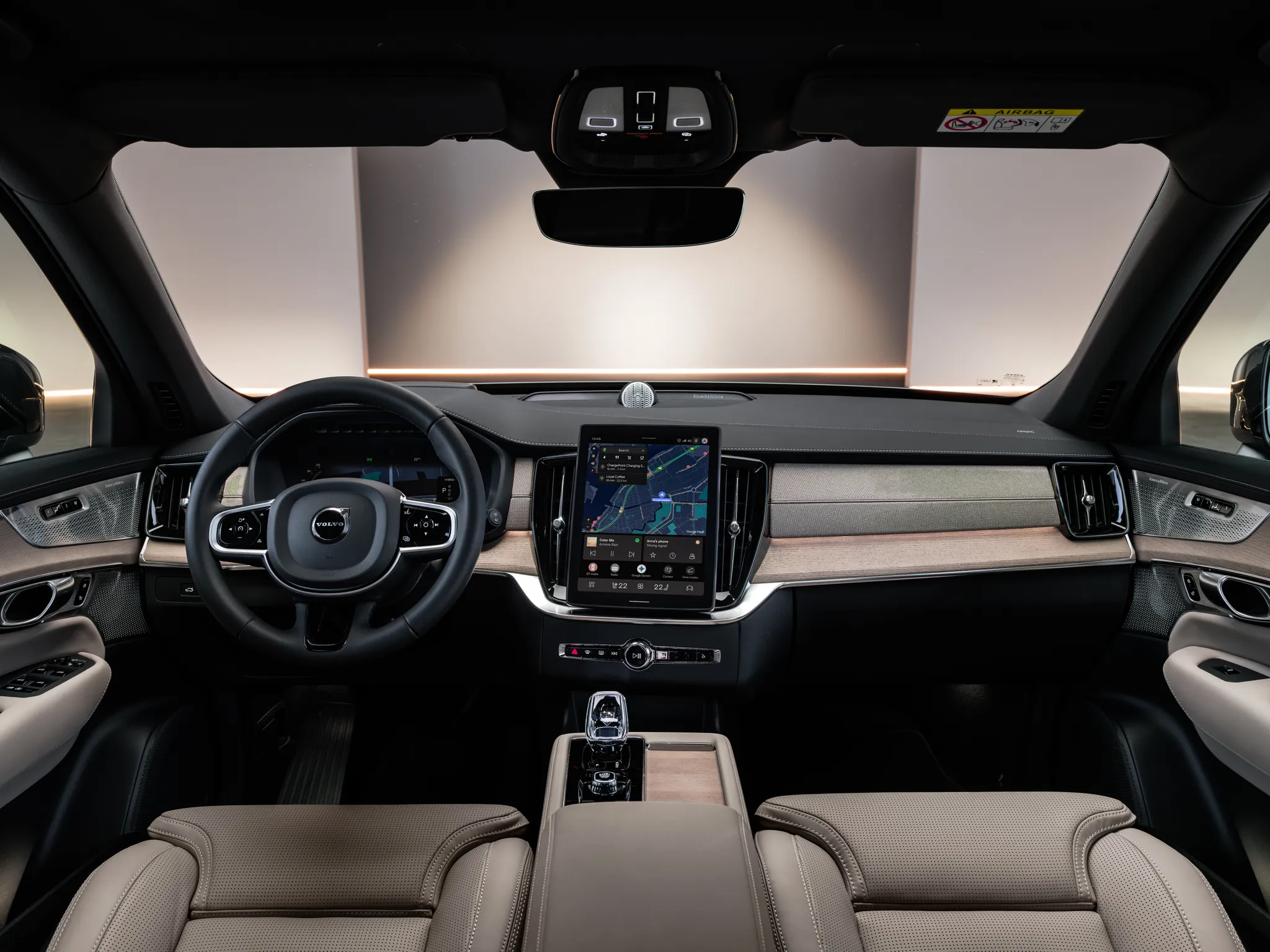
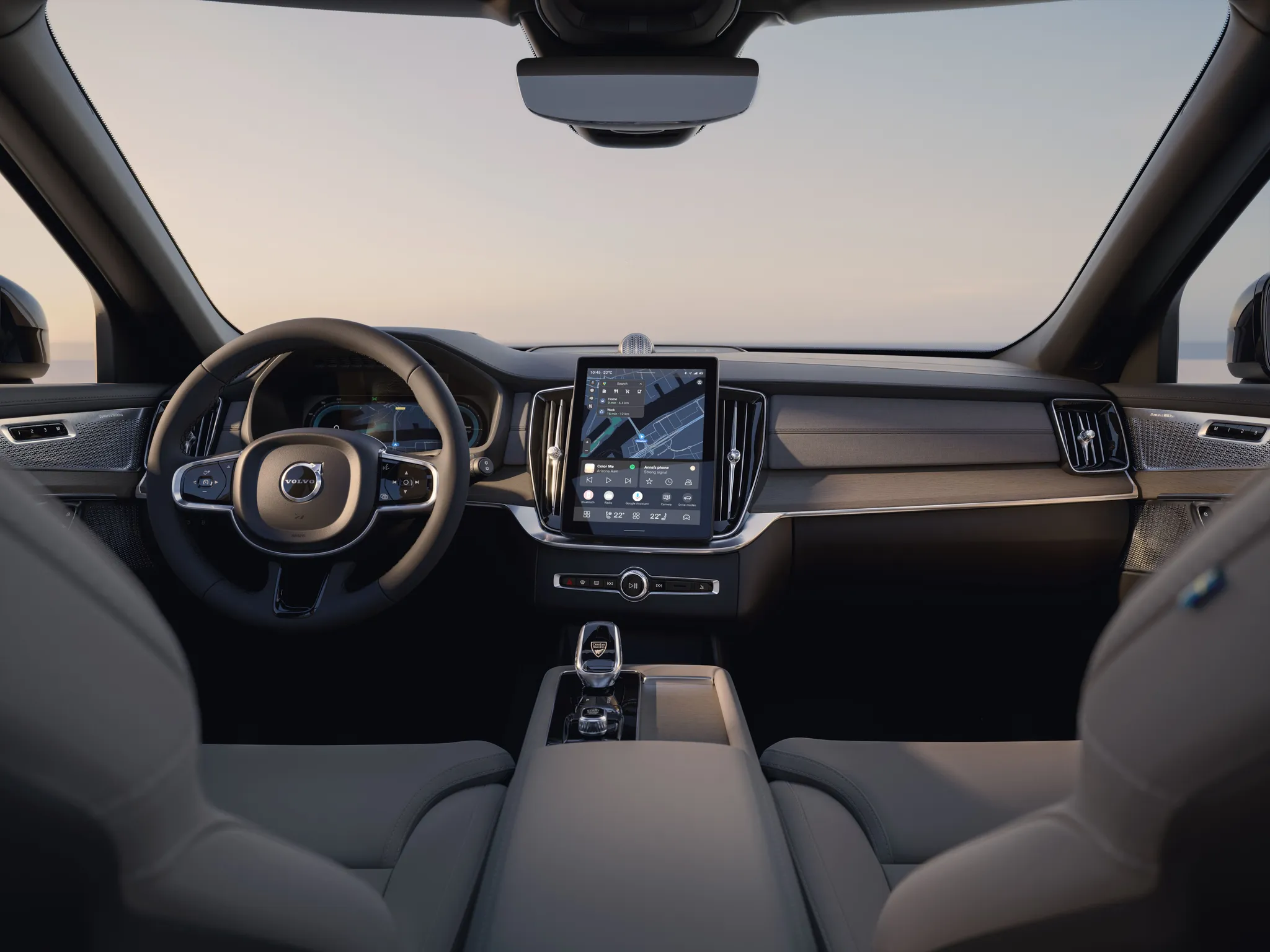
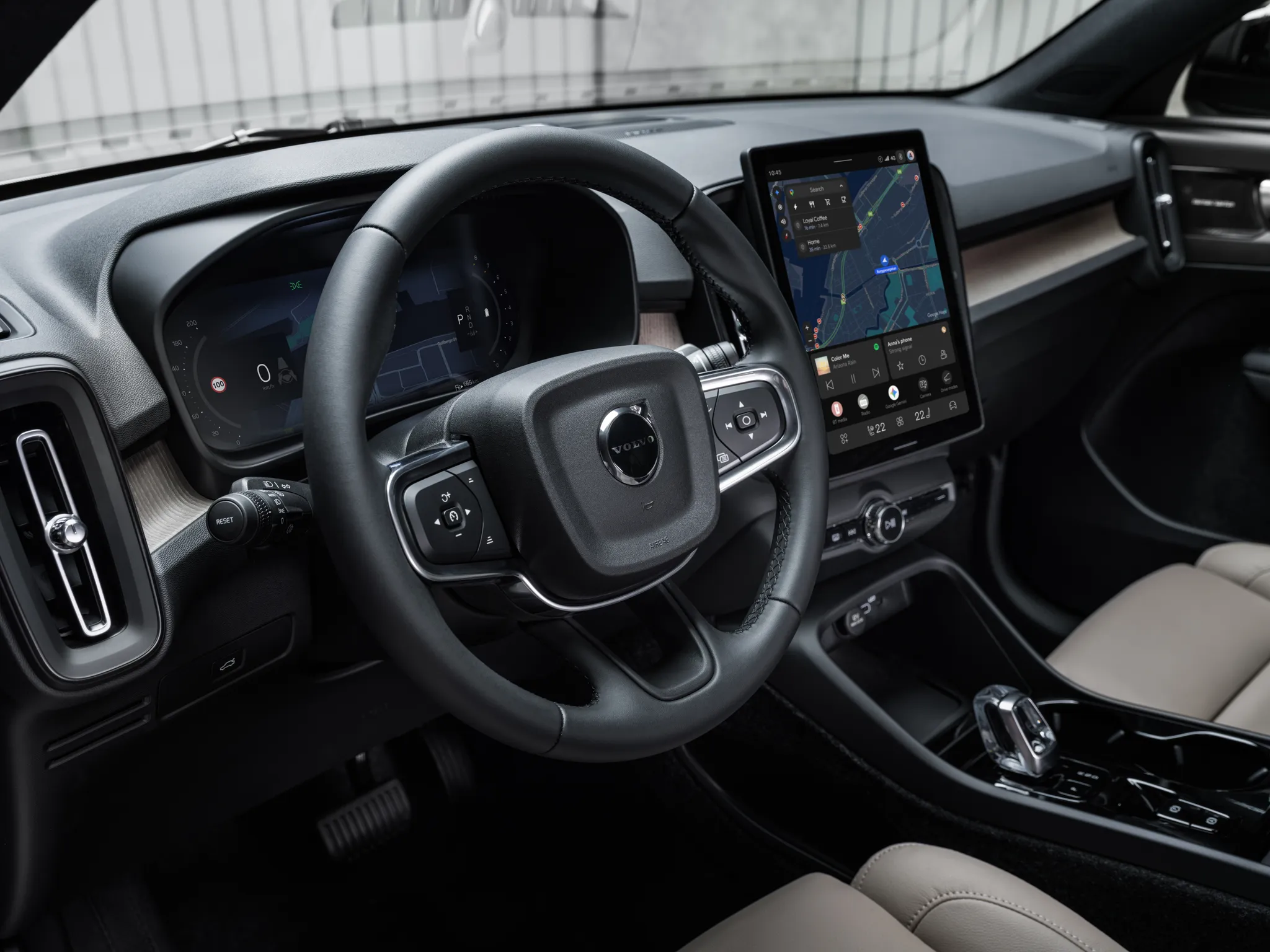
Dashboard of the facelifted XC90 plug-in hybrid from between the front seats: driver display, free-standing portrait touchscreen with the climate bar at the bottom, a key row around a volume knob, and the gear selector on the console.
- Cockpit
- Screen cluster
- Touchscreen
- Navigation map
- Climate on screen or touch panel
- Steering-wheel controls
- Stalks
- Gear selector
- 2010s
© Volvo Car Corporation · Editorial use (opens in a new tab) · Volvo Cars Press & Media: source page for this photo (opens in a new tab)
More from this car
Similar photos


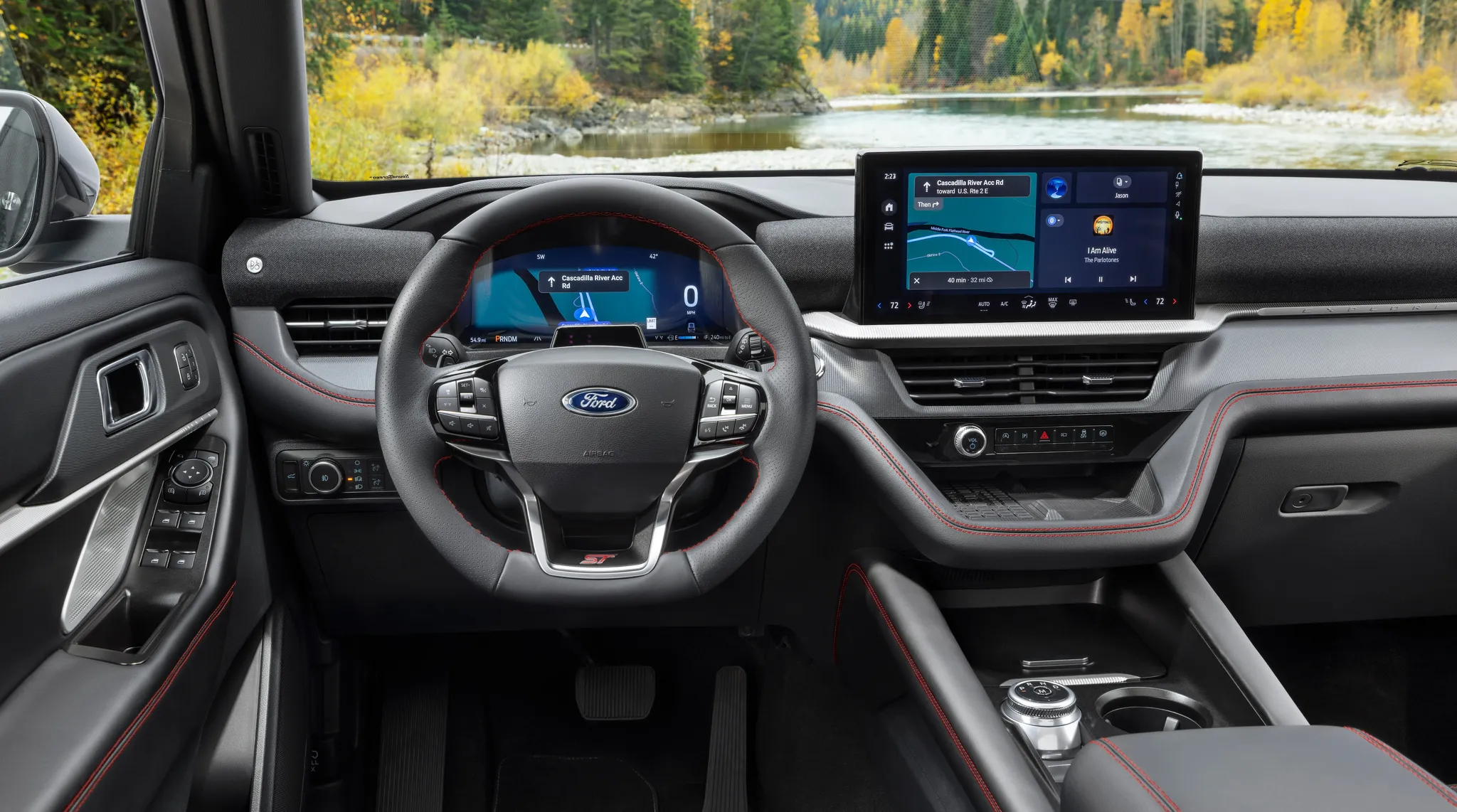

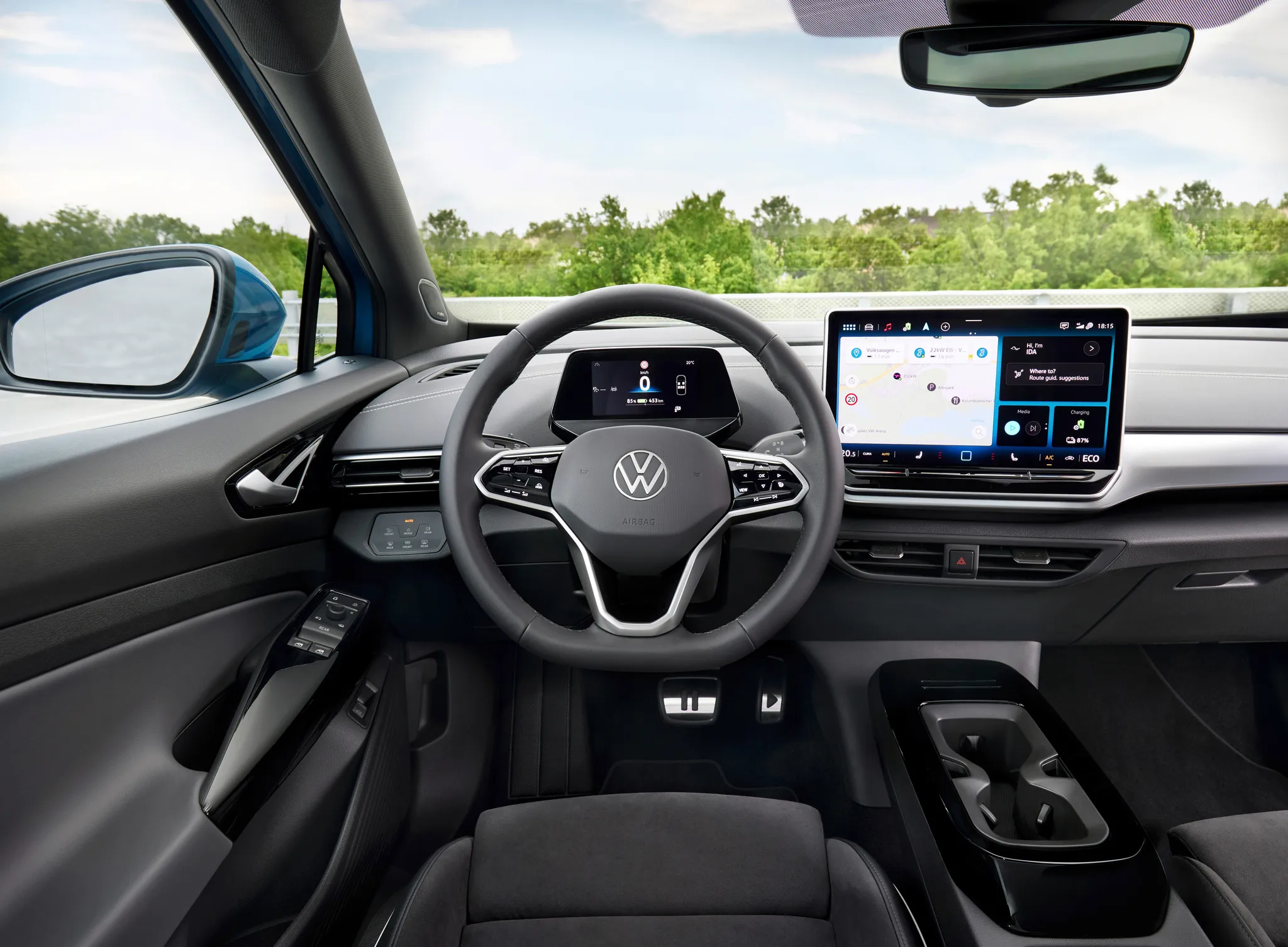

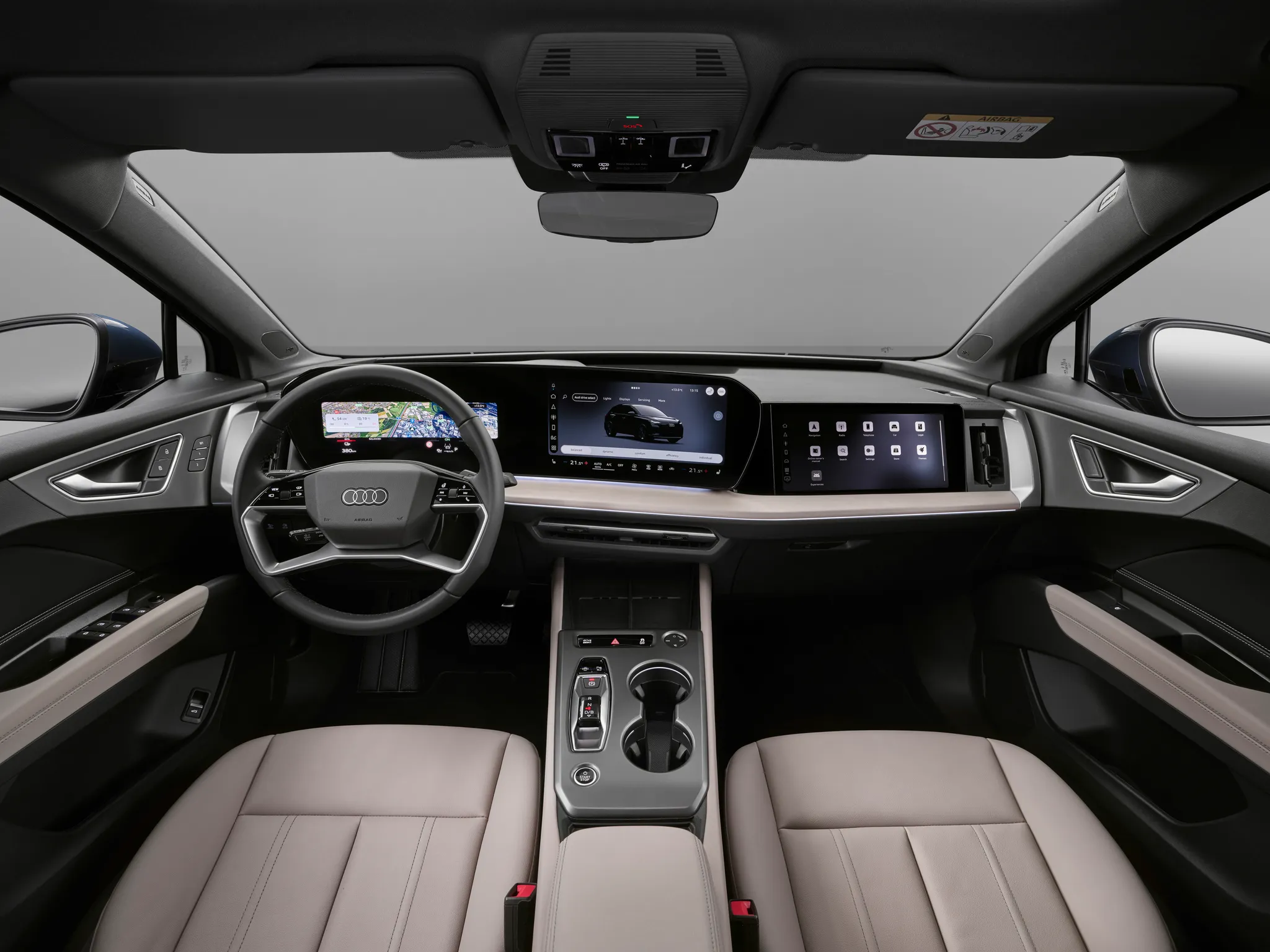

Photo credits
Photo credits (8)
- Volvo XC90 (Mk2), cockpit 1“The New Volvo XC90” (opens in a new tab) · © Volvo Car Corporation · Editorial use (opens in a new tab) · Volvo Cars Press & Media
- Volvo XC90 (Mk2), cockpit 2“The New Volvo XC90” (opens in a new tab) · © Volvo Car Corporation · Editorial use (opens in a new tab) · Volvo Cars Press & Media
- Volvo XC40, cockpit“The New Volvo XC40” (opens in a new tab) · © Volvo Car Corporation · Editorial use (opens in a new tab) · Volvo Cars Press & Media
- Volvo XC60 (Mk2), cockpit“The new Volvo XC60” (opens in a new tab) · © Volvo Car Corporation · Editorial use (opens in a new tab) · Volvo Cars Press & Media
- Tesla Model S (2012), cockpit“Tesla Model S digital panels” (opens in a new tab) · Photo: jurvetson (Steve Jurvetson) · CC BY 2.0 (opens in a new tab) · Wikimedia Commons
- Ford Explorer (6th generation), cockpit“2025 Ford Explorer” (opens in a new tab) · © Ford Motor Company · Editorial use (opens in a new tab) · Ford From the Road
- Volkswagen ID.4, cockpit“Volkswagen ID.4” (opens in a new tab) · © Volkswagen AG · Editorial use (opens in a new tab) · Volkswagen Newsroom
- Audi Q4 e‑tron, cockpit“Audi Q4 SUV e-tron: Studio photo, interior, digital stage” (opens in a new tab) · © AUDI AG · Editorial use (opens in a new tab) · Audi Media Center