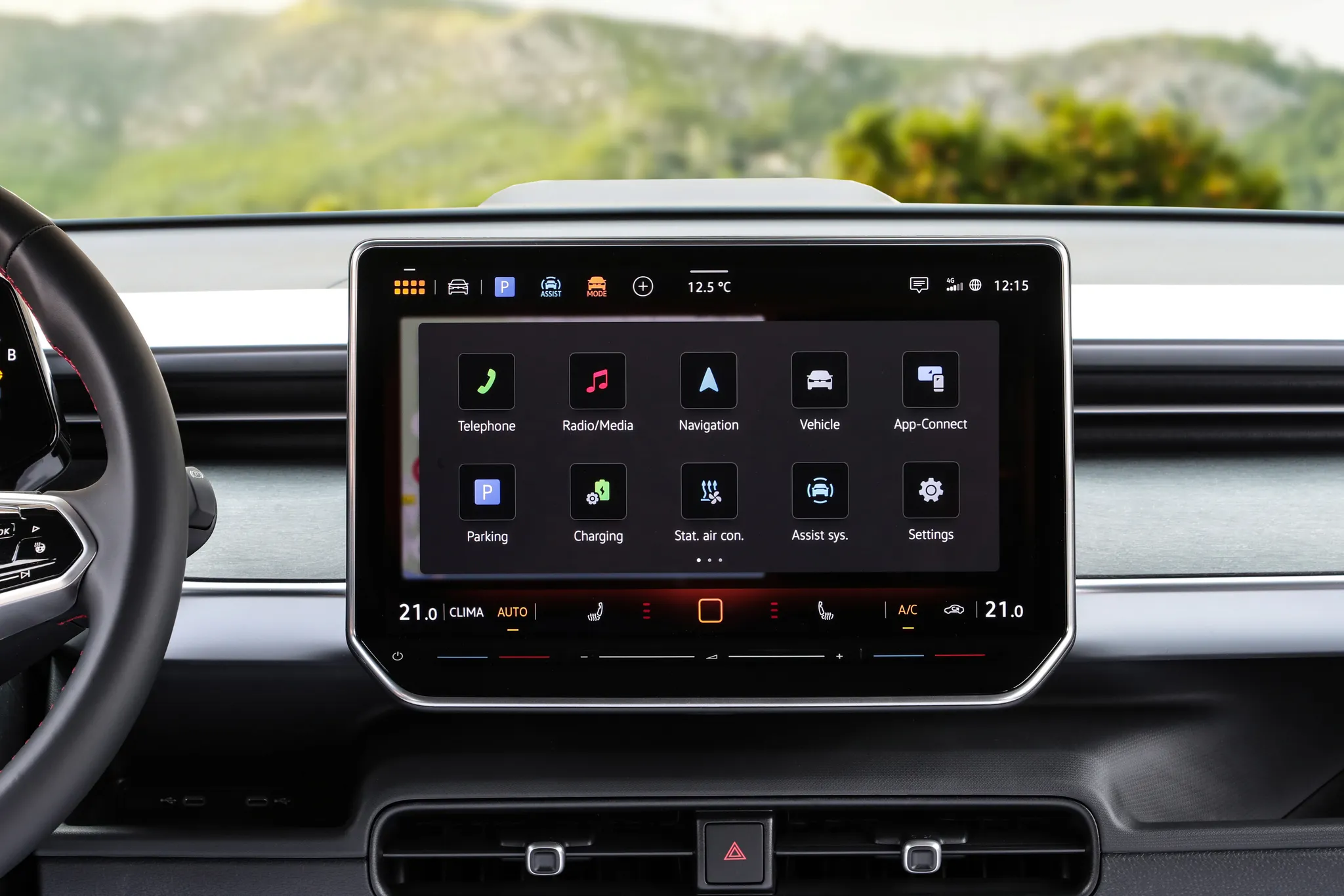

Volkswagen ID. Buzz centre display
Touchscreen of the ID. Buzz GTX showing the app grid: a permanent climate bar along the bottom and, below the glass, lit touch sliders for left and right temperature and for volume.
© Volkswagen AG · Editorial use (opens in a new tab) · Volkswagen Newsroom: source page for this photo (opens in a new tab)
More from this car
Similar photos

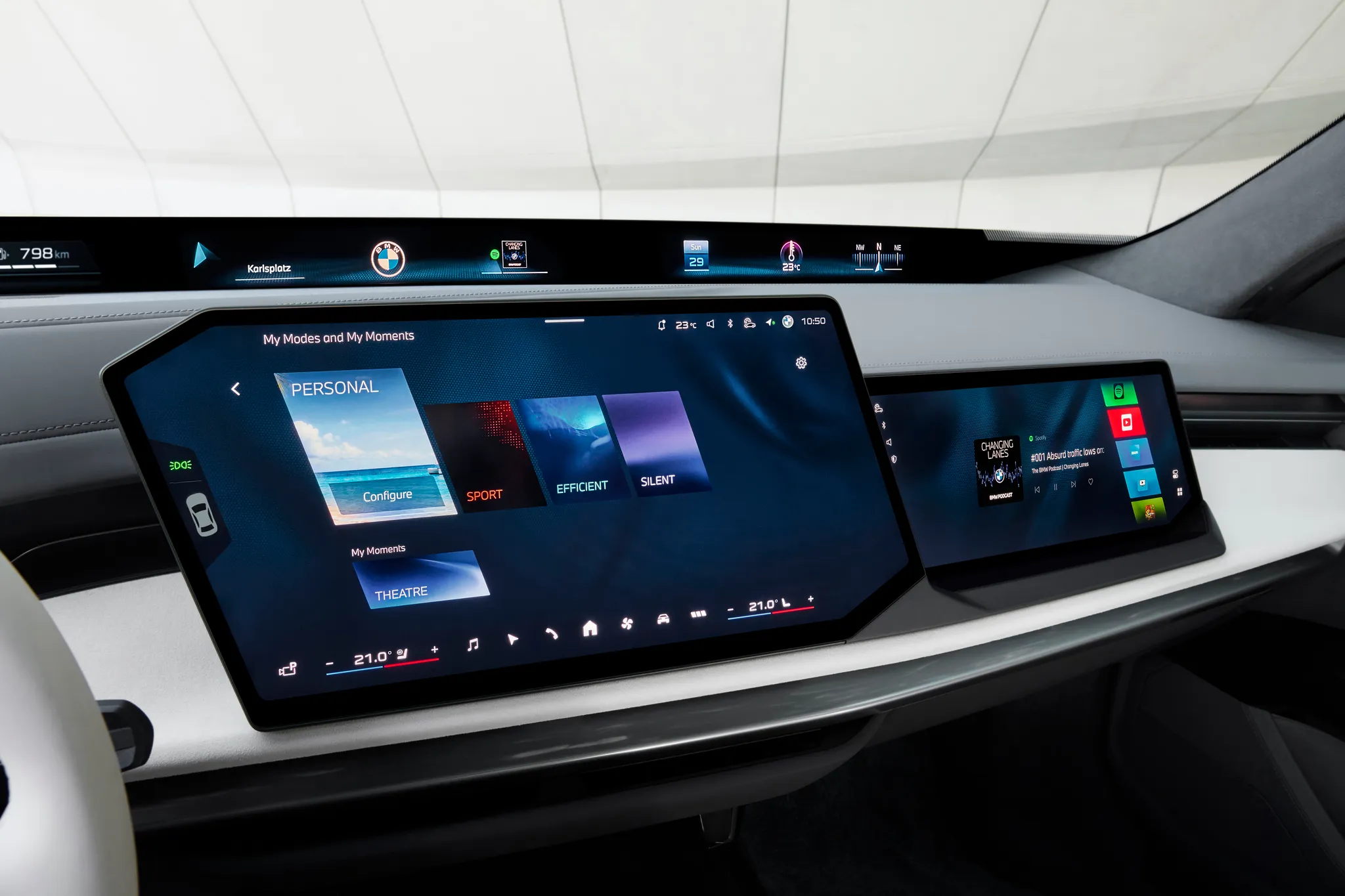

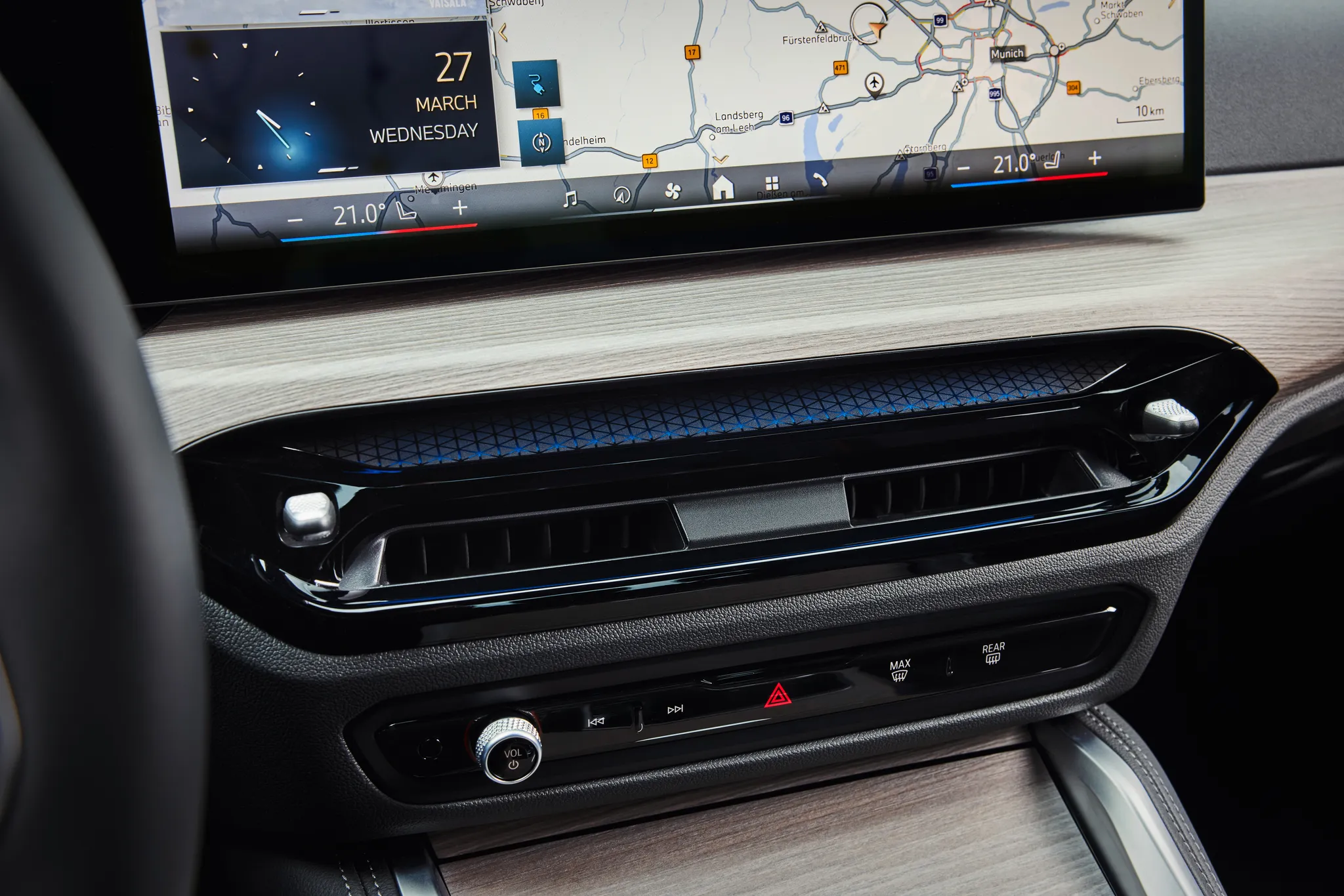
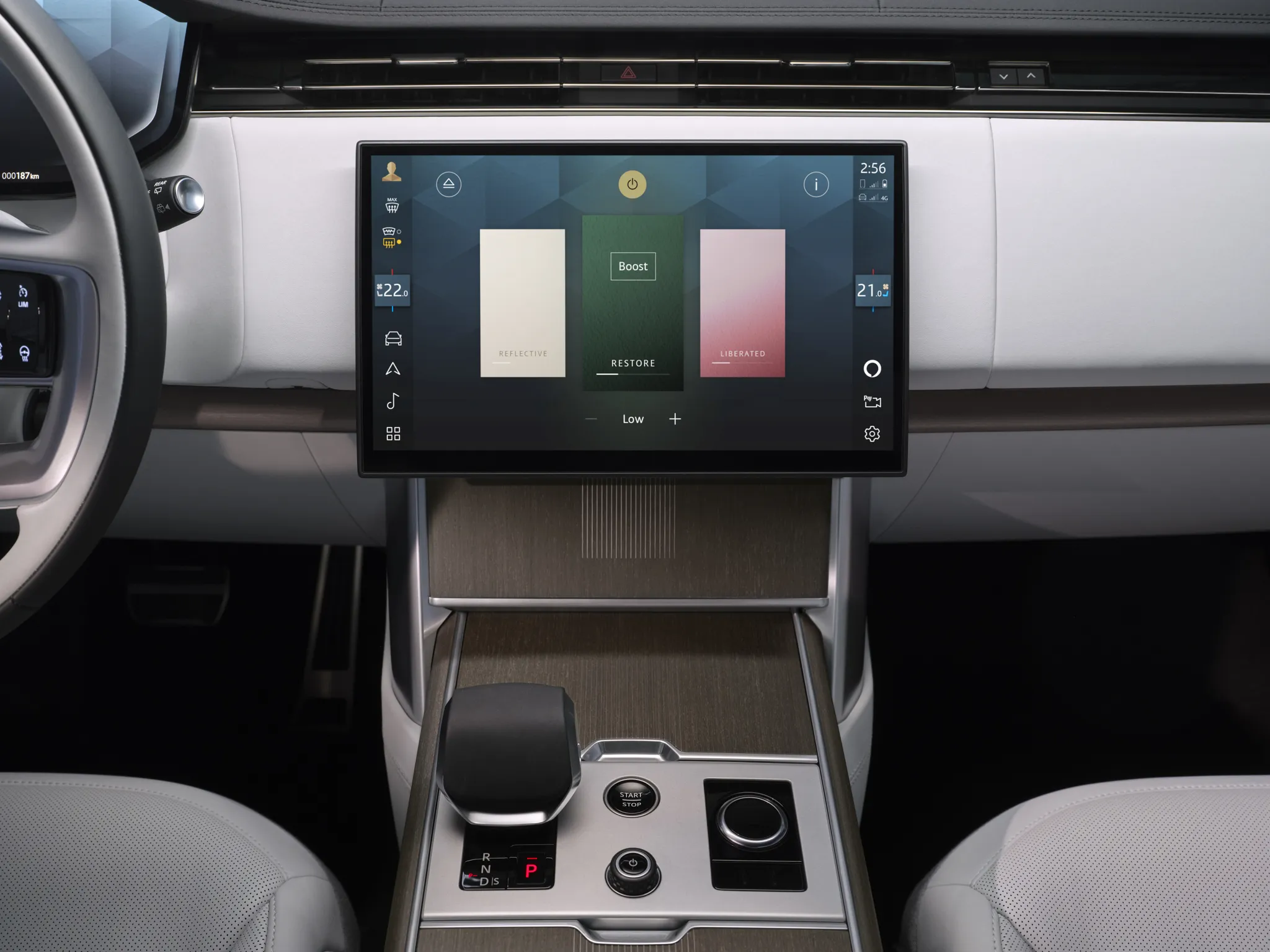

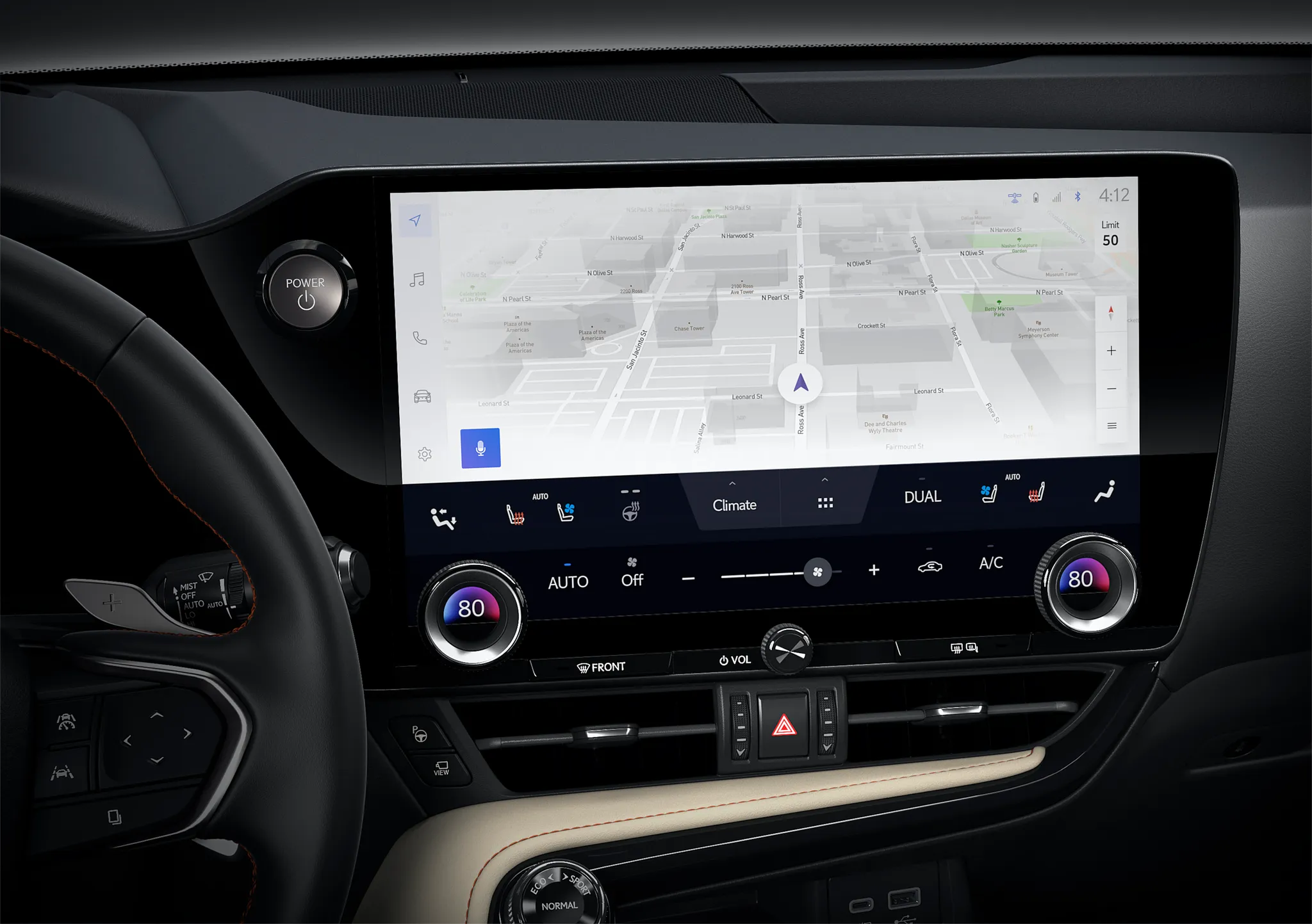

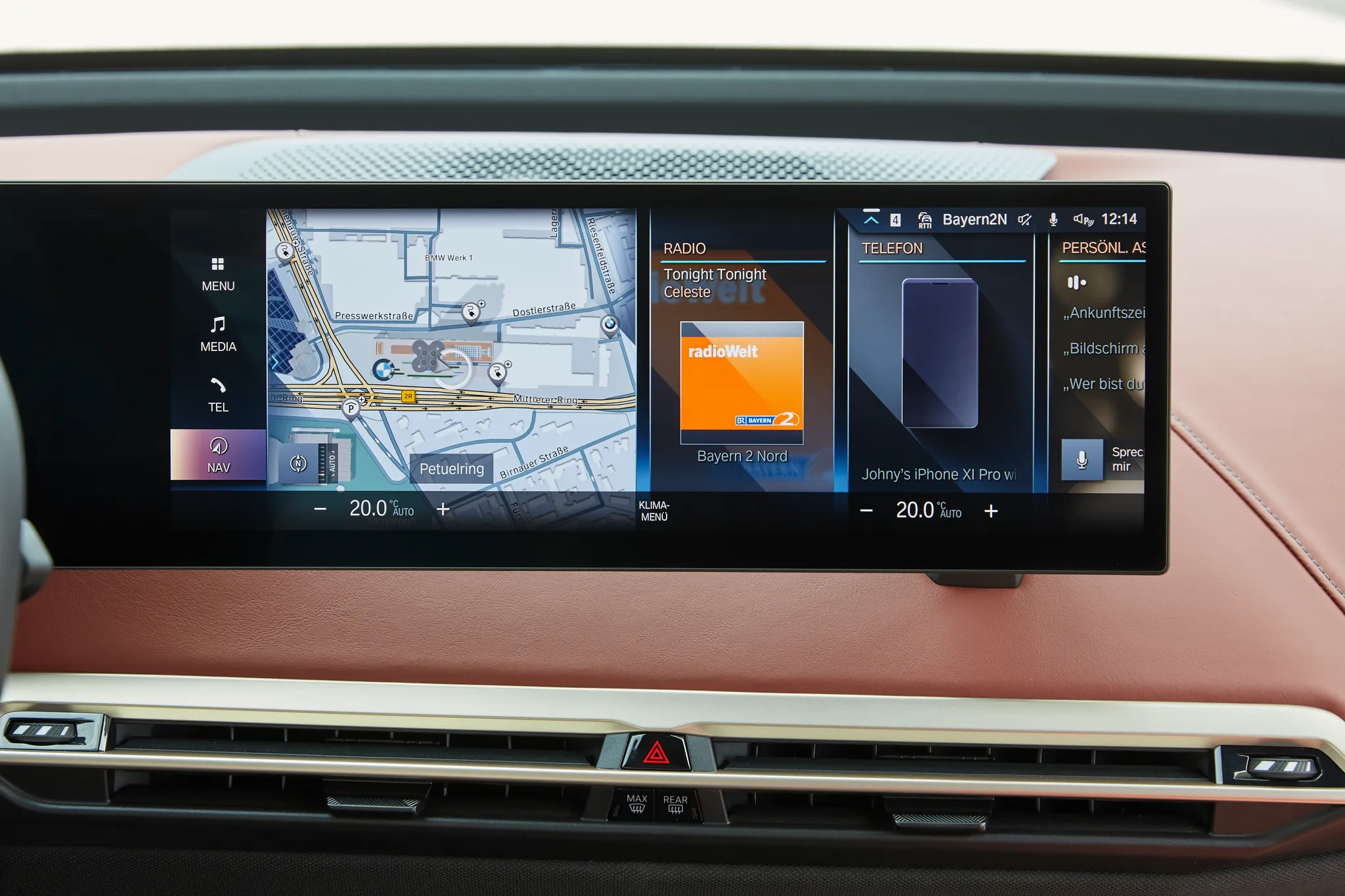
Photo credits
Photo credits (8)
- Volkswagen ID. Buzz, centre display“Volkswagen ID. Buzz GTX” (opens in a new tab) · © Volkswagen AG · Editorial use (opens in a new tab) · Volkswagen Newsroom
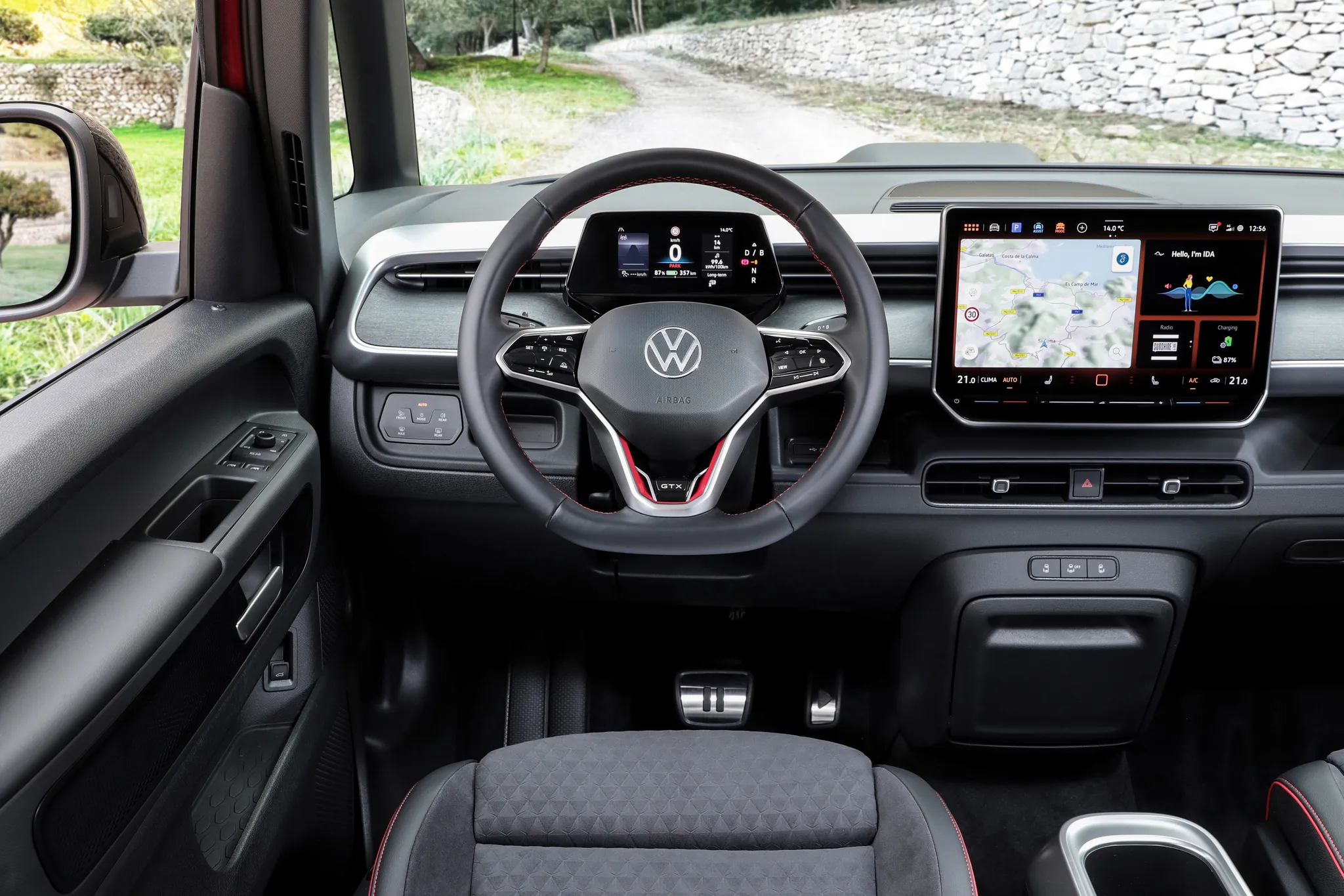
- Volkswagen ID. Buzz, cockpit“Volkswagen ID. Buzz GTX” (opens in a new tab) · © Volkswagen AG · Editorial use (opens in a new tab) · Volkswagen Newsroom
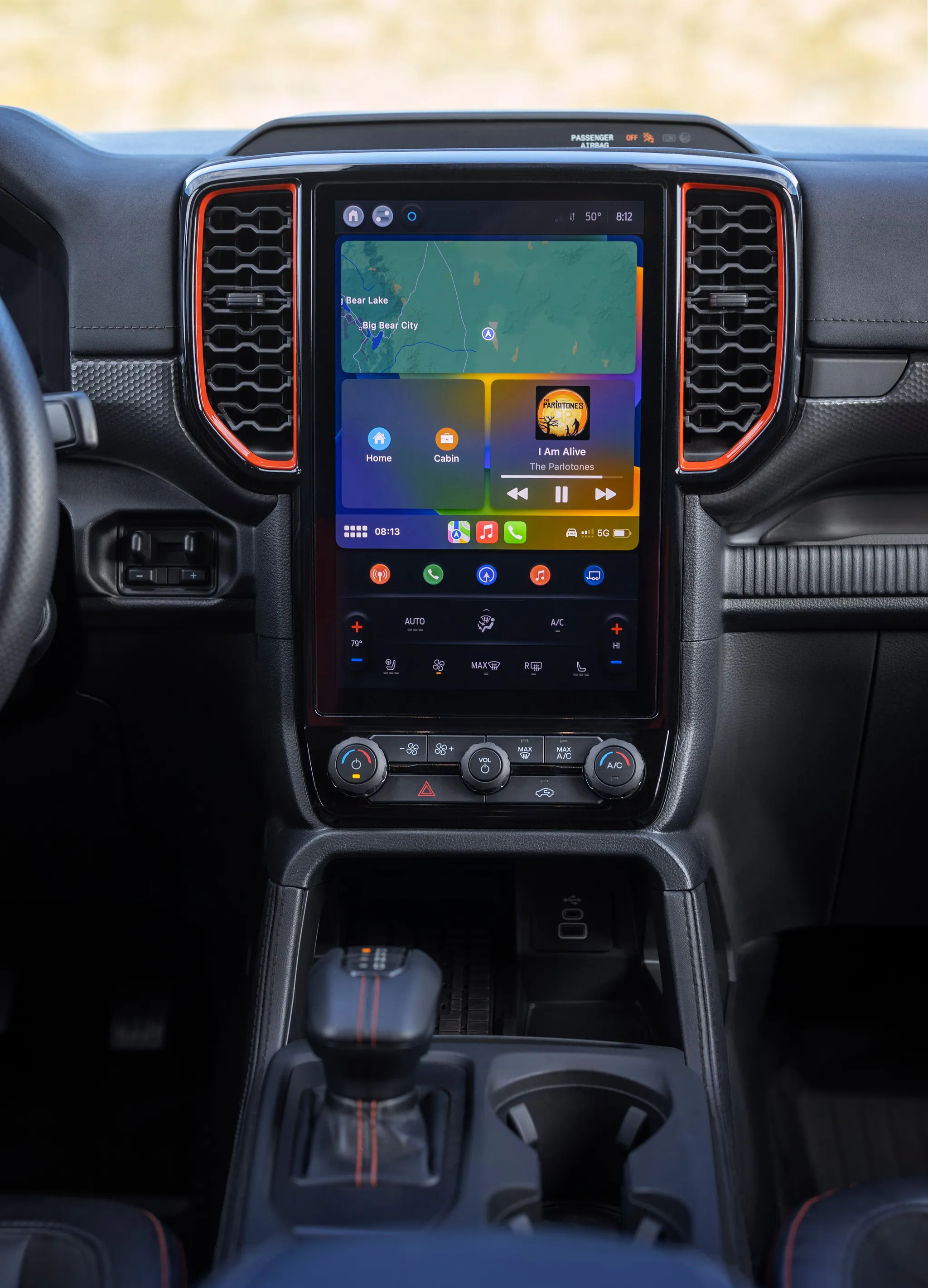
- Ford Ranger (P703), centre display“All-New Ford Ranger Raptor 16” (opens in a new tab) · © Ford Motor Company · Editorial use (opens in a new tab) · Ford From the Road
- BMW 7 Series (G70), centre display“The display and operating system along with the digital user experience in the new BMW 7 Series.” (opens in a new tab) · © BMW AG · Editorial use (opens in a new tab) · BMW Group Newsroom
- BMW i4 (G26), centre display“The new BMW i4 e Drive40 – Interior” (opens in a new tab) · © BMW AG · Editorial use (opens in a new tab) · BMW Group Newsroom
- Land Rover Range Rover (L460), centre display“RANGE ROVER ELECTRIC: INTERIOR IMAGES” (opens in a new tab) · © Jaguar Land Rover Automotive PLC · Editorial use (opens in a new tab) · JLR Media
- Lexus NX (AZ20), centre display“14in Audio (Prototype)” (opens in a new tab) · © Toyota Motor Corporation · Editorial use (opens in a new tab) · Lexus Global Newsroom
- BMW iX, centre display“The first ever BMW iX (06/2021).” (opens in a new tab) · © BMW AG · Editorial use (opens in a new tab) · BMW Group Newsroom