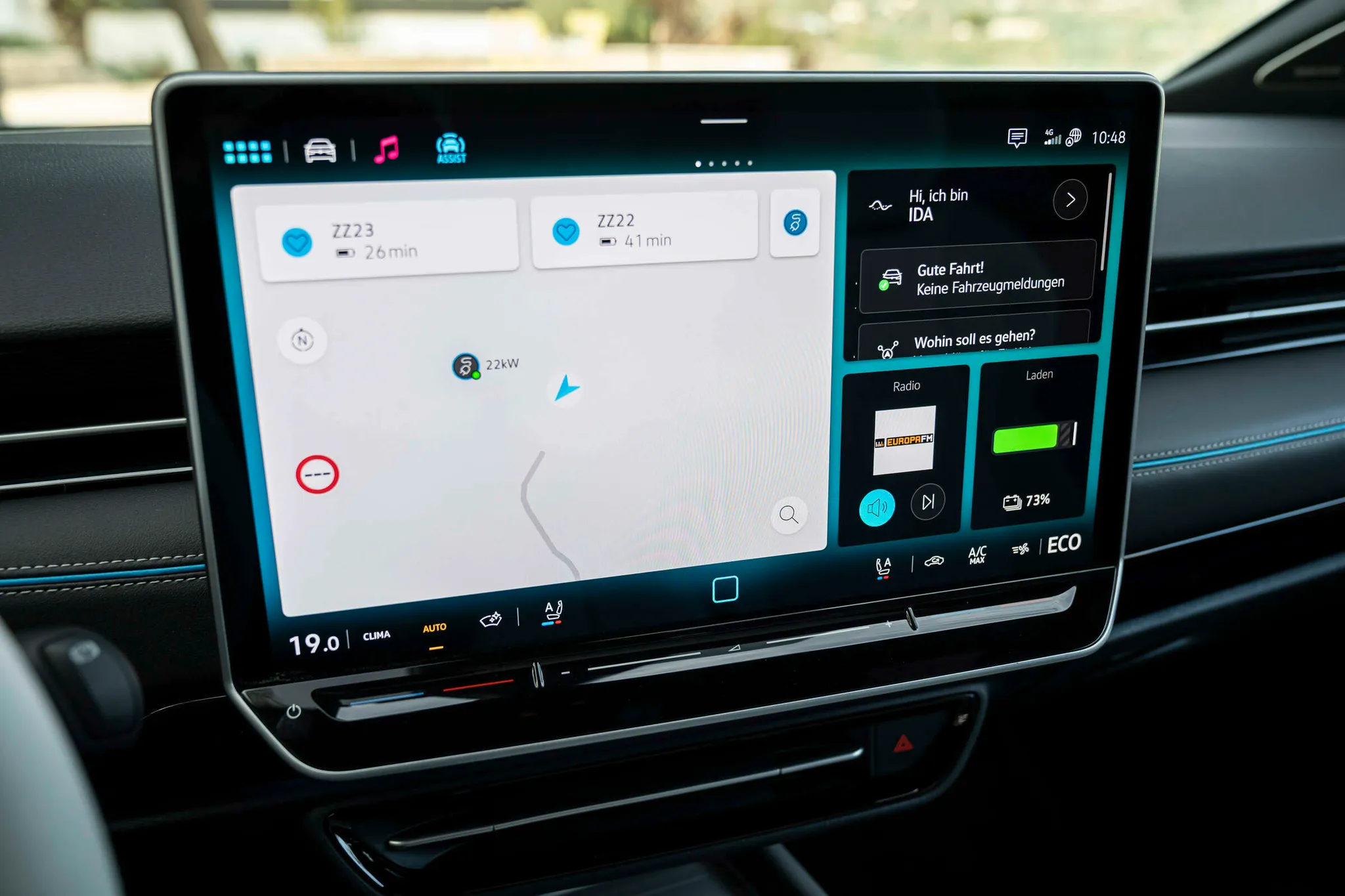

Volkswagen ID.7 centre display
Touchscreen close-up showing the home screen with navigation, radio and charging tiles and the climate bar along the bottom.
© Volkswagen AG · Editorial use (opens in a new tab) · Volkswagen Newsroom: source page for this photo (opens in a new tab)
More from this car
Similar photos

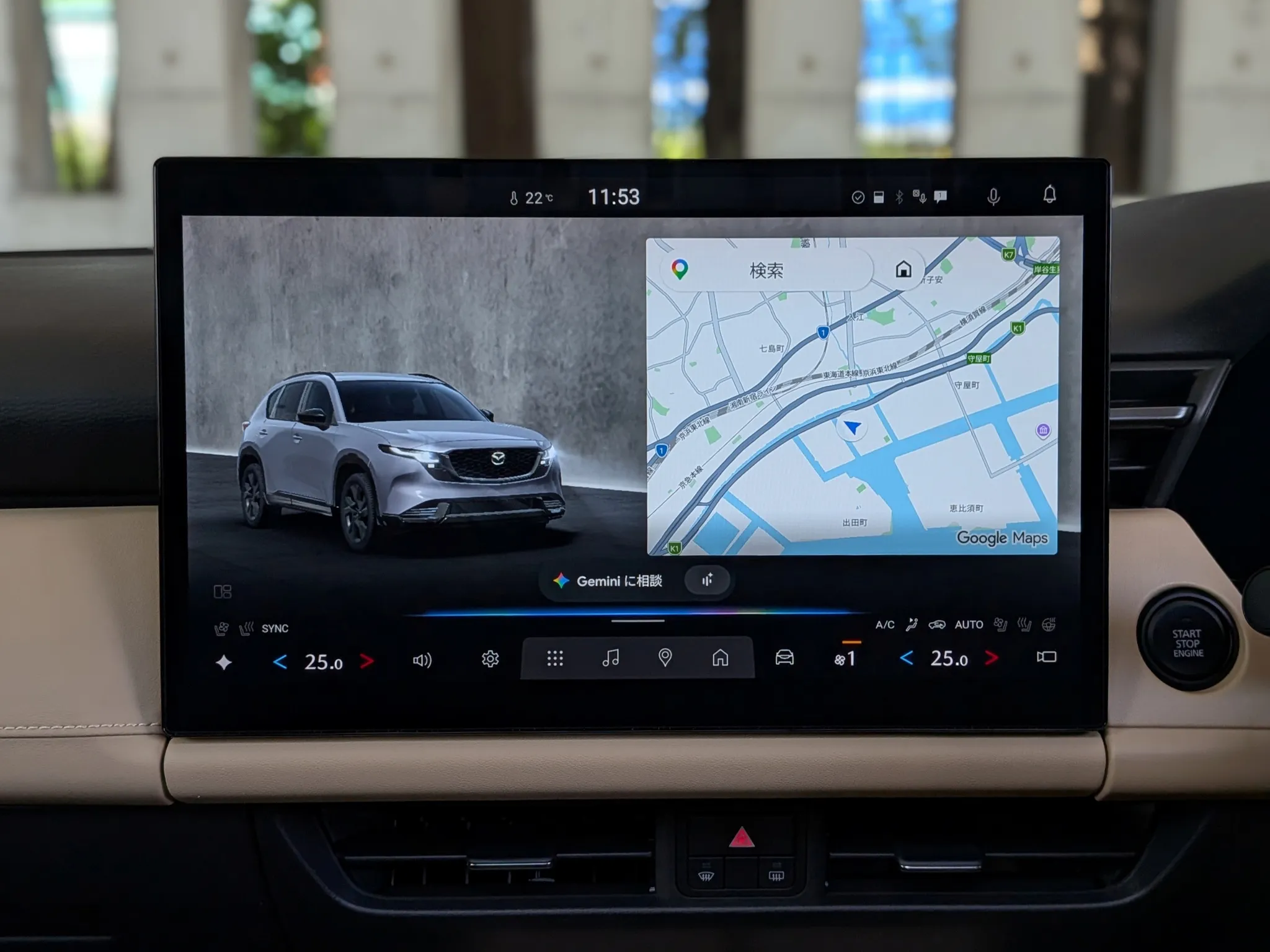

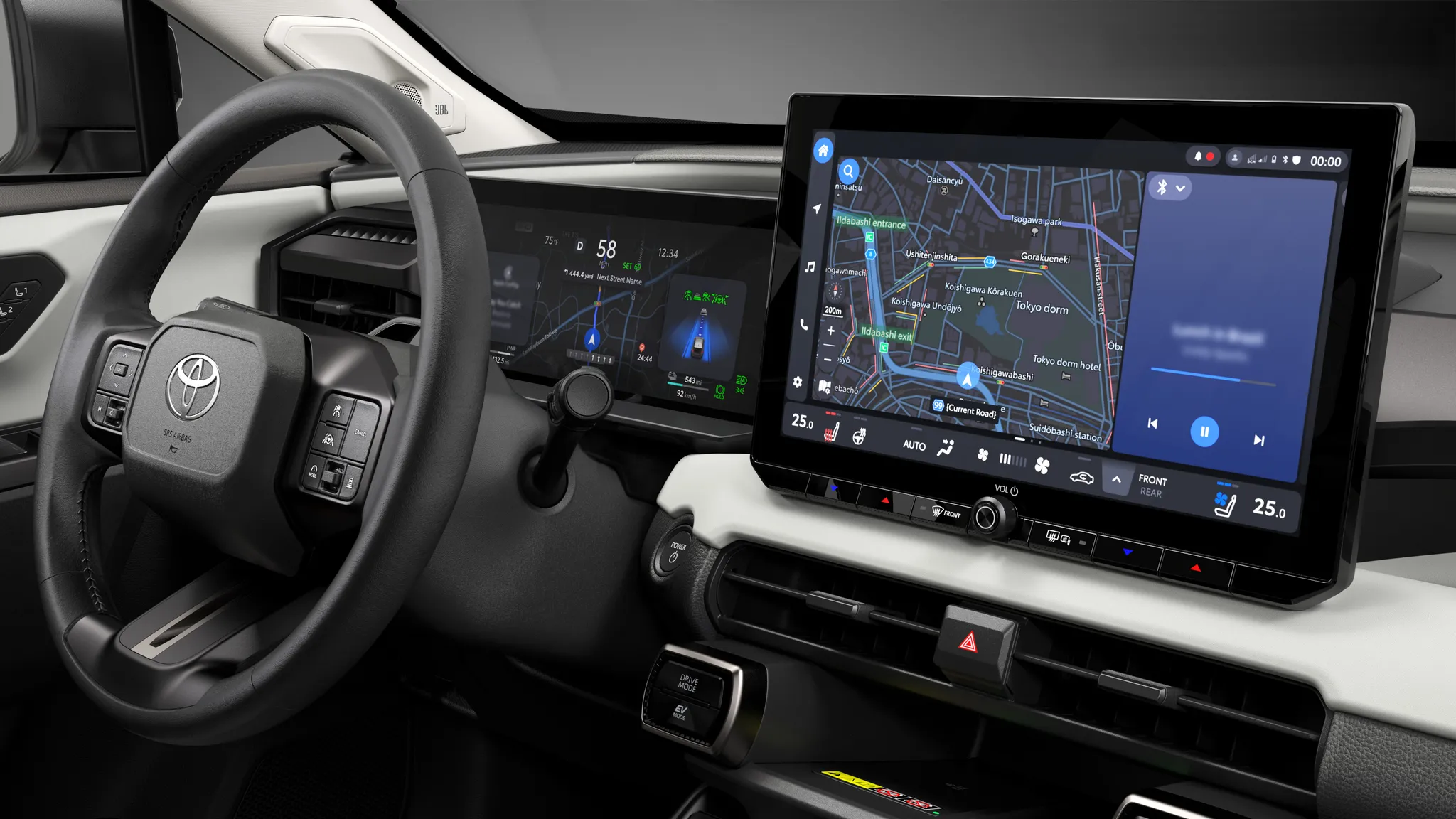

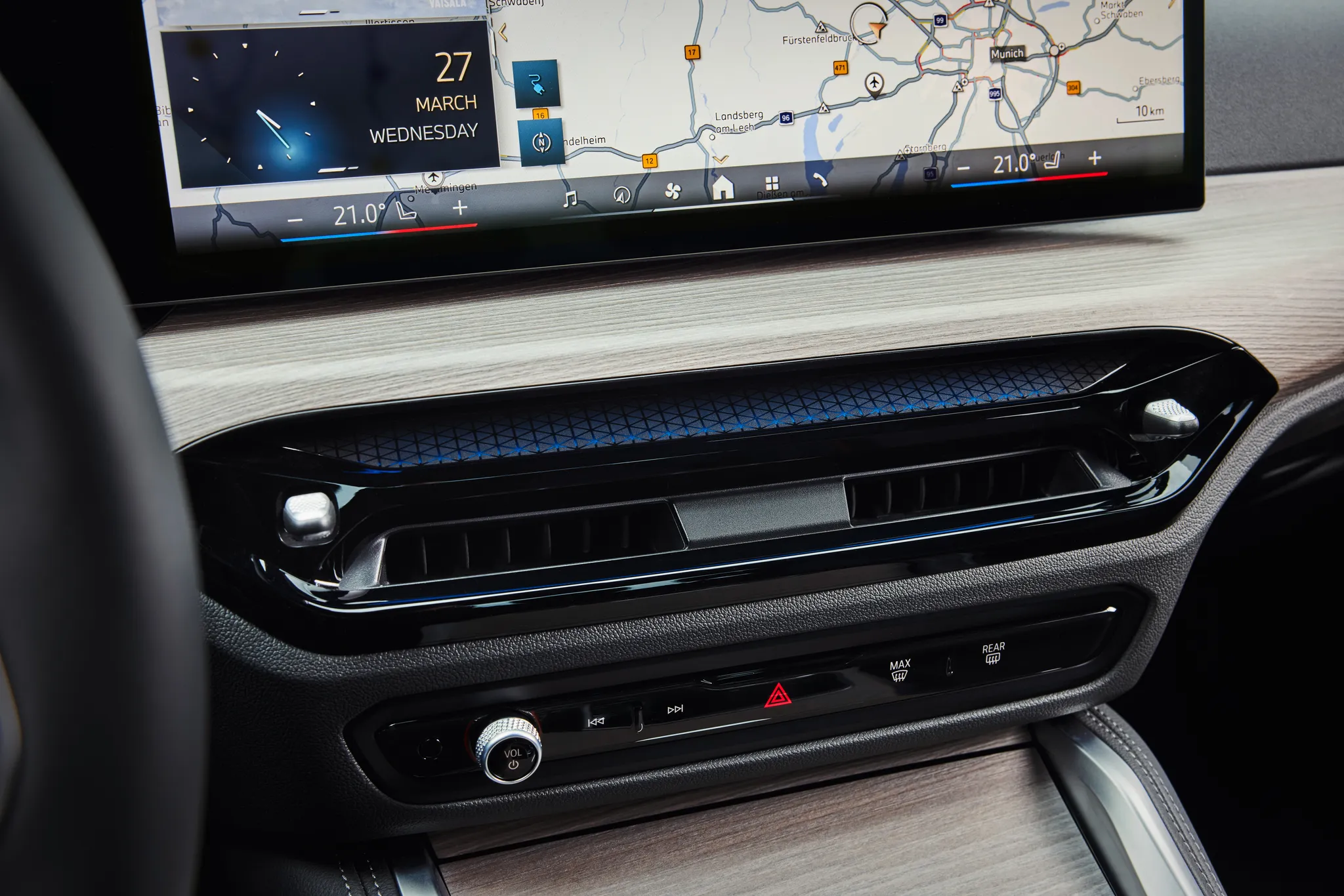

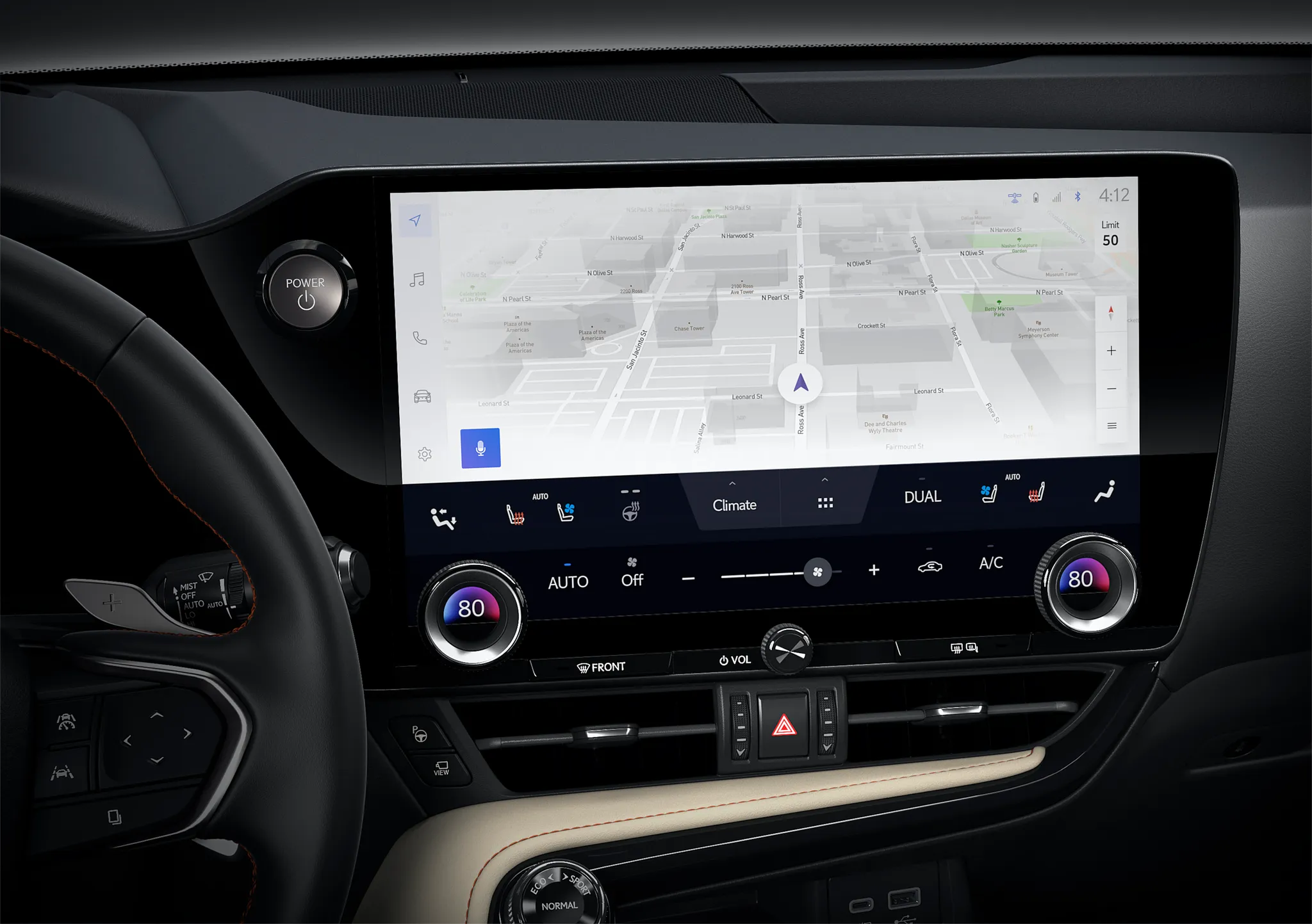

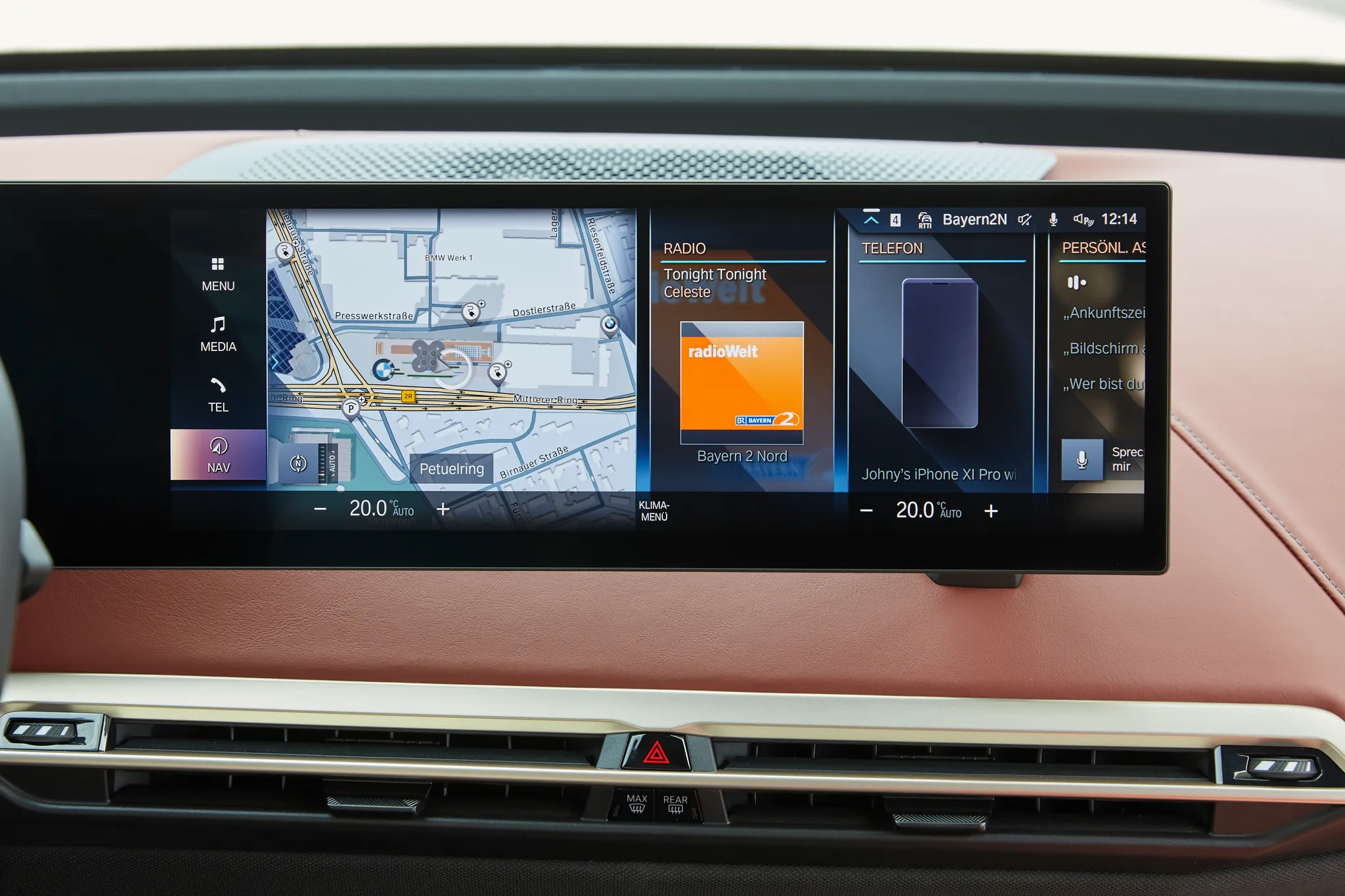
Photo credits
Photo credits (9)
- Volkswagen ID.7, centre display“Volkswagen ID.7” (opens in a new tab) · © Volkswagen AG · Editorial use (opens in a new tab) · Volkswagen Newsroom
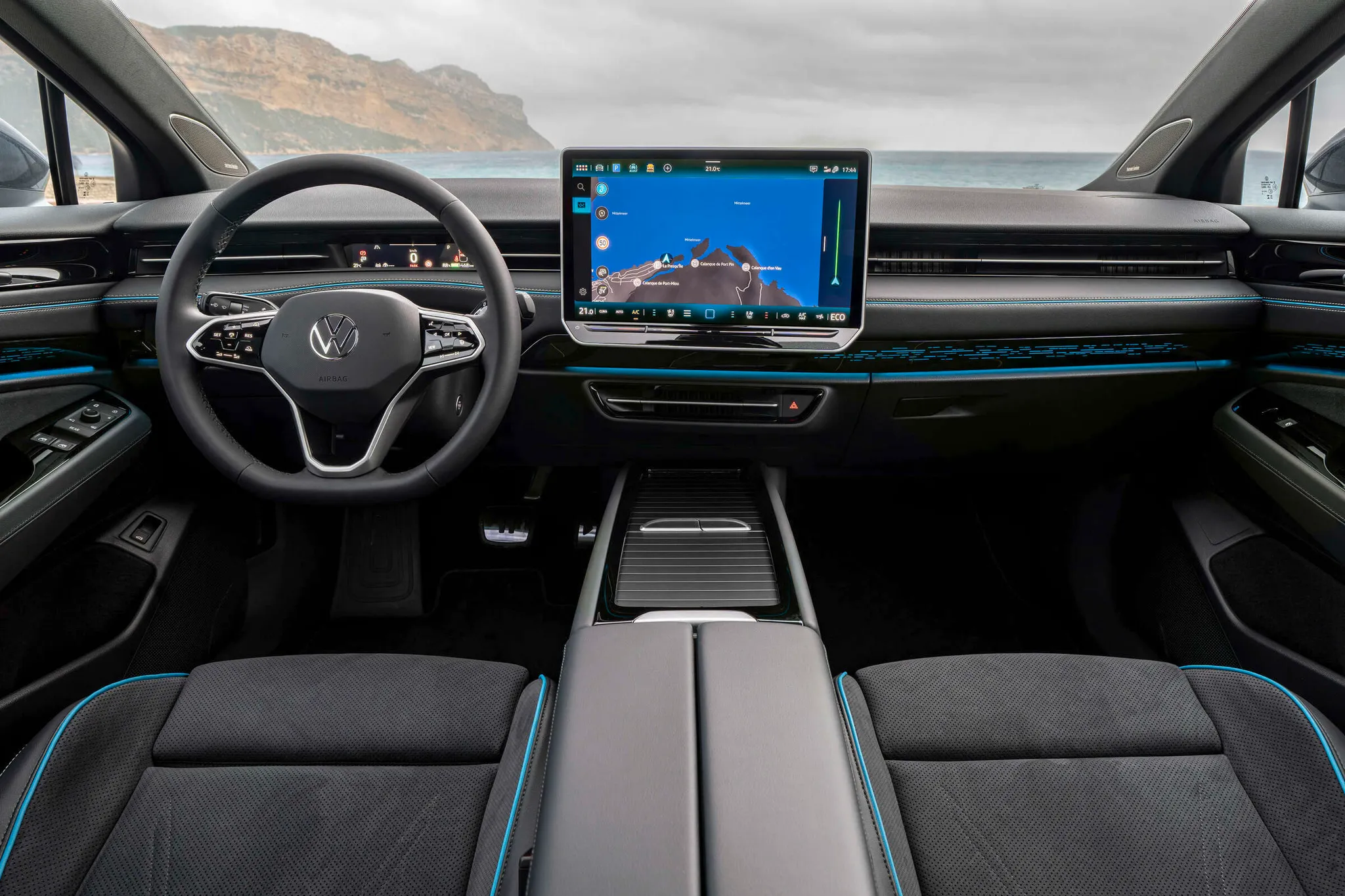
- Volkswagen ID.7, cockpit“Volkswagen ID.7” (opens in a new tab) · © Volkswagen AG · Editorial use (opens in a new tab) · Volkswagen Newsroom
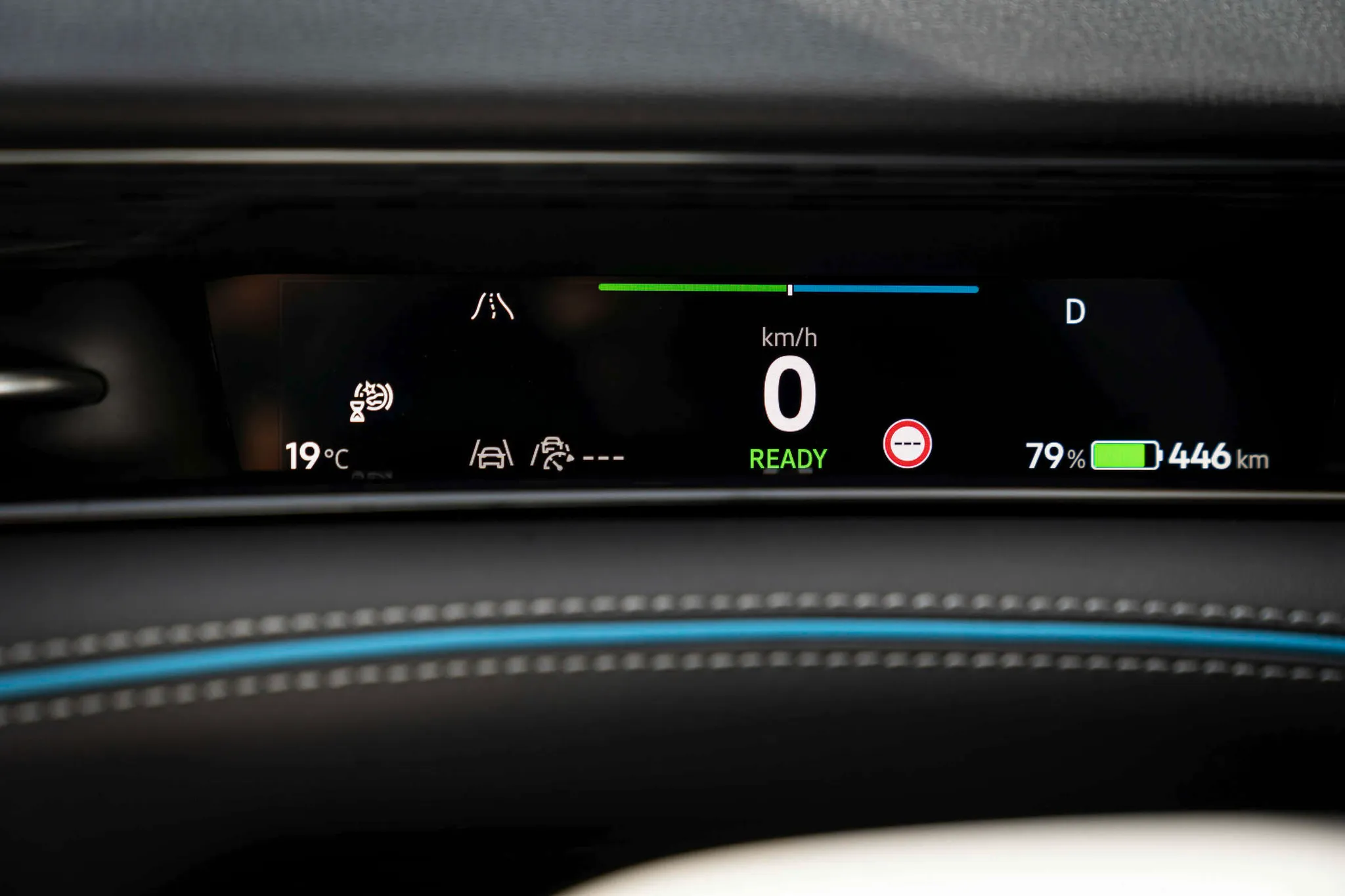
- Volkswagen ID.7, instrument cluster“Volkswagen ID.7” (opens in a new tab) · © Volkswagen AG · Editorial use (opens in a new tab) · Volkswagen Newsroom
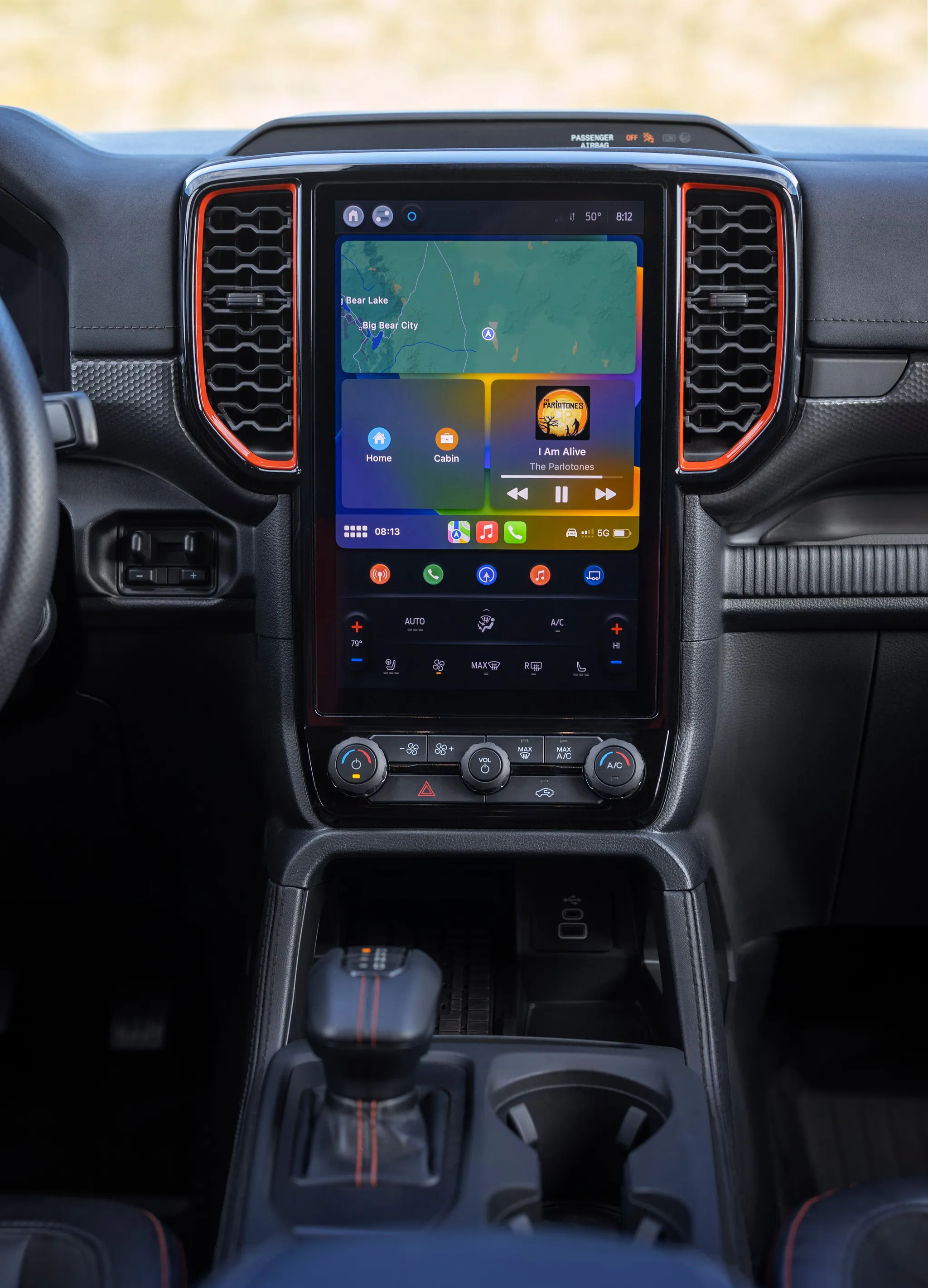
- Ford Ranger (P703), centre display“All-New Ford Ranger Raptor 16” (opens in a new tab) · © Ford Motor Company · Editorial use (opens in a new tab) · Ford From the Road
- Mazda CX‑5 (KM), centre display“The center display of the all-new “MAZDA CX-5 (Japanese specification)" supports Gemini” (opens in a new tab) · © Mazda · Editorial use (opens in a new tab) · Mazda Newsroom
- Toyota RAV4 (XA60), centre display“RAV4 CORE (Prototype) Interior” (opens in a new tab) · © Toyota Motor Corporation · Editorial use (opens in a new tab) · Toyota Global Newsroom
- BMW i4 (G26), centre display“The new BMW i4 e Drive40 – Interior” (opens in a new tab) · © BMW AG · Editorial use (opens in a new tab) · BMW Group Newsroom
- Lexus NX (AZ20), centre display“14in Audio (Prototype)” (opens in a new tab) · © Toyota Motor Corporation · Editorial use (opens in a new tab) · Lexus Global Newsroom
- BMW iX, centre display“The first ever BMW iX (06/2021).” (opens in a new tab) · © BMW AG · Editorial use (opens in a new tab) · BMW Group Newsroom