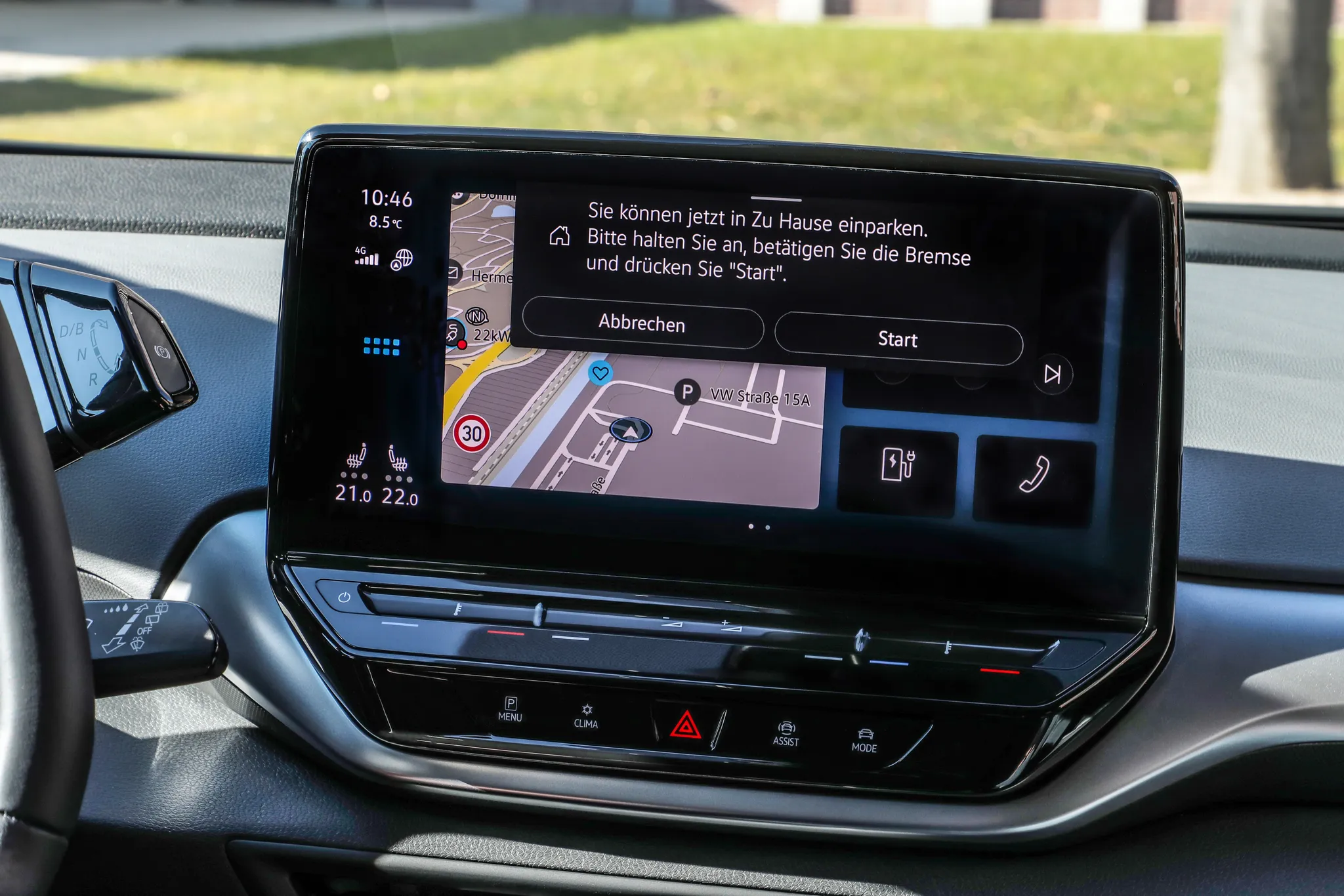

Volkswagen ID.4 centre display
ID.4 touchscreen switched on: map with a park-assist memory prompt, charging and phone tiles, touch sliders and a button row below
- Centre display
- Touchscreen
- Navigation map
- Climate on screen or touch panel
- Button bank
- Gear selector
- 2020s
© Volkswagen AG · Editorial use (opens in a new tab) · Volkswagen Newsroom: source page for this photo (opens in a new tab)
More from this car
Similar photos

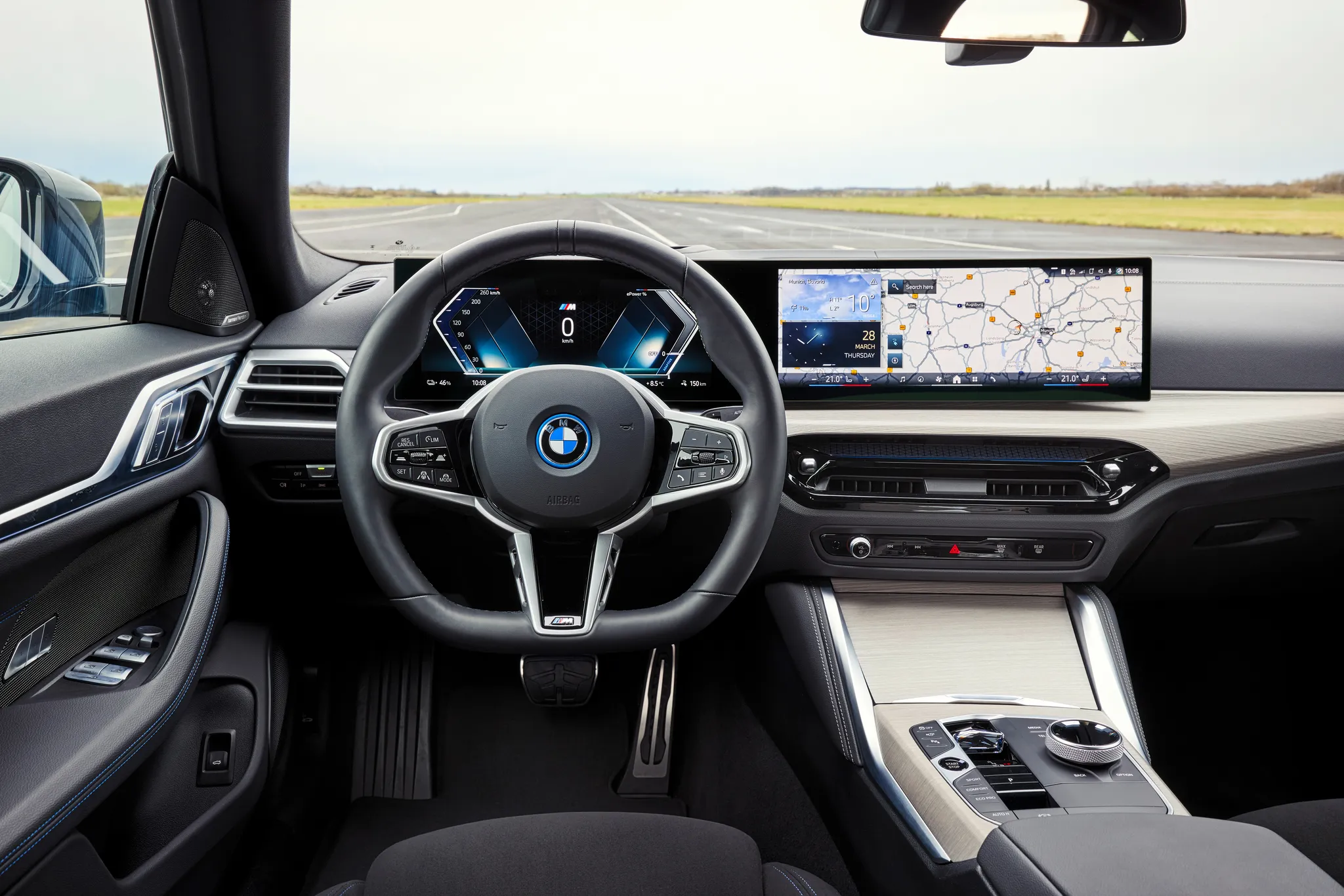

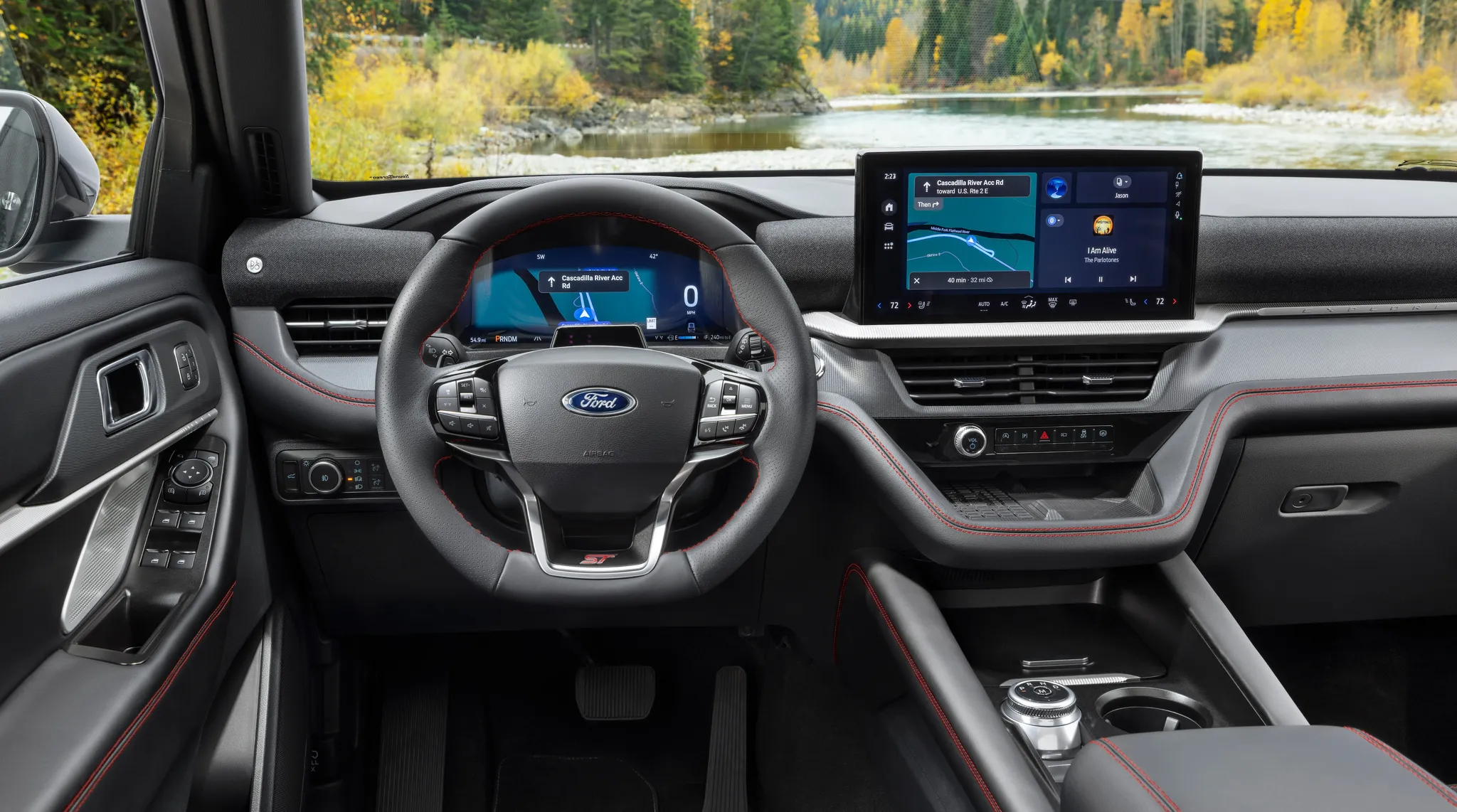

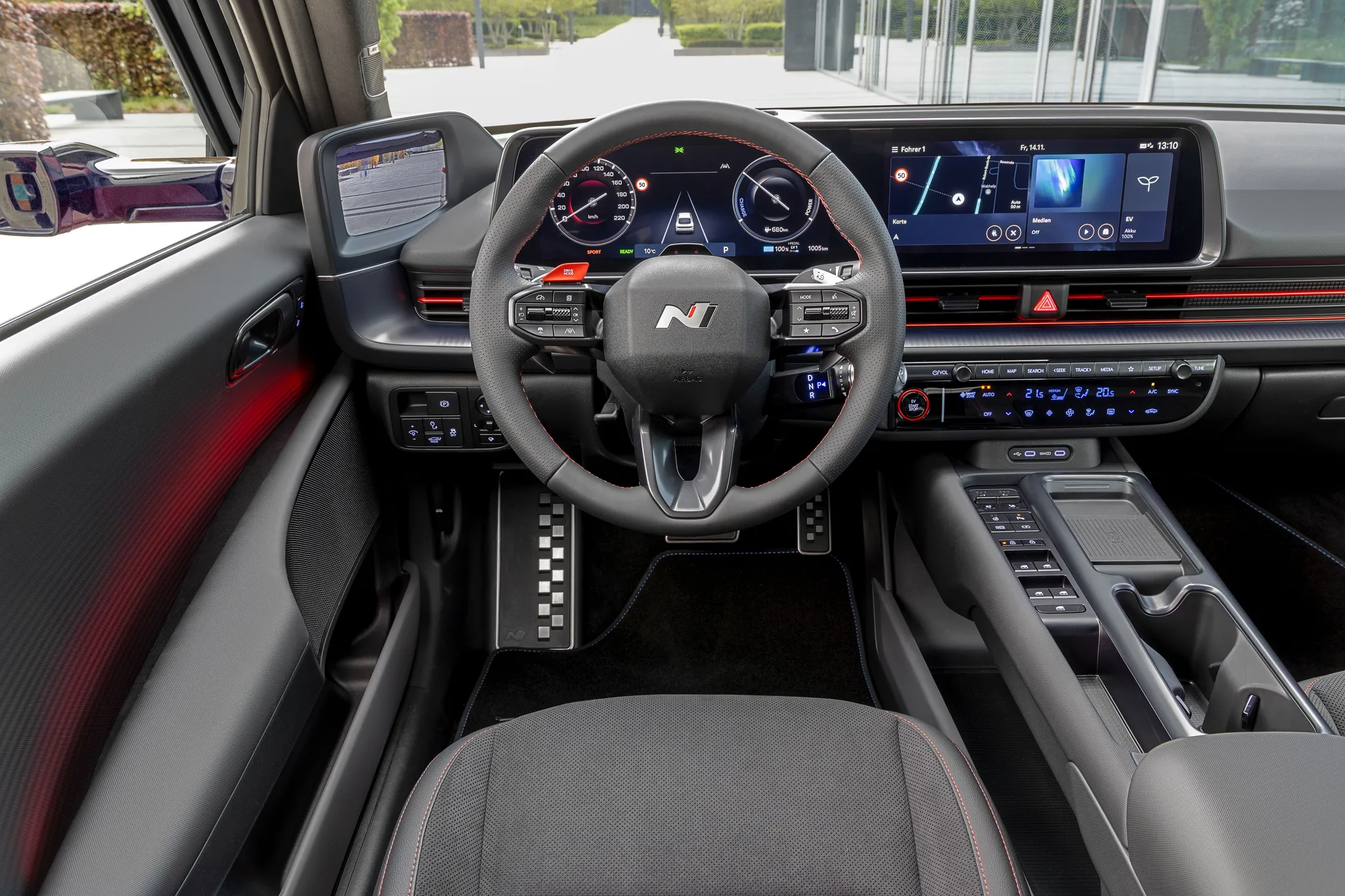

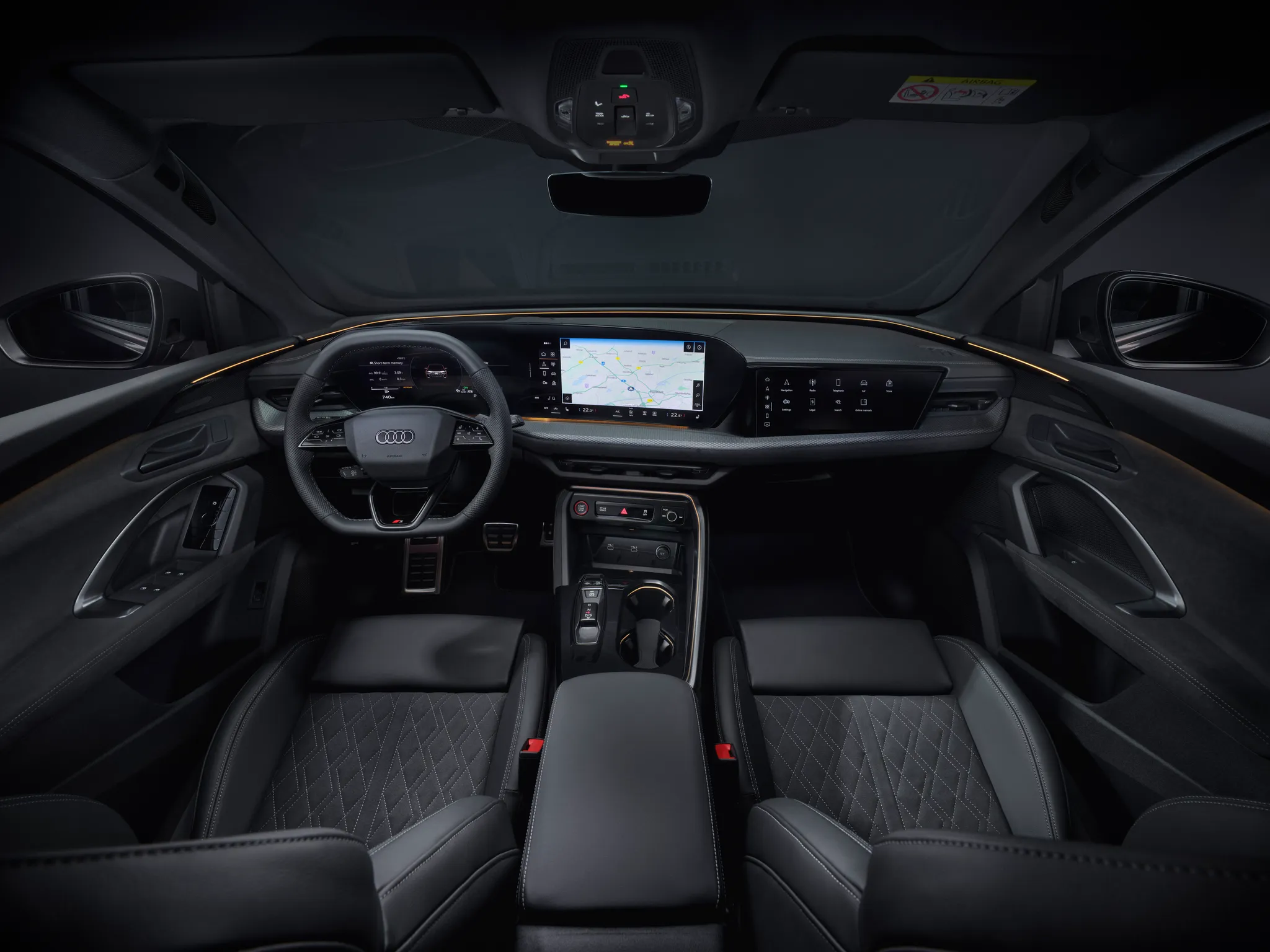
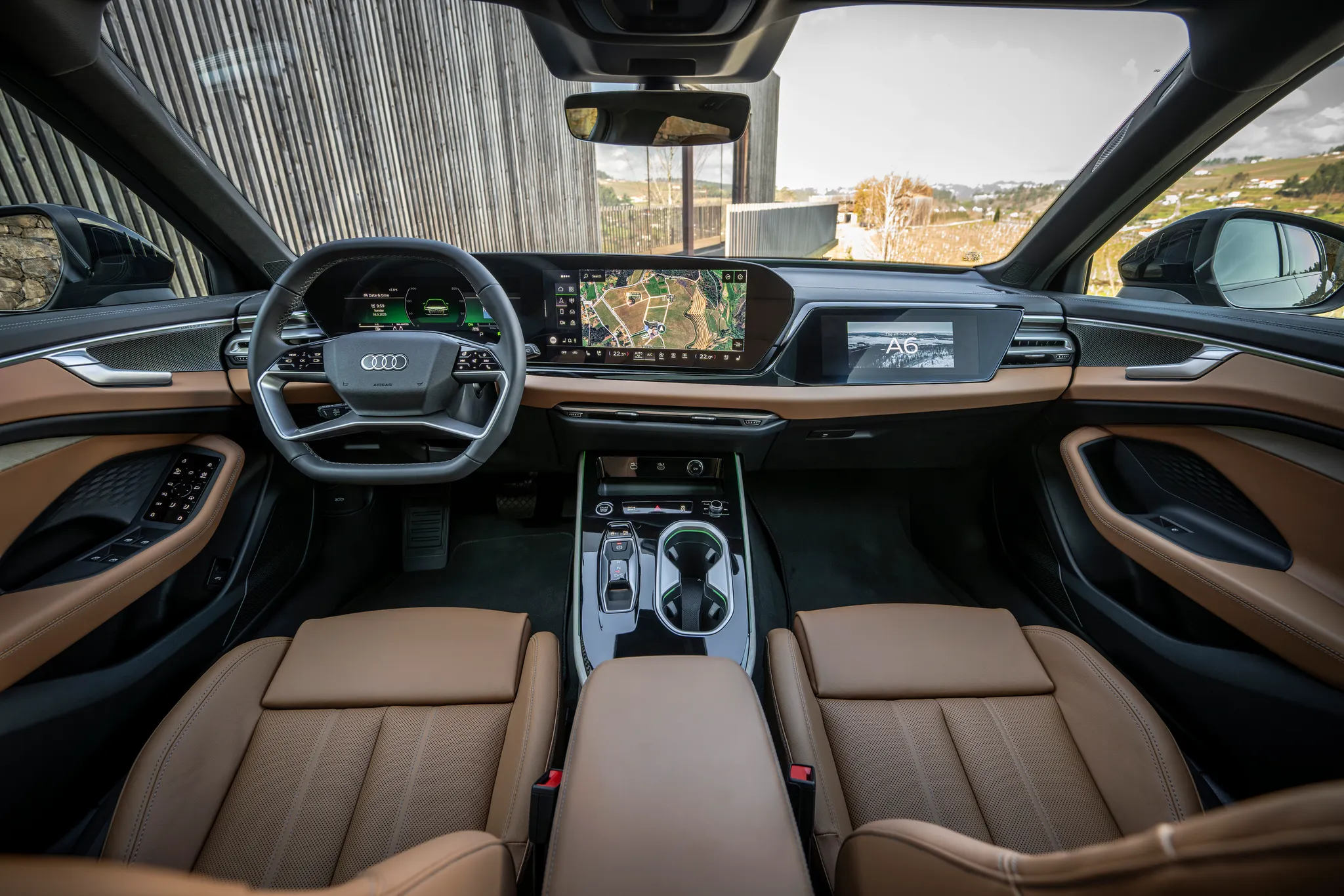
Photo credits
Photo credits (9)
- Volkswagen ID.4, centre display“Software generation 3.0 for the ID. family” (opens in a new tab) · © Volkswagen AG · Editorial use (opens in a new tab) · Volkswagen Newsroom
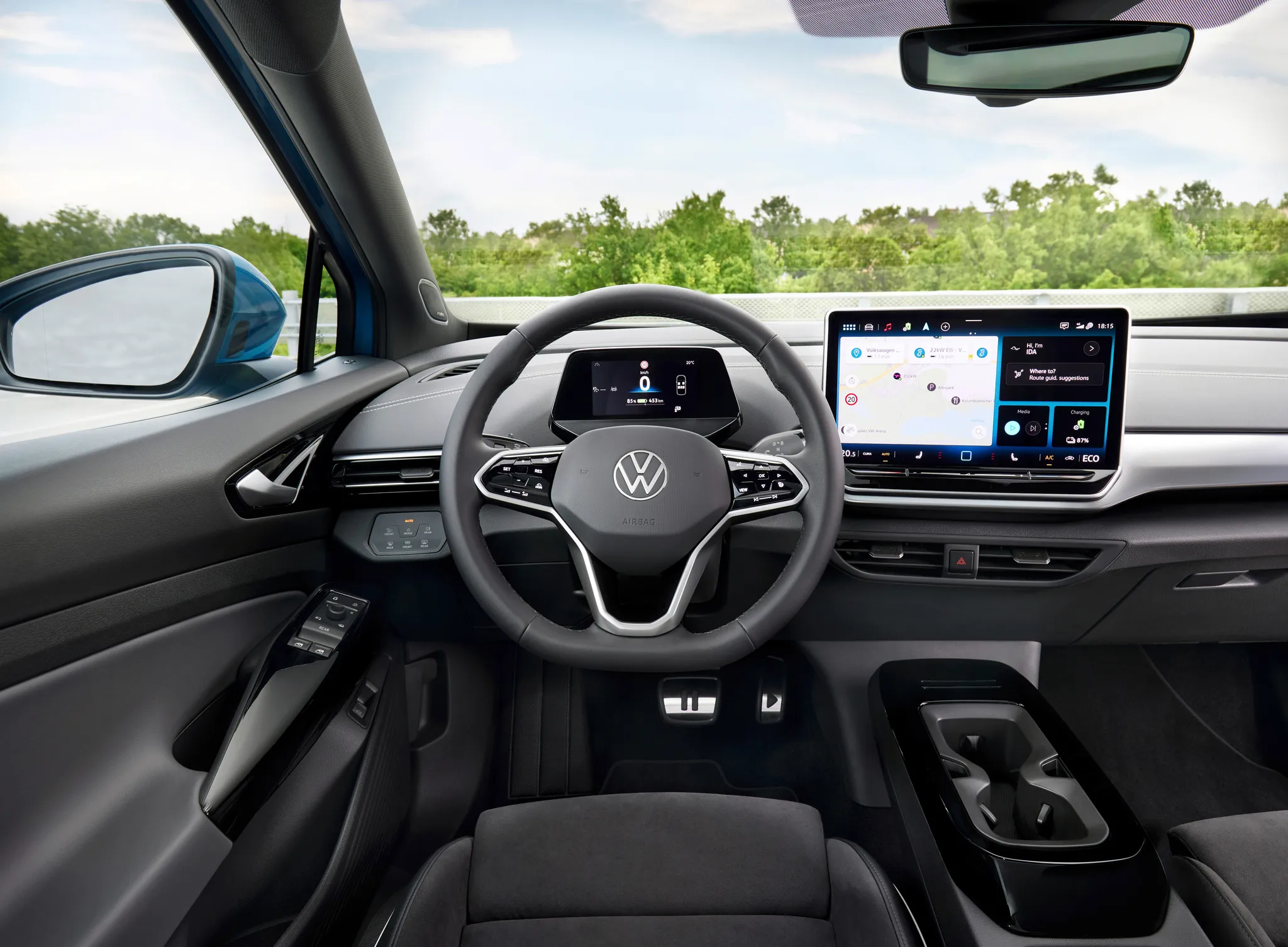
- Volkswagen ID.4, cockpit 1“Volkswagen ID.4” (opens in a new tab) · © Volkswagen AG · Editorial use (opens in a new tab) · Volkswagen Newsroom
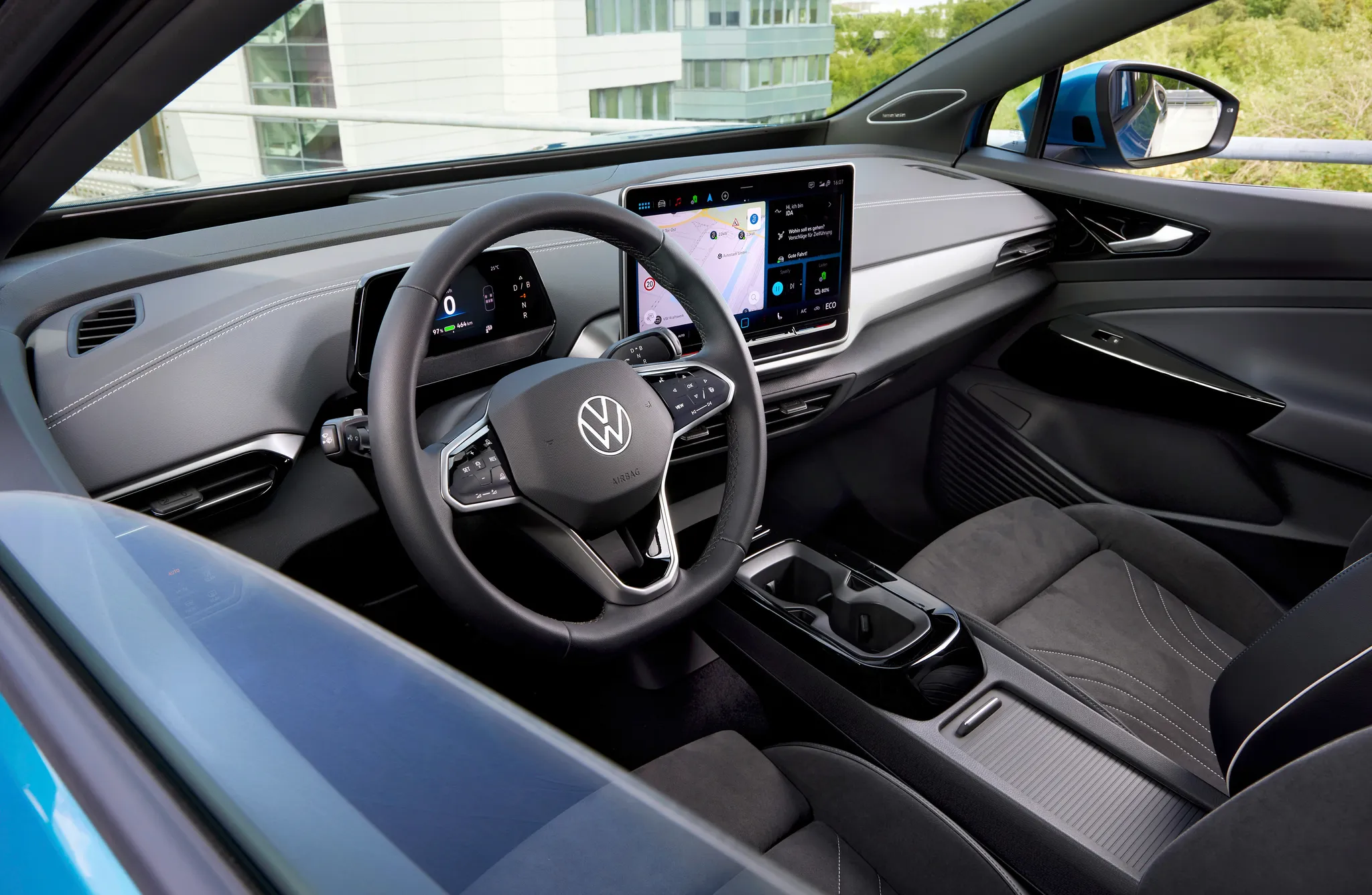
- Volkswagen ID.4, cockpit 2“Volkswagen ID.4” (opens in a new tab) · © Volkswagen AG · Editorial use (opens in a new tab) · Volkswagen Newsroom
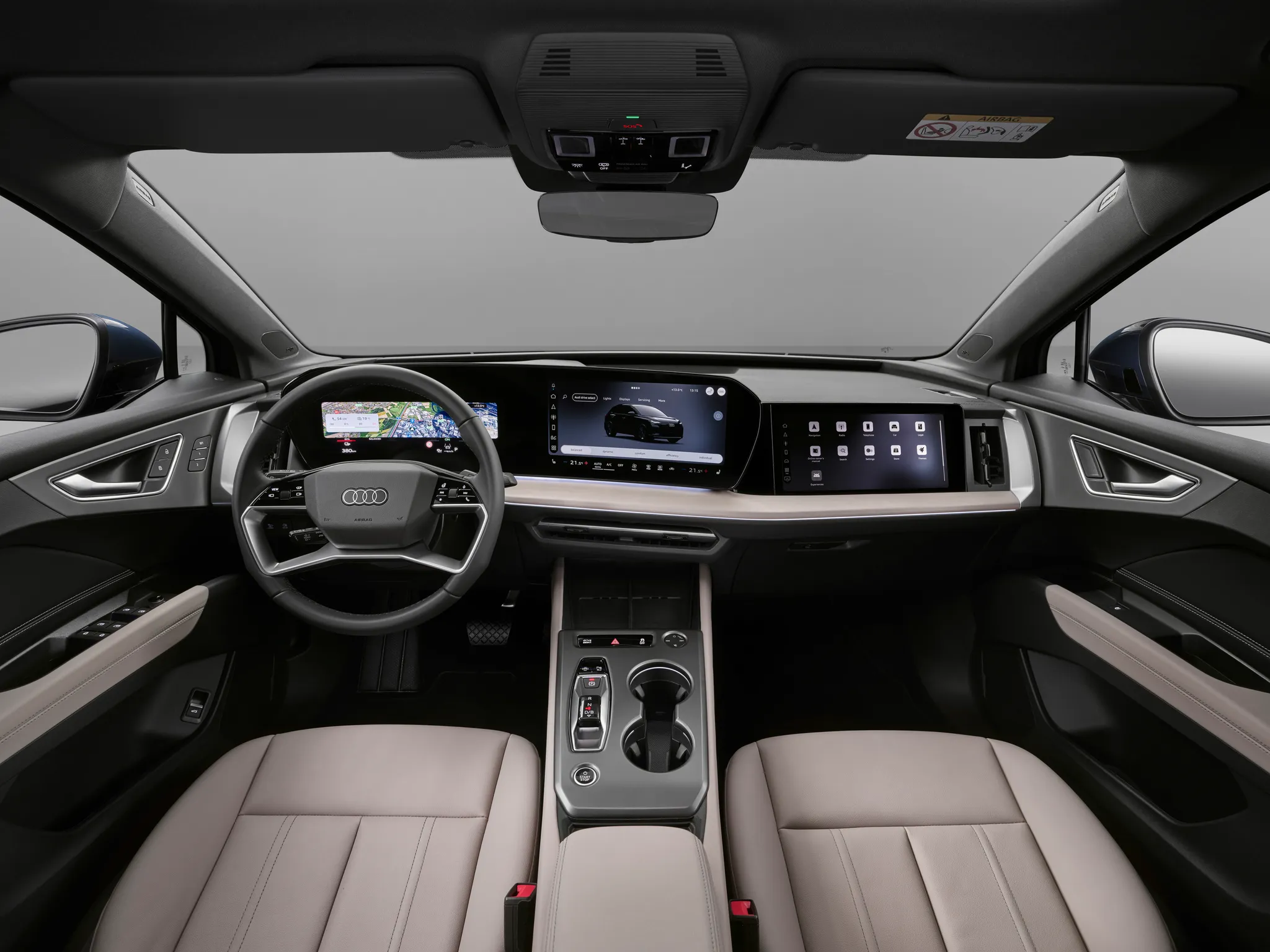
- Audi Q4 e‑tron, cockpit“Audi Q4 SUV e-tron: Studio photo, interior, digital stage” (opens in a new tab) · © AUDI AG · Editorial use (opens in a new tab) · Audi Media Center
- BMW i4 (G26), cockpit“The new BMW i4 e Drive40 – Interior” (opens in a new tab) · © BMW AG · Editorial use (opens in a new tab) · BMW Group Newsroom
- Ford Explorer (6th generation), cockpit“2025 Ford Explorer” (opens in a new tab) · © Ford Motor Company · Editorial use (opens in a new tab) · Ford From the Road
- Hyundai Ioniq 6, cockpit“Hyundai IONIQ 6 N Line images | Facelift 2025” (opens in a new tab) · © Hyundai Motor Europe GmbH · Editorial use (opens in a new tab) · Hyundai Newsroom Europe
- Audi Q5 (GU), cockpit“Audi Q5 SUV: Interior” (opens in a new tab) · © AUDI AG · Editorial use (opens in a new tab) · Audi Media Center
- Audi A6 (C9), cockpit“Audi A6 Avant: Cockpit” (opens in a new tab) · © AUDI AG · Editorial use (opens in a new tab) · Audi Media Center