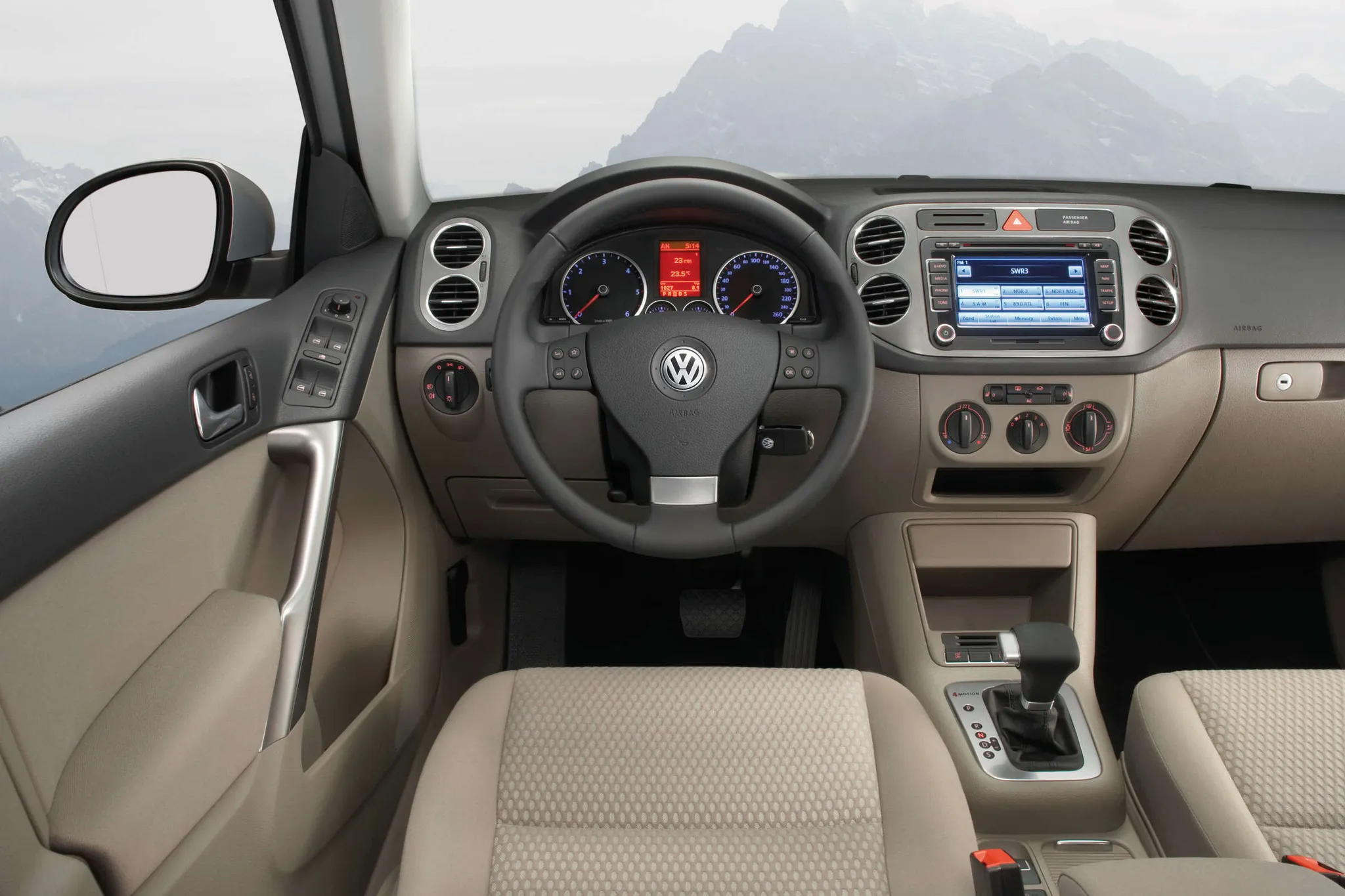


Volkswagen Tiguan (Mk1) cockpit
Dashboard from the driver's seat: two-dial instrument cluster with central display, RNS 510 touchscreen navigation and climate controls in the centre stack, automatic gear selector.
© Volkswagen AG · Editorial use (opens in a new tab) · Volkswagen Newsroom: source page for this photo (opens in a new tab)
More from this car
Similar photos
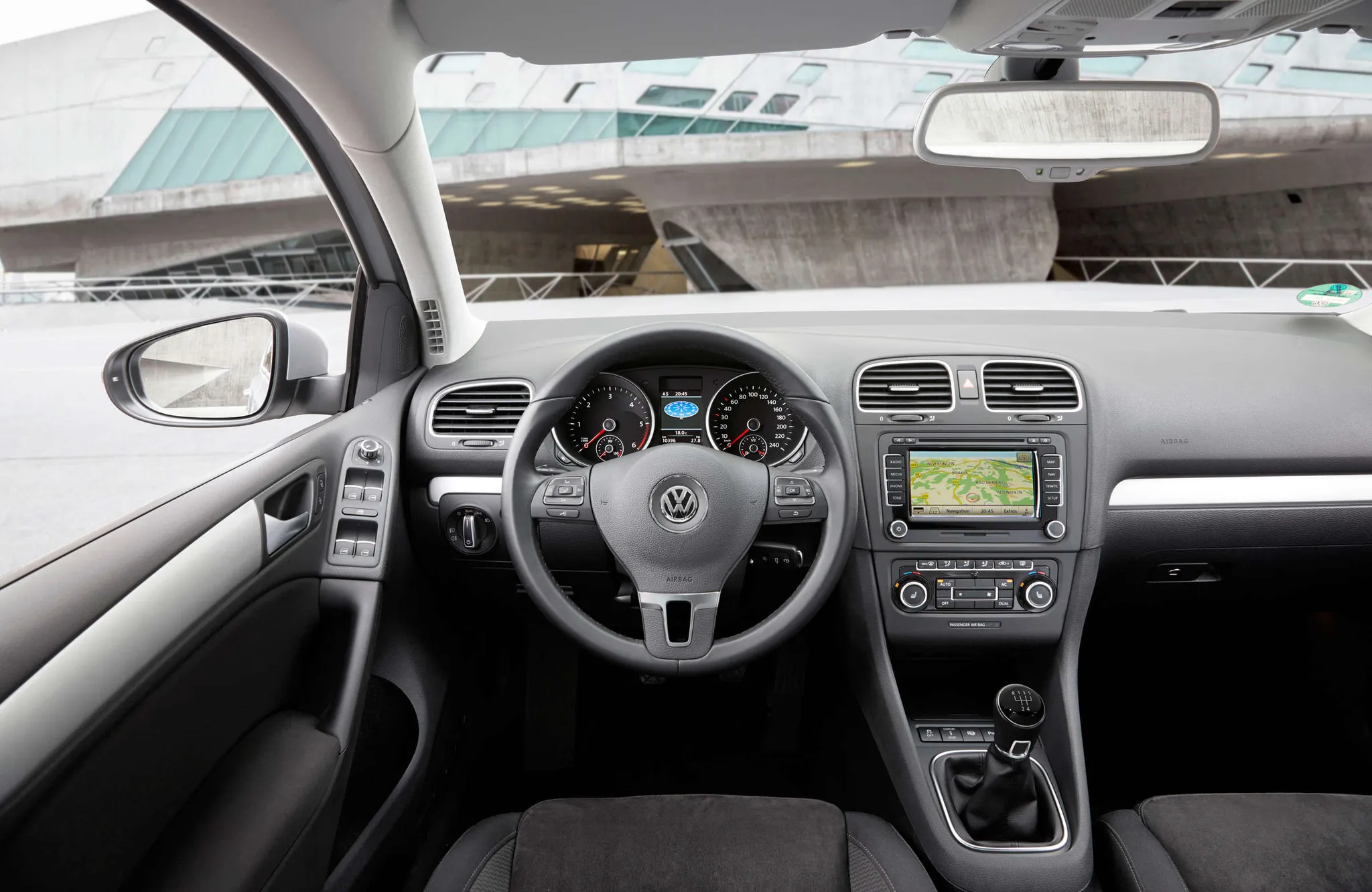
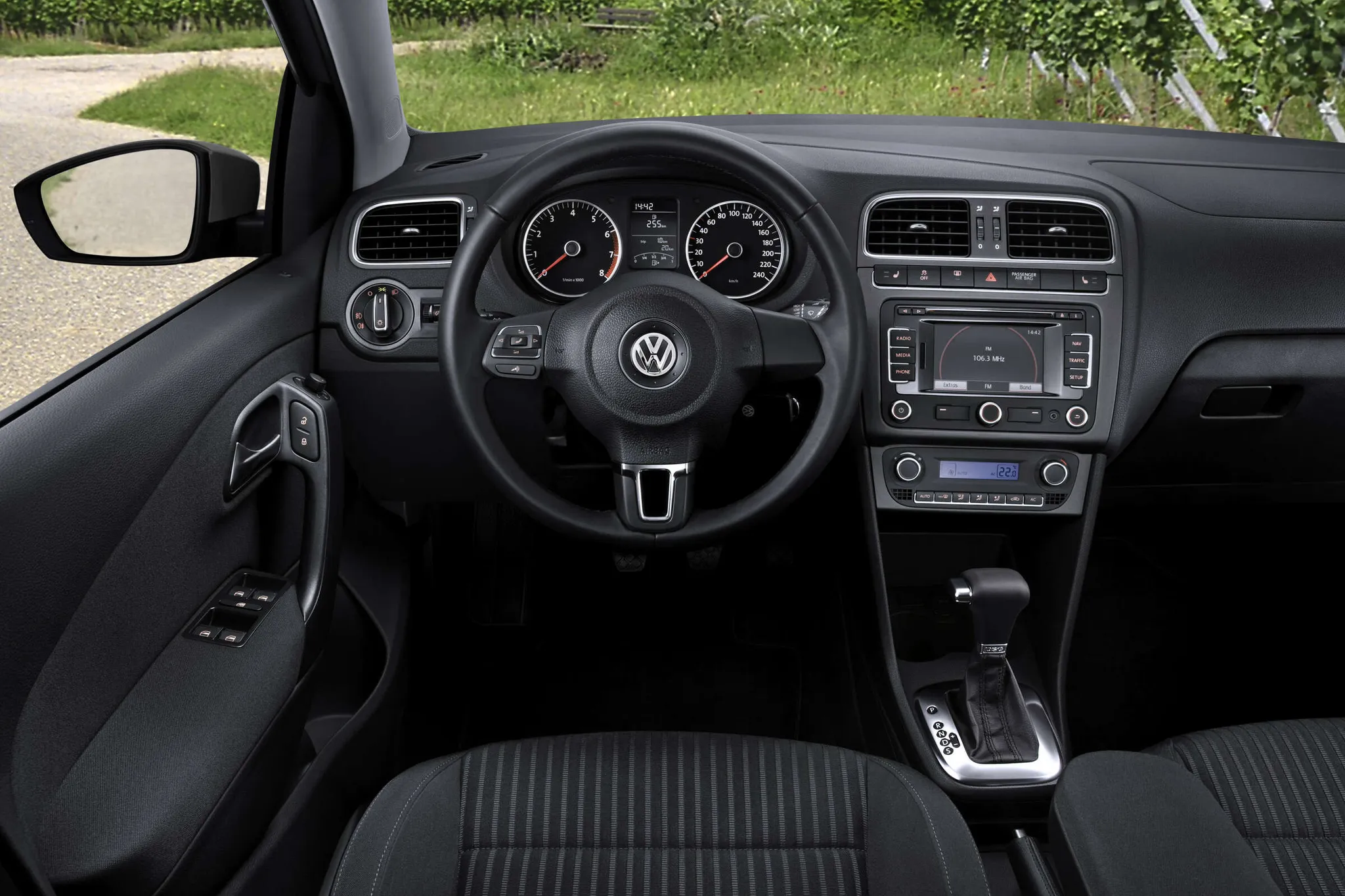






Photo credits
Photo credits (8)
- Volkswagen Tiguan (Mk1), cockpit 1“Volkswagen Tiguan” (opens in a new tab) · © Volkswagen AG · Editorial use (opens in a new tab) · Volkswagen Newsroom
- Volkswagen Tiguan (Mk1), cockpit 2“2008 Volkswagen Tiguan 125TSI 02” (opens in a new tab) · Photo: OSX · Public domain · Wikimedia Commons
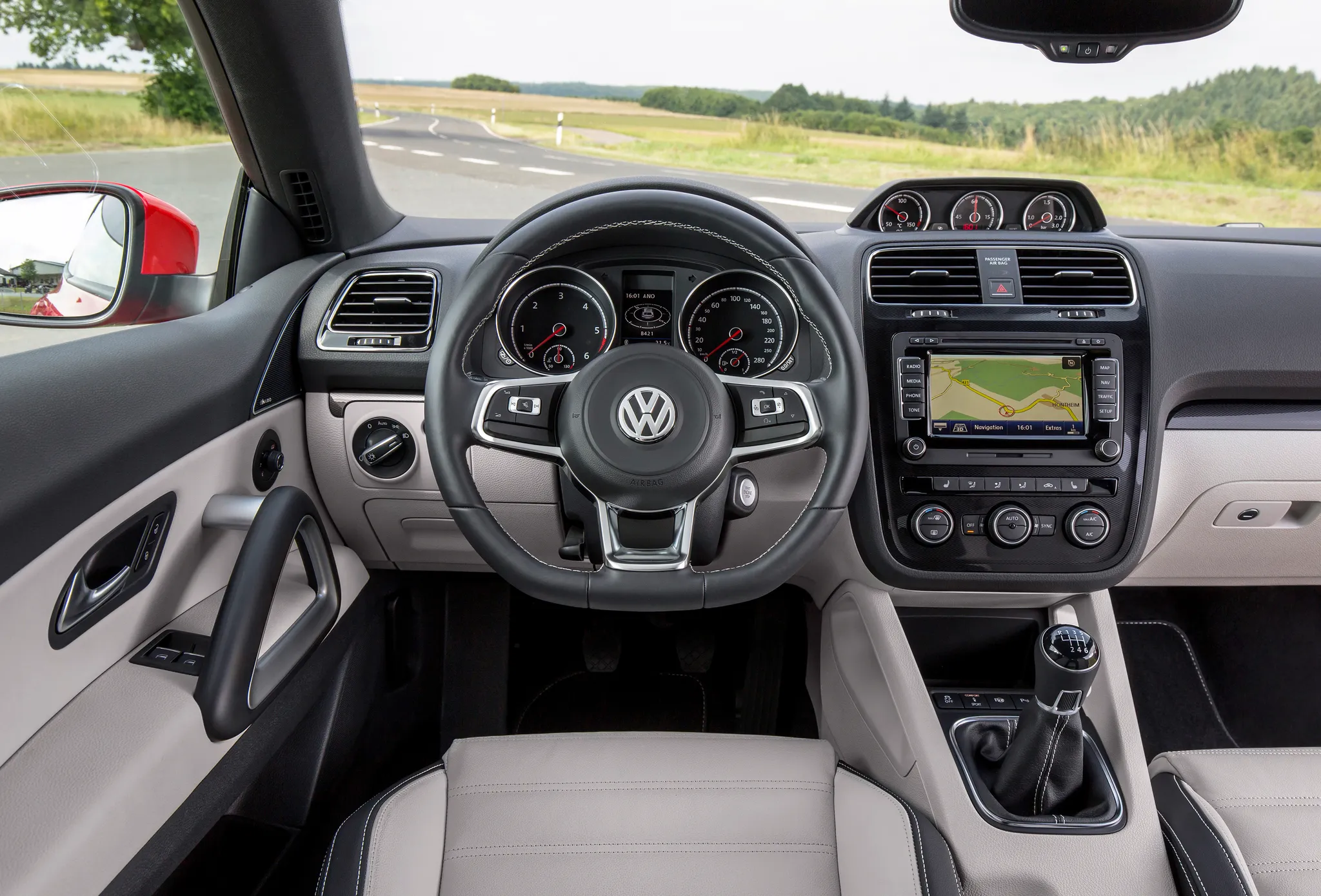
- Volkswagen Scirocco (Mk3), cockpit“Volkswagen Scirocco” (opens in a new tab) · © Volkswagen AG · Editorial use (opens in a new tab) · Volkswagen Newsroom
- Volkswagen Golf (Mk6), cockpit“Volkswagen Golf – sixth Generation” (opens in a new tab) · © Volkswagen AG · Editorial use (opens in a new tab) · Volkswagen Newsroom
- Volkswagen Polo (Mk5), cockpit“Volkswagen Polo - 5th Generation” (opens in a new tab) · © Volkswagen AG · Editorial use (opens in a new tab) · Volkswagen Newsroom
- Chevrolet Corvette (C6), cockpit“Chevy 100th Anniversary Edition Corvette Convertible, Interior (6849947817)” (opens in a new tab) · Photo: artistmac · CC BY-SA 2.0 (opens in a new tab) · Wikimedia Commons
- Ford Mustang (S197), cockpit“Ford Mustang GT (US) - Flickr - skinnylawyer” (opens in a new tab) · Photo: skinnylawyer from Los Angeles, California, USA · CC BY-SA 2.0 (opens in a new tab) · Wikimedia Commons
- Nissan Teana, cockpit“Nissan TEANA XV Navi AVM Package (DBA-L33) interior” (opens in a new tab) · Photo: Tokumeigakarinoaoshima · CC BY-SA 4.0 (opens in a new tab) · Wikimedia Commons