
Mazda 3 (BP) centre display
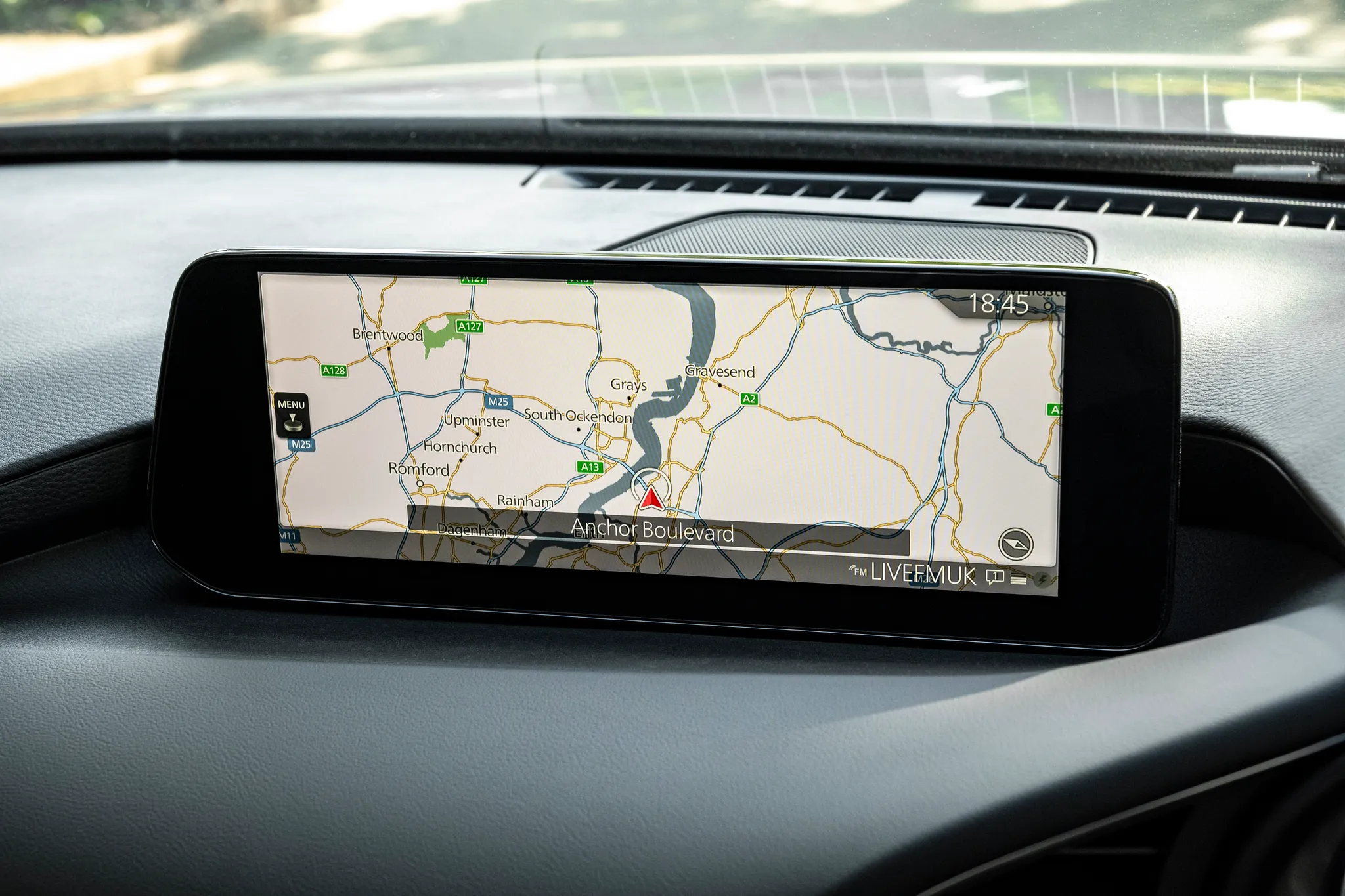
Mazda3 Homura centre screen on top of the dashboard switched on: a full-width road map of east London and Essex with the clock and street name
© Mazda · Editorial use (opens in a new tab) · Mazda UK Press Packs: source page for this photo (opens in a new tab)
More from this car
Similar photos
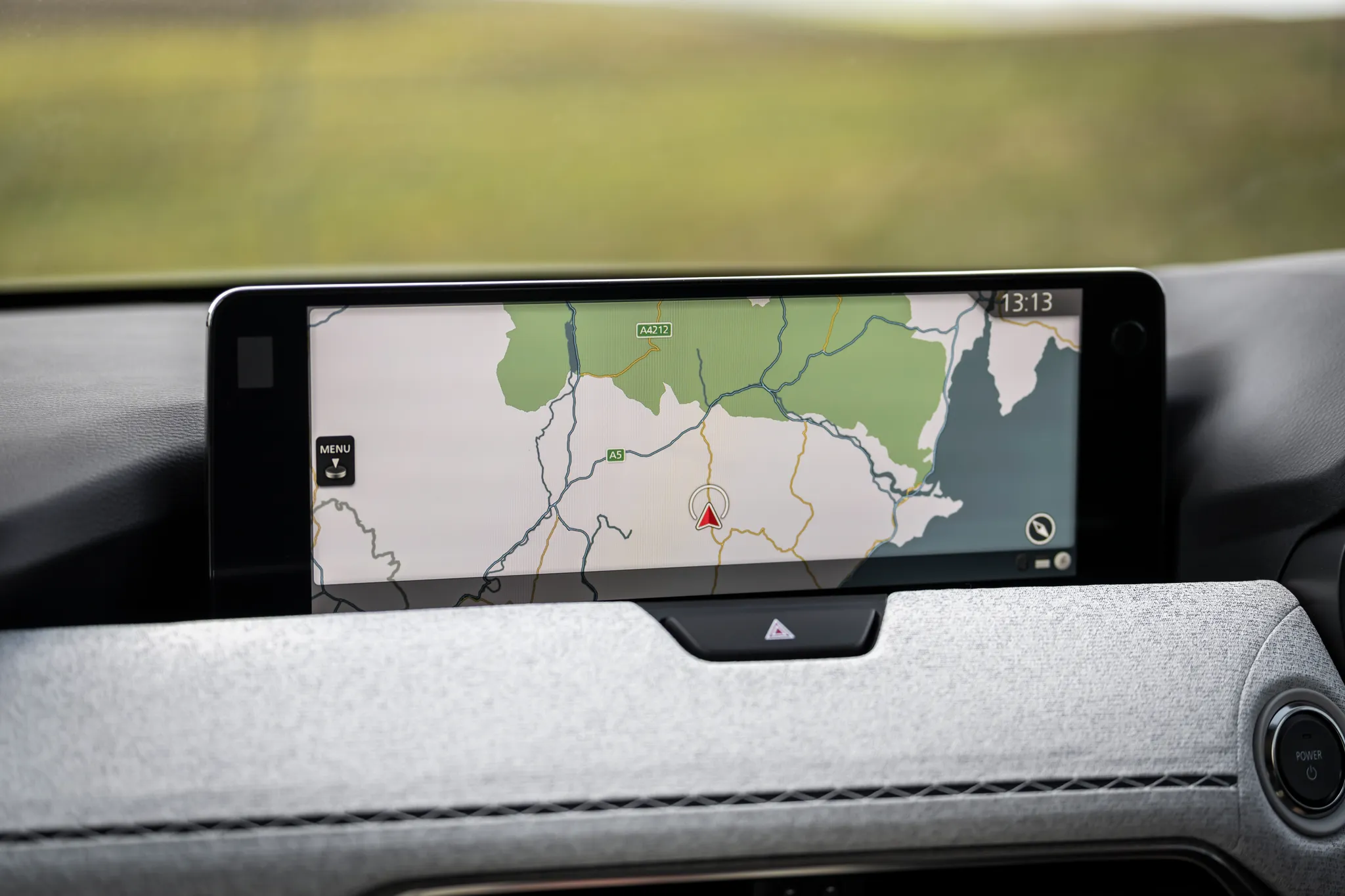
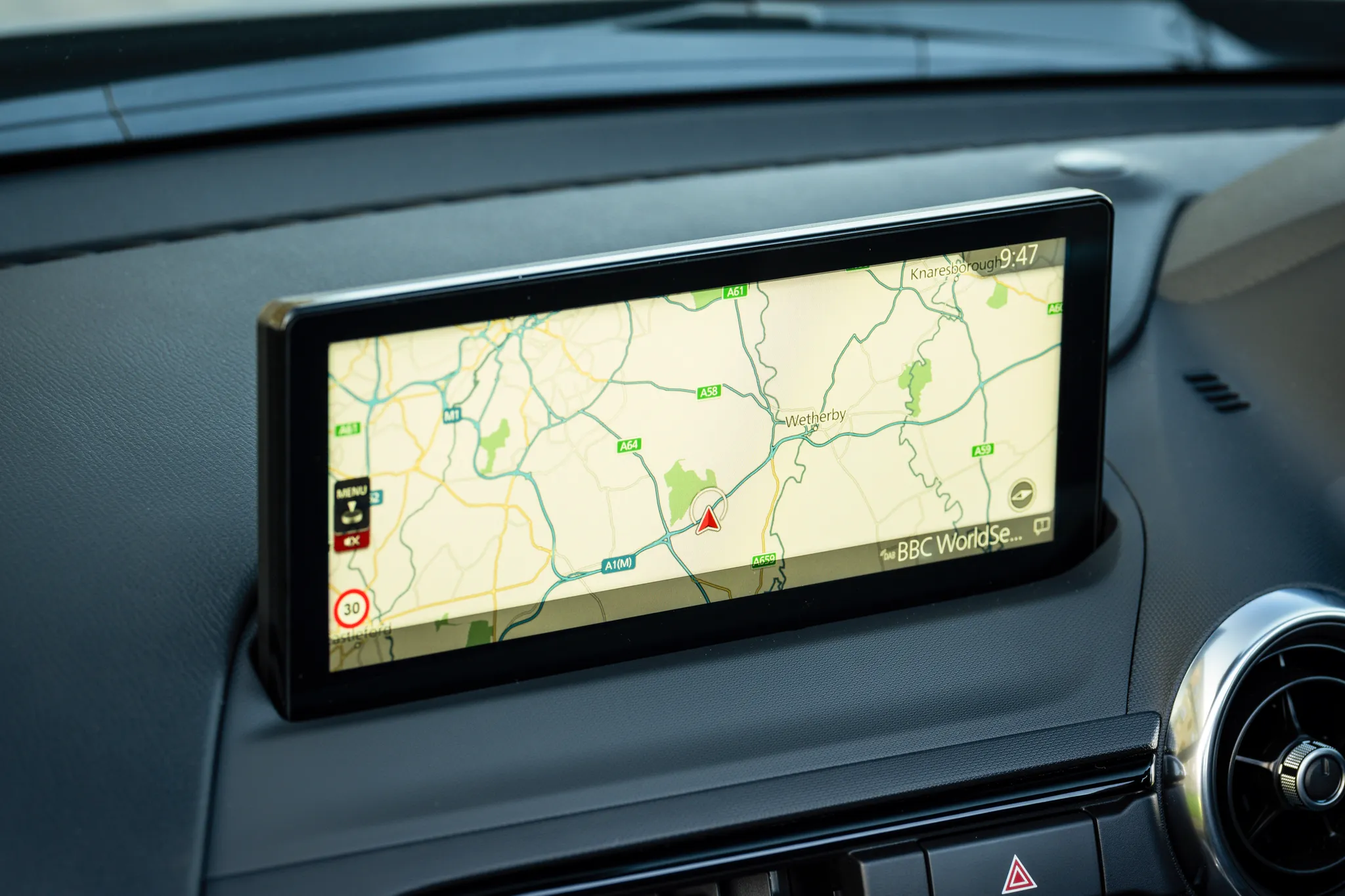





Photo credits
Photo credits (9)
- Mazda 3 (BP), centre display“Mazda3 e-Skyactiv G Homura” (opens in a new tab) · © Mazda · Editorial use (opens in a new tab) · Mazda UK Press Packs
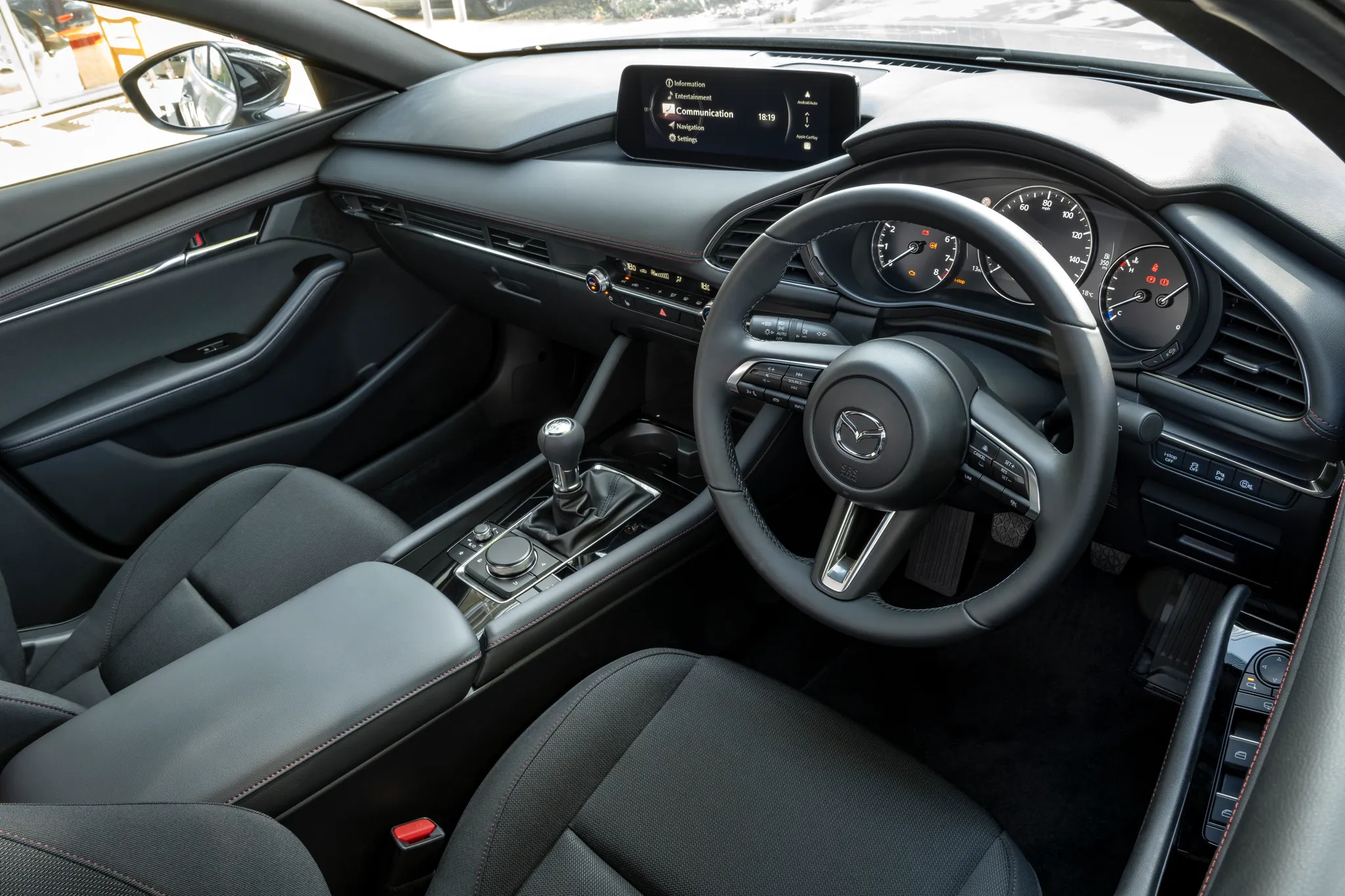
- Mazda 3 (BP), cockpit 1“Mazda3 e-Skyactiv G Homura” (opens in a new tab) · © Mazda · Editorial use (opens in a new tab) · Mazda UK Press Packs
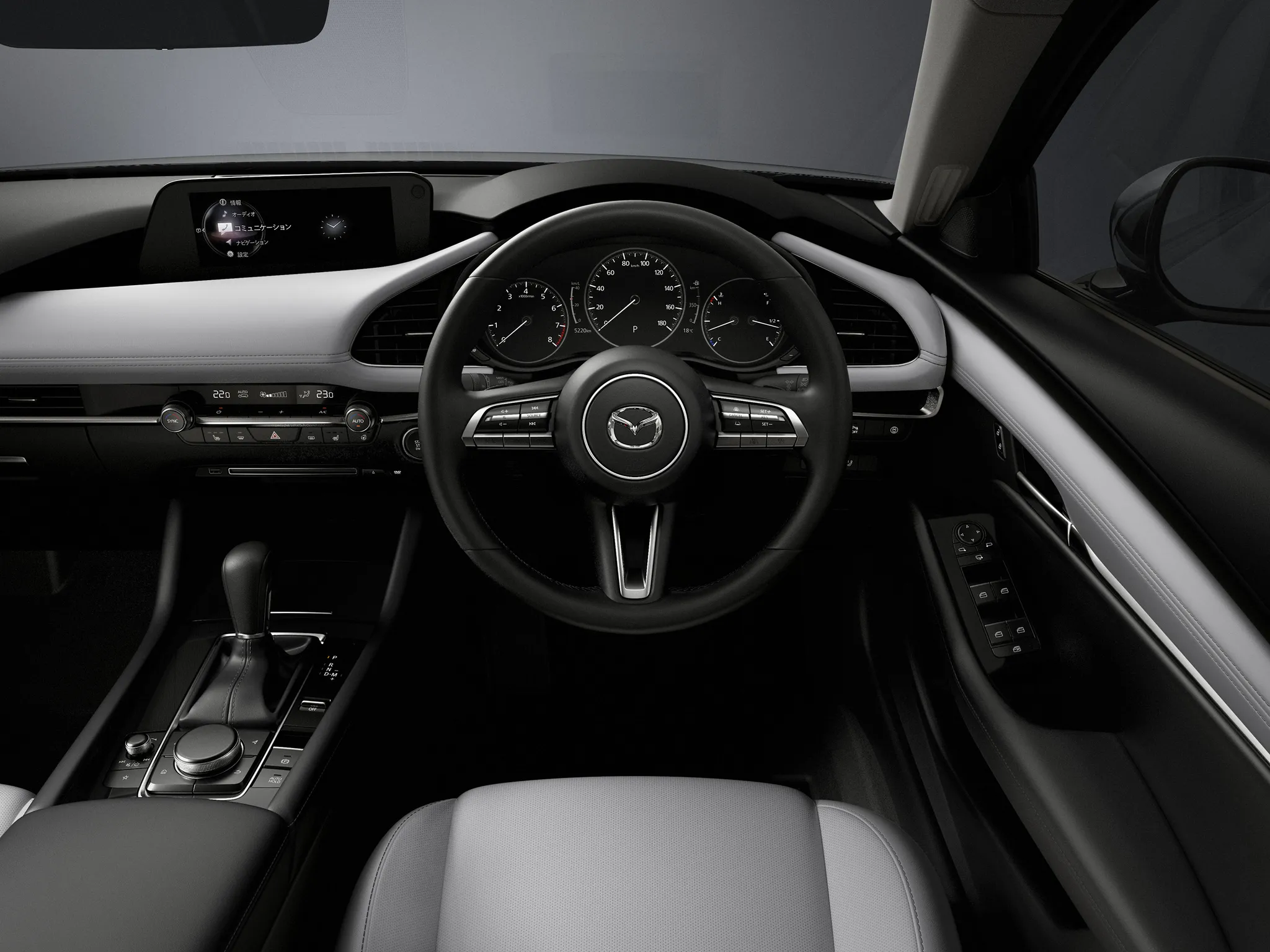
- Mazda 3 (BP), cockpit 2“MAZDA3 Cockpit” (opens in a new tab) · © Mazda · Editorial use (opens in a new tab) · Mazda Newsroom
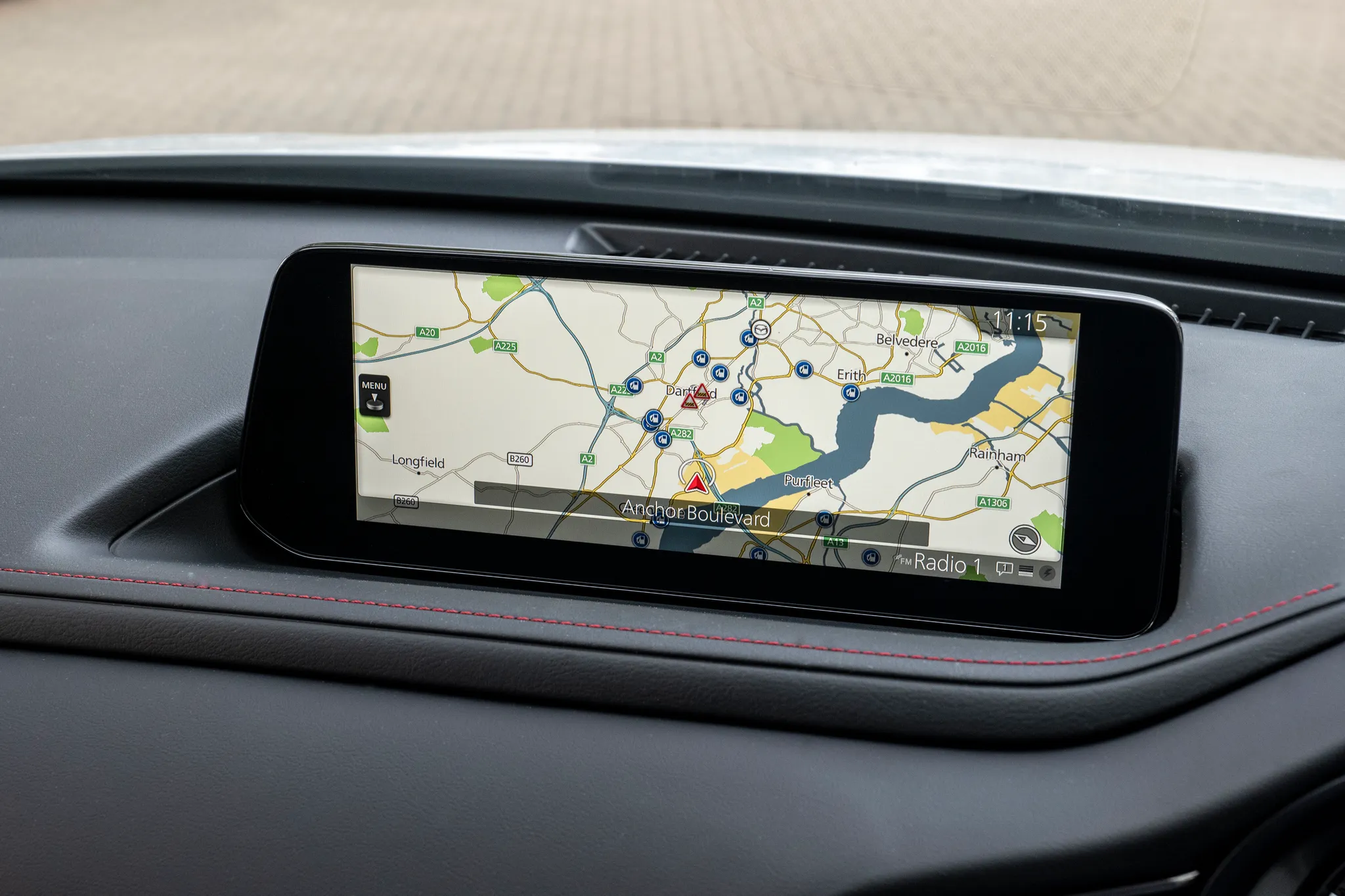
- Mazda CX‑30 (DM), centre display“Mazda CX-30 e-Skyactiv G Homura” (opens in a new tab) · © Mazda · Editorial use (opens in a new tab) · Mazda UK Press Packs
- Mazda CX‑60 (KH), centre display“2026 Mazda CX-60 e-Skyactiv PHEV Takumi” (opens in a new tab) · © Mazda · Editorial use (opens in a new tab) · Mazda UK Press Packs
- Mazda MX‑5 (ND), centre display“Mazda MX-5 RF 2.0 Exclusive Line Aero Grey” (opens in a new tab) · © Mazda · Editorial use (opens in a new tab) · Mazda UK Press Packs
- Mercedes-Benz GL‑Class (X164), centre display“Mercedes Benz GL420 CDi 4-Matic - Flickr - The Car Spy (7)” (opens in a new tab) · Photo: The Car Spy · CC BY 2.0 (opens in a new tab) · Wikimedia Commons
- Audi R8 (Typ 42), centre display“Audi R8 Navigation 20080225” (opens in a new tab) · Photo: Samoborac · CC BY-SA 3.0 (opens in a new tab) · Wikimedia Commons
- Porsche 911 (997), centre display“2008 Porsche 911 C2S Cabriolet - Flickr - The Car Spy (6)” (opens in a new tab) · Photo: The Car Spy · CC BY 2.0 (opens in a new tab) · Wikimedia Commons