
BMW X5 (G65) cockpit
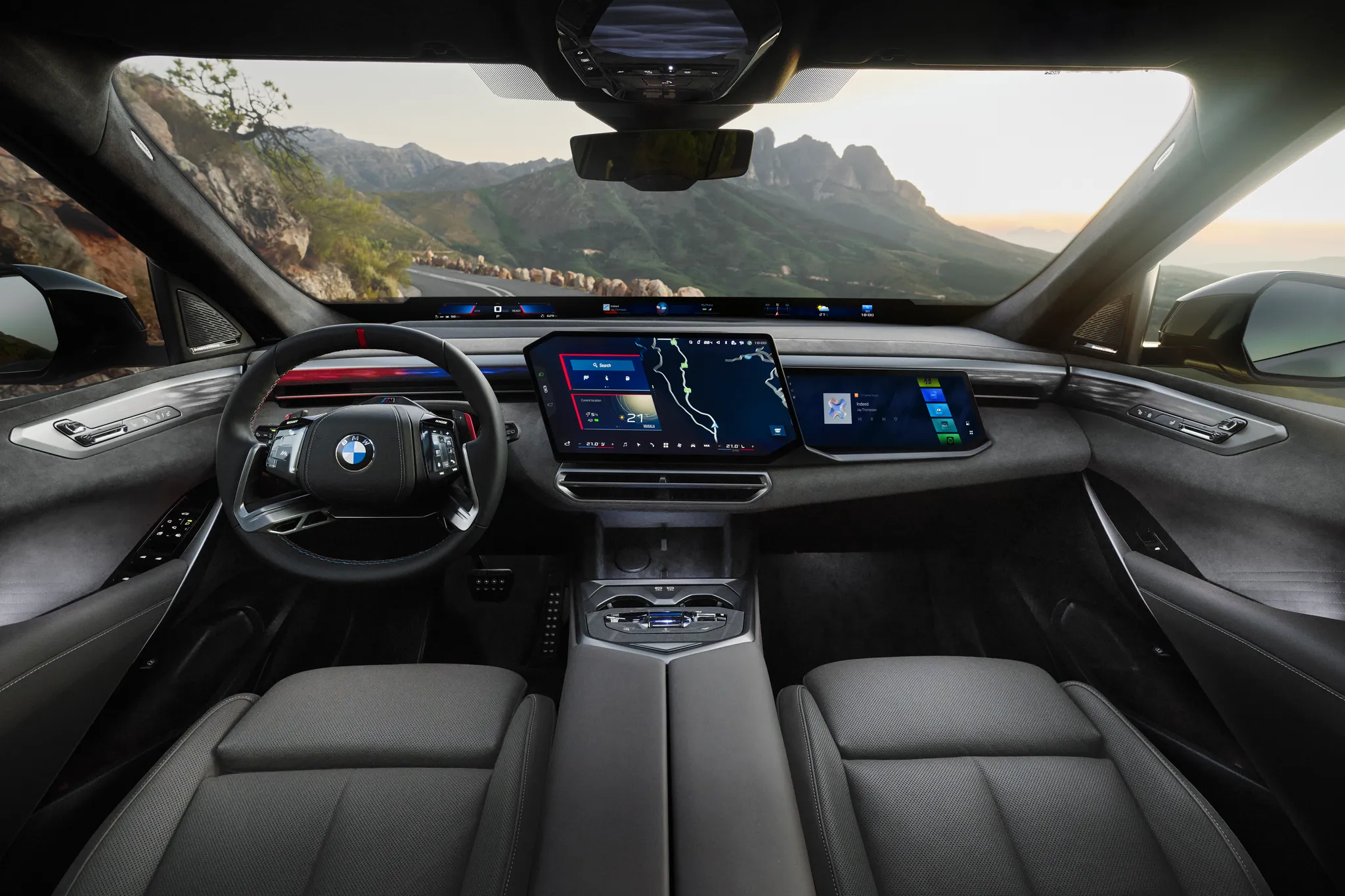
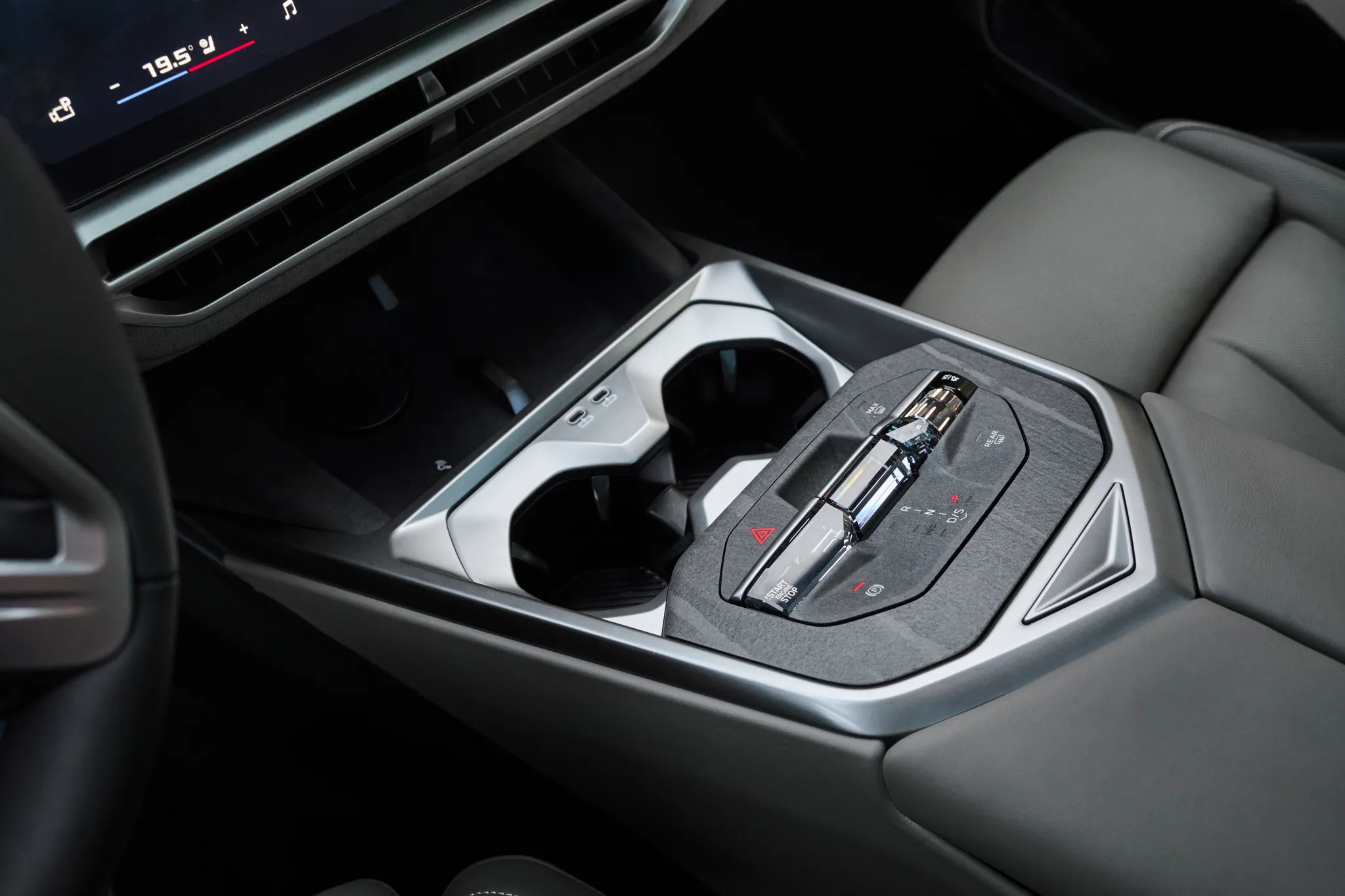
Dashboard of an X5 M60e xDrive at the 2026 launch, seen straight on from between the front seats: the Panoramic Vision display band along the base of the windscreen, a central touchscreen angled towards the driver with a map and the temperature bar along its lower edge, a second screen in front of the passenger, a column stalk beside the wheel, and the console with its crystal-finish control bar.
- Cockpit
- Head-up display
- Touchscreen
- Passenger screen
- Navigation map
- Climate on screen or touch panel
- Steering-wheel controls
- Stalks
- Gear selector
- 2020s
© BMW AG · Editorial use (opens in a new tab) · BMW Group Newsroom: source page for this photo (opens in a new tab)
More from this car
Similar photos

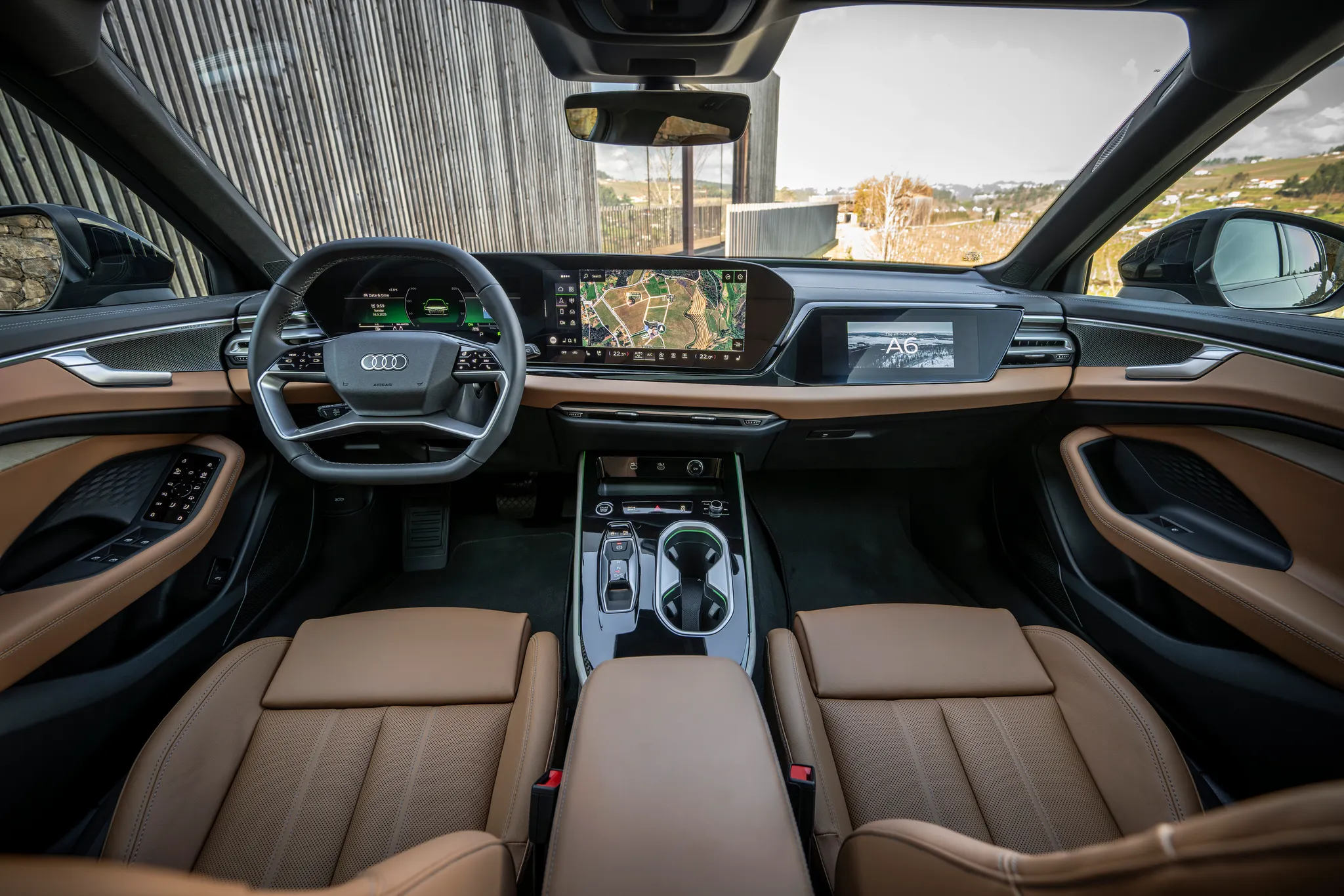
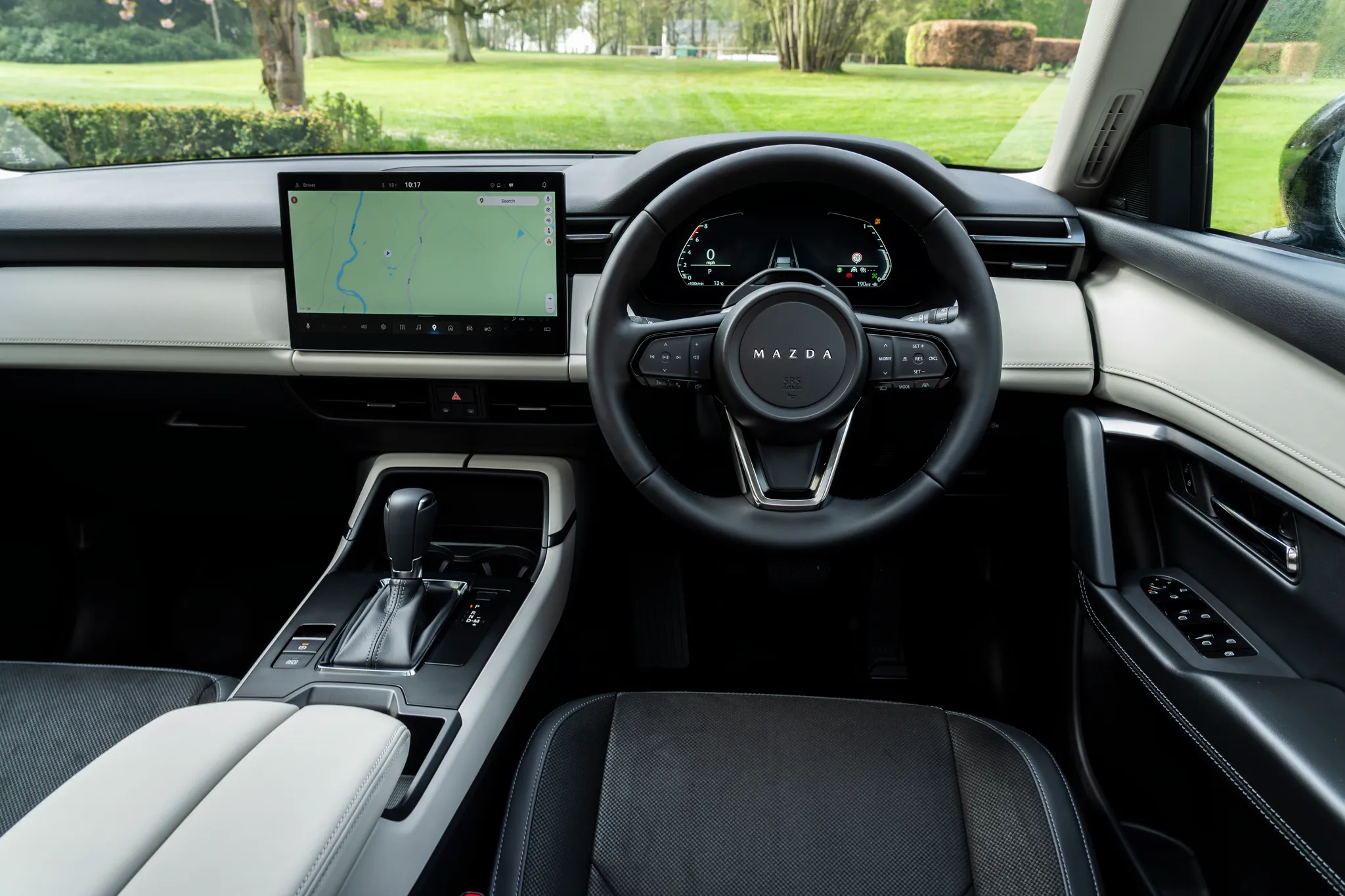

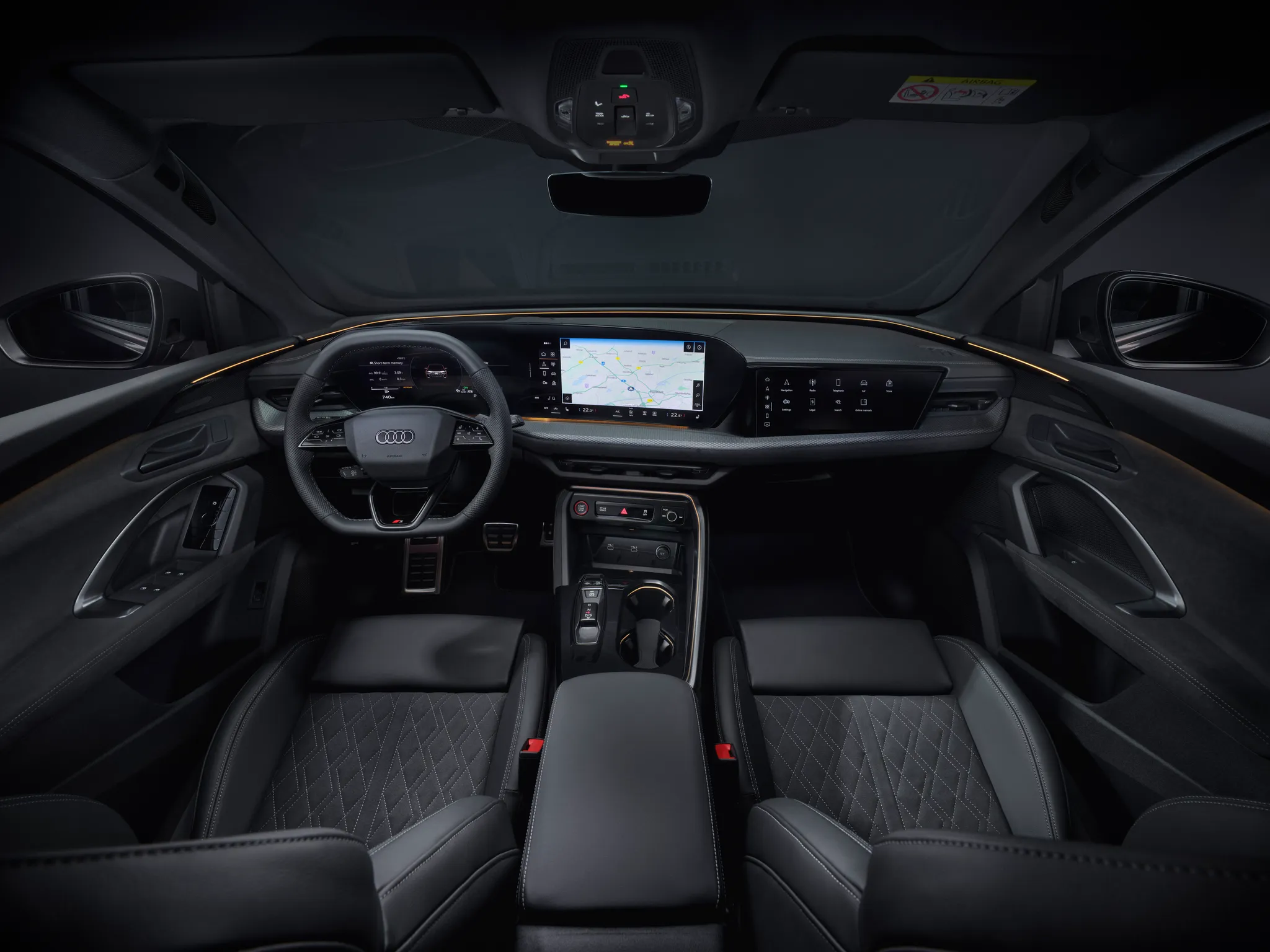
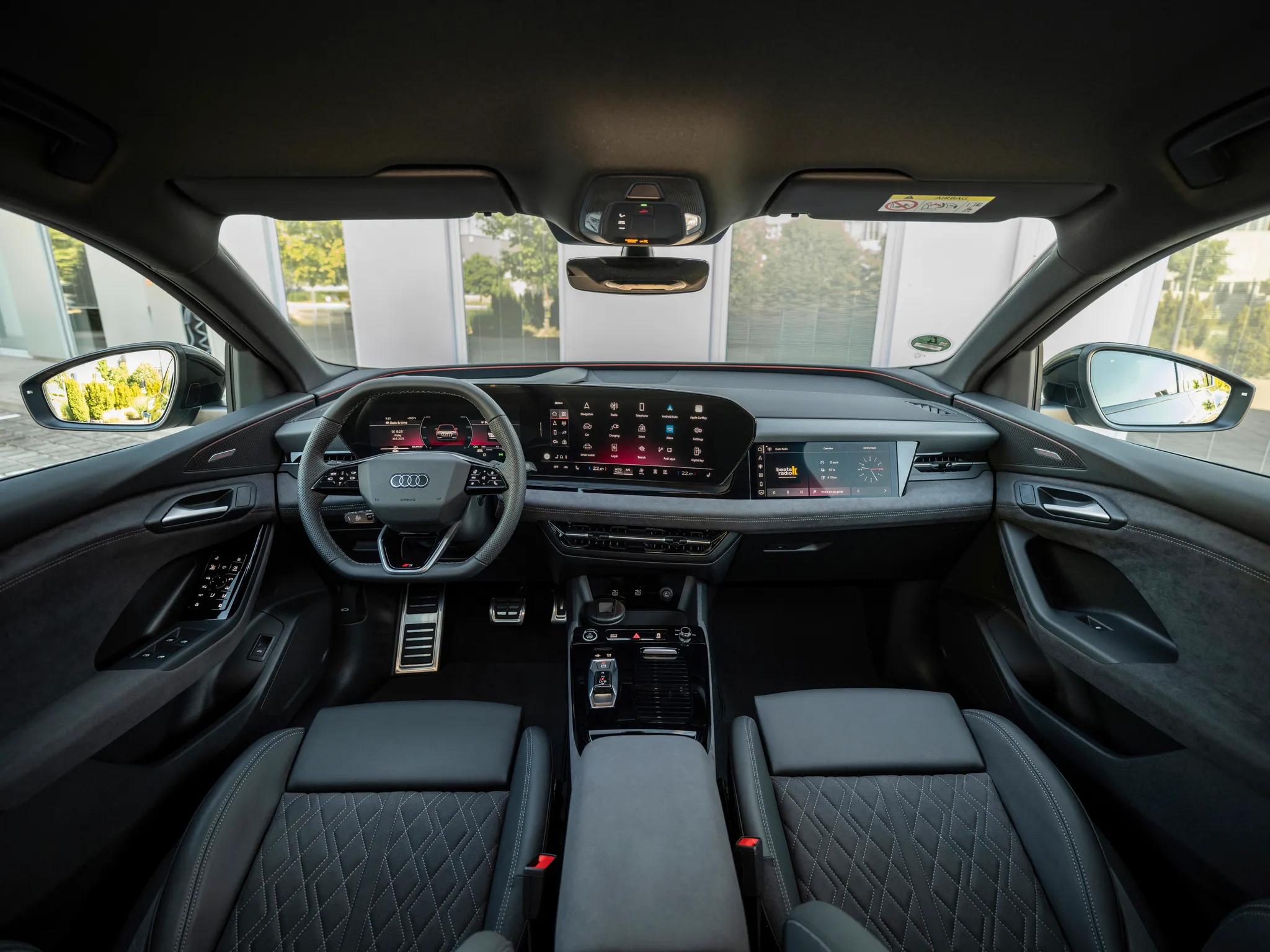
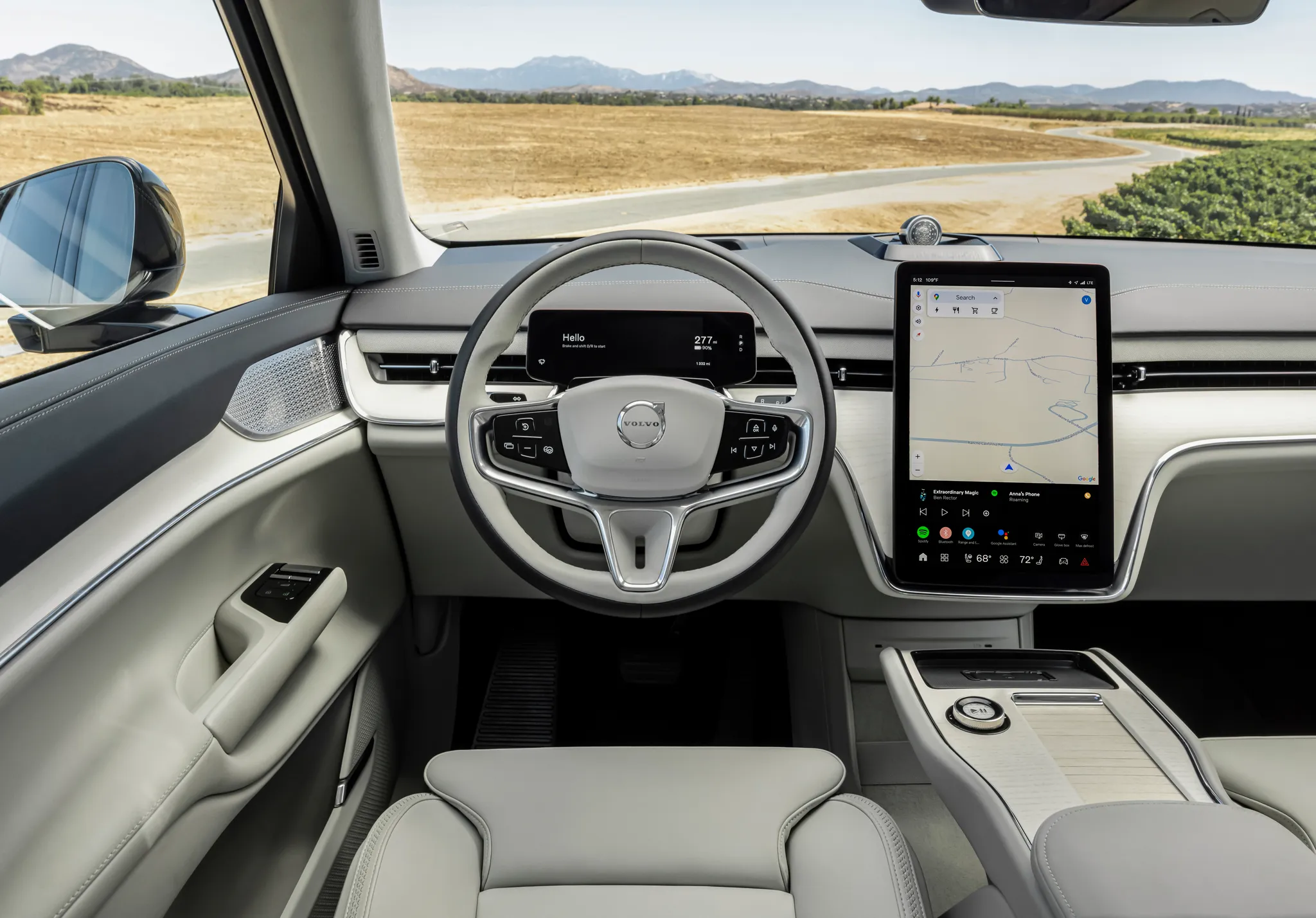

Photo credits
Photo credits (8)
- BMW X5 (G65), cockpit“BMW X5 M60e xDrive (06/2026)” (opens in a new tab) · © BMW AG · Editorial use (opens in a new tab) · BMW Group Newsroom
- BMW X5 (G65), controls“BMW X5 M60e xDrive (06/2026)” (opens in a new tab) · © BMW AG · Editorial use (opens in a new tab) · BMW Group Newsroom
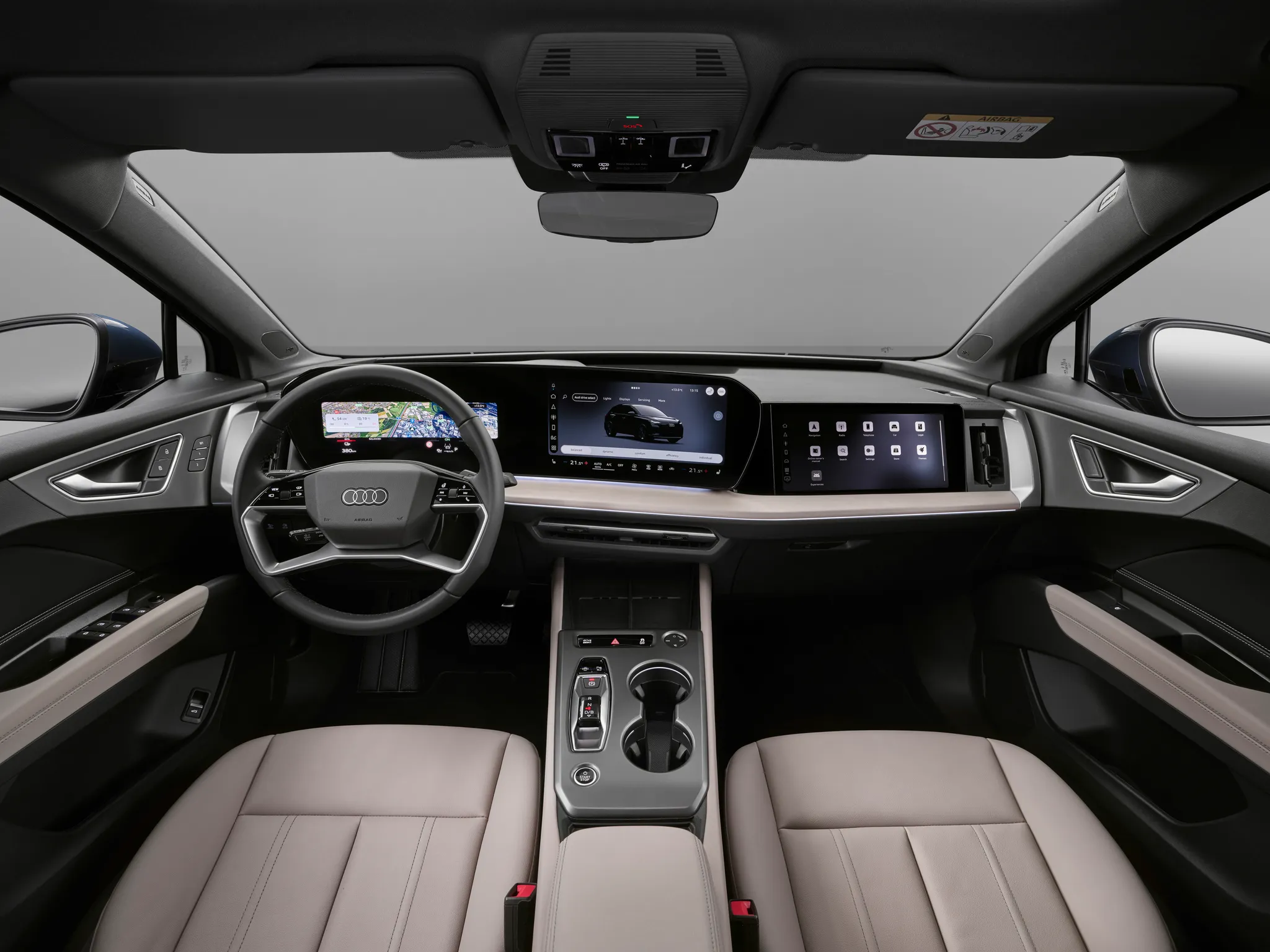
- Audi Q4 e‑tron, cockpit“Audi Q4 SUV e-tron: Studio photo, interior, digital stage” (opens in a new tab) · © AUDI AG · Editorial use (opens in a new tab) · Audi Media Center
- Audi A6 (C9), cockpit“Audi A6 Avant: Cockpit” (opens in a new tab) · © AUDI AG · Editorial use (opens in a new tab) · Audi Media Center
- Mazda CX‑5 (KM), cockpit“All-new Mazda CX-5 Exclusive-Line” (opens in a new tab) · © Mazda · Editorial use (opens in a new tab) · Mazda UK Press Packs
- Audi Q5 (GU), cockpit“Audi Q5 SUV: Interior” (opens in a new tab) · © AUDI AG · Editorial use (opens in a new tab) · Audi Media Center
- Audi Q6 e‑tron, cockpit“Audi Q6 Sportback e-tron: Interior” (opens in a new tab) · © AUDI AG · Editorial use (opens in a new tab) · Audi Media Center
- Volvo EX90, cockpit“Volvo EX90” (opens in a new tab) · © Volvo Car Corporation · Editorial use (opens in a new tab) · Volvo Cars Press & Media