
Audi Q4 e‑tron controls
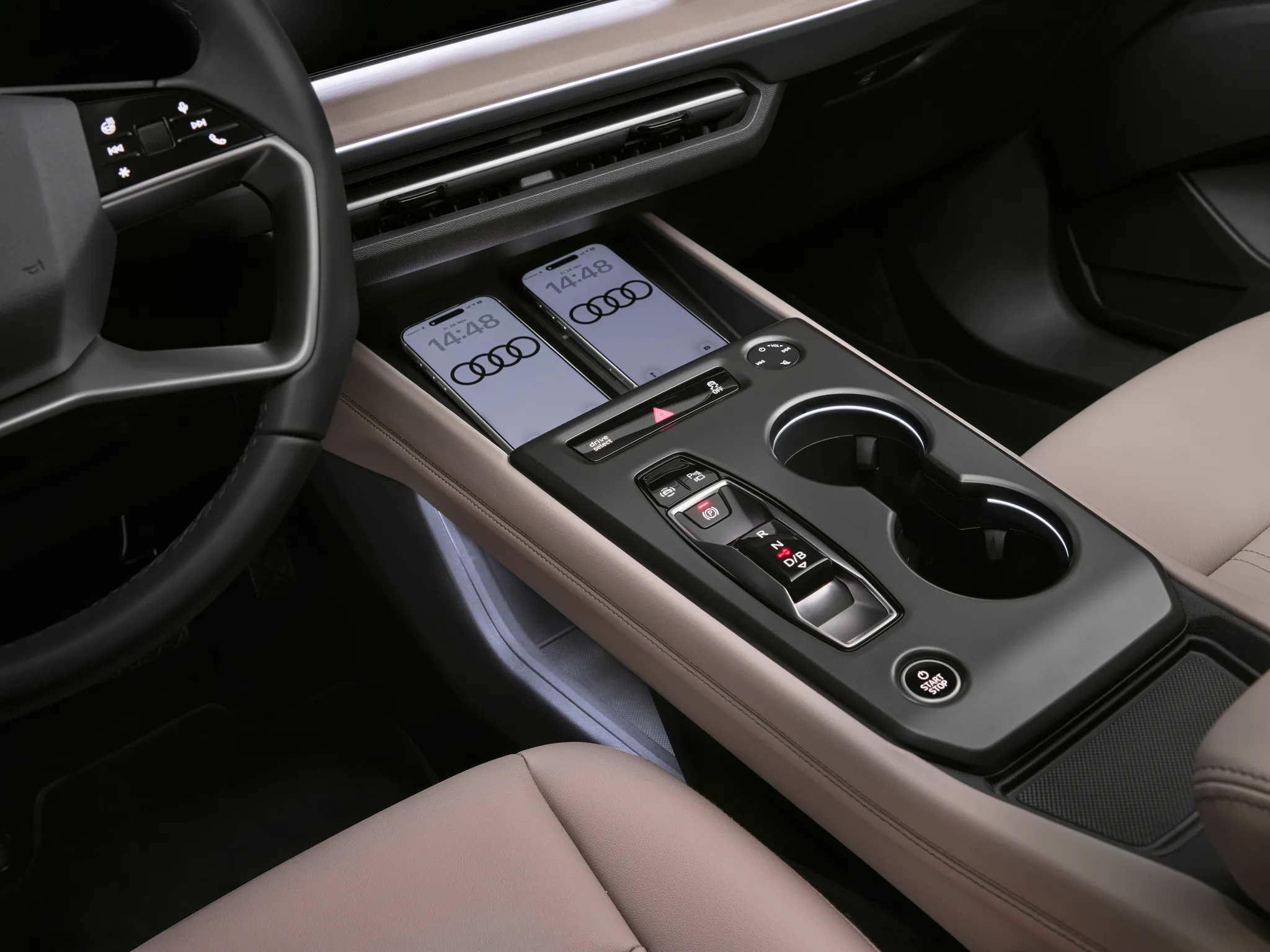
Centre console of the Q4 e-tron after the 2026 update: two wireless charging trays holding phones, a strip with drive-select, hazard and stability-control buttons, a volume knob with track keys, the gear selector (R, N, D/B) with parking-brake and parking-aid buttons, and the start button.
© AUDI AG · Editorial use (opens in a new tab) · Audi Media Center: source page for this photo (opens in a new tab)
More from this car
Similar photos

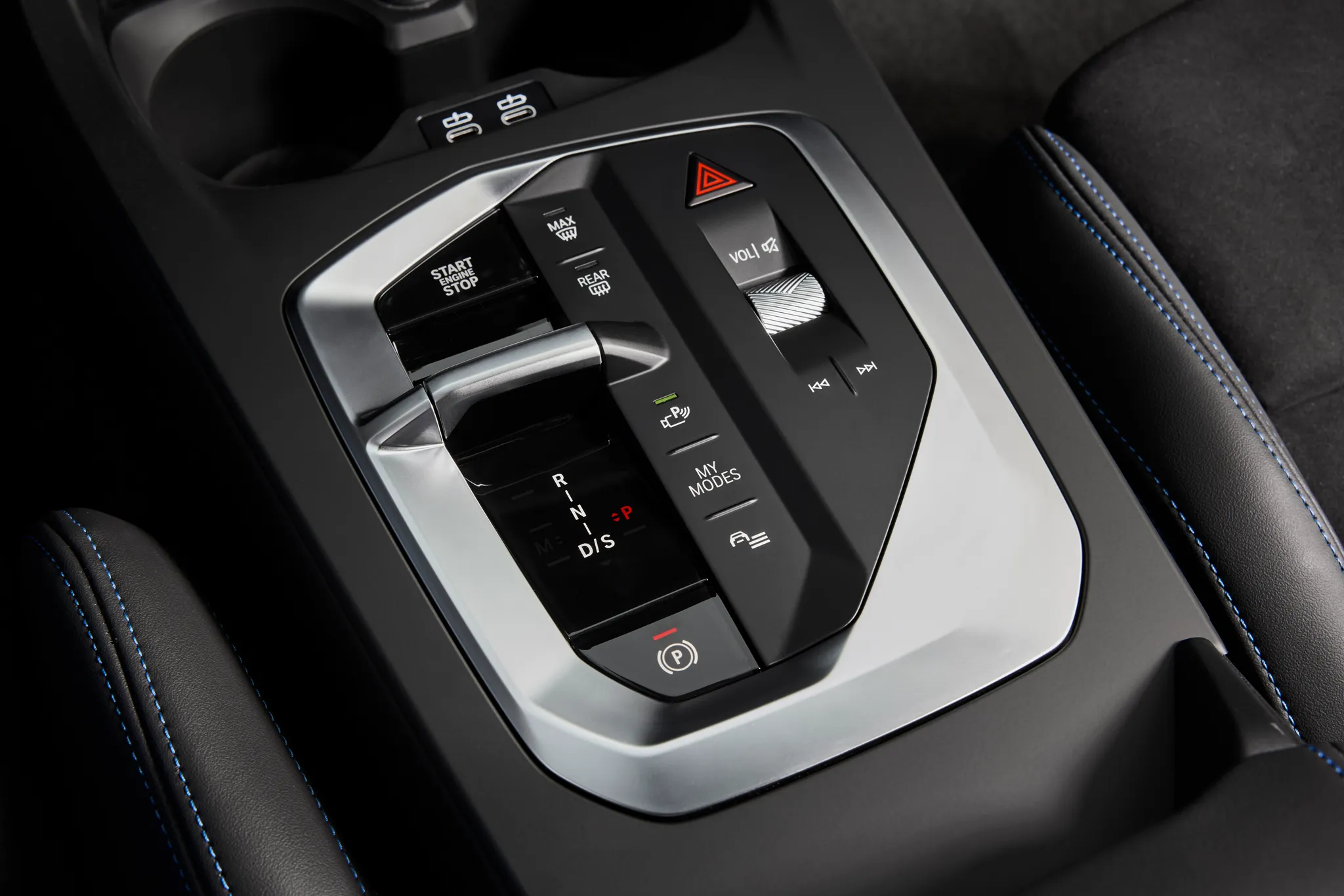

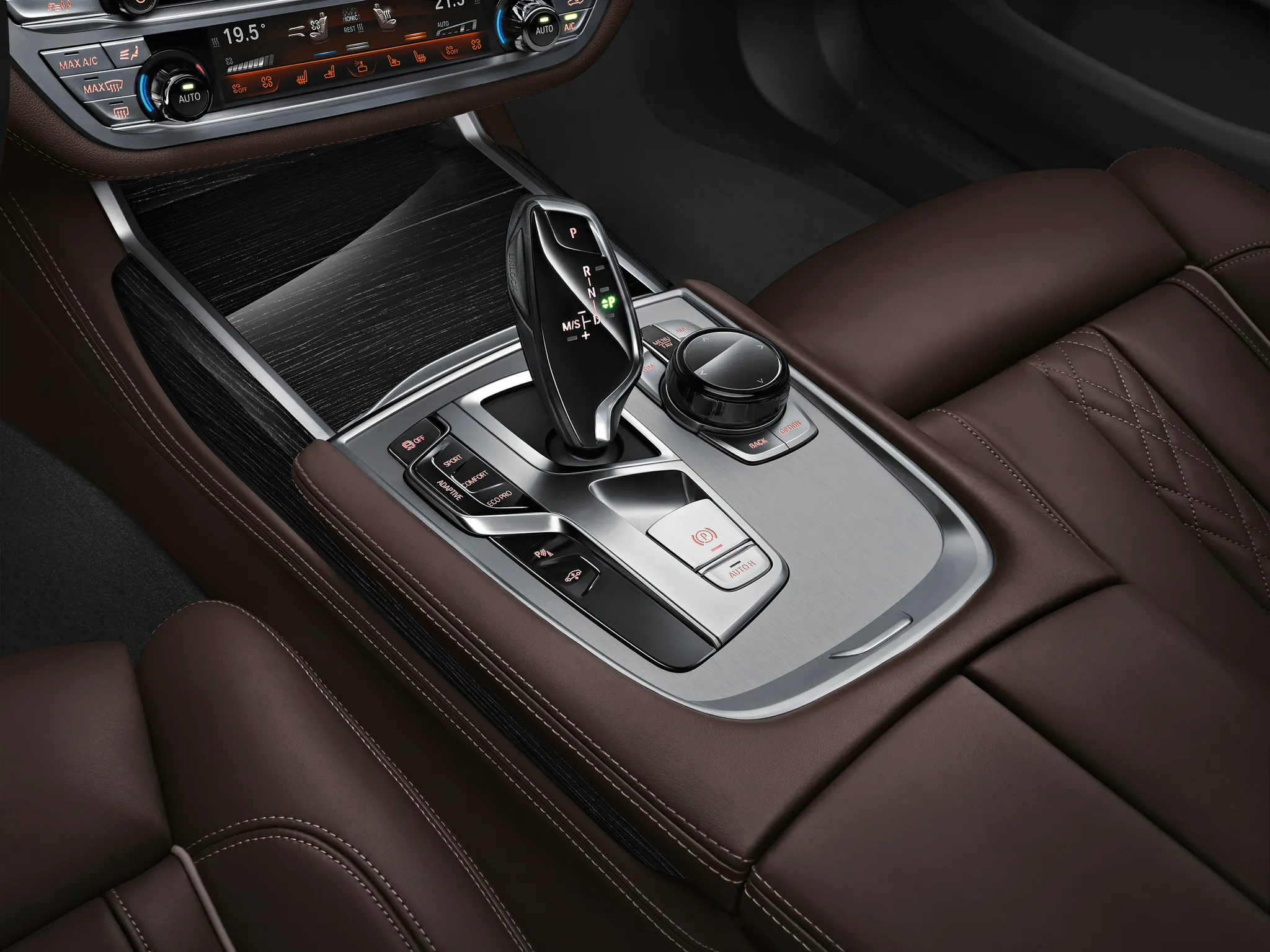


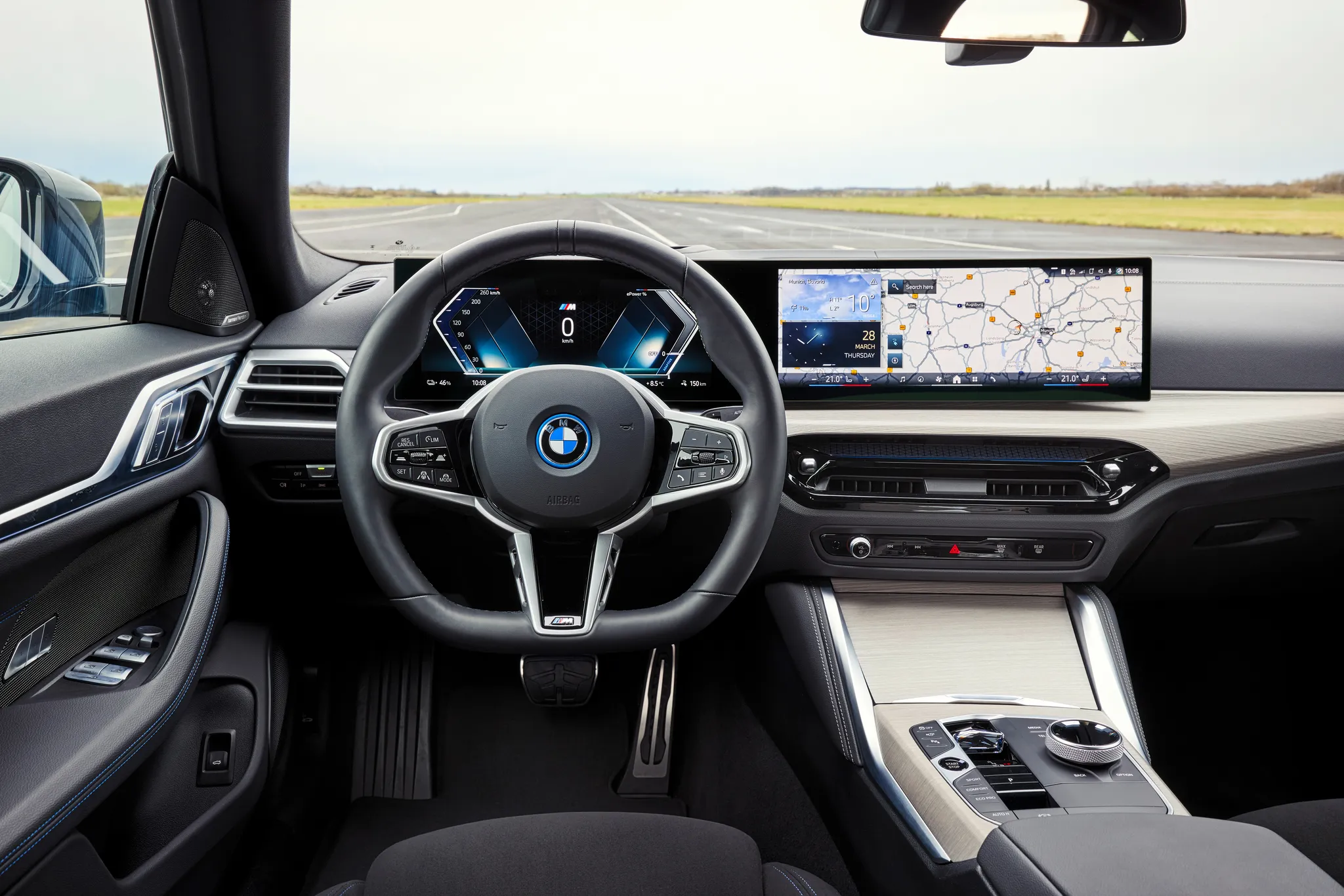
Photo credits
Photo credits (8)
- Audi Q4 e‑tron, controls“Audi Q4 SUV e-tron: Studio photo, interior, center console” (opens in a new tab) · © AUDI AG · Editorial use (opens in a new tab) · Audi Media Center
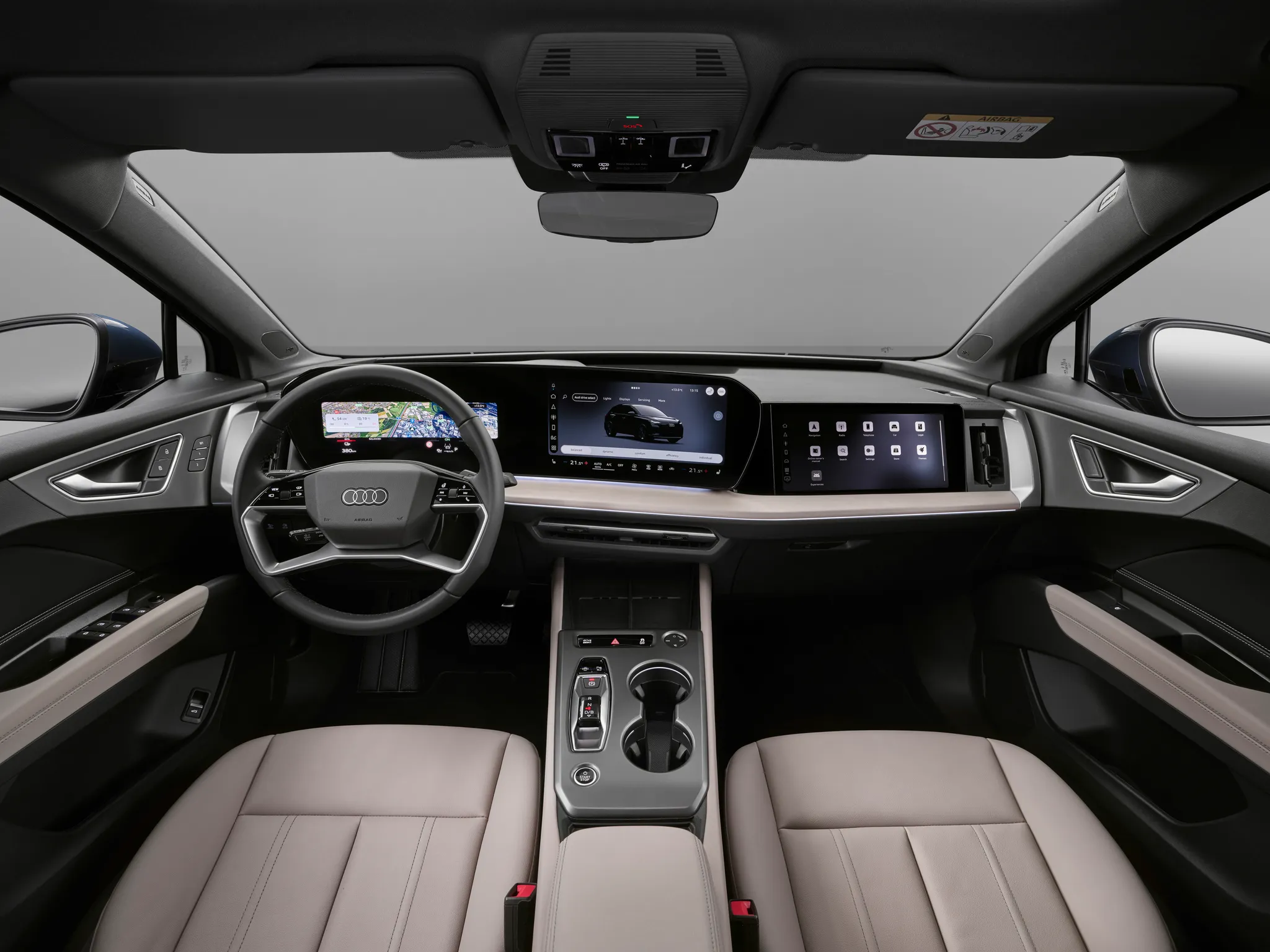
- Audi Q4 e‑tron, cockpit“Audi Q4 SUV e-tron: Studio photo, interior, digital stage” (opens in a new tab) · © AUDI AG · Editorial use (opens in a new tab) · Audi Media Center
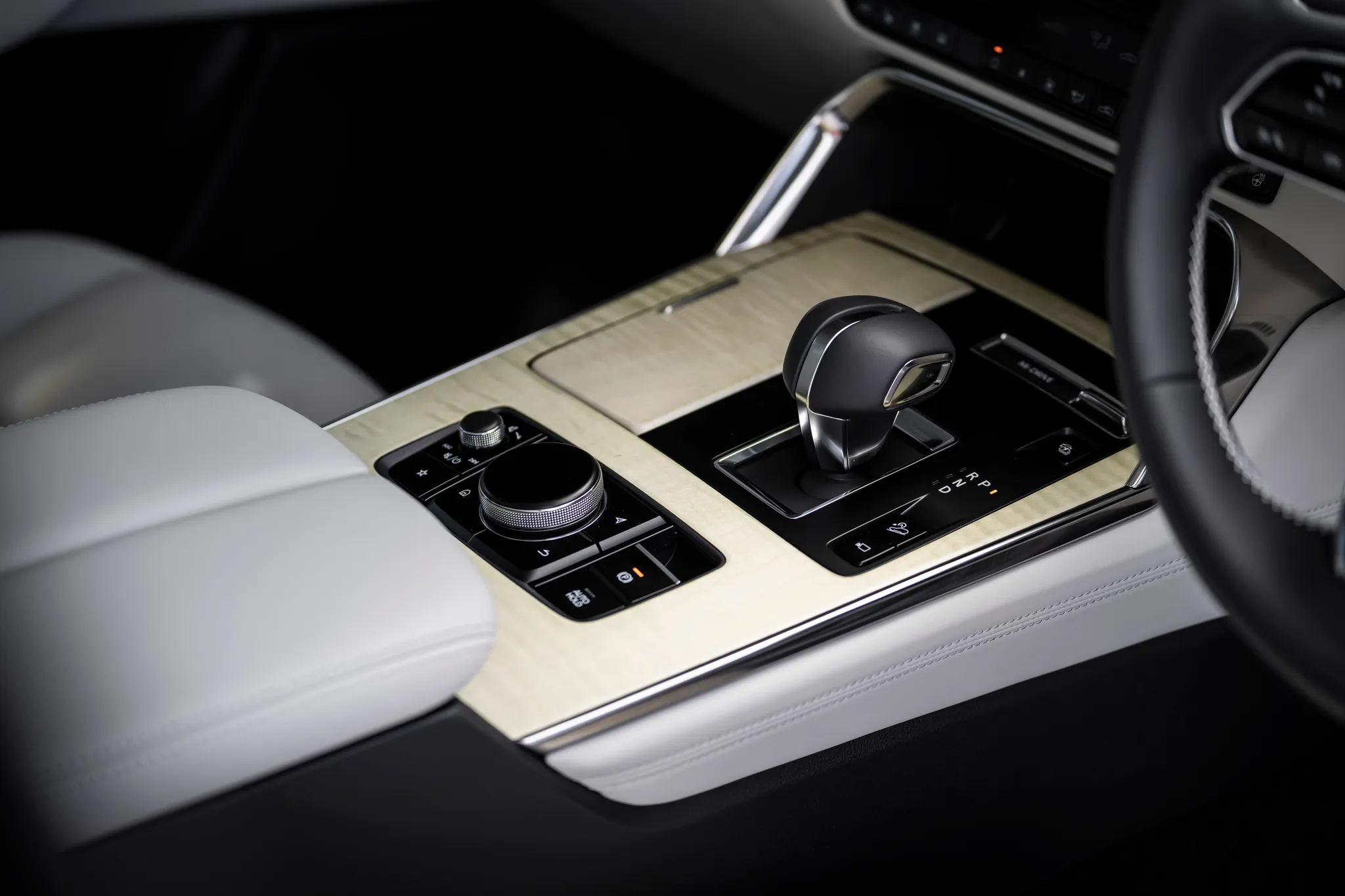
- Mazda CX‑60 (KH), controls“2026 Mazda CX-60 e-Skyactiv PHEV Takumi” (opens in a new tab) · © Mazda · Editorial use (opens in a new tab) · Mazda UK Press Packs
- BMW 1 Series (F70), controls“The all-new BMW M135 xDrive (06/2024)” (opens in a new tab) · © BMW AG · Editorial use (opens in a new tab) · BMW Group Newsroom
- BMW 7 Series (G11/G12), controls“The new BMW 7 Series - Interior (06/2015).” (opens in a new tab) · © BMW AG · Editorial use (opens in a new tab) · BMW Group Newsroom
- Audi TT (8S), controls“Audi TT temperature and airflow controls” (opens in a new tab) · Photo: Badgernet · CC BY-SA 4.0 (opens in a new tab) · Wikimedia Commons
- BMW 3 Series (E90/E91/E92/E93), controls“2009 BMW M3 Cabriolet - Flickr - The Car Spy (3)” (opens in a new tab) · Photo: The Car Spy · CC BY 2.0 (opens in a new tab) · Wikimedia Commons
- BMW i4 (G26), cockpit“The new BMW i4 e Drive40 – Interior” (opens in a new tab) · © BMW AG · Editorial use (opens in a new tab) · BMW Group Newsroom