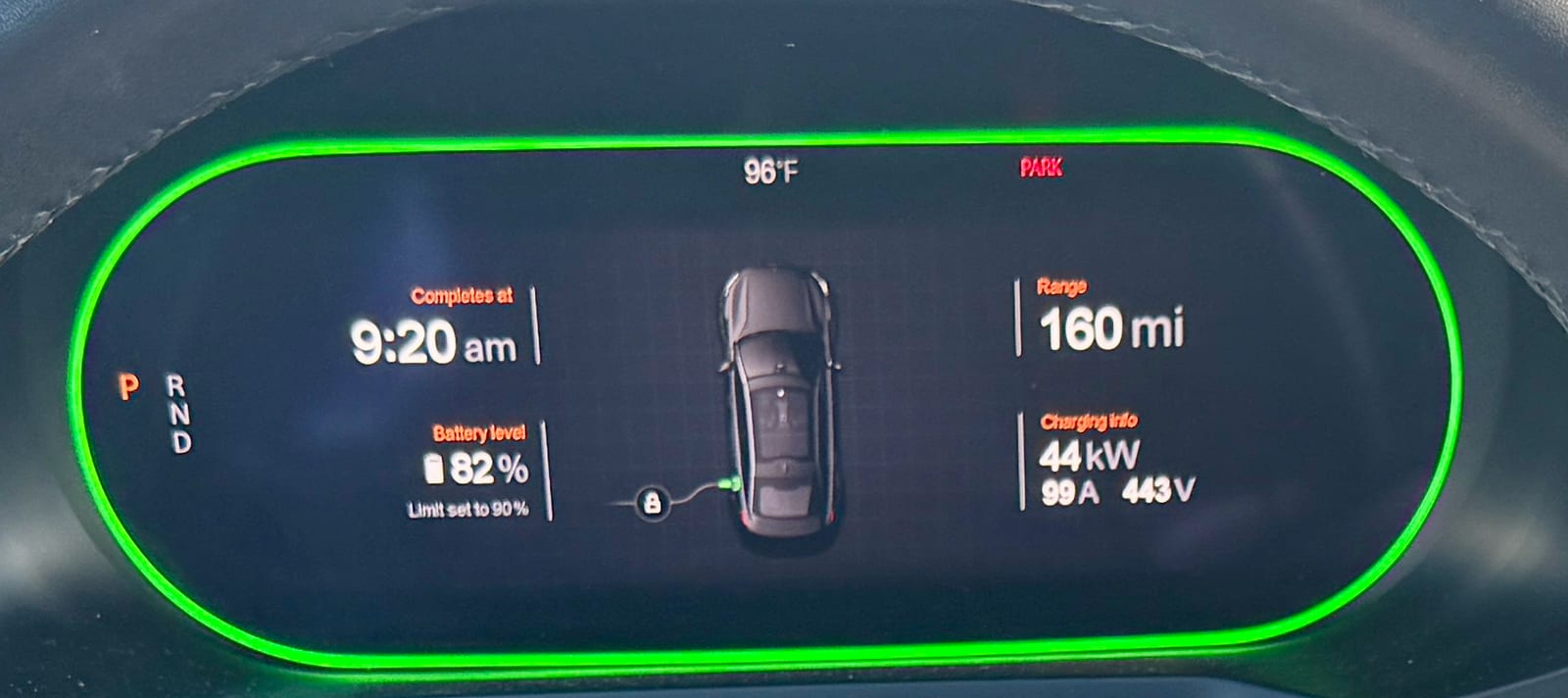


Polestar 2 instrument cluster
Polestar 2 driver display showing time, battery level, range and charging power
Cropped from a photo by Oleg Yunakov · CC BY-SA 4.0 (opens in a new tab) · Wikimedia Commons: source page for this photo (opens in a new tab)
More from this car
Similar photos



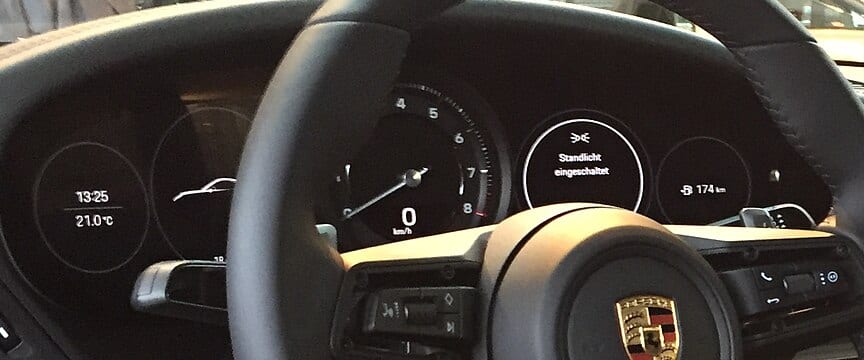

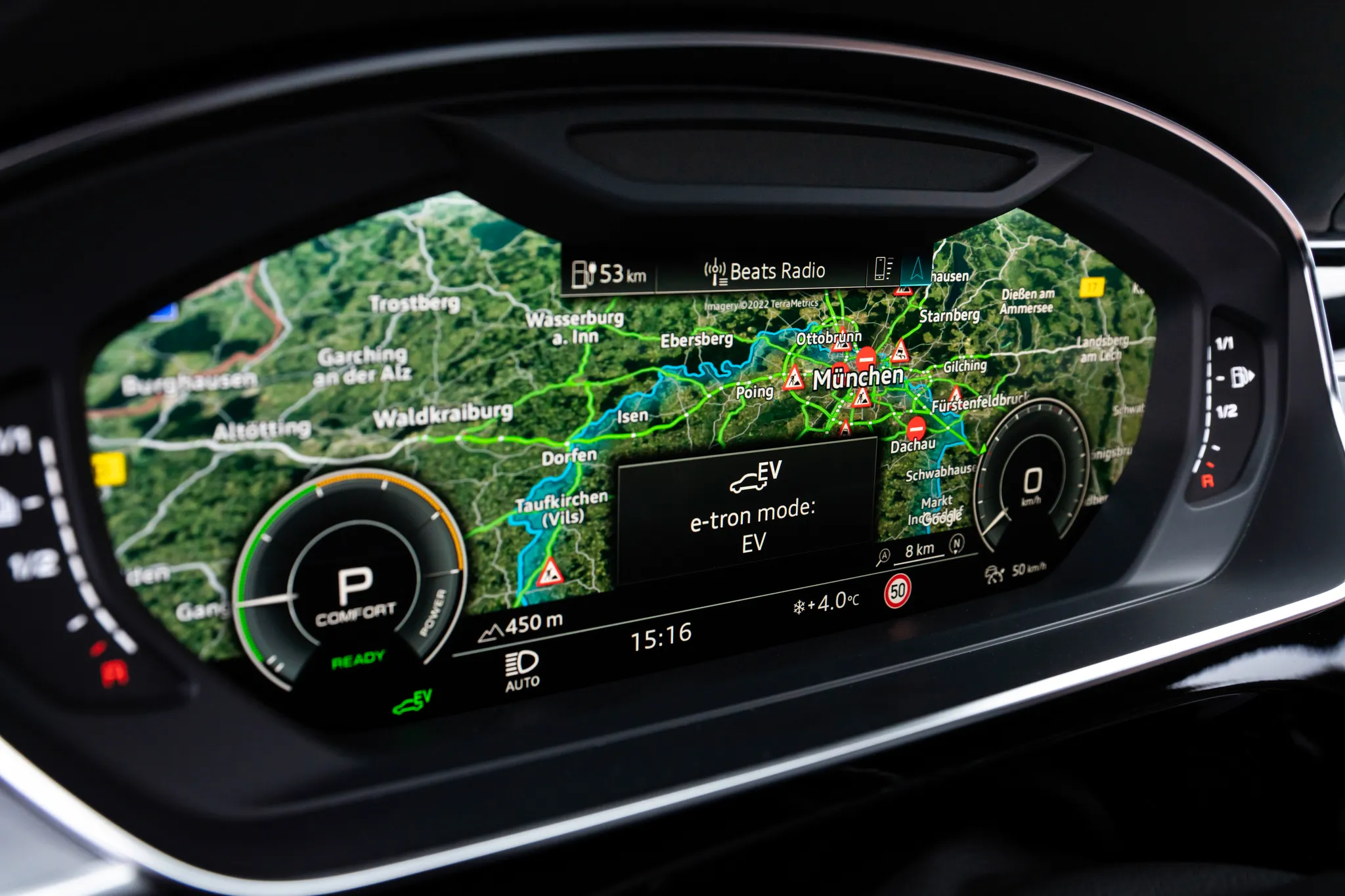




Photo credits
Photo credits (9)
- Polestar 2, instrument clusterCropped from “Cabin interior of a Polestar 2” (opens in a new tab) · Photo: Oleg Yunakov · CC BY-SA 4.0 (opens in a new tab) · Wikimedia Commons
- Polestar 2, cockpit“Cabin interior of a Polestar 2” (opens in a new tab) · Photo: Oleg Yunakov · CC BY-SA 4.0 (opens in a new tab) · Wikimedia Commons
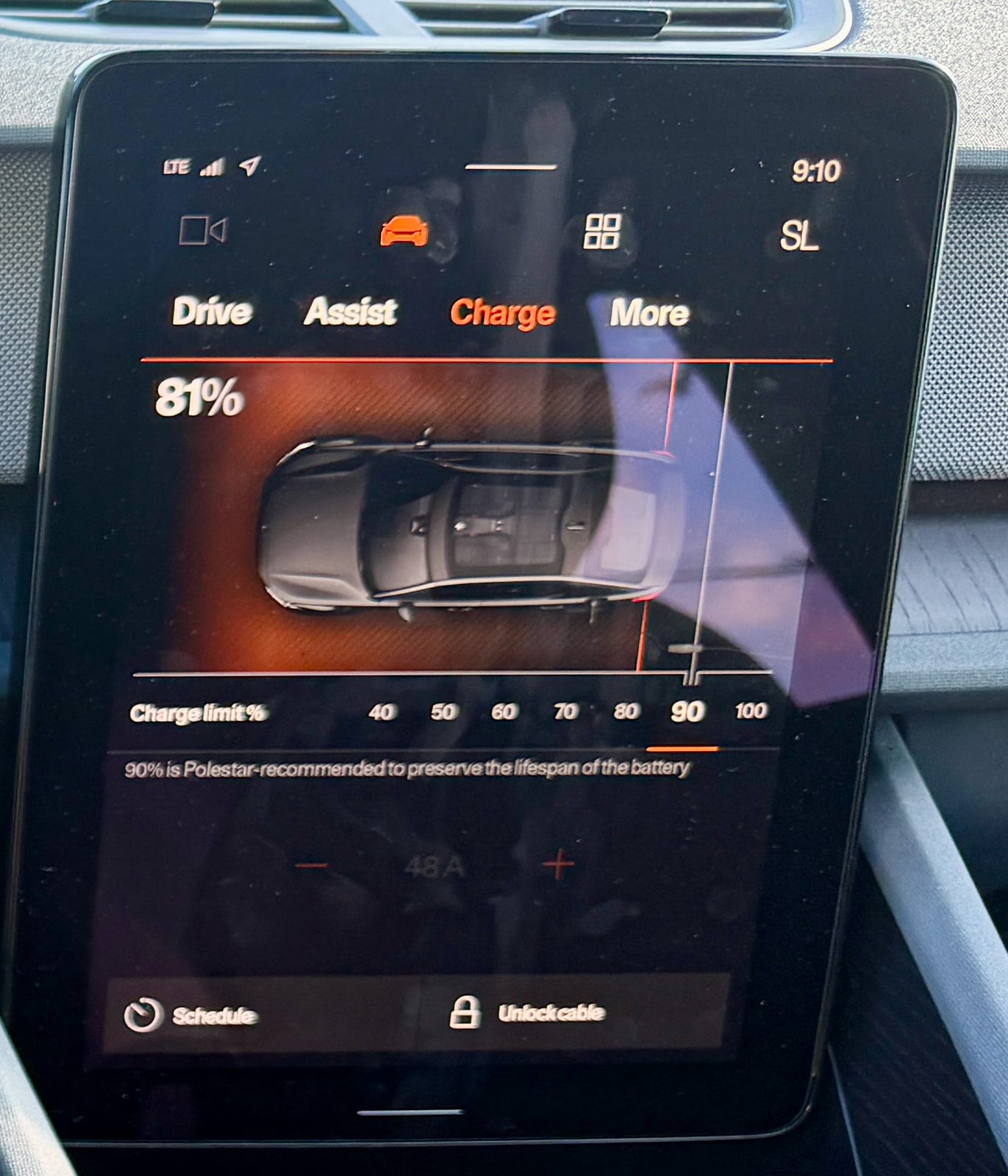
- Polestar 2, centre displayCropped from “Cabin interior of a Polestar 2” (opens in a new tab) · Photo: Oleg Yunakov · CC BY-SA 4.0 (opens in a new tab) · Wikimedia Commons
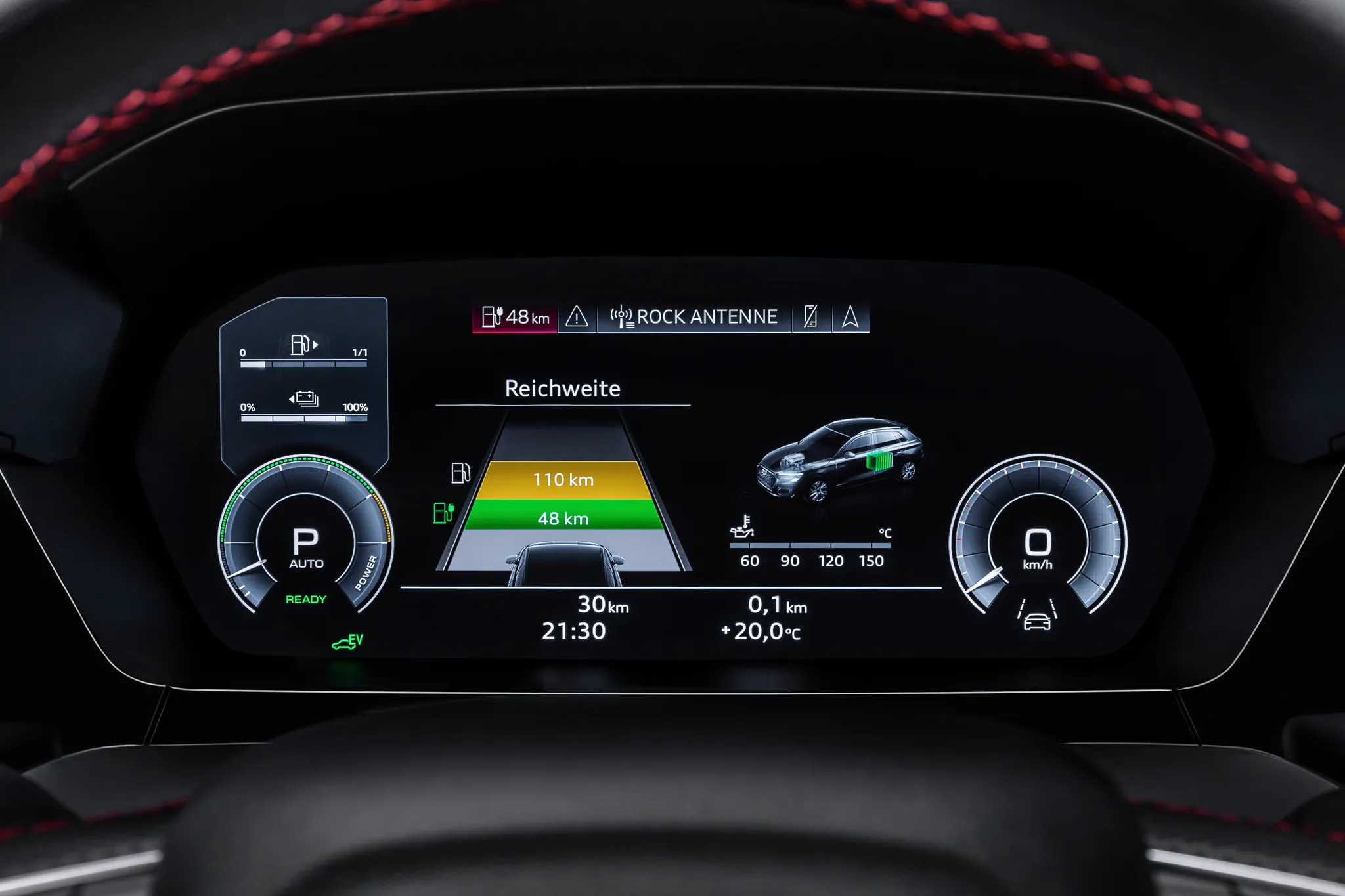
- Audi A3 (8Y), instrument cluster“Audi A3 Sportback 45 TFSI e: Detail” (opens in a new tab) · © AUDI AG · Editorial use (opens in a new tab) · Audi Media Center
- Škoda Enyaq iV, instrument cluster“2023-03-07 SkodaEnyaq-DisplayBehindSteeringWheel” (opens in a new tab) · Photo: Michael32710 · CC BY-SA 4.0 (opens in a new tab) · Wikimedia Commons
- Porsche 911 (992), instrument clusterCropped from “P992 Cockpit” (opens in a new tab) · Photo: KarleHorn · CC BY 3.0 (opens in a new tab) · Wikimedia Commons
- Audi A8 (D5), instrument cluster“Audi A8 L TFSI e: Cockpit” (opens in a new tab) · © AUDI AG · Editorial use (opens in a new tab) · Audi Media Center
- Volkswagen Polo (Mk6), instrument cluster“Active Info Display in VW Polo VI - Vienna Autoshow 2018” (opens in a new tab) · Photo: Dispvas2018 · CC0 (opens in a new tab) · Wikimedia Commons
- BMW 7 Series (G11/G12), instrument cluster“2019 BMW 740Le xDrive (70)” (opens in a new tab) · Photo: Bindydad123 · CC BY-SA 4.0 (opens in a new tab) · Wikimedia Commons