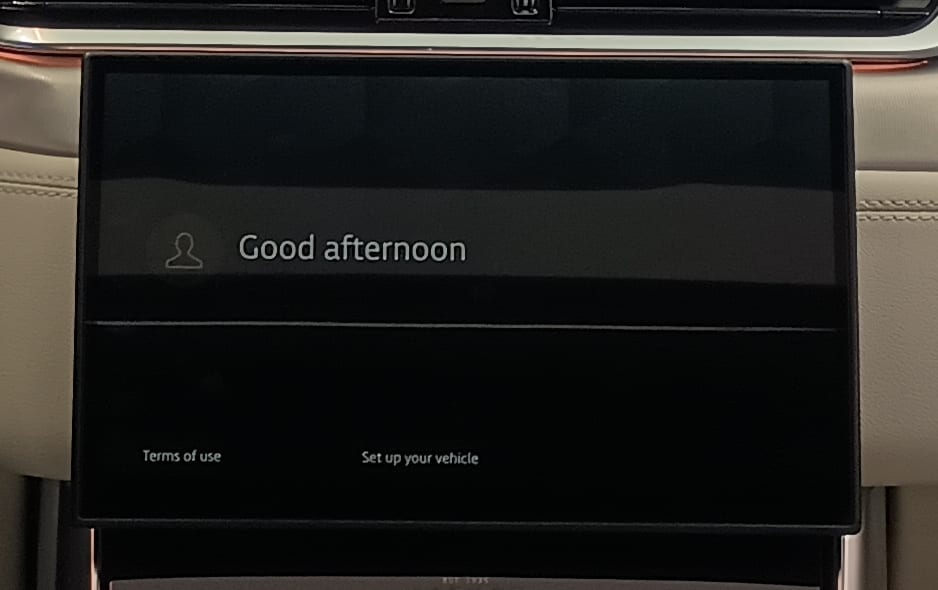


Jaguar XF (X260) centre display
The facelifted XF's Pivi Pro touchscreen at its welcome page: a Good afternoon greeting with links to the terms of use and vehicle set-up.
Cropped from a photo by deathpallie325 · CC BY-SA 4.0 (opens in a new tab) · Wikimedia Commons: source page for this photo (opens in a new tab)
More from this car
Similar photos



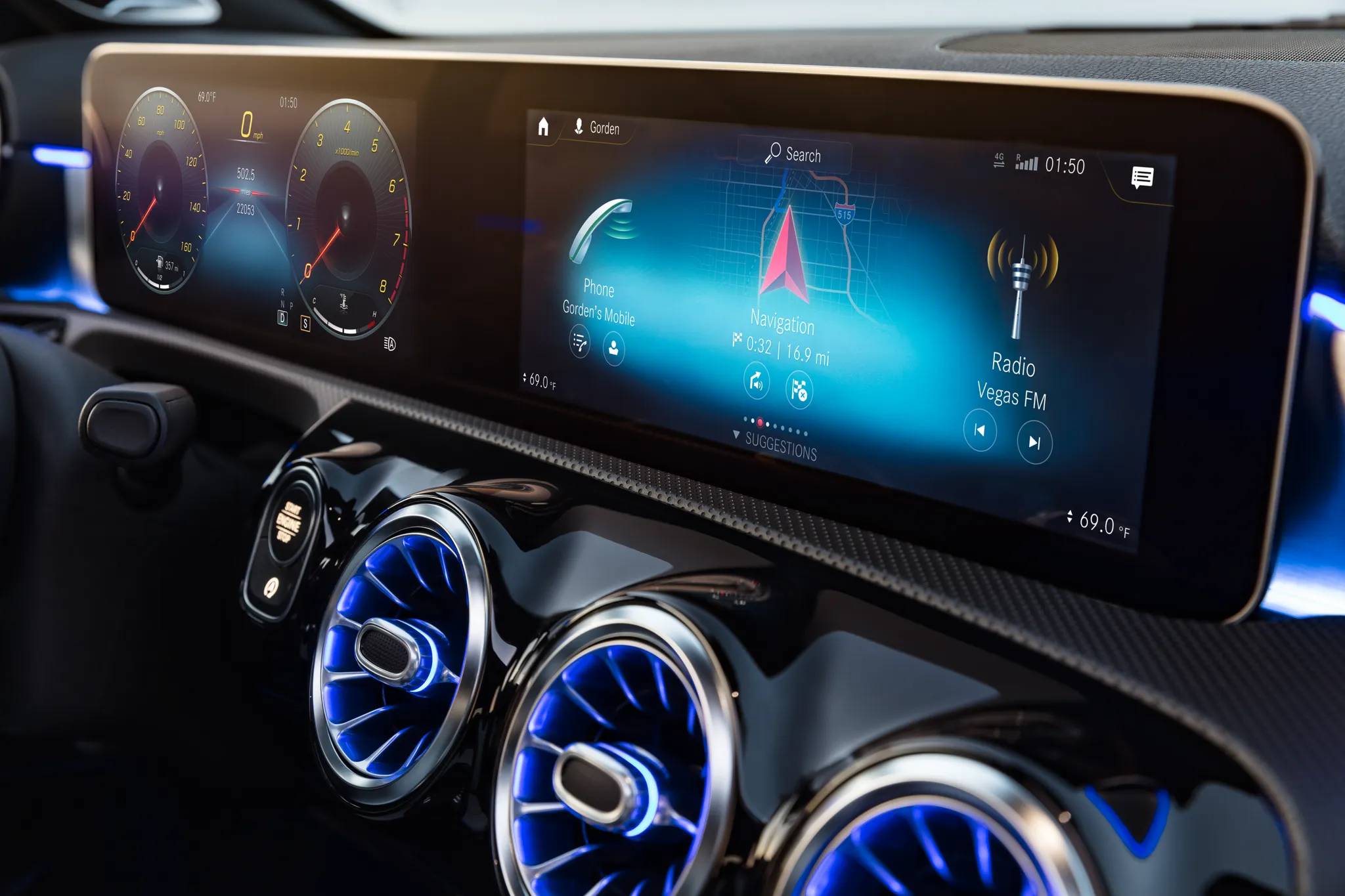

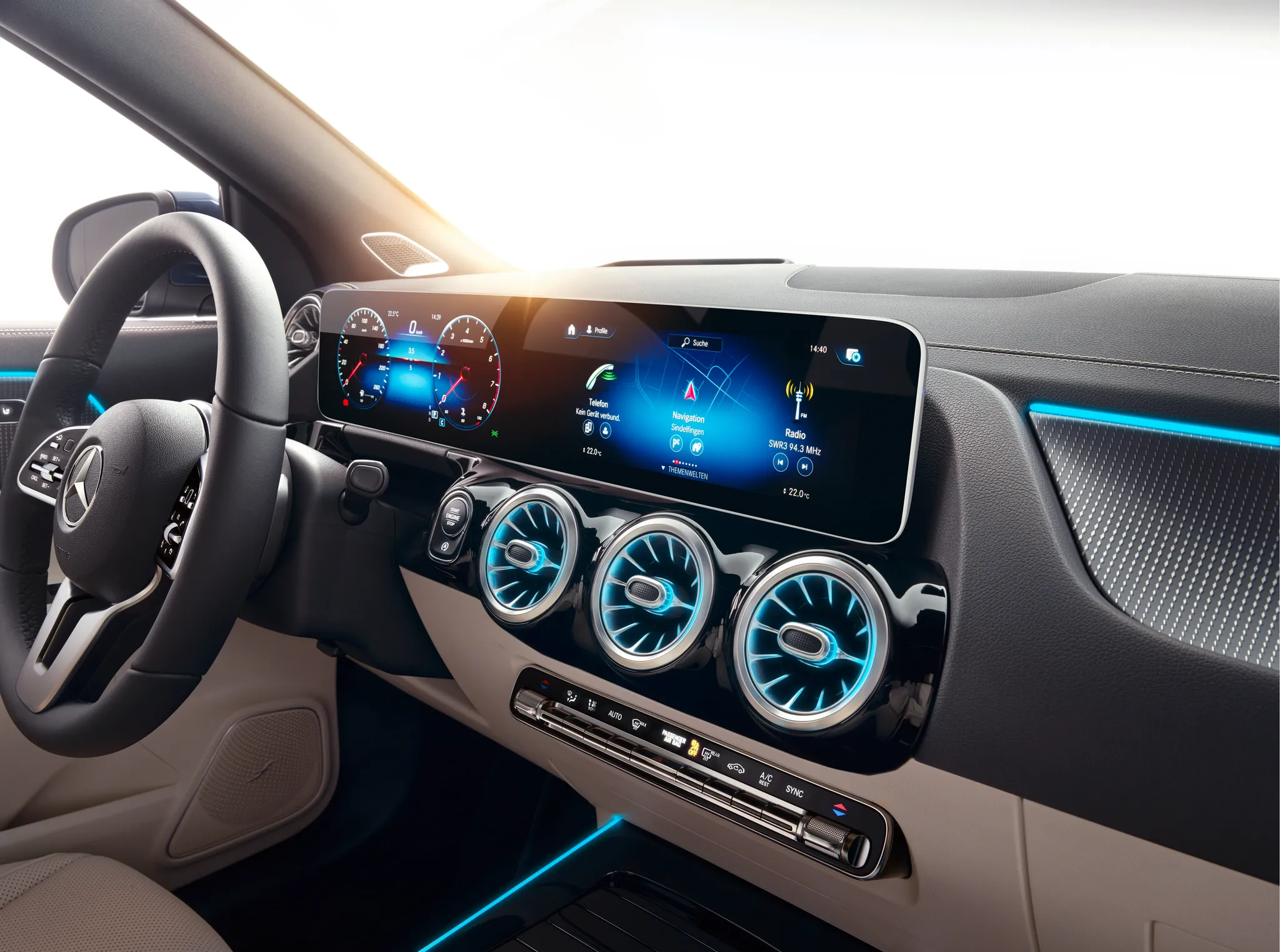
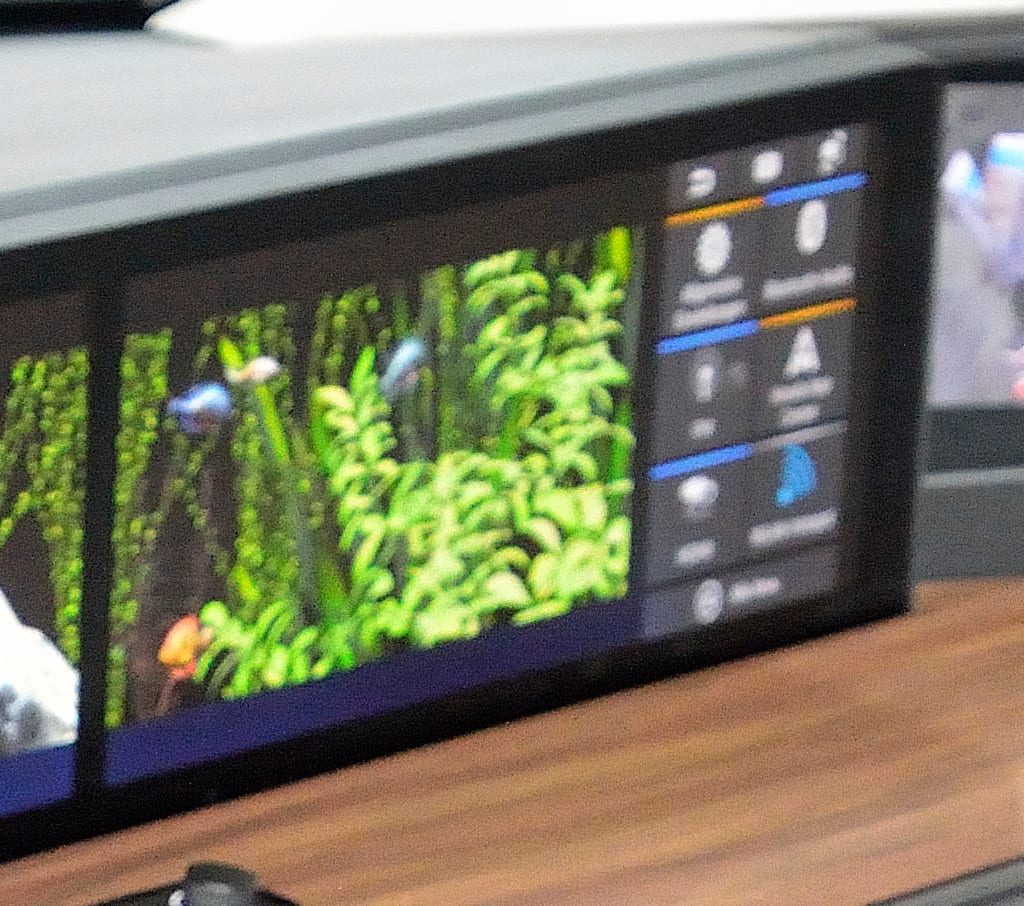


Photo credits
Photo credits (8)
- Jaguar XF (X260), centre displayCropped from “2023 Jaguar XF interior” (opens in a new tab) · Photo: deathpallie325 · CC BY-SA 4.0 (opens in a new tab) · Wikimedia Commons
- Jaguar XF (X260), cockpit“2023 Jaguar XF interior” (opens in a new tab) · Photo: deathpallie325 · CC BY-SA 4.0 (opens in a new tab) · Wikimedia Commons
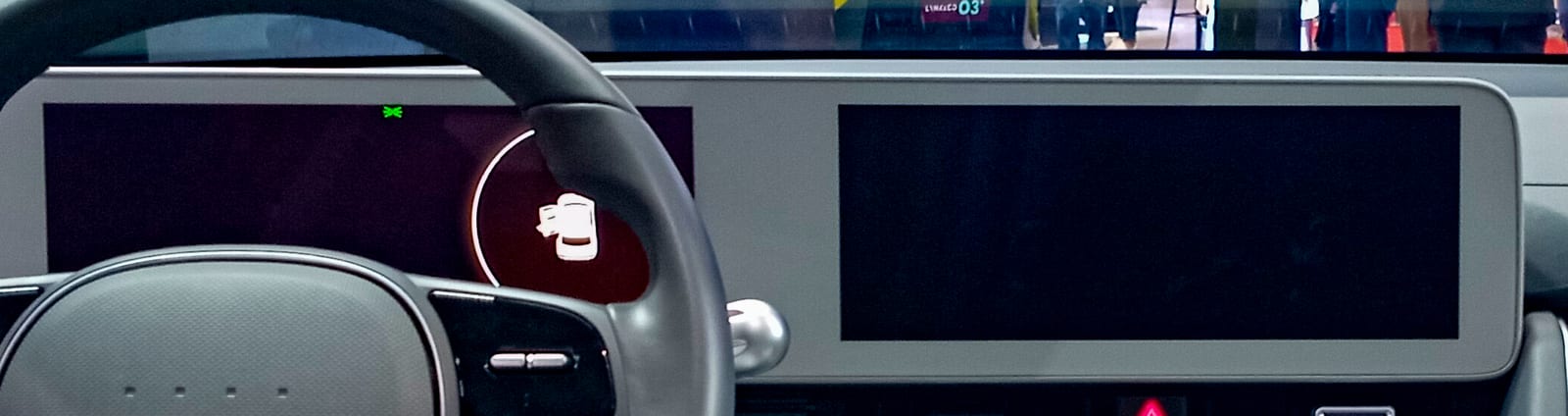
- Hyundai Ioniq 5, centre displayCropped from “MIAS 2024 - 2024 Hyundai Ioniq 5 Long Range 2WD (interior)” (opens in a new tab) · Photo: Ethan Llamas · CC BY-SA 4.0 (opens in a new tab) · Wikimedia Commons
- BMW iX, centre display“BMW iX central screen CRI 12 2021 2732” (opens in a new tab) · Photo: Mariordo (Mario Roberto Durán Ortiz) · CC BY-SA 4.0 (opens in a new tab) · Wikimedia Commons
- Mercedes-Benz A‑Class (W177), centre display“Mercedes-Benz A-Class, W177, 2018” (opens in a new tab) · © Daimler AG · Editorial use (opens in a new tab) · Mercedes-Benz Media
- Mercedes-Benz GLA (H247), centre display“Mercedes-Benz GLA 2019” (opens in a new tab) · © Mercedes-Benz AG · Editorial use (opens in a new tab) · Mercedes-Benz Media
- Honda e, centre displayCropped from “Dashboard Honda e” (opens in a new tab) · Photo: Spielvogel · CC BY-SA 3.0 (opens in a new tab) · Wikimedia Commons
- Genesis GV70 (JK1), centre display“Genesis GV70 Sport JK1 PE SDS I Obsidian Black Mono-tone (15)” (opens in a new tab) · Photo: Damian B Oh · CC BY-SA 4.0 (opens in a new tab) · Wikimedia Commons