


Mercedes-Benz E‑Class (W213) cockpit
Dashboard of a 2016 E-Class seen straight on: instrument and media screens side by side under one glass panel, five round vents, touchpad and rotary controller on the console
- Cockpit
- Wide screen
- Screen cluster
- Screen without touch
- Navigation map
- Steering-wheel controls
- Touchpad
- Physical climate controls
- Analog dials
- 2010s
Photo: GillyBerlin · CC BY 2.0 (opens in a new tab) · Wikimedia Commons: source page for this photo (opens in a new tab)
More from this car
Similar photos


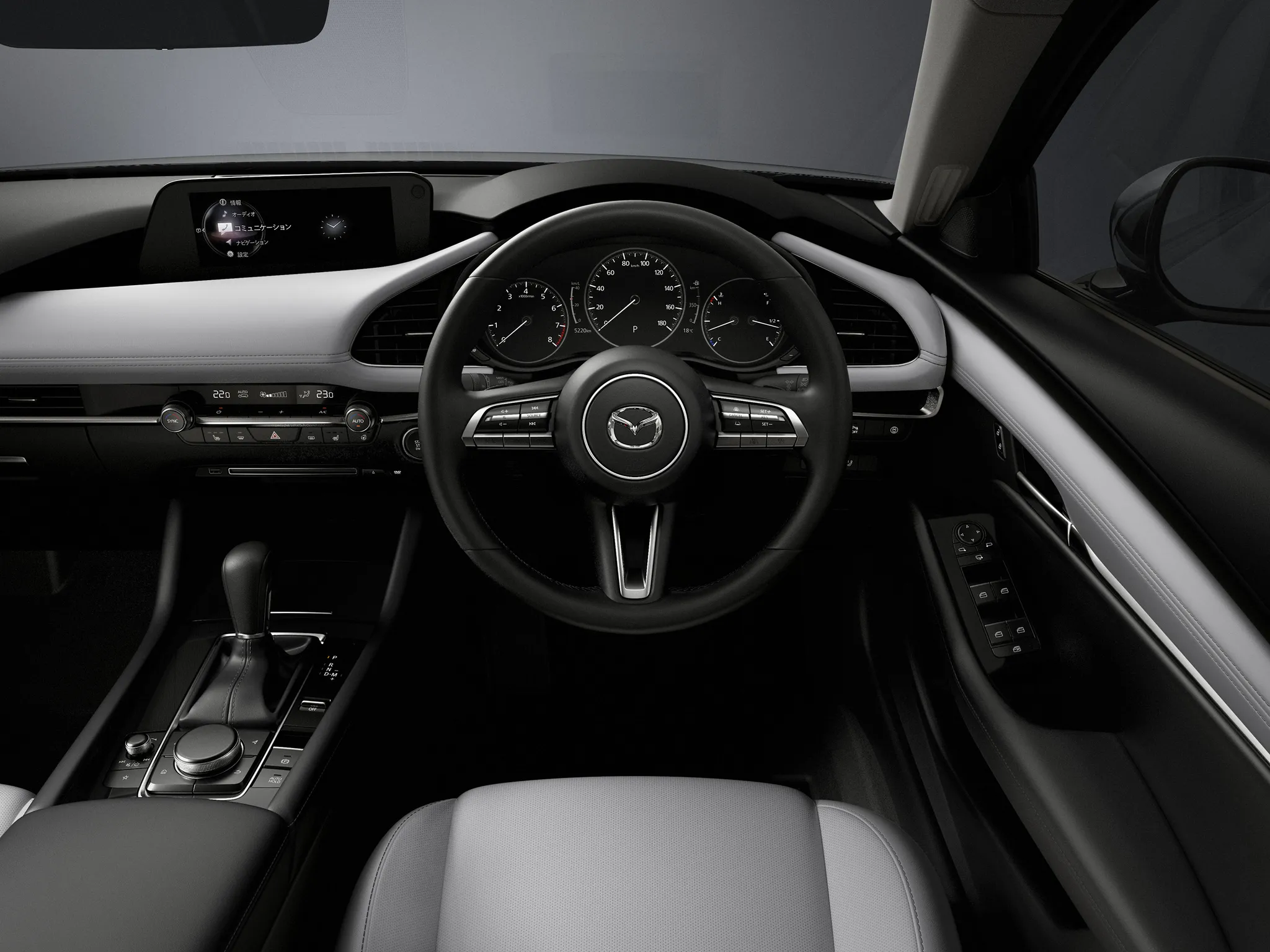

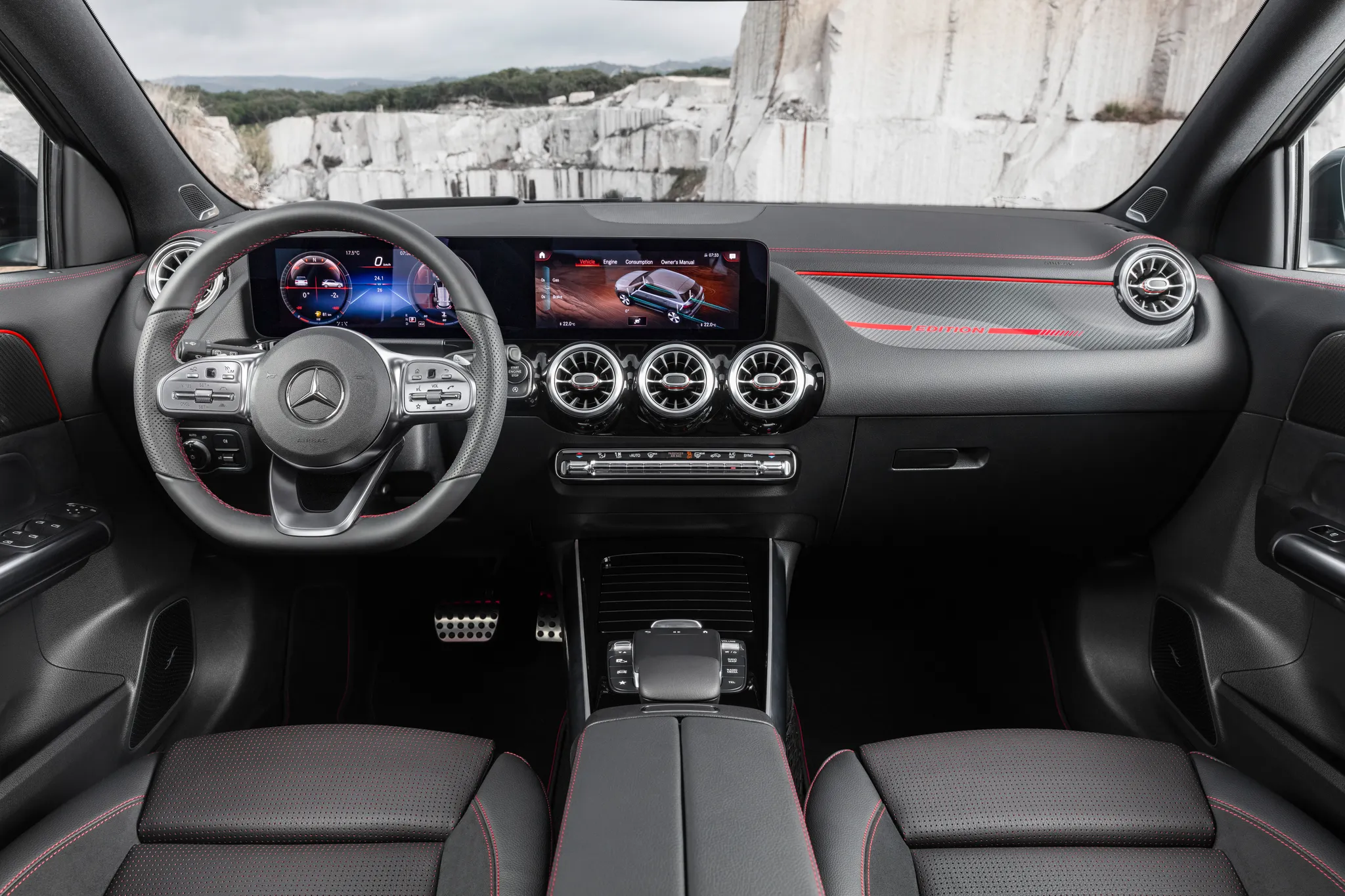



Photo credits
Photo credits (8)
- Mercedes-Benz E‑Class (W213), cockpit“Mercedes-Benz E-Klasse (2016) W213” (opens in a new tab) · Photo: GillyBerlin · CC BY 2.0 (opens in a new tab) · Wikimedia Commons
- Mercedes-Benz E‑Class (W213), controls“Mercedes-Benz W213 COMMAND center console controller (Tokyo)” (opens in a new tab) · Photo: bizmac · CC BY 2.0 (opens in a new tab) · Wikimedia Commons
- Audi A4 (B9), cockpit“2015 Audi A4 B9 2.0 TFSI quattro 185 kW S line Cockpit Interieur Innenraum” (opens in a new tab) · Photo: Kickaffe (Mario von Berg) · CC BY-SA 4.0 (opens in a new tab) · Wikimedia Commons
- Mercedes-Benz C‑Class (W205), cockpit“Mercedes-Benz C 200 4MATIC AVANTGARDE (W205) interior” (opens in a new tab) · Photo: Tokumeigakarinoaoshima · CC BY-SA 4.0 (opens in a new tab) · Wikimedia Commons
- Mazda 3 (BP), cockpit“MAZDA3 Cockpit” (opens in a new tab) · © Mazda · Editorial use (opens in a new tab) · Mazda Newsroom
- Mercedes-Benz GLA (H247), cockpit“Mercedes-Benz GLA, Edition1, AMG Line, mountaingrau magno” (opens in a new tab) · © Mercedes-Benz AG · Editorial use (opens in a new tab) · Mercedes-Benz Media
- Mercedes-Benz S‑Class (W222), cockpit“Mercedes-Benz S 350 BlueTEC L (V 222) – Innenraum, 13. Oktober 2013, Düsseldorf” (opens in a new tab) · Photo: M 93 · CC BY-SA 3.0 de (opens in a new tab) · Wikimedia Commons
- Lexus LS (XF40), cockpit“Lexus LS 2013 launch Cannes (8777897325)” (opens in a new tab) · Photo: Kārlis Dambrāns from Latvia · CC BY 2.0 (opens in a new tab) · Wikimedia Commons