
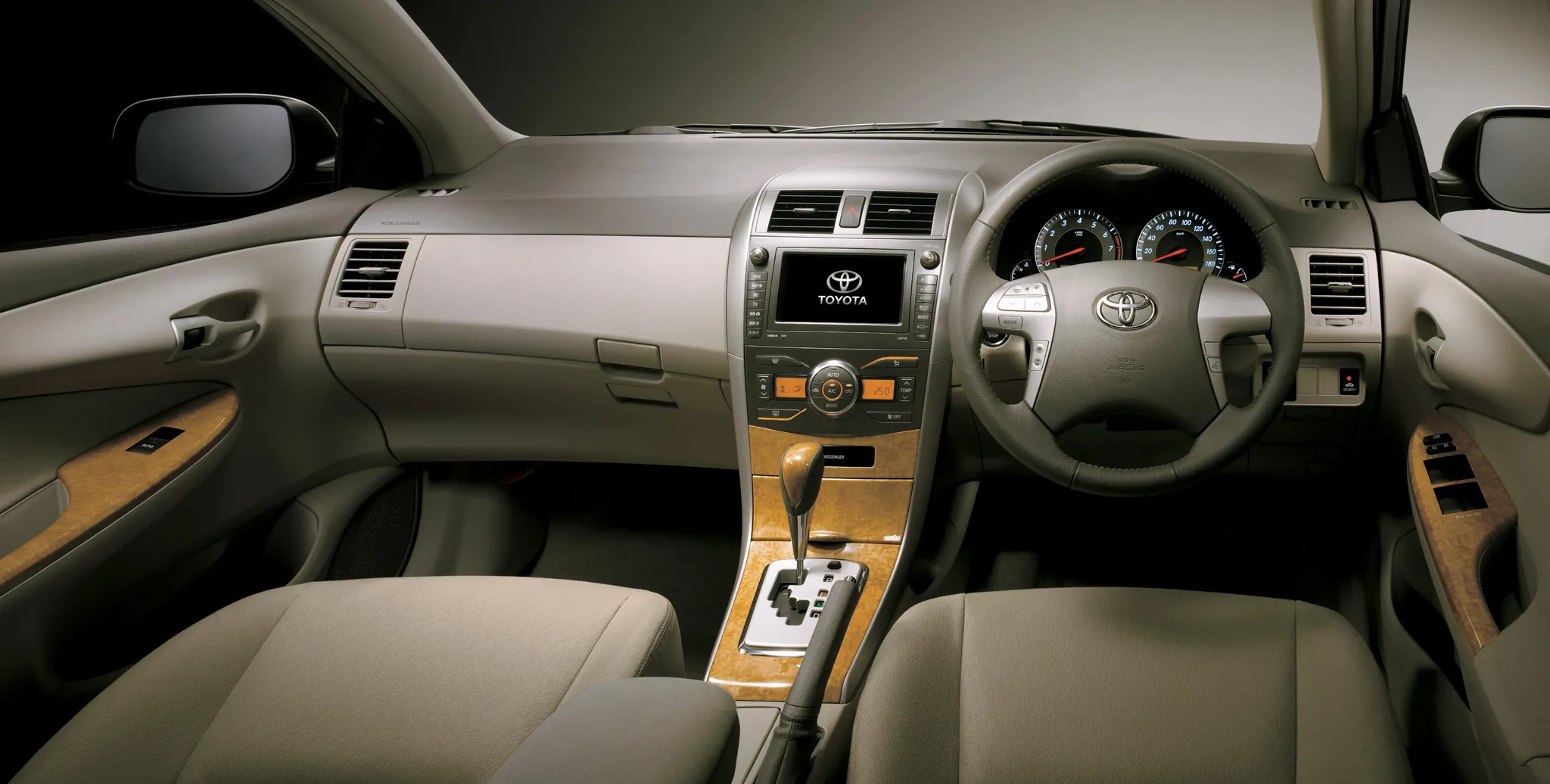



Toyota Corolla (E140) cockpit
Dashboard of an Australian-market Corolla Ultima (ZRE152R) seen from the driver's door, with the three-dial instrument cluster and centre stack
Photo: OSX · Public domain · Wikimedia Commons: source page for this photo (opens in a new tab)
More from this car
Similar photos










Photo credits
Photo credits (10)
- Toyota Corolla (E140), cockpit 1“2007 Toyota Corolla (ZRE152R) Ultima sedan 03” (opens in a new tab) · Photo: OSX · Public domain · Wikimedia Commons
- Toyota Corolla (E140), cockpit 2“Corolla Axio” (opens in a new tab) · © Toyota Motor Corporation · Editorial use (opens in a new tab) · Toyota Global Newsroom
- Toyota Corolla (E140), cockpit 3“IMG 6308” (opens in a new tab) · Photo: Geoffrey Fairchild · CC BY 2.0 (opens in a new tab) · Flickr
- Toyota Corolla (E140), cockpit 4“E140 Interior 255” (opens in a new tab) · Photo: Illusive255 · CC BY-SA 4.0 (opens in a new tab) · Wikimedia Commons
- Mercedes-Benz Sprinter (2006), cockpit“Mercedes-Benz Sprinter 2 (2006-2013), interior” (opens in a new tab) · © Daimler AG · Editorial use (opens in a new tab) · Mercedes-Benz Media
- BMW X5 (E70), cockpit“BMW E70 X5 3” (opens in a new tab) · Photo: Hatsukari715 · Public domain · Wikimedia Commons
- Opel Corsa (D), cockpit“Opel Corsa D Armaturen” (opens in a new tab) · Photo: Mib18 · CC BY-SA 3.0 (opens in a new tab) · Wikimedia Commons
- Audi TT (8J), cockpit“2007 Audi TT Roadster Interior” (opens in a new tab) · Photo: Hatsukari715 · Public domain · Wikimedia Commons
- SEAT León (Mk2), cockpit“SEAT Leon Cupra R mk2 dash” (opens in a new tab) · Photo: Bruno Kussler Marques · CC BY 2.0 (opens in a new tab) · Wikimedia Commons
- Chevrolet Corvette (C6), cockpit“Corvette Z06 (C6) interior” (opens in a new tab) · Photo: Yahya S. · CC BY 2.0 (opens in a new tab) · Flickr