


MG 4 EV Urban (Mk2) centre display
MG4 Urban touchscreen switched on: home screen with navigation, radio, climate and Apple CarPlay/Android Auto tiles, app bar along the bottom
- Centre display
- Touchscreen
- Climate on screen or touch panel
- Button bank
- Screen cluster
- Steering-wheel controls
- 2020s
Photo: Ssu · CC BY-SA 4.0 (opens in a new tab) · Wikimedia Commons: source page for this photo (opens in a new tab)
More from this car
Similar photos

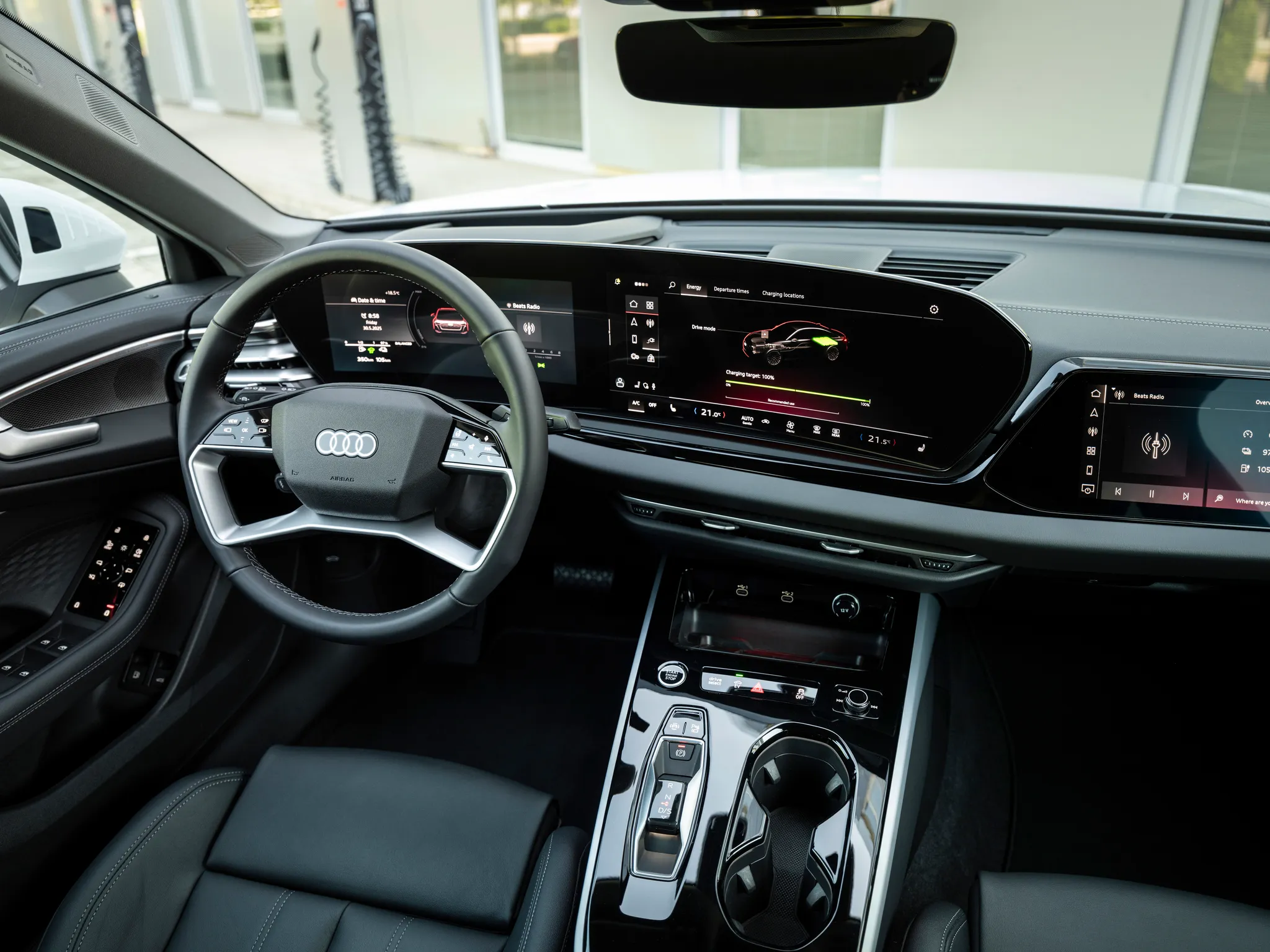
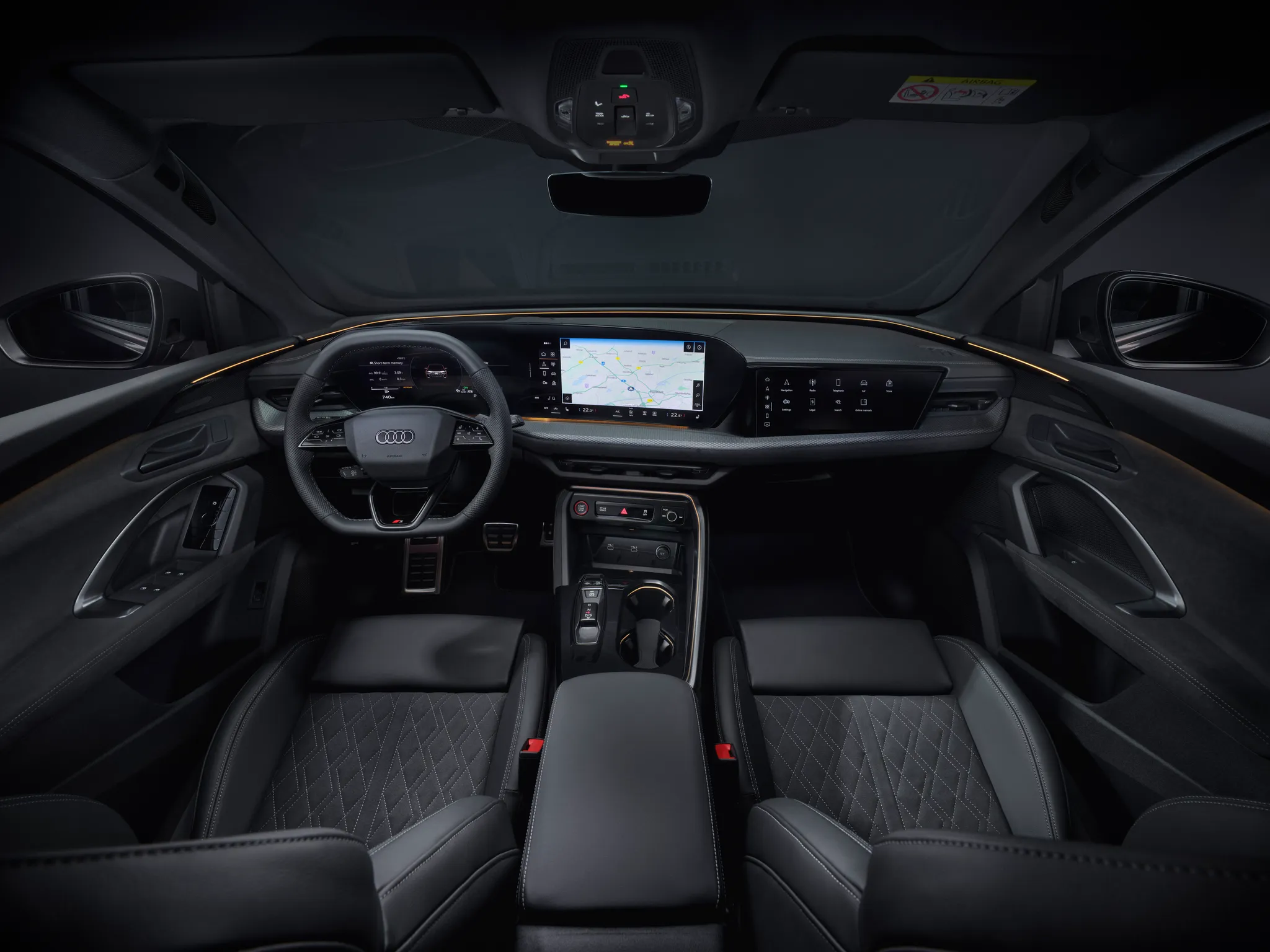
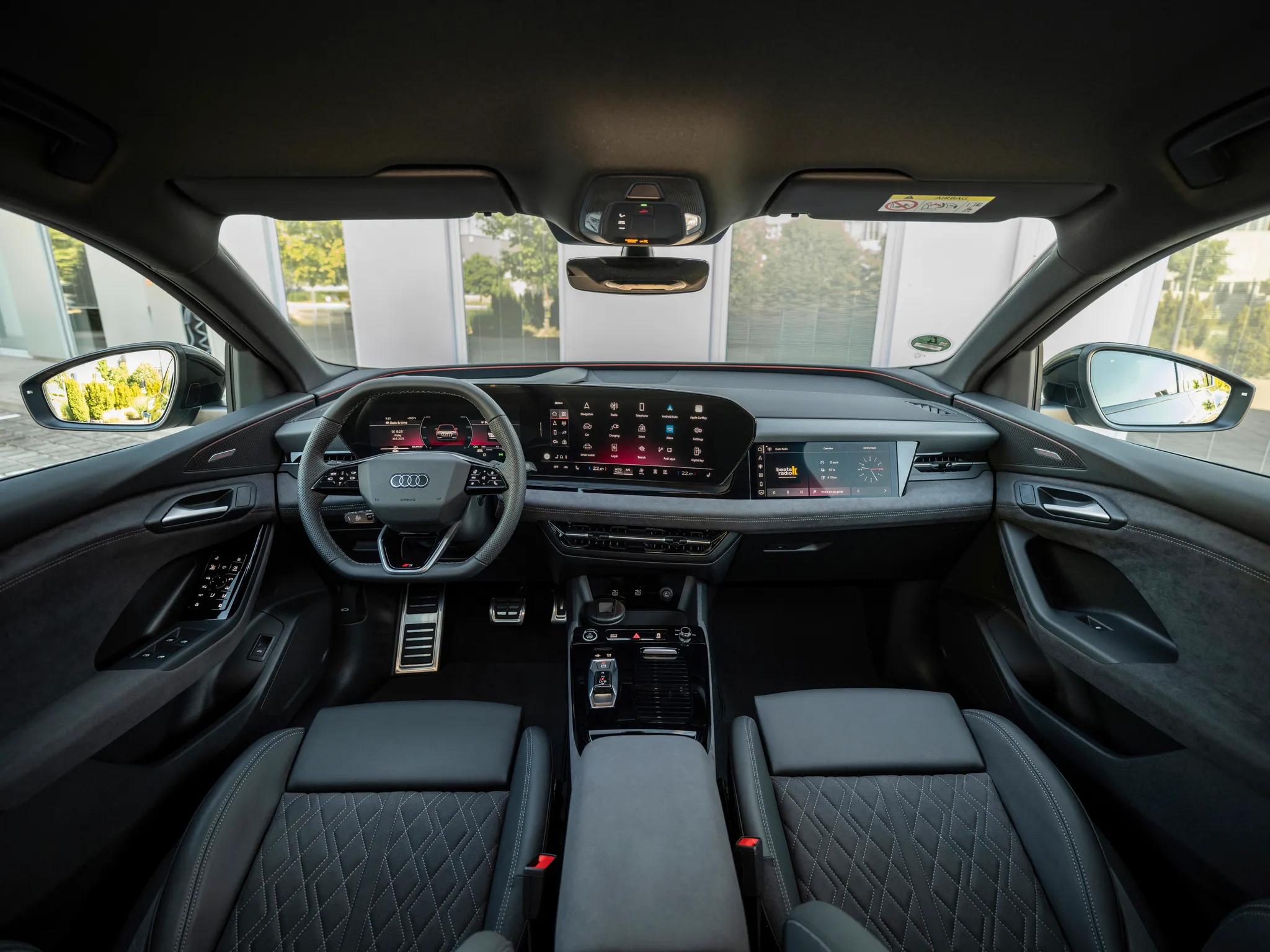
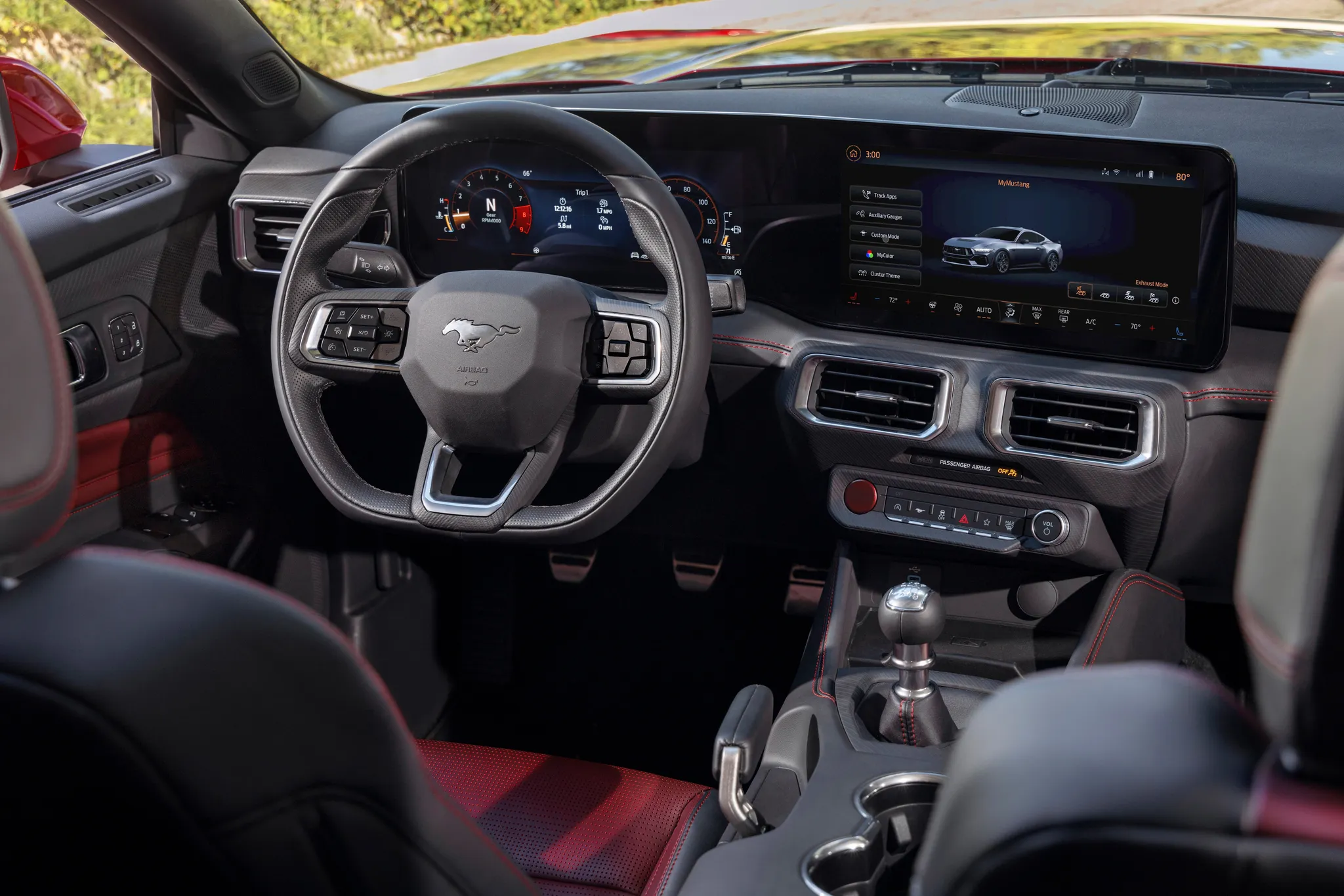



Photo credits
Photo credits (9)
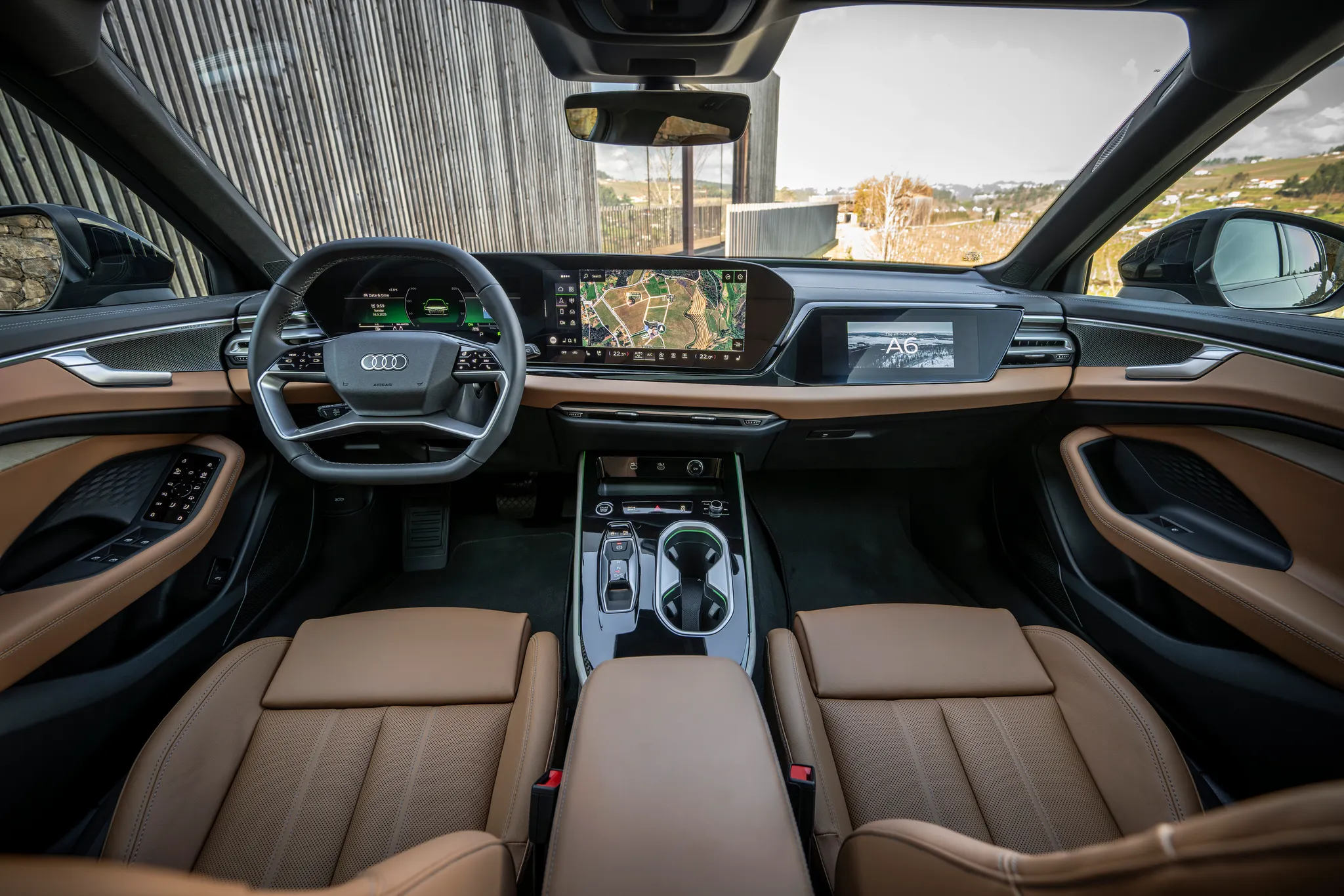
- MG 4 EV Urban (Mk2), centre display“MG4 Urban, 2026 (interior)” (opens in a new tab) · Photo: Ssu · CC BY-SA 4.0 (opens in a new tab) · Wikimedia Commons
- MG 4 EV Urban (Mk2), cockpit 1“MG4 EV (second generation) Sindelfingen 2026 IMG 8259” (opens in a new tab) · Photo: Alexander Migl · CC BY-SA 4.0 (opens in a new tab) · Wikimedia Commons
- MG 4 EV Urban (Mk2), cockpit 2“MG4 EV (second generation) Sindelfingen 2026 IMG 8261” (opens in a new tab) · Photo: Alexander Migl · CC BY-SA 4.0 (opens in a new tab) · Wikimedia Commons
- Audi A6 (C9), cockpit“Audi A6 Avant: Cockpit” (opens in a new tab) · © AUDI AG · Editorial use (opens in a new tab) · Audi Media Center
- Audi A5 (B10), cockpit“Audi A5 Sedan e-hybrid quattro: Interior” (opens in a new tab) · © AUDI AG · Editorial use (opens in a new tab) · Audi Media Center
- Audi Q5 (GU), cockpit“Audi Q5 SUV: Interior” (opens in a new tab) · © AUDI AG · Editorial use (opens in a new tab) · Audi Media Center
- Audi Q6 e‑tron, cockpit“Audi Q6 Sportback e-tron: Interior” (opens in a new tab) · © AUDI AG · Editorial use (opens in a new tab) · Audi Media Center
- Ford Mustang (S650), cockpit“2024 Mustang Interior” (opens in a new tab) · © Ford Motor Company · Editorial use (opens in a new tab) · Ford From the Road
- BYD Sealion 07, cockpit“BYD Sealion 07 EV IMG 2706” (opens in a new tab) · Photo: Alexander Migl · CC BY-SA 4.0 (opens in a new tab) · Wikimedia Commons