


Kia Telluride (LQ2) cockpit
2027 Telluride X-Pro SX-Prestige at the 2026 New York show, seen through the passenger door: one long panel for the instruments and the touchscreen, a strip of lit shortcut keys under it, a volume roller in the middle of the vent strip, a panel of climate keys and the hazard switch below, the gear selector on the steering column and a bridge console with cup holders
- Cockpit
- Wide screen
- Screen cluster
- Touchscreen
- Physical climate controls
- Steering-wheel controls
- Gear selector
- 2020s
Photo: Charles from Port Chester, New York · CC0 (opens in a new tab) · Wikimedia Commons: source page for this photo (opens in a new tab)
Similar photos
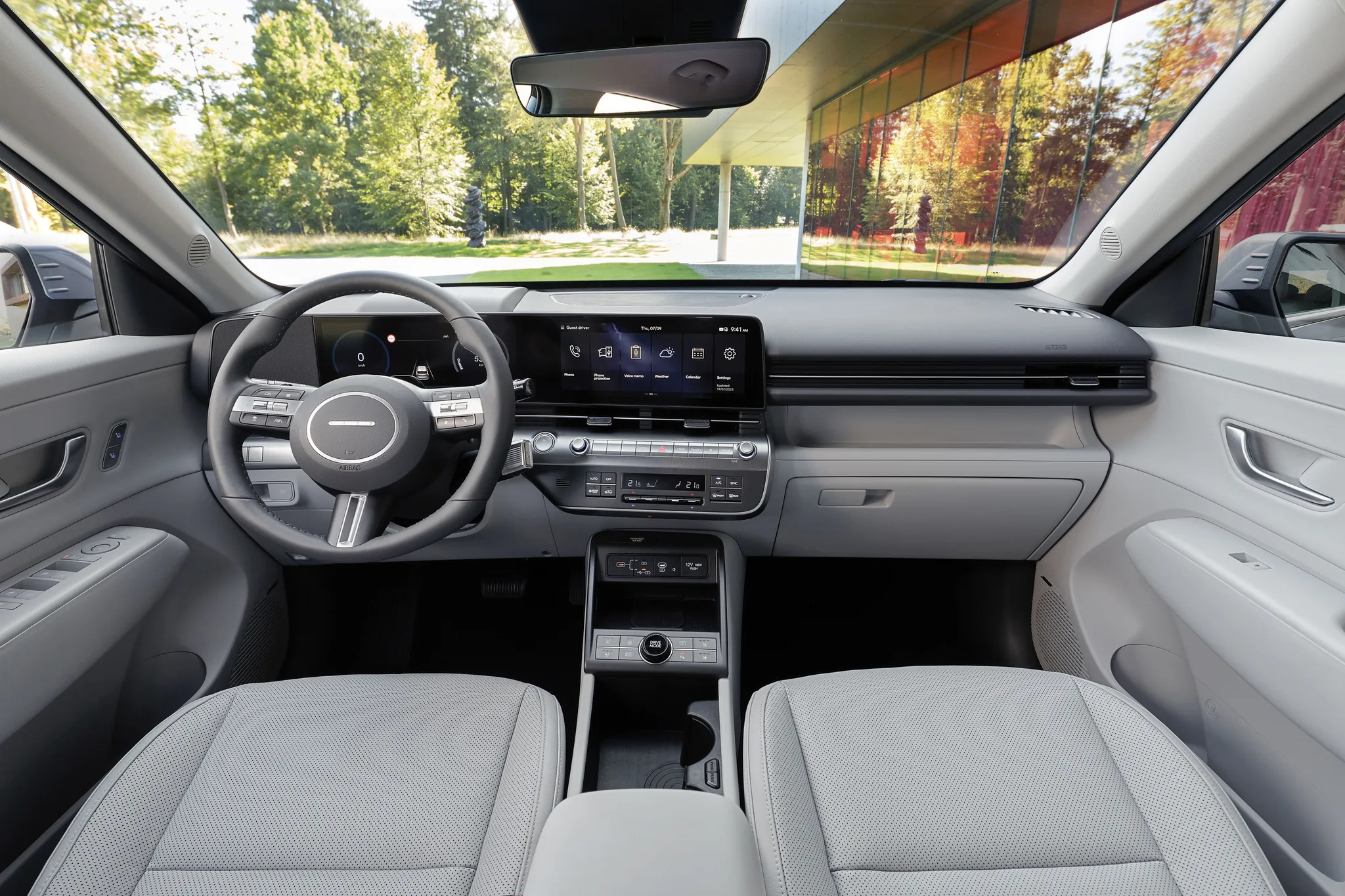

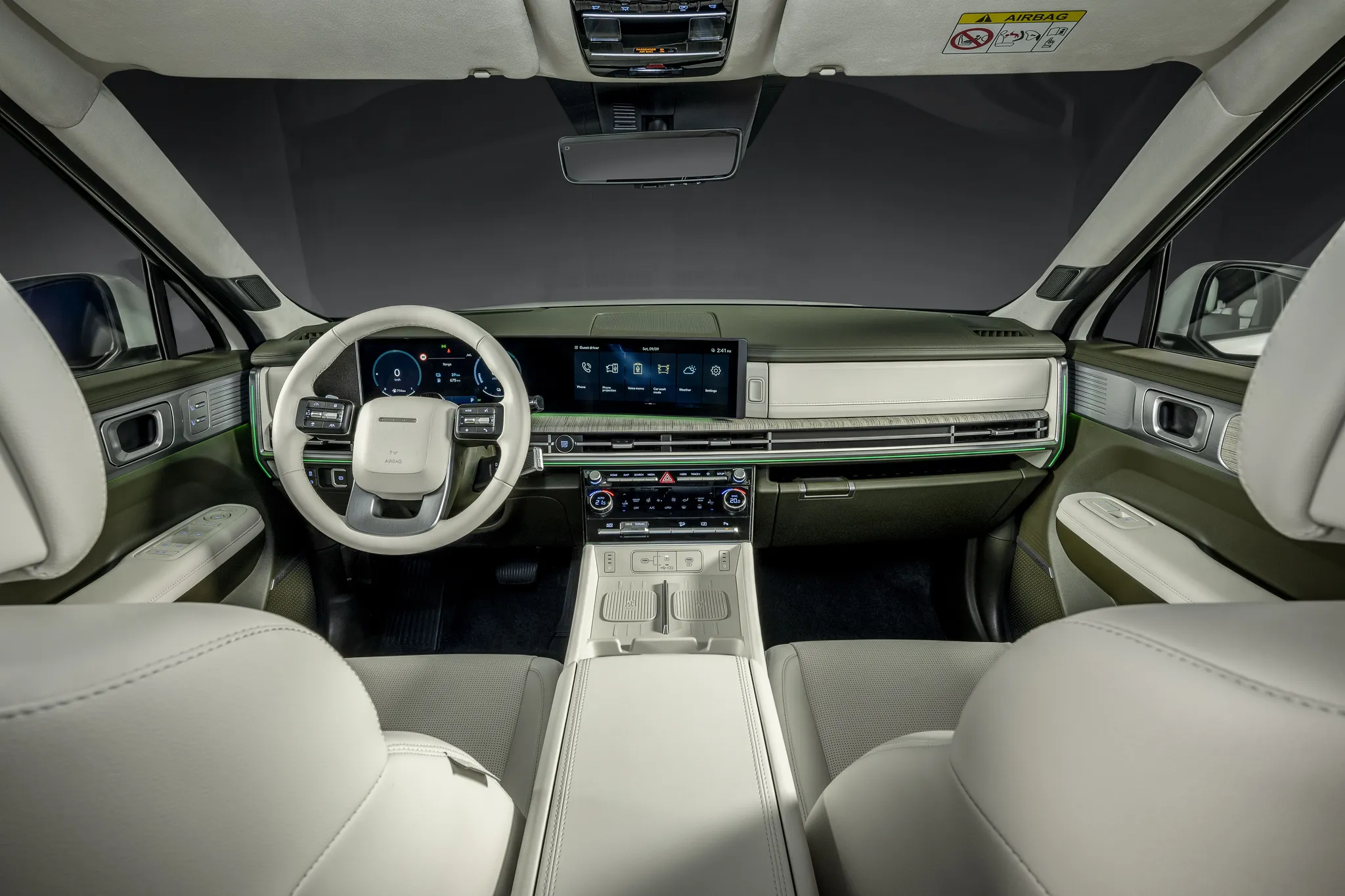
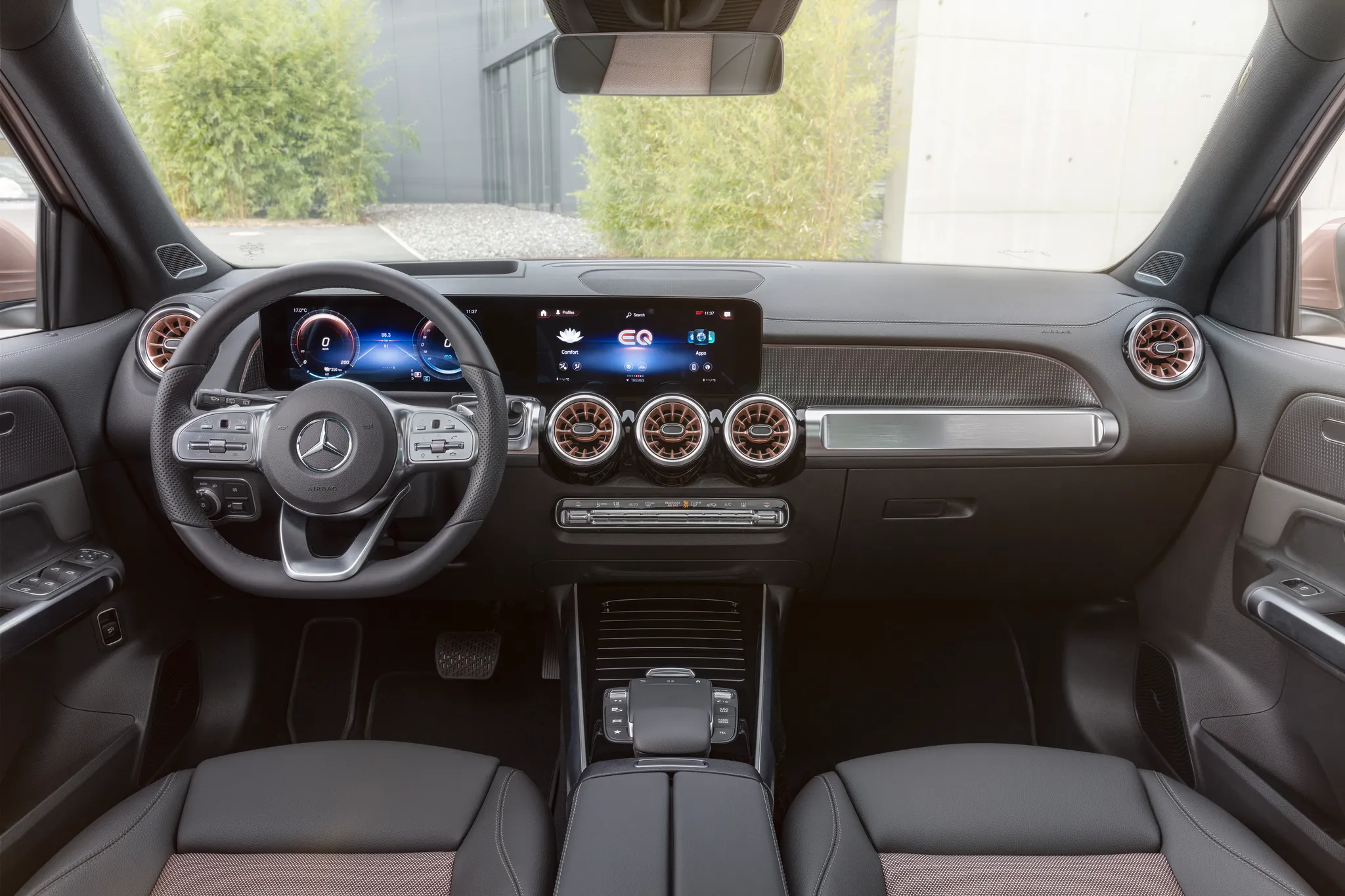

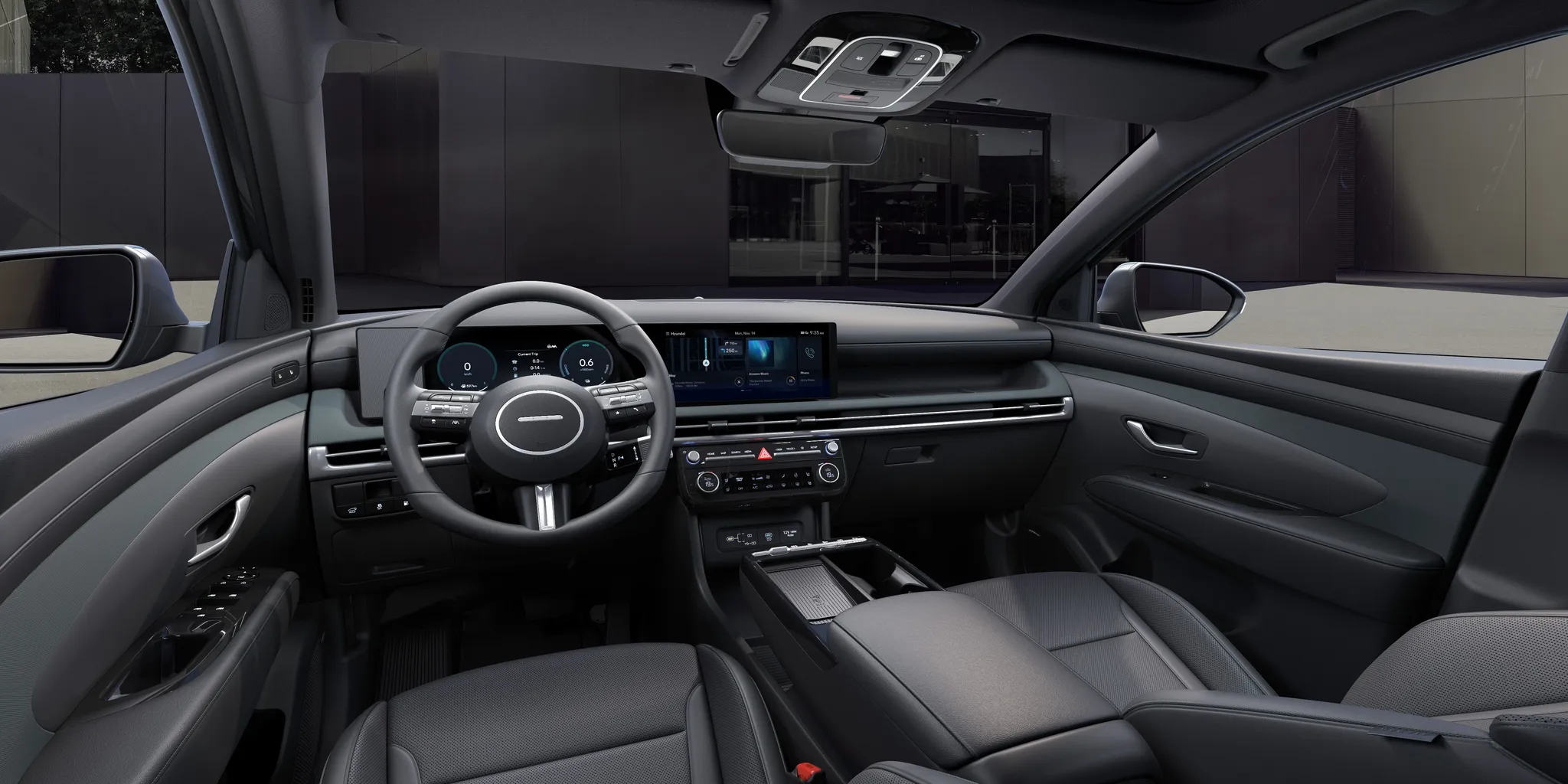


Photo credits
Photo credits (7)
- Kia Telluride (LQ2), cockpit“Kia Telluride X-Pro SX Prestige AWD (2026) (55210459138)” (opens in a new tab) · Photo: Charles from Port Chester, New York · CC0 (opens in a new tab) · Wikimedia Commons
- Kia EV3 (SV), cockpit“Kia EV3 Earth SV1 Navy (1)” (opens in a new tab) · Photo: Damian B Oh · CC BY-SA 4.0 (opens in a new tab) · Wikimedia Commons
- Hyundai Kona (SX2), cockpit“Hyundai Kona Electric images (2023)” (opens in a new tab) · © Hyundai Motor Europe GmbH · Editorial use (opens in a new tab) · Hyundai Newsroom Europe
- Hyundai Santa Fe (MX5), cockpit“Hyundai SANTA FE | 2023” (opens in a new tab) · © Hyundai Motor Europe GmbH · Editorial use (opens in a new tab) · Hyundai Newsroom Europe
- Mercedes-Benz EQB, cockpit“Mercedes-EQ, EQB, 2021; Electric Art Line; EQB 350 (combined power consumption: 16.2 kWh/100 km, combined CO2 emissions: 0 g/km)” (opens in a new tab) · © Mercedes-Benz AG · Editorial use (opens in a new tab) · Mercedes-Benz Media
- Hyundai Tucson (NX4), cockpit“New Hyundai TUCSON images | 2024” (opens in a new tab) · © Hyundai Motor Europe GmbH · Editorial use (opens in a new tab) · Hyundai Newsroom Europe
- Honda e, cockpit“Dashboard Honda e” (opens in a new tab) · Photo: Spielvogel · CC BY-SA 3.0 (opens in a new tab) · Wikimedia Commons