



Polestar 4 centre display
Polestar 4 landscape centre touchscreen switched on: split view with a map and a radio station list, climate bar with 22° along the bottom
- Centre display
- Touchscreen
- Navigation map
- Climate on screen or touch panel
- Screen cluster
- Steering-wheel controls
- 2020s
Photo: Alexander Migl · CC BY-SA 4.0 (opens in a new tab) · Wikimedia Commons: source page for this photo (opens in a new tab)
More from this car
Similar photos

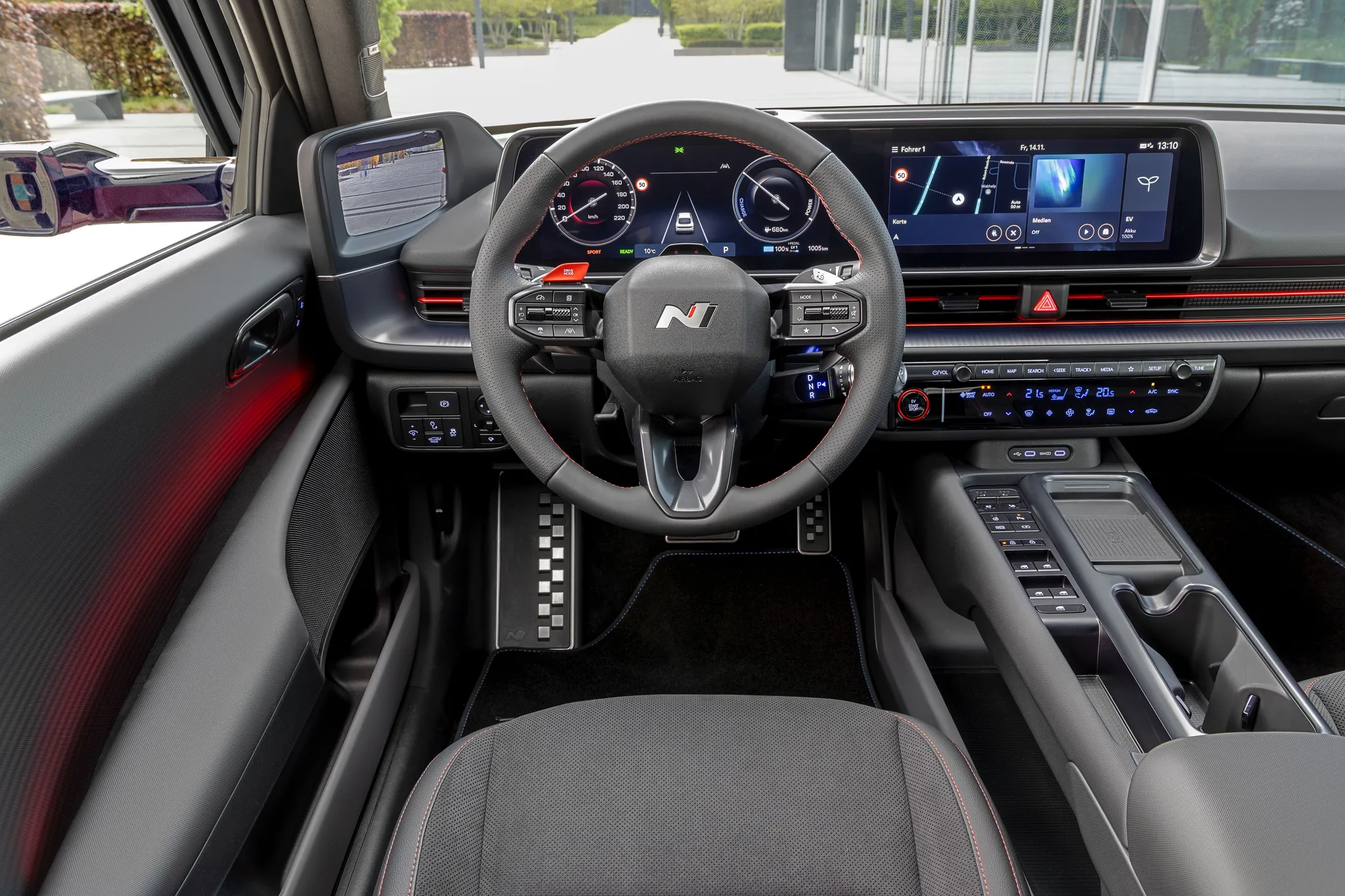

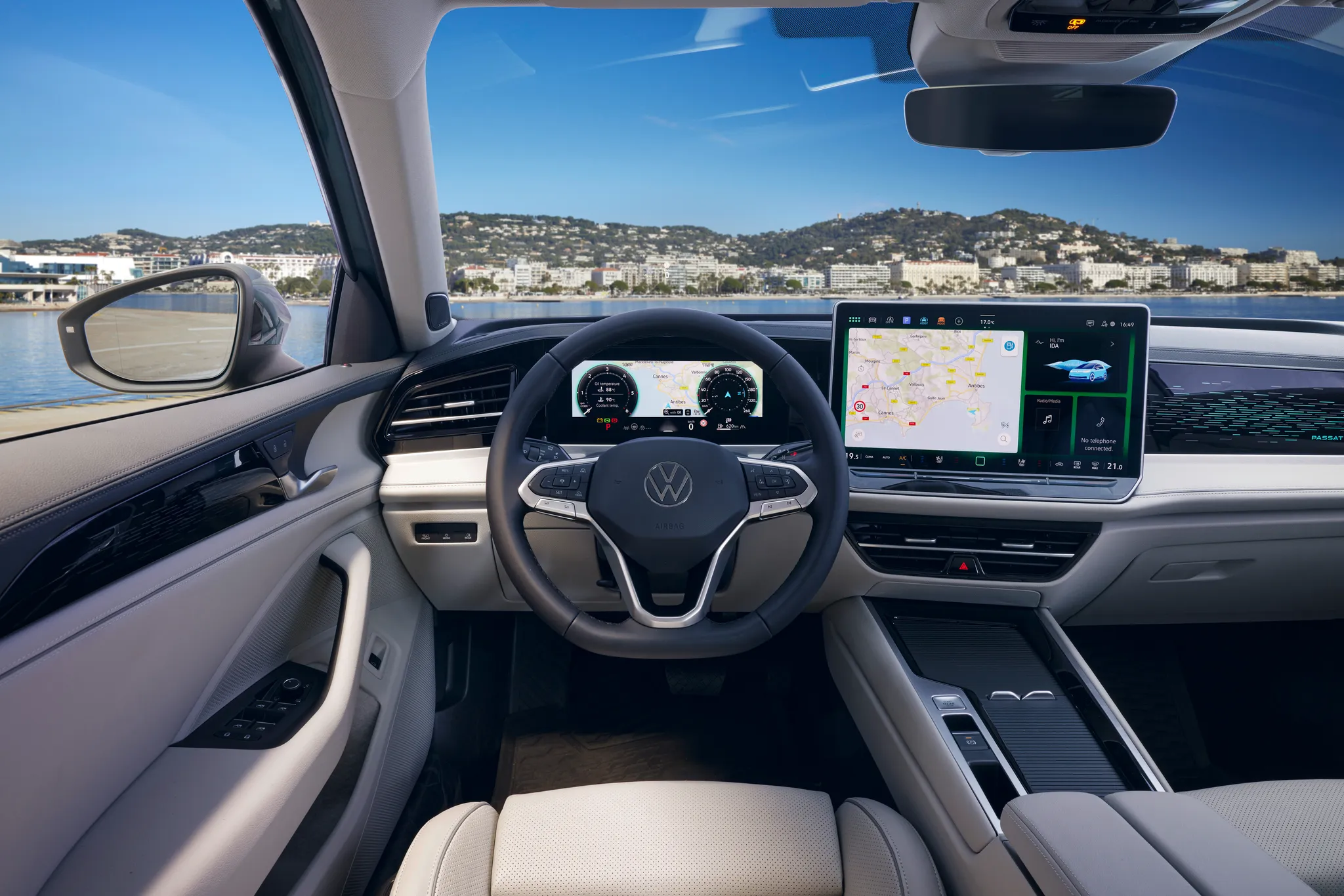

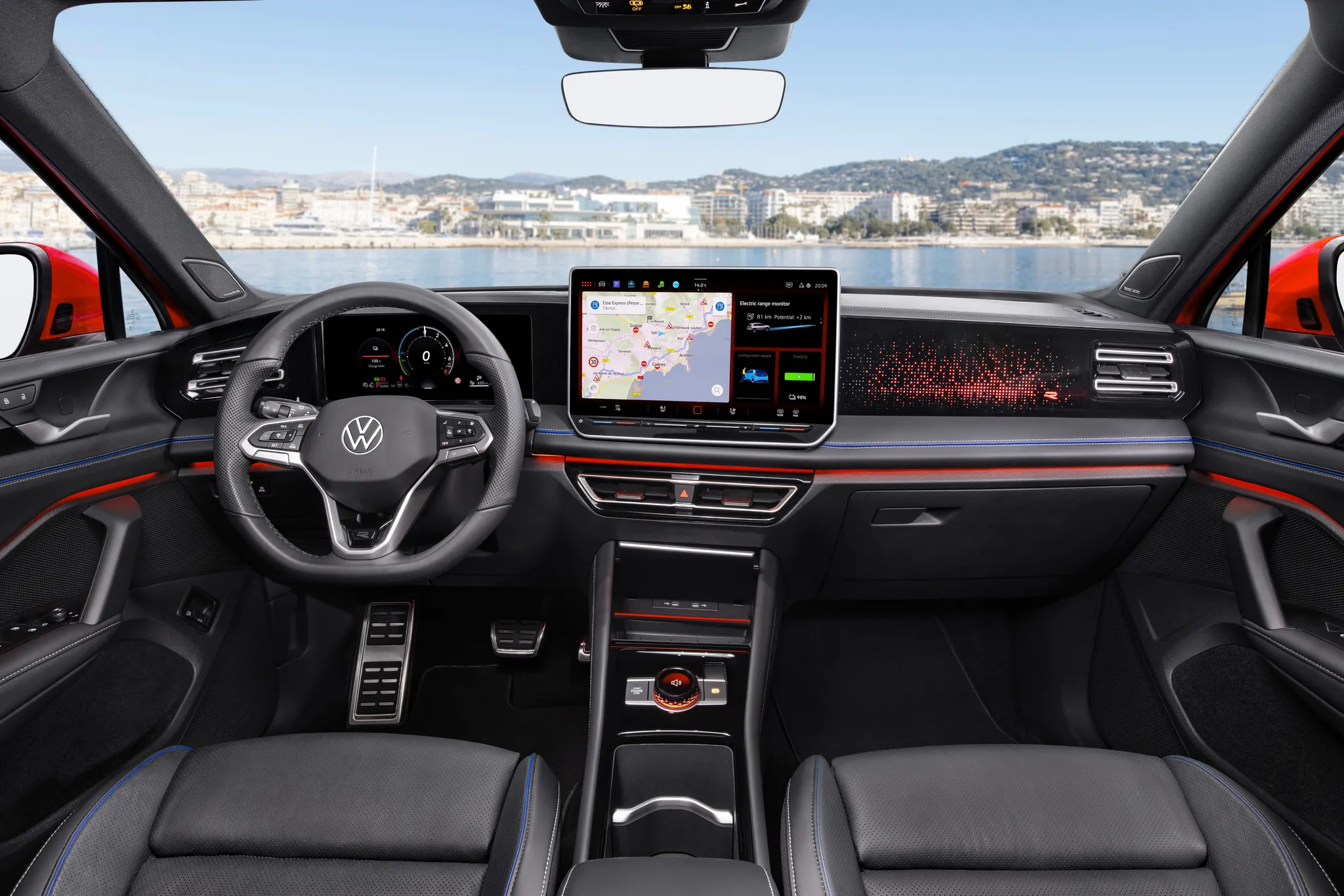
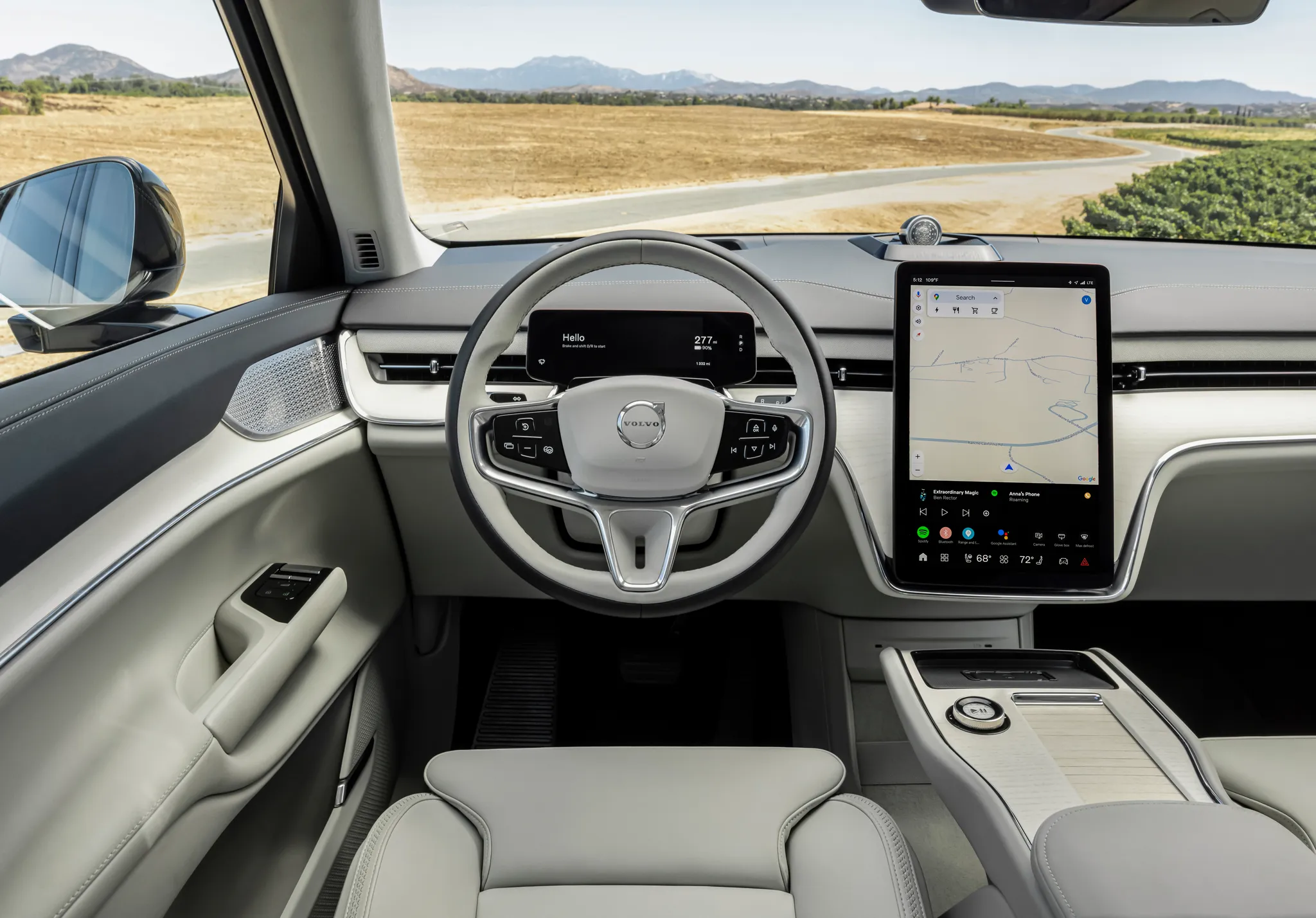

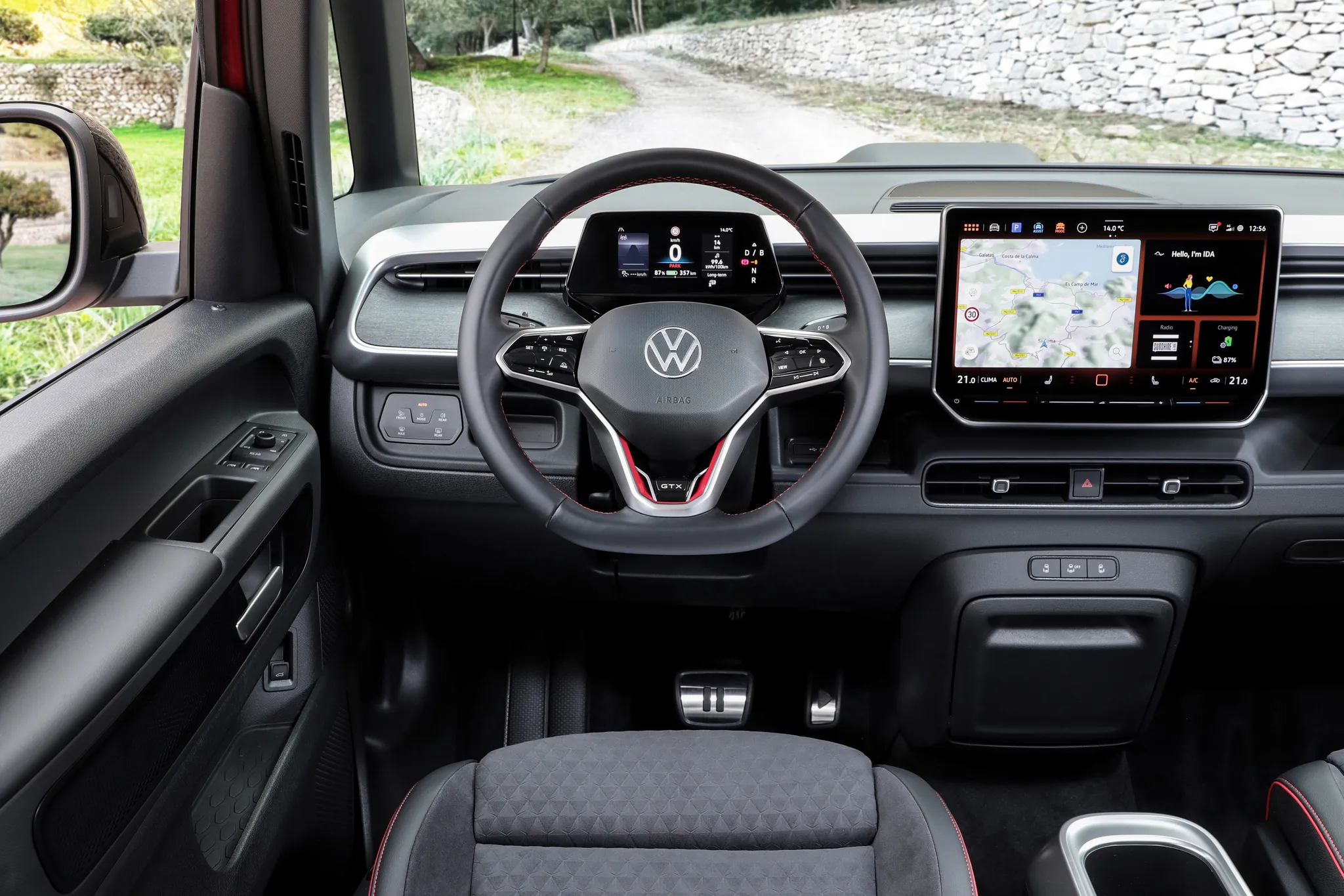
Photo credits
Photo credits (9)
- Polestar 4, centre display“Polestar 4 MYLE Festival 2025 DSC 9610” (opens in a new tab) · Photo: Alexander Migl · CC BY-SA 4.0 (opens in a new tab) · Wikimedia Commons
- Polestar 4, cockpit 1“Polestar 4 Auto Zuerich 2025 DSC 3731” (opens in a new tab) · Photo: Alexander Migl · CC BY-SA 4.0 (opens in a new tab) · Wikimedia Commons
- Polestar 4, cockpit 2“Polestar 4 Auto Zuerich 2025 DSC 3730” (opens in a new tab) · Photo: Alexander Migl · CC BY-SA 4.0 (opens in a new tab) · Wikimedia Commons
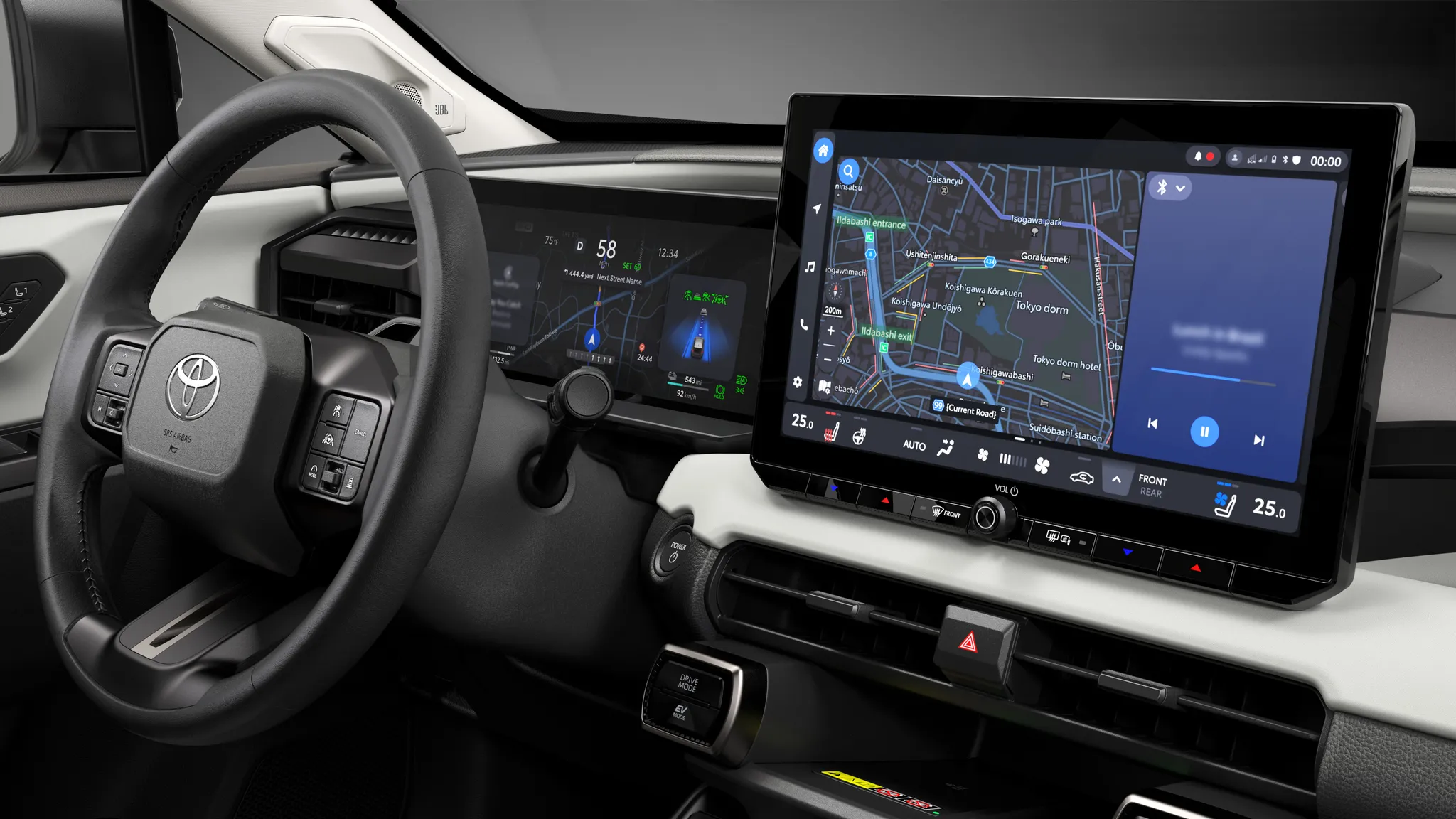
- Toyota RAV4 (XA60), centre display“RAV4 CORE (Prototype) Interior” (opens in a new tab) · © Toyota Motor Corporation · Editorial use (opens in a new tab) · Toyota Global Newsroom
- Hyundai Ioniq 6, cockpit“Hyundai IONIQ 6 N Line images | Facelift 2025” (opens in a new tab) · © Hyundai Motor Europe GmbH · Editorial use (opens in a new tab) · Hyundai Newsroom Europe
- Volkswagen Passat (B9), cockpit“Volkswagen Passat” (opens in a new tab) · © Volkswagen AG · Editorial use (opens in a new tab) · Volkswagen Newsroom
- Volkswagen Tiguan (Mk3), cockpit“Volkswagen Tiguan” (opens in a new tab) · © Volkswagen AG · Editorial use (opens in a new tab) · Volkswagen Newsroom
- Volvo EX90, cockpit“Volvo EX90” (opens in a new tab) · © Volvo Car Corporation · Editorial use (opens in a new tab) · Volvo Cars Press & Media
- Volkswagen ID. Buzz, cockpit“Volkswagen ID. Buzz GTX” (opens in a new tab) · © Volkswagen AG · Editorial use (opens in a new tab) · Volkswagen Newsroom