


Kia EV9 (MV) cockpit
Driver's view of an EV9 GT-Line in a Philippine showroom: the long panel joining the instrument display and the centre touchscreen, and the two-spoke wheel with its button pads
Photo: Ethan Llamas · CC BY-SA 4.0 (opens in a new tab) · Wikimedia Commons: source page for this photo (opens in a new tab)
More from this car
Similar photos

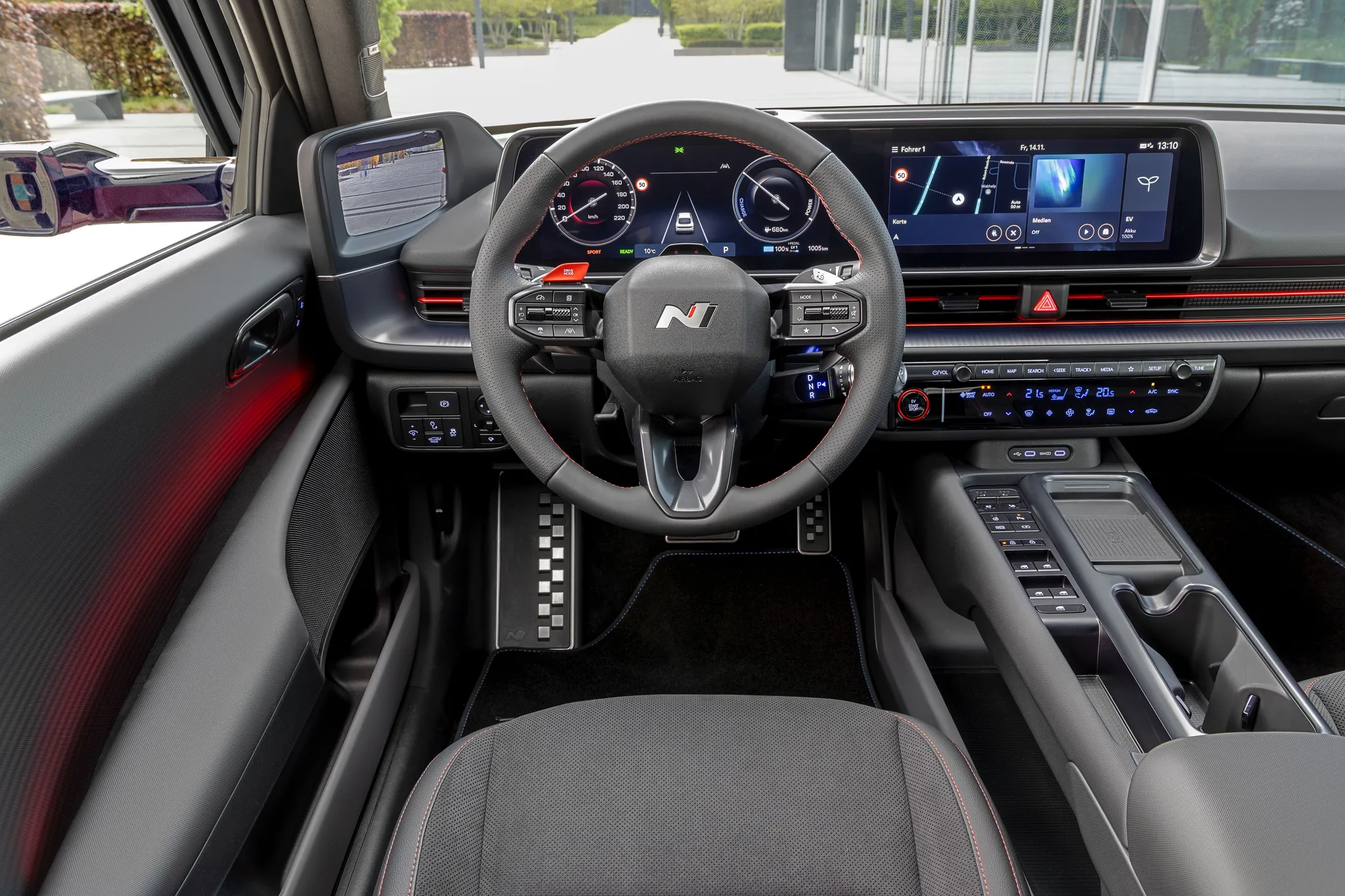

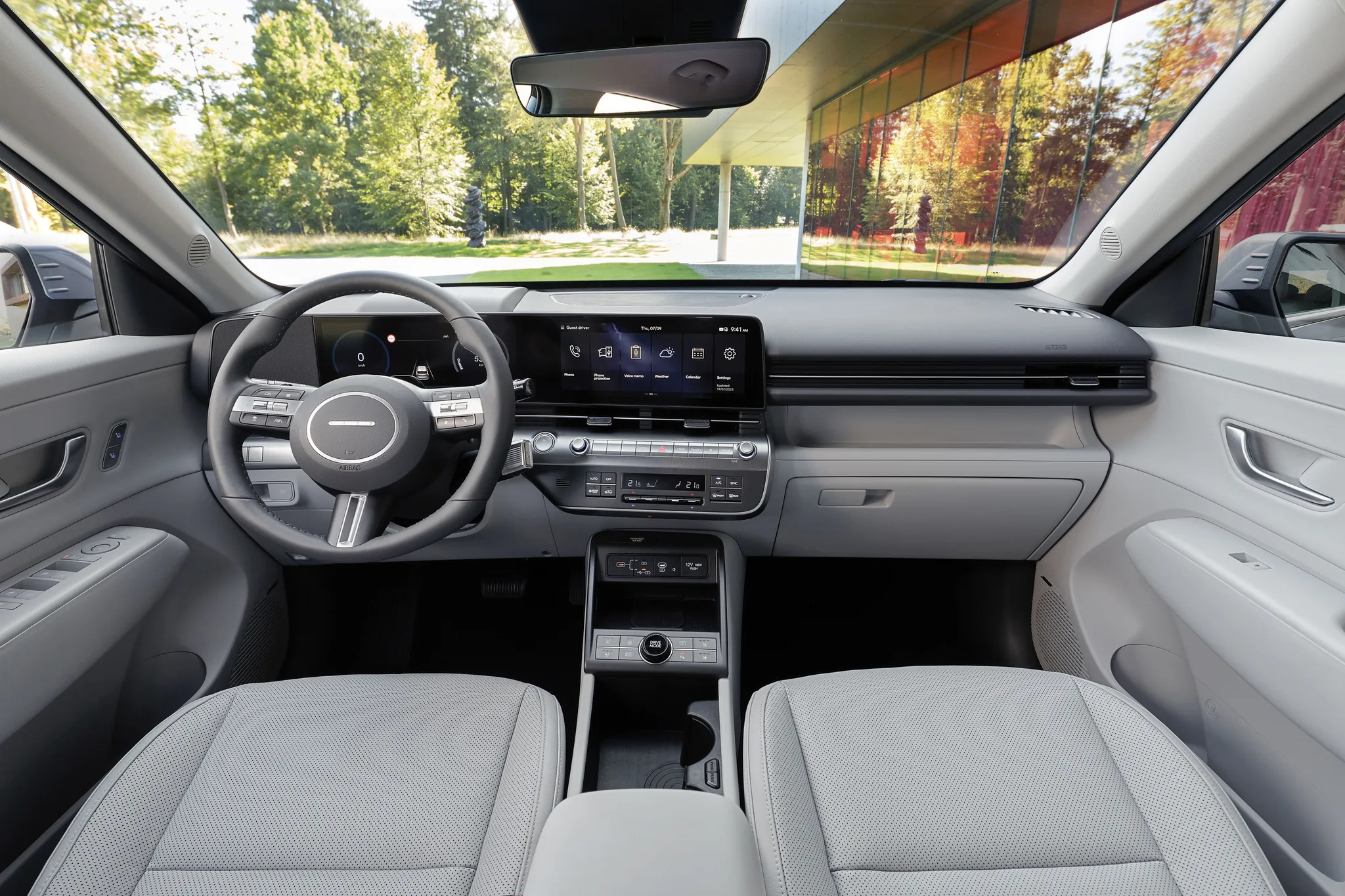
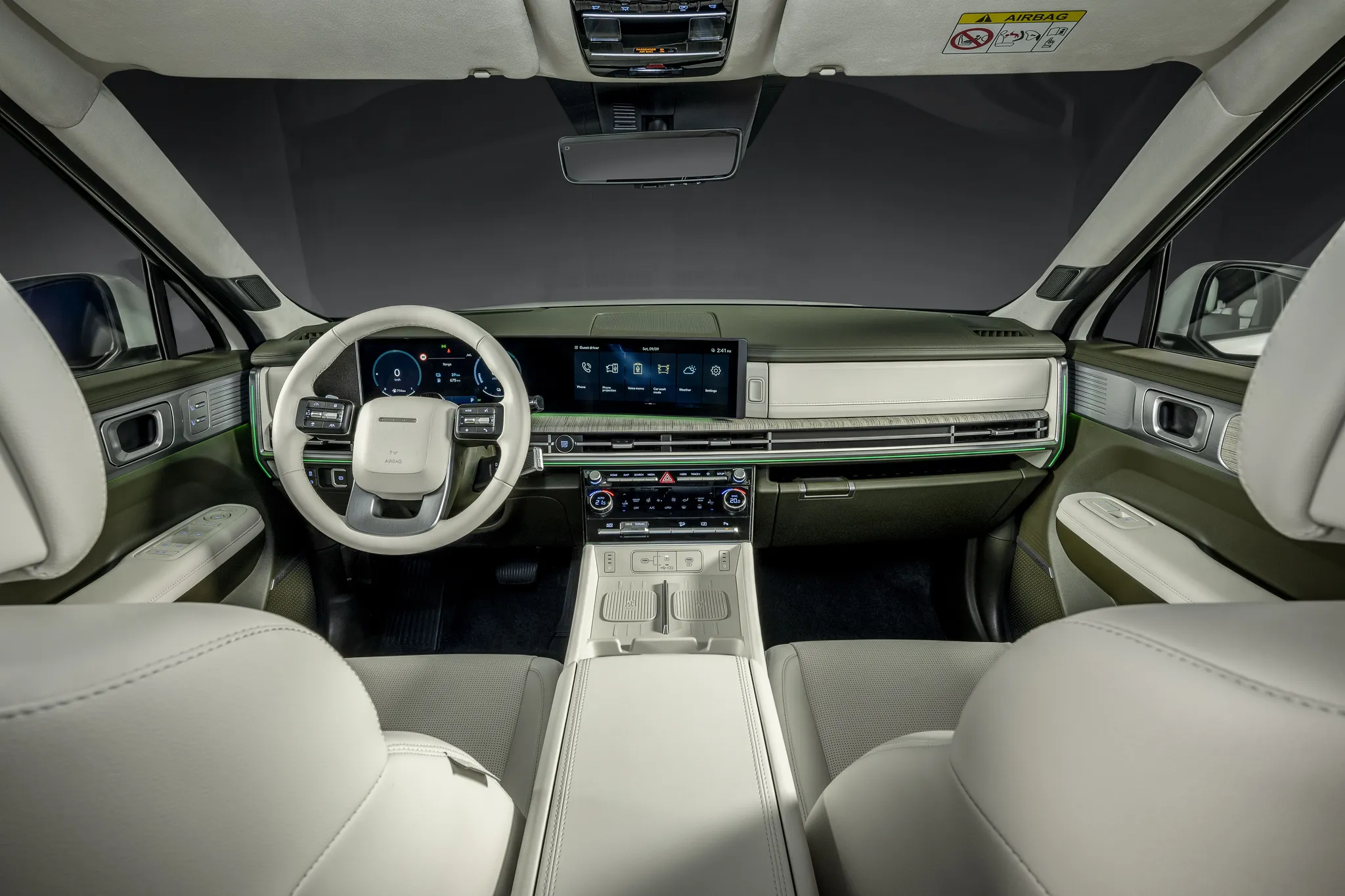
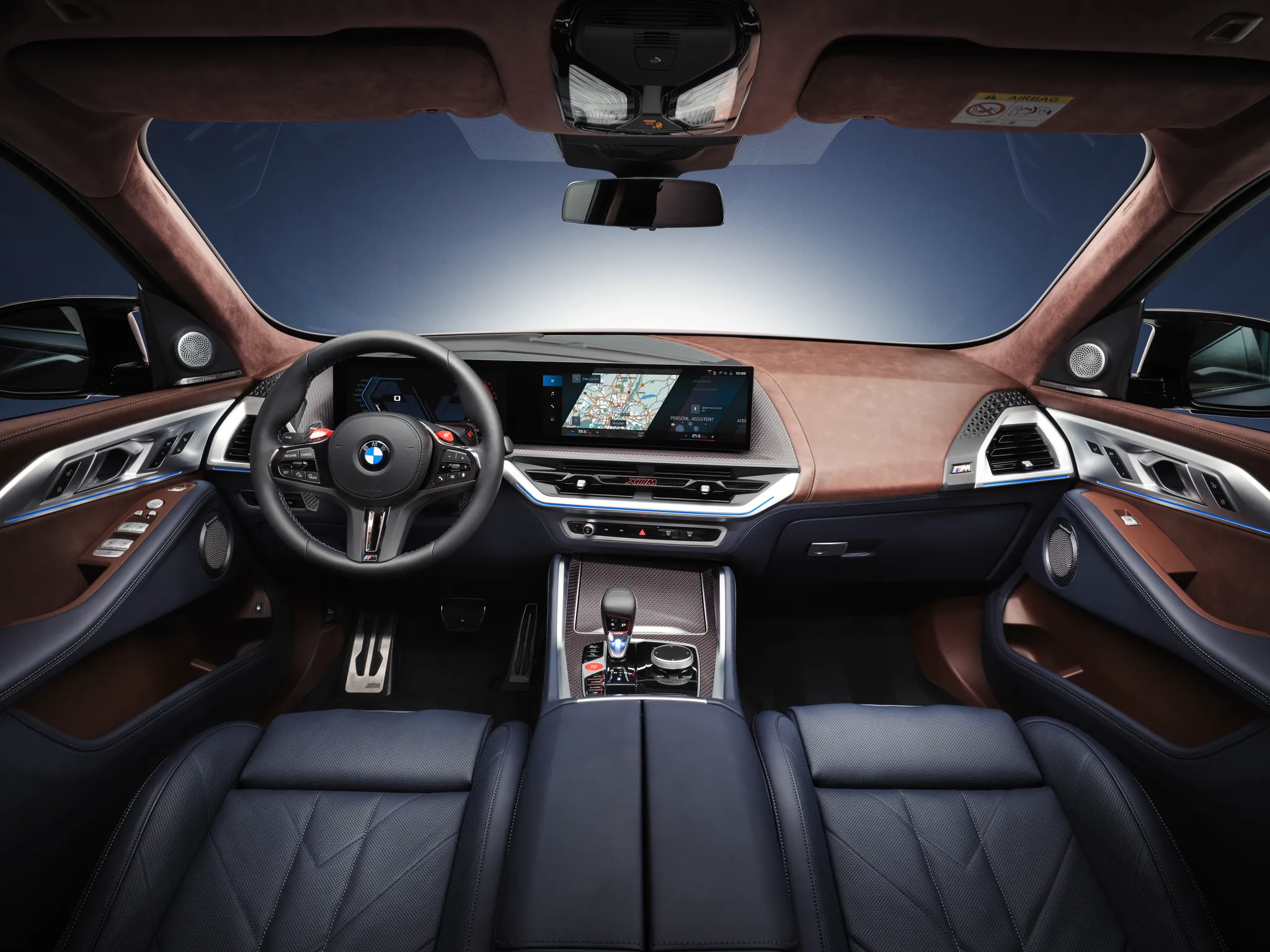


Photo credits
Photo credits (8)
- Kia EV9 (MV), cockpit“Kia EV9 GT-Line - interior view” (opens in a new tab) · Photo: Ethan Llamas · CC BY-SA 4.0 (opens in a new tab) · Wikimedia Commons
- Kia EV9 (MV), centre display“Kia EV9 MV1 Dark Gray Black Interior (14)” (opens in a new tab) · Photo: Damian B Oh · CC BY-SA 4.0 (opens in a new tab) · Wikimedia Commons
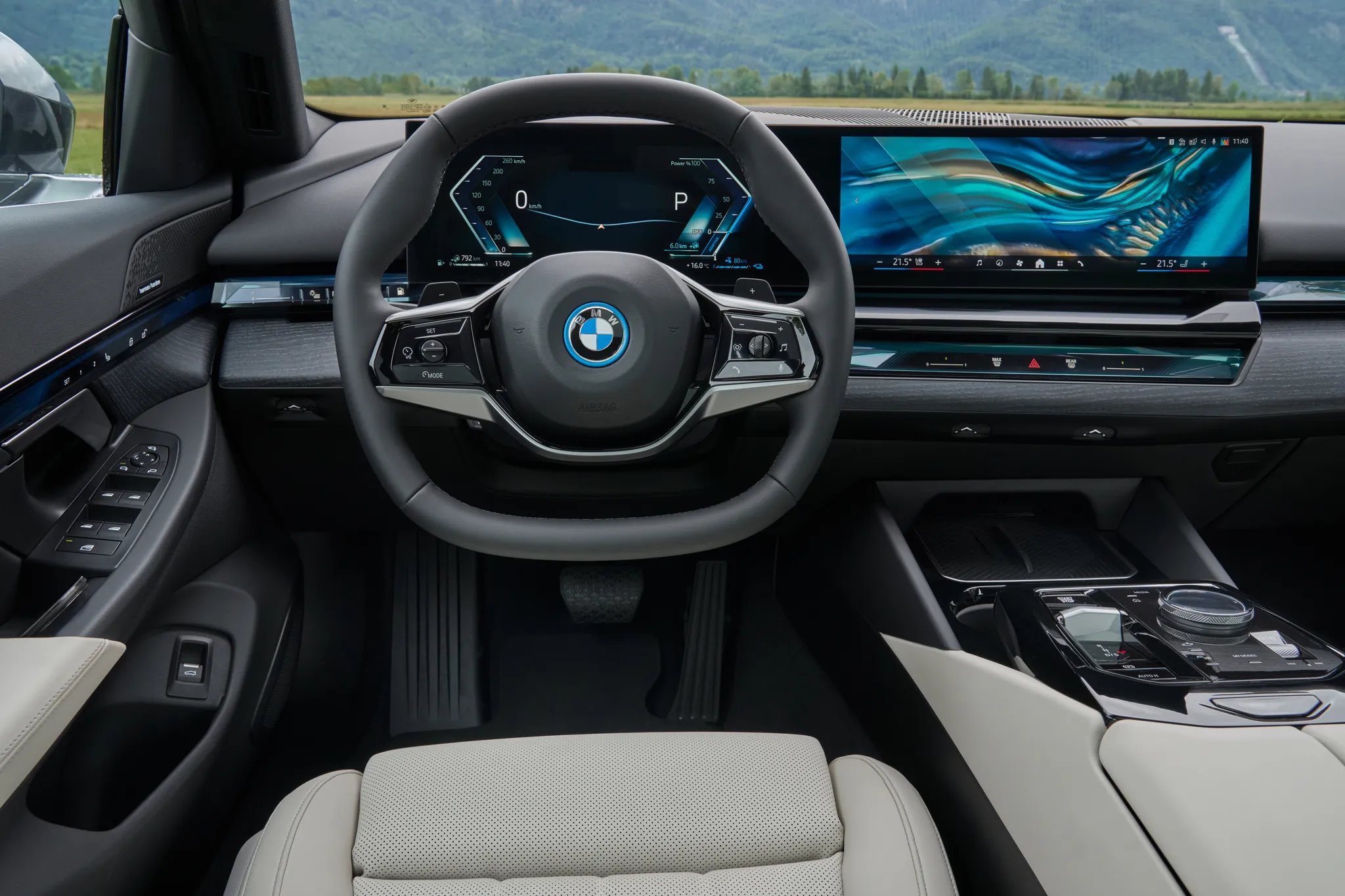
- BMW 5 Series (G60), cockpit“The new BMW 530e - Interior (09/23).” (opens in a new tab) · © BMW AG · Editorial use (opens in a new tab) · BMW Group Newsroom
- Hyundai Ioniq 6, cockpit“Hyundai IONIQ 6 N Line images | Facelift 2025” (opens in a new tab) · © Hyundai Motor Europe GmbH · Editorial use (opens in a new tab) · Hyundai Newsroom Europe
- Hyundai Kona (SX2), cockpit“Hyundai Kona Electric images (2023)” (opens in a new tab) · © Hyundai Motor Europe GmbH · Editorial use (opens in a new tab) · Hyundai Newsroom Europe
- Hyundai Santa Fe (MX5), cockpit“Hyundai SANTA FE | 2023” (opens in a new tab) · © Hyundai Motor Europe GmbH · Editorial use (opens in a new tab) · Hyundai Newsroom Europe
- BMW XM, cockpit“Interior pictures - The BMW XM in BMW Individual Frozen Tanzanite Blue metallic.” (opens in a new tab) · © BMW AG · Editorial use (opens in a new tab) · BMW Group Newsroom
- Mercedes-Benz E‑Class (W214), cockpit“Mercedes-AMG E 53 HYBRID 4MATIC+ (W214) interior” (opens in a new tab) · Photo: Tokumeigakarinoaoshima · CC0 (opens in a new tab) · Wikimedia Commons